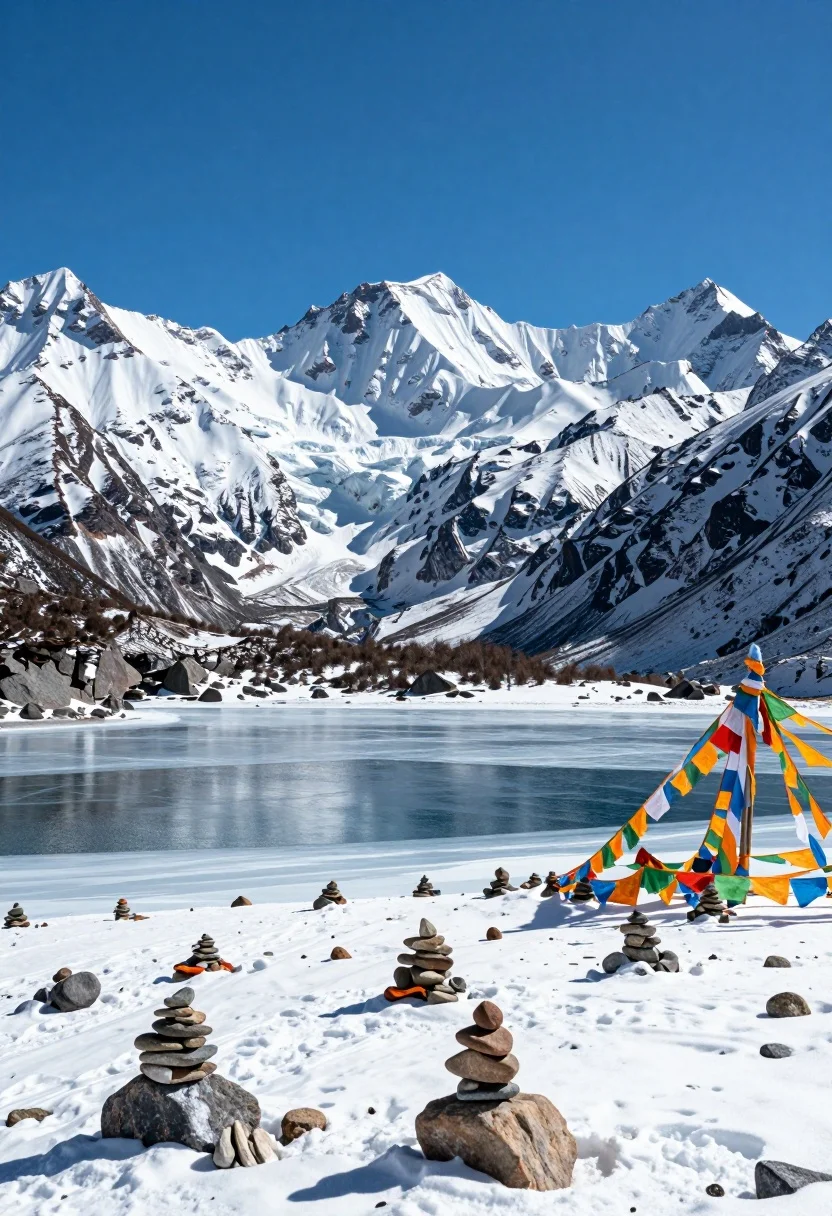
Majestic high altitude landscape with frozen lake and colorful prayer flags
Prompt
A majestic high-altitude landscape featuring a frozen lake in the foreground with stacks of prayer stones and colorful Tibetan prayer flags fluttering on the snowy bank against towering snow-capped mountains under a clear blue sky.

Subject: A vast, rugged mountain range with sharp peaks covered in thick snow and ice dominates the background, while the foreground features a partially frozen body of water dotted with numerous small rock cairns and a cluster of colorful prayer flags attached to poles on the right bank.

Action: The scene is static and serene, capturing a still moment in a cold environment where the only implied movement is the gentle presence of wind suggested by the slightly blurred prayer flags.

Environment: The setting is a high-altitude alpine valley with a frozen lake reflecting the sky, surrounded by steep, snow-covered slopes and rocky terrain, creating a sense of isolation and grandeur typical of Himalayan regions.

Camera: A wide-angle shot captures the expansive landscape with a low horizon line emphasizing the towering mountains, using a deep depth of field to keep both the foreground prayer stones and distant peaks in sharp focus.

Lighting: Bright, direct sunlight illuminates the scene from above, casting crisp shadows on the snow and creating high contrast between the white peaks and the dark blue water and sky.

Style Details: The image has a realistic photographic quality with vibrant natural colors, enhanced by the vivid blues of the sky and water against the stark whites of the snow and the rich hues of the prayer flags.
Description
This prompt is useful for creating travel magazine spreads, documentary nature photography, and concept art visualizing Himalayan trekking destinations. The combination of 'wide-angle shot' with a 'low horizon line' emphasizes the sheer scale of the 'towering snow-capped mountains,' while specifying 'bright, direct sunlight' ensures crisp shadows that define the texture on both the foreground prayer stones and distant peaks.
Suggestions
- Change 'colorful Tibetan prayer flags' to 'weathered saffron prayer flags' for a more muted palette.
- Add 'shot on Hasselblad X1D II' to specify camera quality.
- Adjust 'clear blue sky' to 'overcast, diffused light' for softer shadows.
Category
Tags
High AngleMountainsNatureOutdoorsRealisticWide Shot
Date added
August 5, 2026
Added by
PromptDexter Team
Related Prompts
More prompts with similar categories and tags.
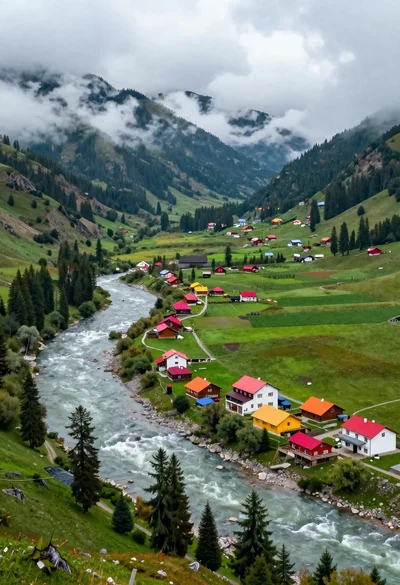
Aerial view of lush mountain valley with colorful houses and winding river

High angle wide shot of a majestic waterfall cascading into lush green
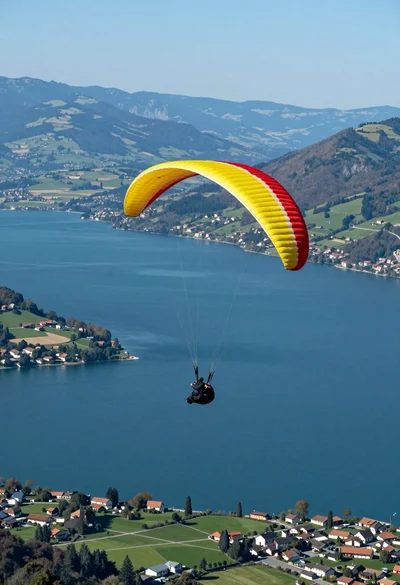
Paraglider soaring above vast blue lake mountains and green hills landscape
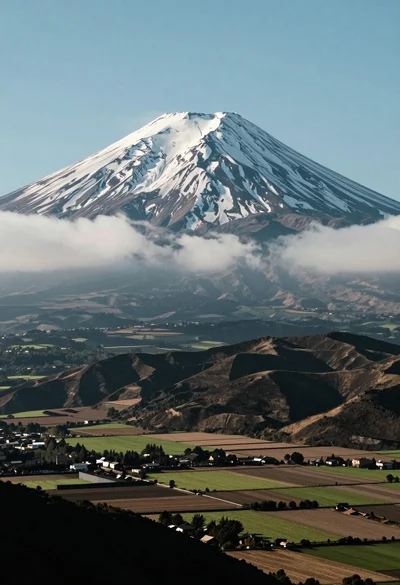
Majestic snow capped volcano overlooking rolling patchwork fields in a vast valley
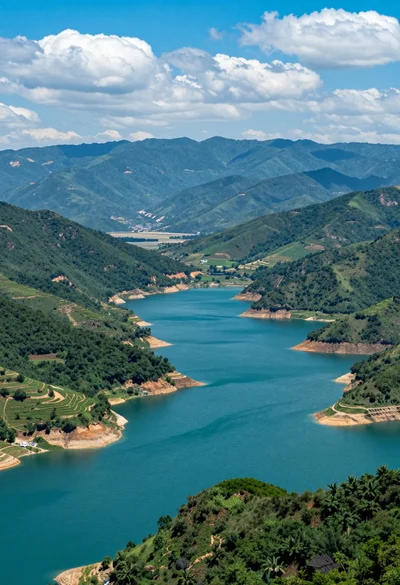
High angle view of vast turquoise reservoir surrounded by rugged green mountains
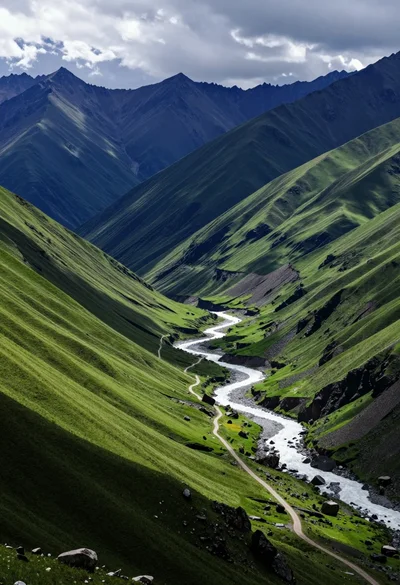
Vast mountain valley with winding river through lush green slopes under dramatic
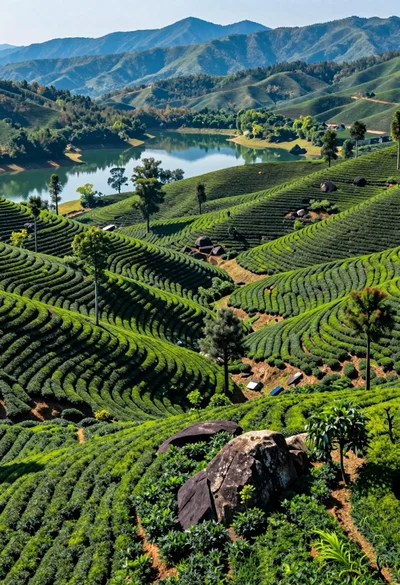
Aerial view of lush green tea plantations cascading down rolling hills to
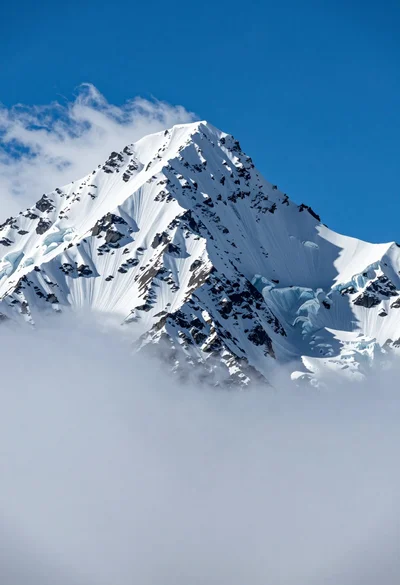
Majestic snow capped mountain peak piercing through sea of clouds under blue
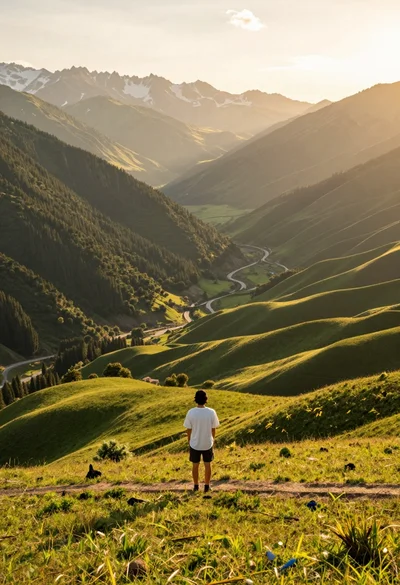
Solitary figure on grassy hill overlooking vast mountain valley at golden hour
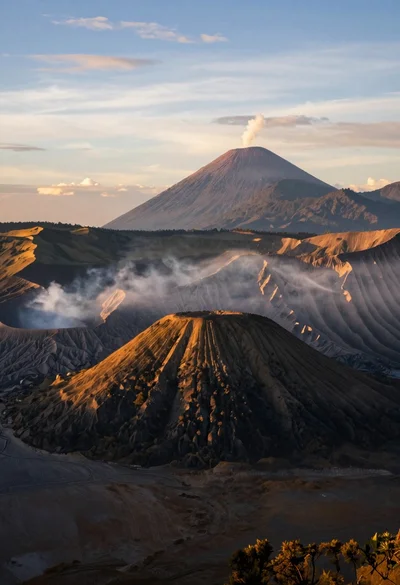
Majestic volcanic landscape at sunrise over sea of clouds from high vantage