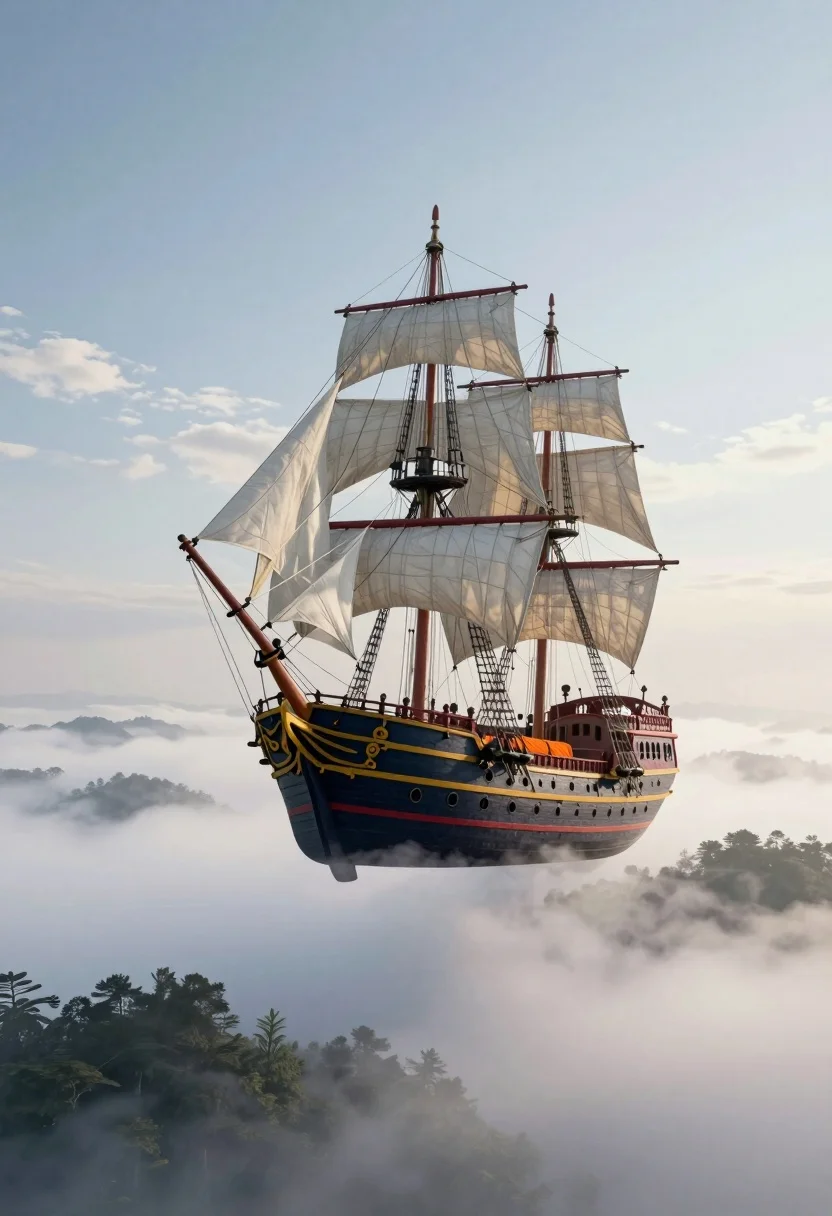
Majestic pirate ship suspended in the sky above misty landscape
Prompt
A majestic pirate ship floats suspended in the sky above a misty landscape.

Subject: A large sailing vessel with two masts, featuring a dark blue hull with red and yellow trim, white sails furled on the yards, and a bright orange tarp covering the deck area.

Action: The ship is stationary, floating serenely in mid-air without any visible movement or propulsion.

Environment: The vessel hovers above a thick layer of low-lying clouds and mist that obscures the ground, with dark silhouettes of tree-topped hills visible through the fog below.

Camera: A wide shot captures the entire ship from a slightly elevated angle, emphasizing its scale against the vast sky and landscape.

Lighting: Soft, diffused daylight illuminates the scene evenly, creating gentle highlights on the rigging and hull while casting subtle shadows beneath the floating vessel.

Style Details: The image has a dreamlike, surreal quality with smooth gradients in the sky and mist, rendered in a realistic yet fantastical style that blends natural elements with impossible physics.
Description
This prompt is useful for creating concept art for fantasy adventure games, album covers with mythological themes, and surreal landscape illustrations. The combination of 'soft, diffused daylight' illuminating the 'dark blue hull' against a 'misty landscape' establishes an ethereal mood that grounds the impossible subject matter in believable atmospheric physics.
Suggestions
- Change 'dark blue hull' to 'weathered oak hull' for more texture.
- Add 'volumetric god rays' to enhance the sky drama.
- Swap 'soft, diffused daylight' for 'dramatic chiaroscuro' for higher contrast.
Category
Tags
Digital ArtNatureRealisticRooftopSpaceWide Shot
Date added
August 5, 2026
Added by
PromptDexter Team
Related Prompts
More prompts with similar categories and tags.

Muscular man in combat stance on cliff edge with pixelated sword
Fantasy sailing ship in a magical cosmic sea
Surreal landscape featuring pink foliage tree by glowing concentric light ring
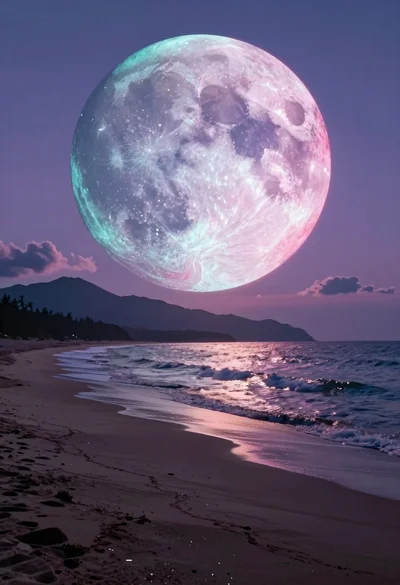
Surreal twilight coastal landscape with iridescent celestial sphere over mountains

Surreal figure in suit seated on chair with smoke entity behind

Man on wooden platform above misty mountain valley at sunrise
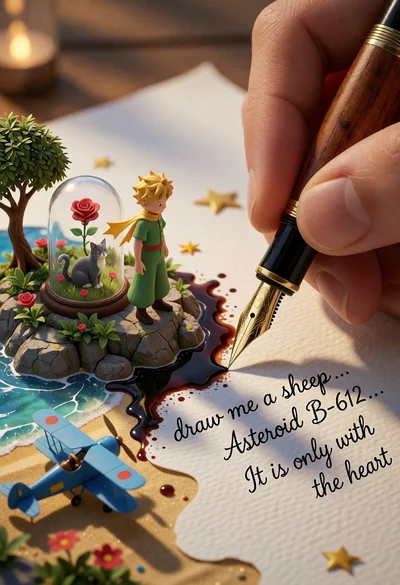
Macro photograph of pen writing transforming paper into little prince landscape

Cosmic spirit standing in water viewed by small child

Ancient tree on a jagged cliff overlooking cosmic nebula
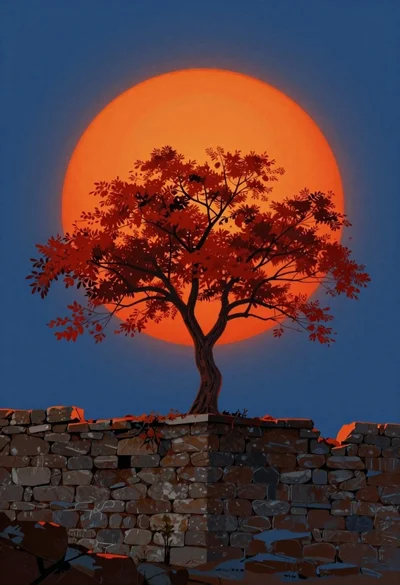
Tree with red leaves on stone wall under orange sun