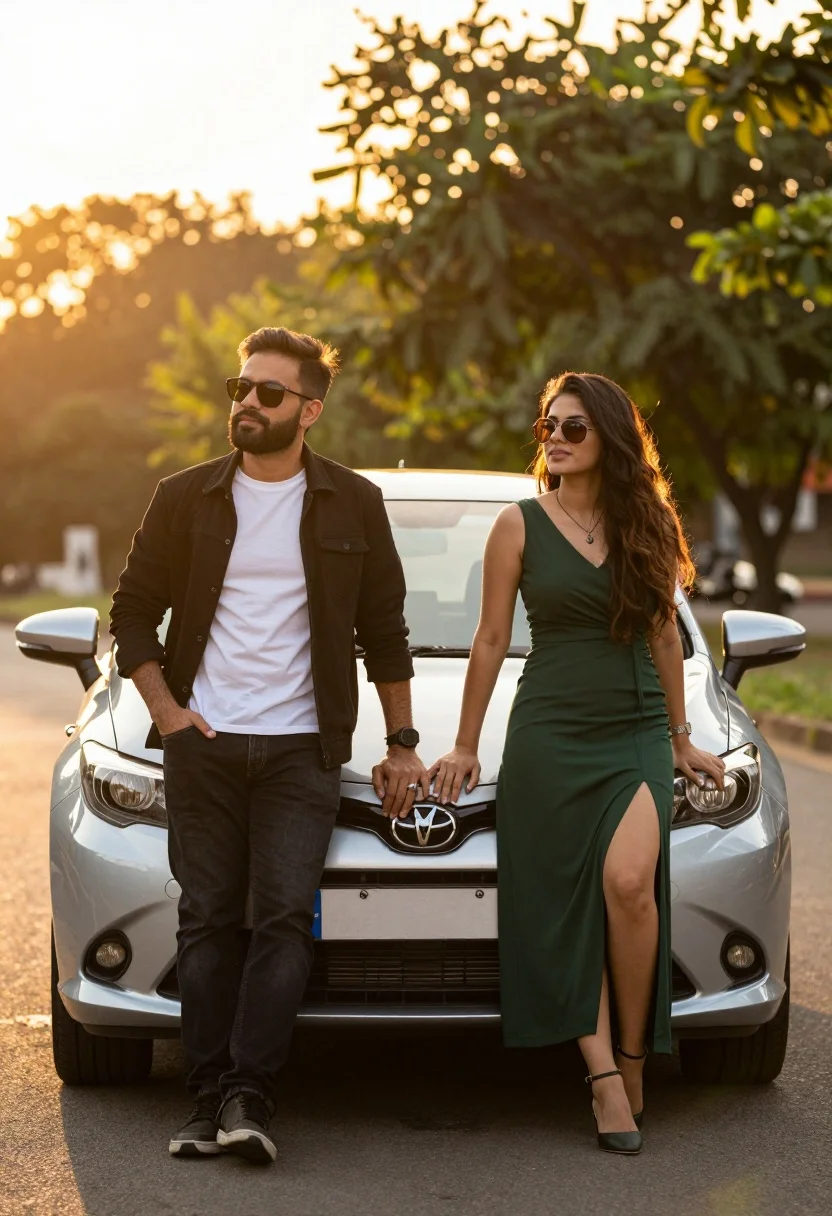
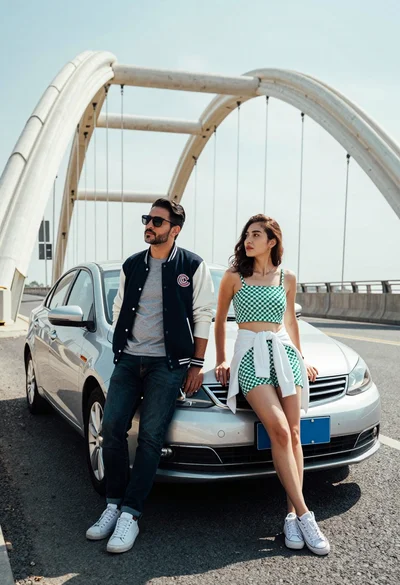
Man and woman posing confidently by a silver car during golden hour
Prompt
A man and a woman posing confidently in front of a silver car during the golden hour.

Subject: A bearded man wearing sunglasses stands on the left leaning against the vehicle, while a woman with long hair and sunglasses stands on the right resting her hand on the hood.

Clothing: The man wears a black jacket over a white t-shirt paired with dark jeans and sneakers, while the woman wears a long dark green dress with a high slit and heels.

Action: Both subjects look away from the camera with relaxed postures, leaning casually against the front of the car.

Environment: A paved road serves as the foreground with a blurred background of trees and foliage bathed in warm sunlight.

Camera: The shot is taken at eye level with a shallow depth of field that keeps the subjects sharp while softening the background into a bokeh effect.

Lighting: Strong backlighting from the setting sun creates a glowing rim light around the figures and casts a warm golden hue over the scene.

Objects: A silver Toyota hatchback is positioned centrally between the two people, featuring a visible license plate on the front bumper.

Style Details: The image has a cinematic photography aesthetic with high contrast and vibrant color saturation typical of professional portrait work.
Description
This prompt is useful for creating automotive lifestyle advertisements, romantic couple portraits, and editorial street fashion spreads. The combination of 'strong backlighting' generating a glowing rim light and the 'shallow depth of field' ensuring the subjects remain sharp against the soft bokeh background perfectly frames the confident poses required for commercial appeal.
Suggestions
- Change 'silver Toyota hatchback' to 'vintage matte black car' for a grittier feel.
- Swap 'dark green dress' for 'flowing red silk gown' to increase color contrast.
- Adjust 'cinematic photography aesthetic' to 'Kodak Portra 400 film grain' for a specific vintage texture.
Category
Tags
FemaleMaleOutdoorsPortrait ShotRealisticStreetVehicle
Date added
August 5, 2026
Added by
PromptDexter Team
Related Prompts
More prompts with similar categories and tags.
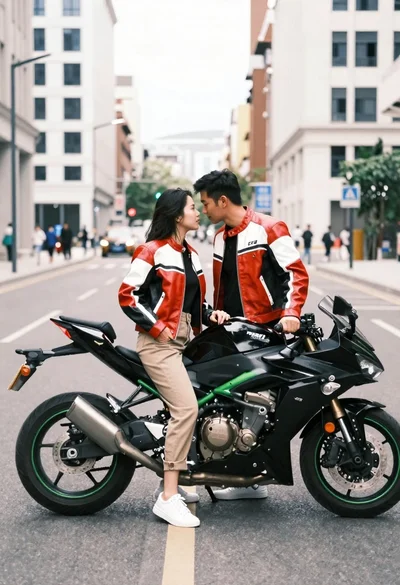
Romantic couple in leather jackets standing by a motorcycle on city street
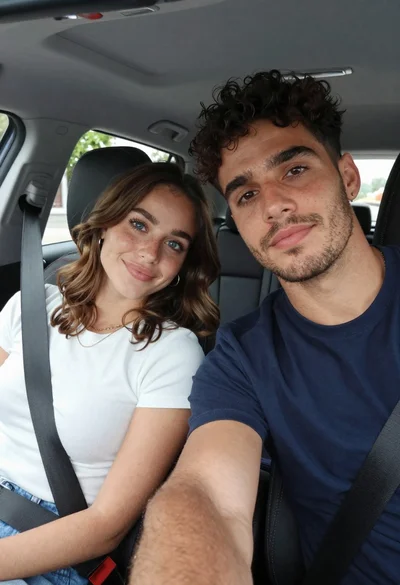
Young couple taking a close up selfie inside a car
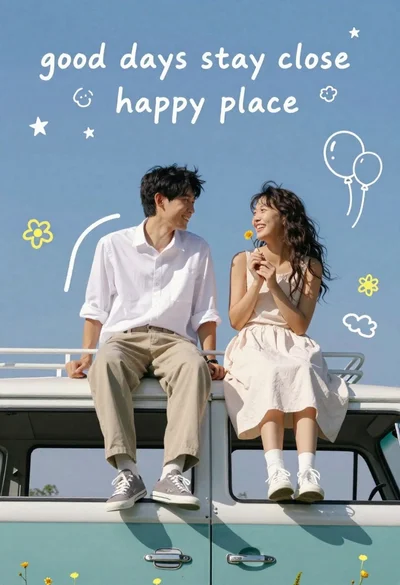
Happy couple sitting on roof of teal vintage van under blue sky
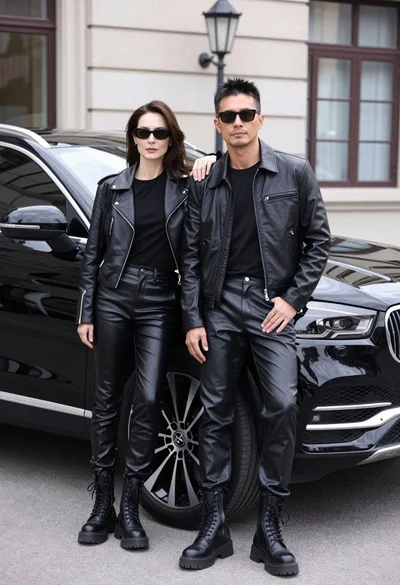
Stylish couple in black leather outfits posing by a black suv on
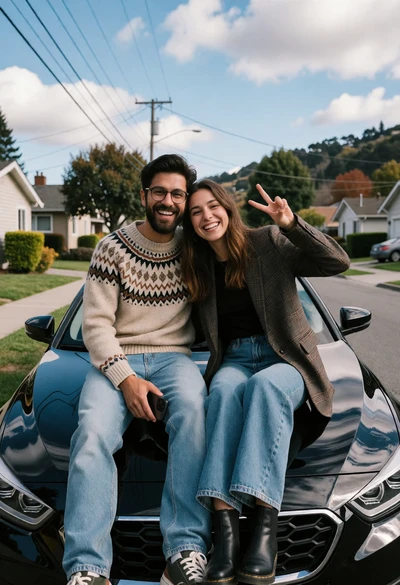
Cheerful couple sitting on a black car hood in suburban neighborhood setting
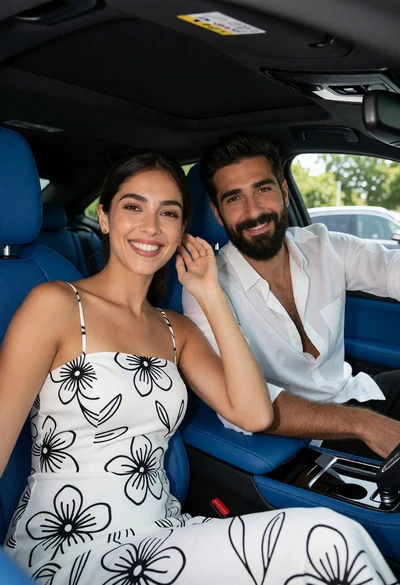
Smiling couple in modern car seats with blue leather interior view
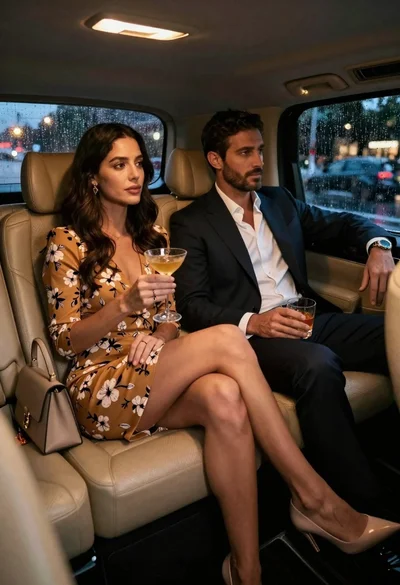
Elegant couple sitting in luxury car during rainy night with city lights
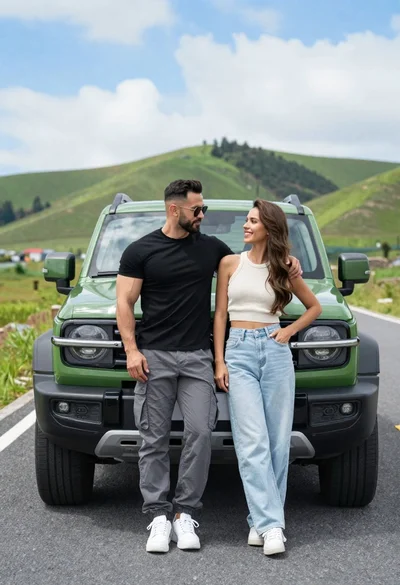
Stylish couple standing confidently in front of green suv on open road
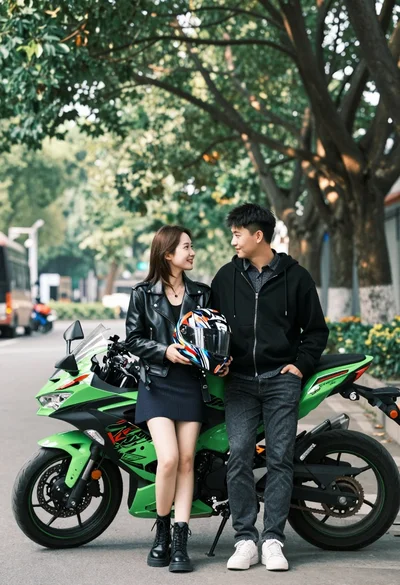
Young couple posing affectionately by bright green sport motorcycle under large trees
Man and woman posing by silver sedan near large arched bridge on