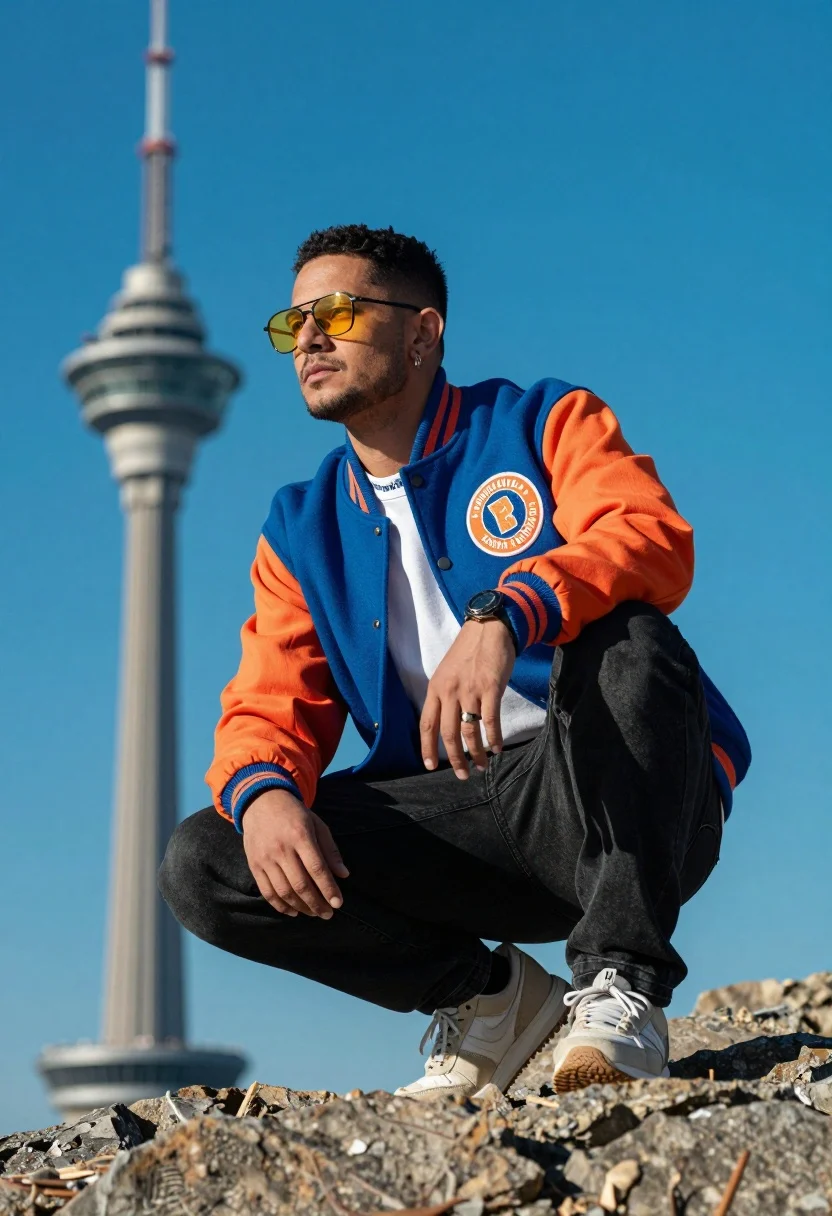
Man crouching on rocks looking at blurred tower under bright blue sky
Prompt
A man crouching on a rocky surface with a blurred tower in the background under a bright blue sky.

Subject: A man wearing yellow-tinted sunglasses and an earring, looking off to the side with a serious expression.

Clothing: He wears a blue and orange varsity jacket featuring a circular logo on the chest over a white t-shirt with lettering at the collar, paired with black jeans and light-colored sneakers.

Action: The man is in a low crouch with one hand resting on his knee and the other near his ankle, displaying a ring on his finger.

Environment: A tall, out-of-focus tower stands in the background against a vivid blue sky, while rough rocks form the foreground where he sits.

Camera: Shot from a low angle looking up at the subject to emphasize his posture, with a shallow depth of field that blurs the background structure.

Lighting: Bright, direct sunlight illuminates the scene, casting sharp shadows and highlighting the vibrant colors of the jacket against the sky.

Objects: A wristwatch is visible on his left arm.

Text/Graphics: The word "Palm" is partially legible on the collar of his white t-shirt.

Style Details: High-contrast photography with saturated colors and a cinematic color grade that enhances the blue tones of the sky and jacket.
Description
This prompt is useful for creating editorial fashion spreads, architectural concept visualizations, and dynamic lifestyle advertising featuring urban grit. The combination of 'low angle looking up at the subject' with 'bright, direct sunlight' emphasizes the man's powerful posture against the backdrop, while the 'shallow depth of field' ensures the focus remains sharply on his jacket details despite the visible background tower.
Suggestions
- Change 'yellow-tinted sunglasses' to 'reflective silver sunglasses' for a different mood.
- Swap 'blue and orange varsity jacket' for 'olive green bomber jacket' to mute the primary colors.
- Adjust 'bright, direct sunlight' to 'overcast diffused light' for softer shadows.
Category
Tags
Full BodyLow AngleMaleOutdoorsRealistic
Date added
July 12, 2026
Added by
PromptDexter Team
Related Prompts
More prompts with similar categories and tags.
Bald man in motorcycle jacket leaning in urban corridor
Handsome man in grey puffer jacket walking on concrete sidewalk near glass
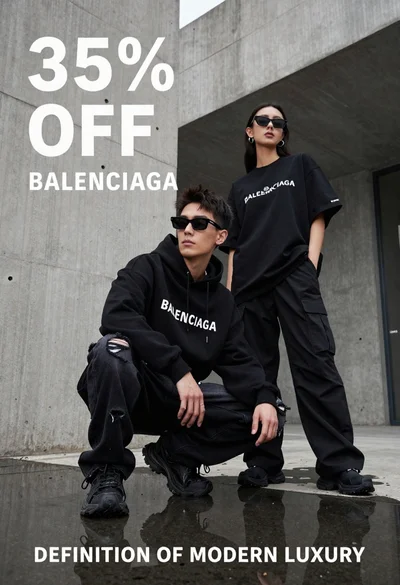
Two stylish models in black balenciaga streetwear posing in an urban concrete
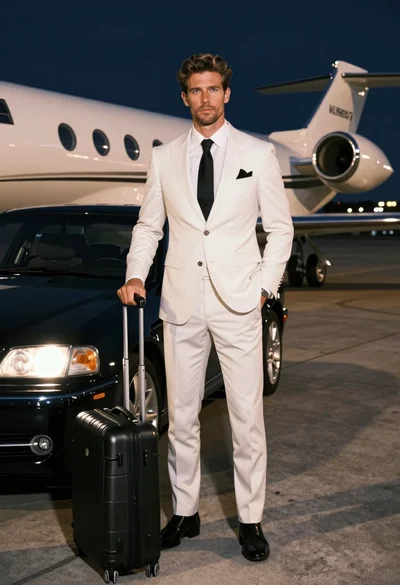
Handsome man in white suit standing on airport tarmac near private jet
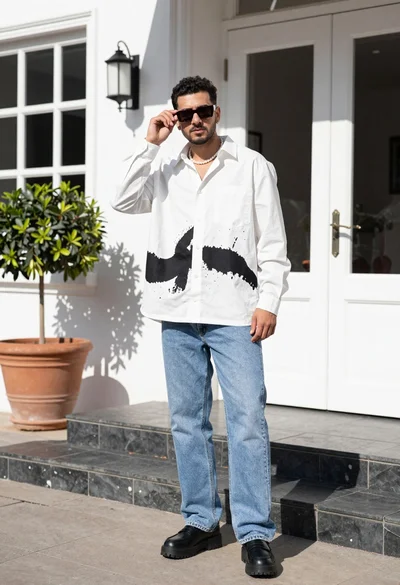
Stylish man in white shirt and jeans standing outdoors near white building
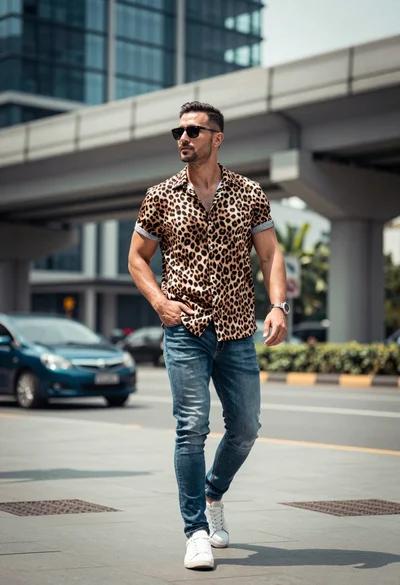
Fit man walking confidently on city street with modern glass buildings background
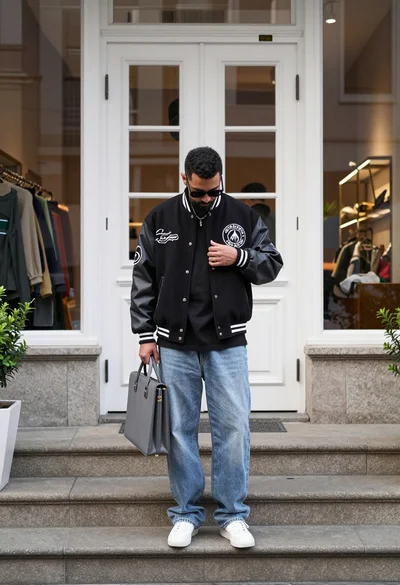
Man in varsity jacket standing on stone steps before white double doors
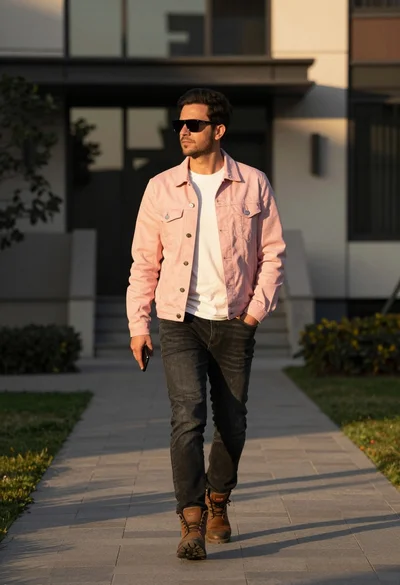
Man walking confidently on path near modern building at golden hour
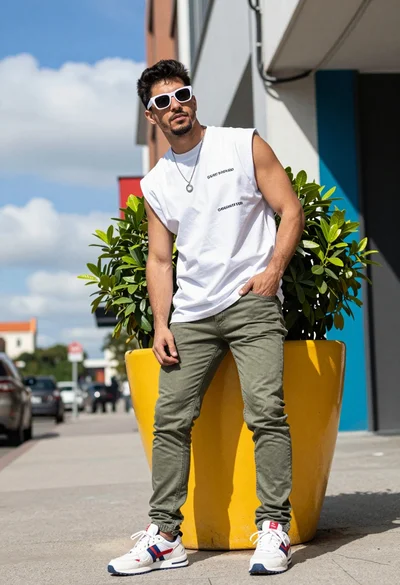
Young man posing outdoors on city sidewalk near yellow planter
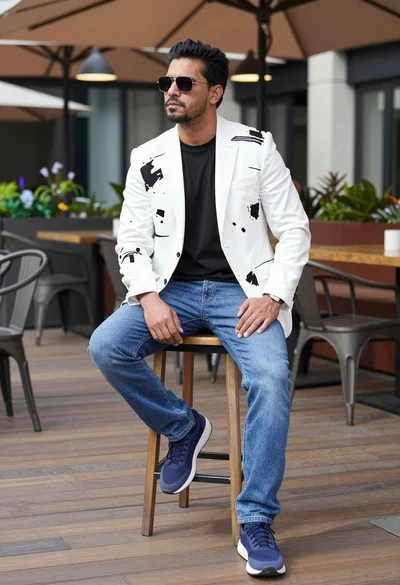
Man sitting confidently on stool on outdoor terrace with modern decor