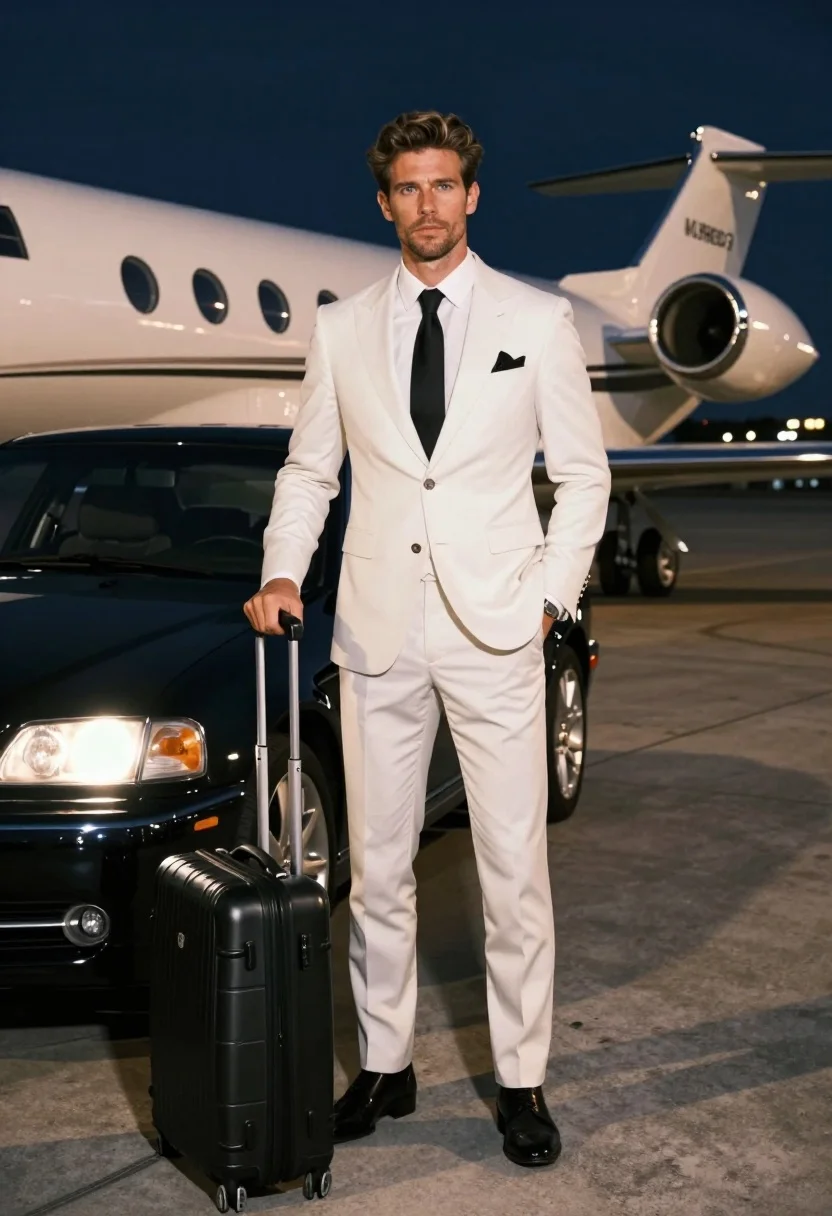
Handsome man in white suit standing on airport tarmac near private jet
Prompt
A confident man in a white three-piece suit stands on an airport tarmac at night next to a luxury car with a private jet behind him.

Subject: A handsome man with styled hair and blue eyes looking directly at the camera with a serious expression.

Clothing: He wears a crisp white three-piece suit, a white dress shirt, a black tie, and a dark pocket square.

Action: He stands in a relaxed pose with one hand holding a black rolling suitcase handle and the other hand in his trouser pocket.

Environment: The scene is set on an airport tarmac at night, featuring a private jet with visible text on its fuselage in the background and a luxury car parked beside him.

Camera: The shot is framed as a medium full-body view from a slightly low angle to emphasize the subject's stature against the large vehicles.

Lighting: Dramatic artificial lighting illuminates the scene, casting warm highlights on the man and the car while keeping the deep blue night sky in shadow.

Objects: A black leather rolling suitcase stands upright next to him, and the front headlight of the luxury car is glowing brightly.

Style Details: The image features high-definition realism with a cinematic color palette, sharp focus on the subject, and a polished commercial photography aesthetic.
Description
This prompt is useful for creating luxury brand advertisements, cinematic travel posters, and high-end menswear editorials. The combination of 'dramatic artificial lighting' casting 'warm highlights' against the deep blue night sky ensures the subject pops out from the background elements like the private jet and car, preventing the entire scene from becoming flatly lit.
Suggestions
- Change 'black tie' to a contrasting color like burgundy for more visual interest.
- Add 'bokeh effect' to the distant lights for added cinematic depth.
- Swap 'luxury car' for a specific model like 'Rolls-Royce Phantom' for better brand recognition.
Category
Tags
Full BodyLow AngleMaleMedium ShotOutdoorsRealistic
Date added
July 3, 2026
Added by
PromptDexter Team
Related Prompts
More prompts with similar categories and tags.
Handsome man in black suit on airport tarmac with luxury car and
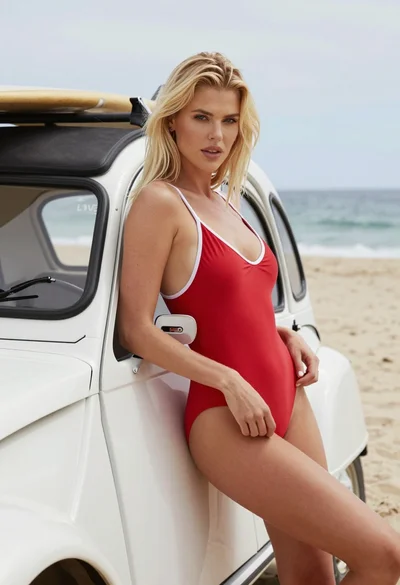
Blonde woman in red swimsuit leaning on vintage white car at sunny
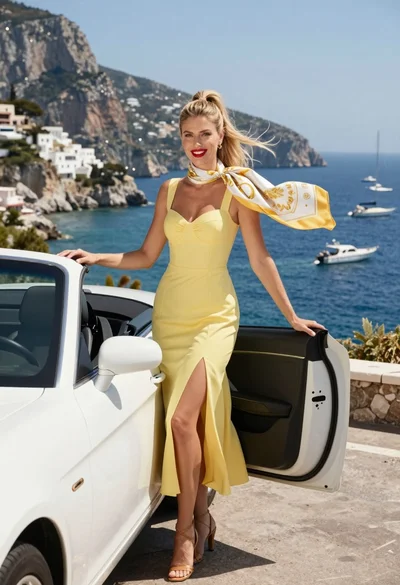
Blonde woman in yellow dress by convertible car overlooking blue bay
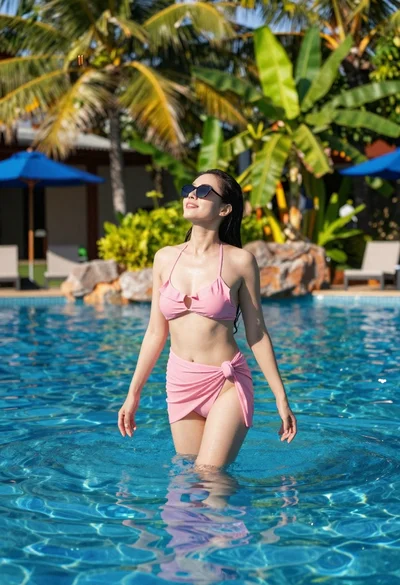
Woman standing in clear pool surrounded by tropical vegetation on sunny day
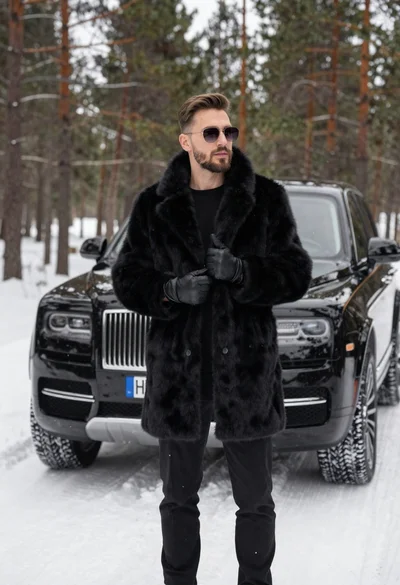
Stylish man in black fur coat standing by luxury suv in snowy
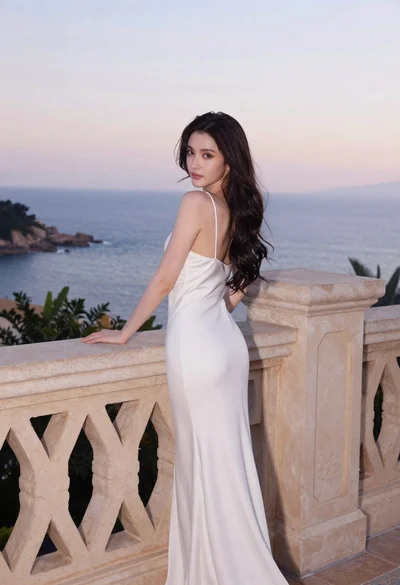
Young woman in white dress on stone terrace at sunset

Smiling woman in embroidered top standing in field of wildflowers
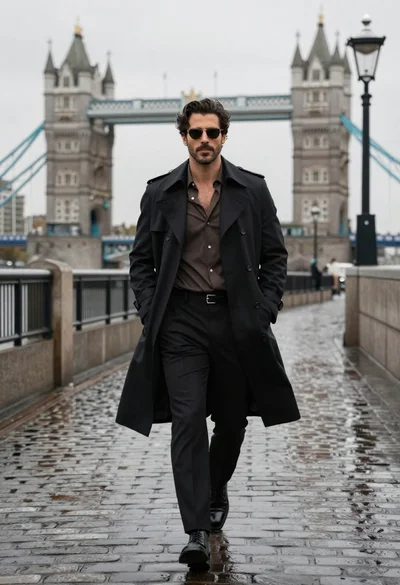
Confident man in black trench coat walking on wet cobblestone path
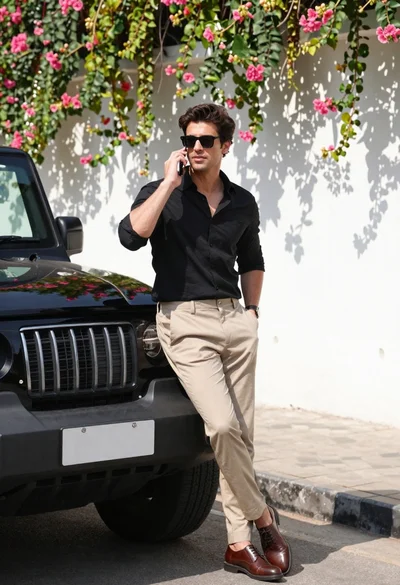
Stylish man in black shirt leaning against suv by floral wall
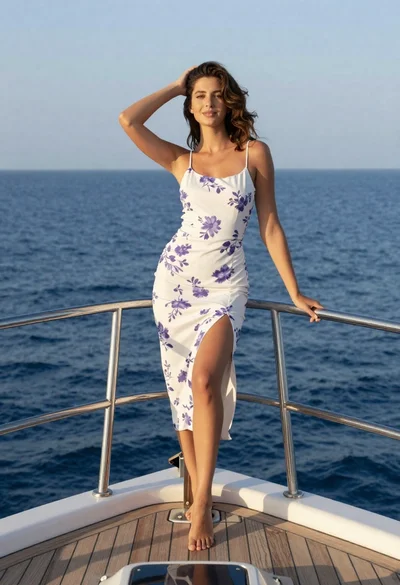
Young woman in floral dress standing on yacht bow at sunset