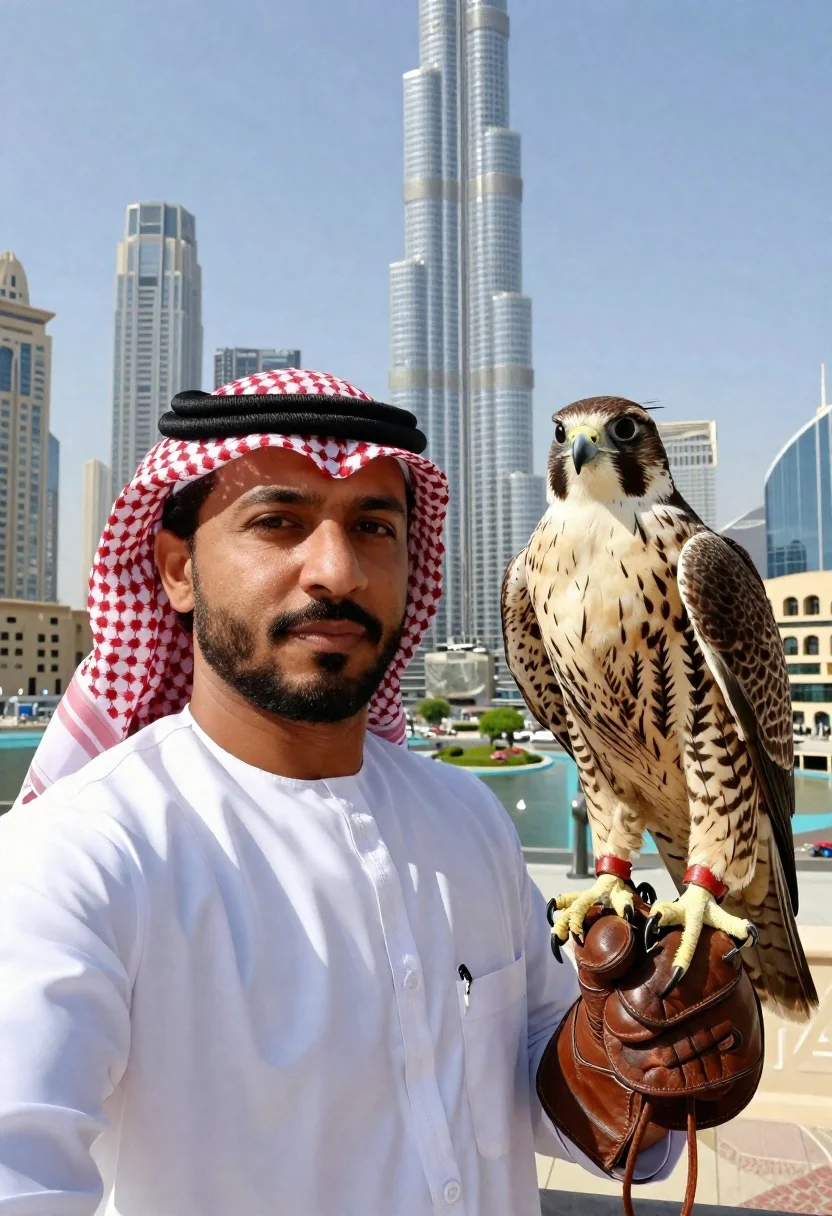
Man holding falcon against dubai skyline at daylight
Prompt
A high-resolution selfie portrait of a man in traditional Arab attire holding a large falcon against the Dubai skyline with the Burj Khalifa visible in the background.

Subject: Dark-skinned man with short beard and mustache, calm expression looking directly at camera, wearing red-and-white checkered keffiyeh secured by agal (black cord), white thobe with subtle embroidery down front placket

Other Subjects: Majestic Saker Falcon perched on man's gloved hand, intricate mottled brown-and-white plumage across chest and wings, sharp hooked yellow beak with black cere, bright eyes, distinctive stiff upright ear tufts

Accessories: Thick brown leather falconry gloves on right hand holding falcon

Action: Holding up right hand in falconry gloves with falcon perched on it, taking selfie portrait looking at camera

Environment: Outdoors in Dubai under clear blue skies, Burj Khalifa towering in distance as central landmark, glass skyscrapers including one shaped like inverted 'V' flanking it, sunlit urban landscape with low-rise beige buildings and greenery scattered among roads below

Camera: Selfie-style close-up framing with shallow depth of field blurring distant cityscape while keeping foreground subjects sharply detailed, handheld smartphone capture at eye level

Lighting: Bright daylight from overhead/slightly front-left creating strong contrast between subject silhouettes and deep shadows under facial features, crisp details on feathers and fabric textures, background evenly lit but slightly washed out due to distance haze typical of midday desert sun.
Description
This prompt is useful for creating cultural portraiture, travel advertising featuring local expertise, and high-detail wildlife photography composites. The combination of 'bright daylight from overhead/slightly front-left' generating strong contrast against the 'shallow depth of field blurring distant cityscape' ensures the falcon and man remain intensely focused while grounding them within a recognizable urban setting.
Suggestions
- Change 'red-and-white checkered keffiyeh' to 'solid black keffiyeh' for a more dramatic look.
- Swap 'Saker Falcon' for 'Peregrine Falcon' if you want different feather patterns.
- Adjust the lighting by adding 'golden hour rim light' to soften the deep shadows.
Category
Tags
AnimalsDark SkinFull BodyMaleOutdoorsPortrait ShotRealisticSelfieTraditional WearUrbanWide Shot
Date added
June 19, 2026
Added by
PromptDexter Team
Related Prompts
More prompts with similar categories and tags.

Young couple with cat in hogwarts style robes

Smiling woman with cat ears holding orange tabby cat

Young woman holding fluffy dog in white top on wooden patio
Woman reading to sleeping dog on rainy balcony at night
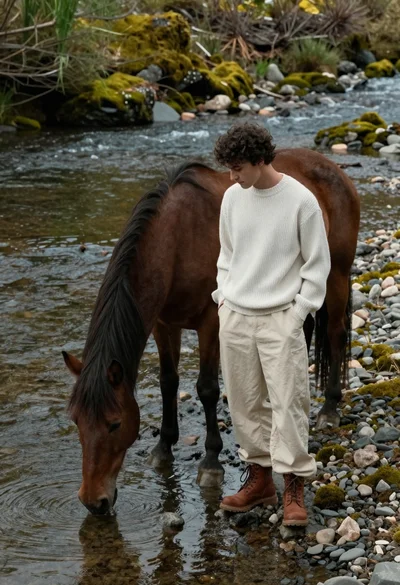
Young man standing by brown horse drinking from mossy riverbank
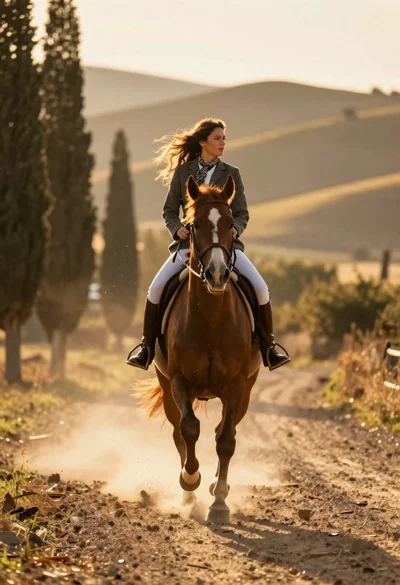
Woman riding chestnut horse galloping on dusty country road at golden hour
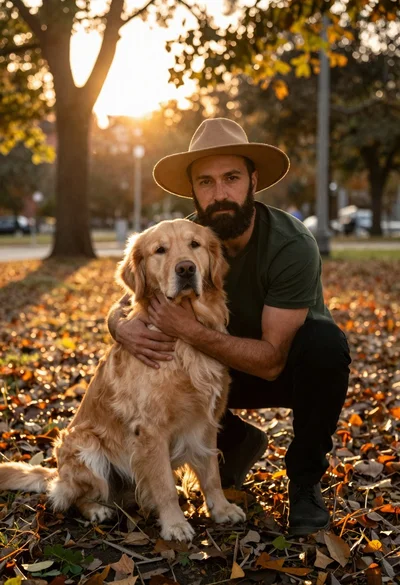
Man crouching with golden retriever in autumn park at sunset
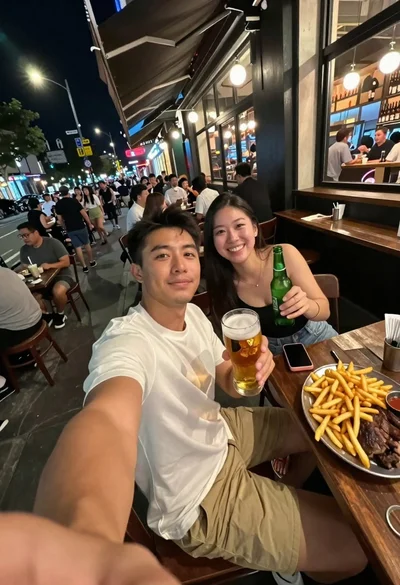
Man taking a selfie at a crowded outdoor night eatery