
Muscular man taking a mirror selfie with a fluffy white cat indoors
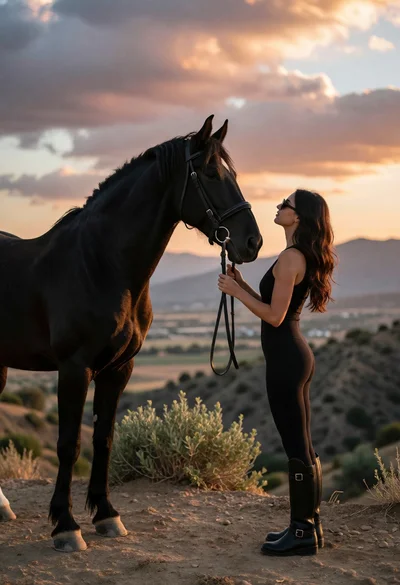
Woman and black horse on dusty ridge overlooking valley at sunset
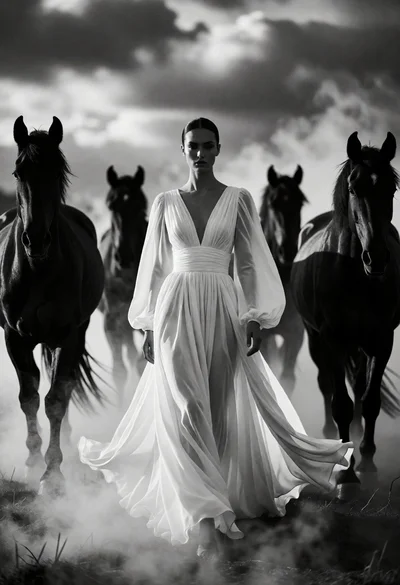
Woman in white gown centered among four dark horses emerging from mist
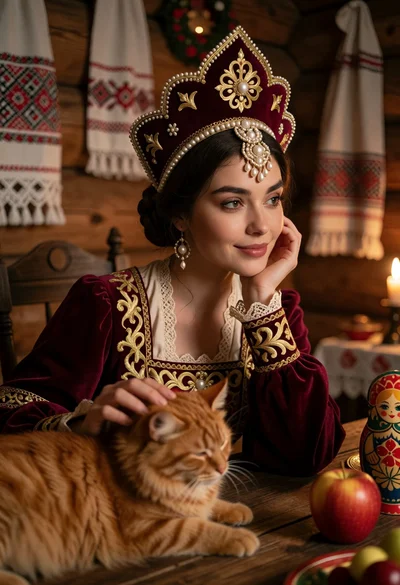
Woman in russian attire with orange cat at rustic wooden table setting
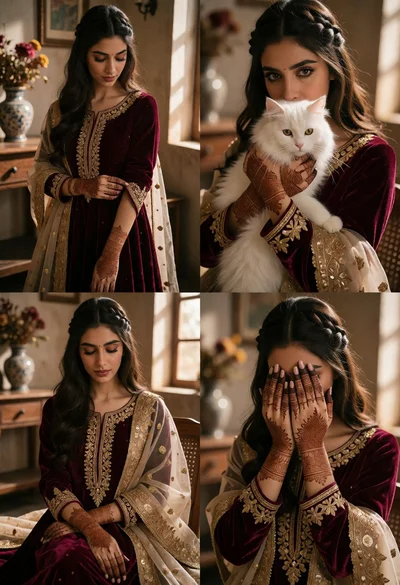
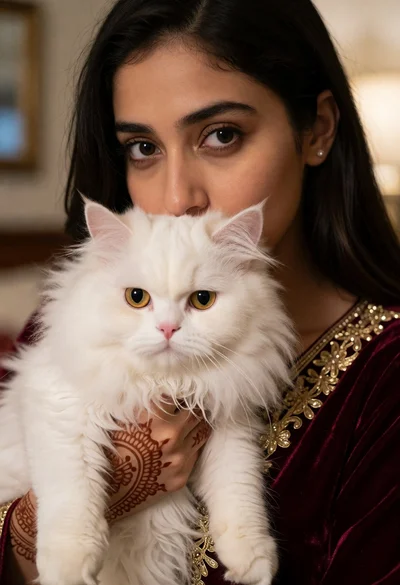
Collage of four photos featuring south asian bride in burgundy velvet attire
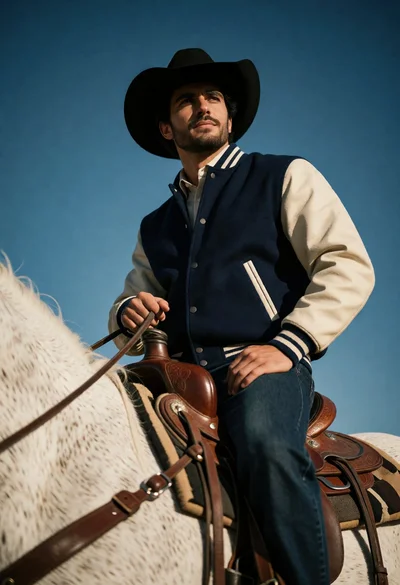
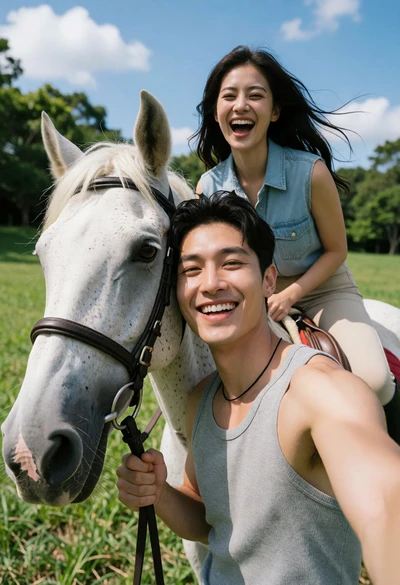
Man on white horse against deep blue sky low angle shot
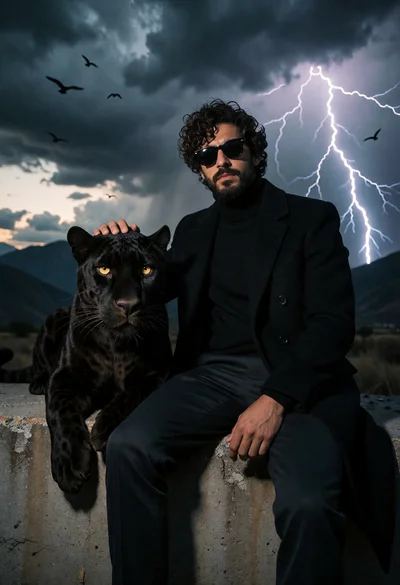
Man in black coat resting hand on panther near stormy mountains
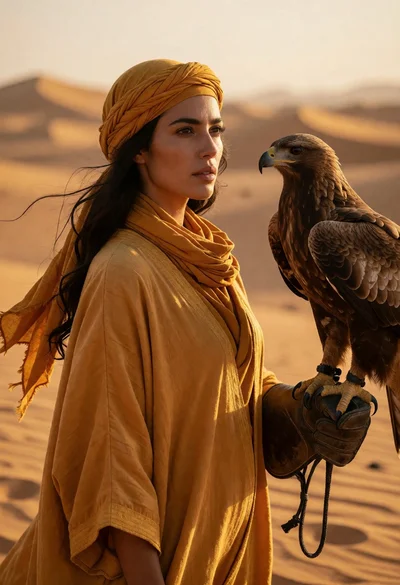
Woman holding large bird of prey in vast golden desert landscape
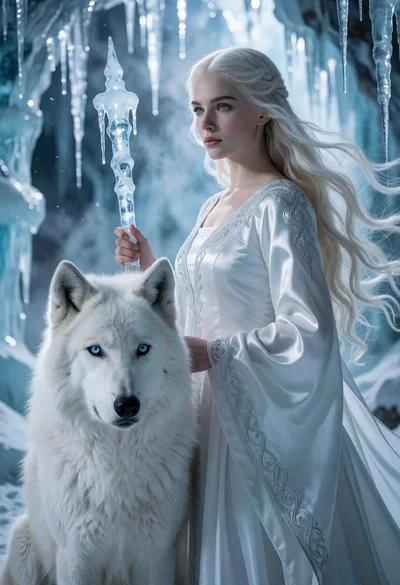
Woman with blonde hair and white wolf in an icy cavern setting
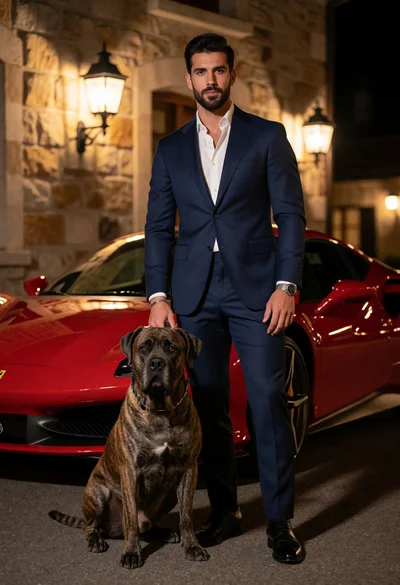
Man in navy suit standing with brindle dog near red ferrari at
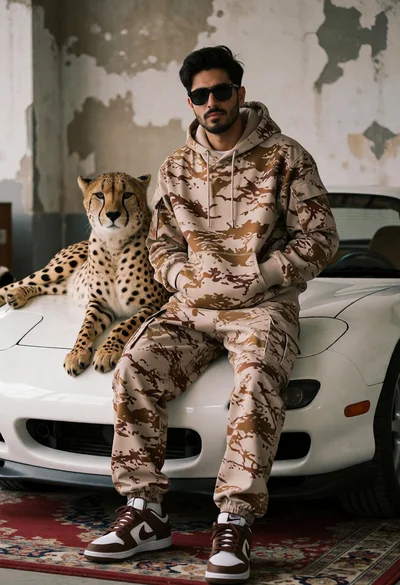
Man in camouflage hoodie with cheetah on white sports car indoors
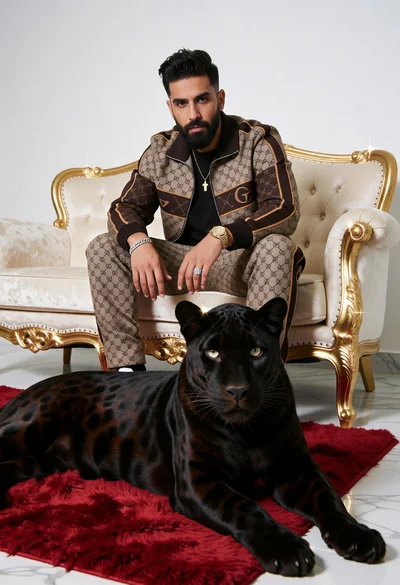
Man in monogrammed tracksuit with black panther on cream sofa
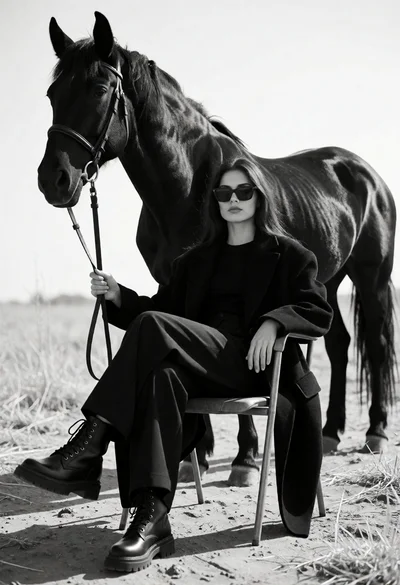
Monochrome portrait of woman seated near a black horse in an open
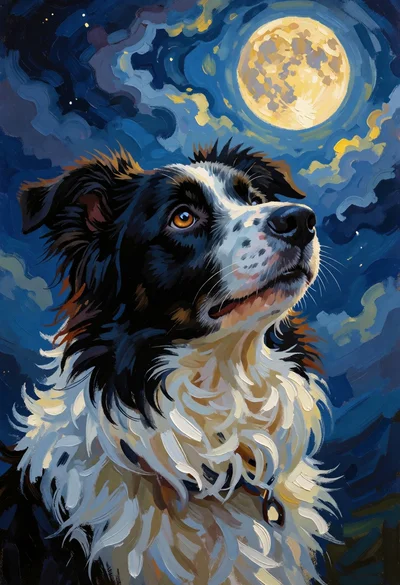
Black and white dog portrait gazing at a glowing full moon in
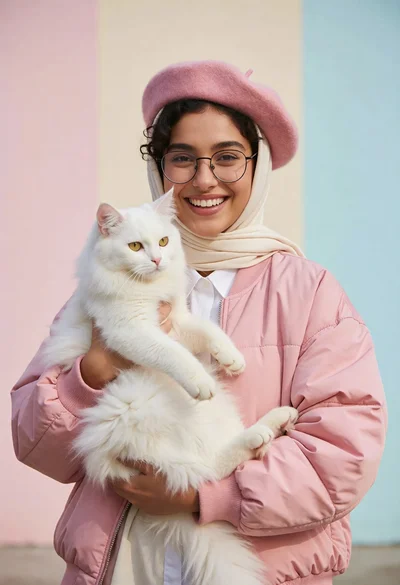
Smiling woman holding white cat against pastel colored studio background

Rugged man riding blue dragon over misty floating rock formations at golden
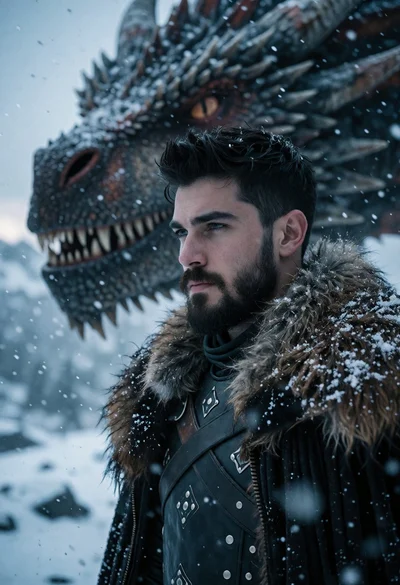
Cinematic portrait of man with dragon head in snowy landscape
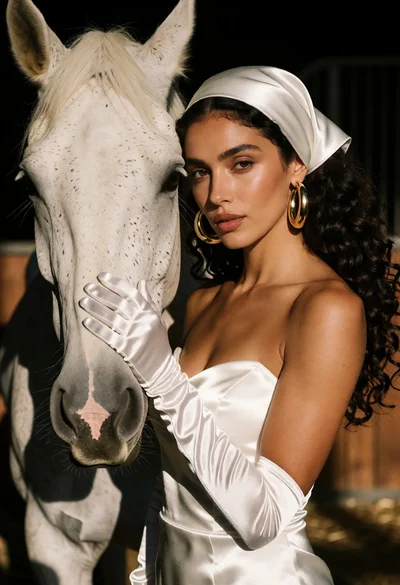
Woman in white satin dress touching muzzle of white horse indoors
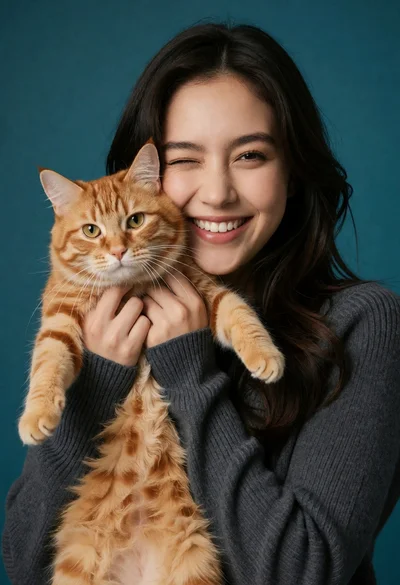
Joyful portrait of young woman holding orange tabby cat against teal background
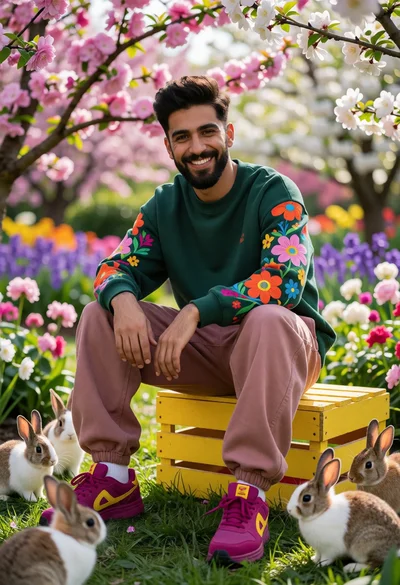
Young man smiling with rabbits in a lush garden filled with blossoms
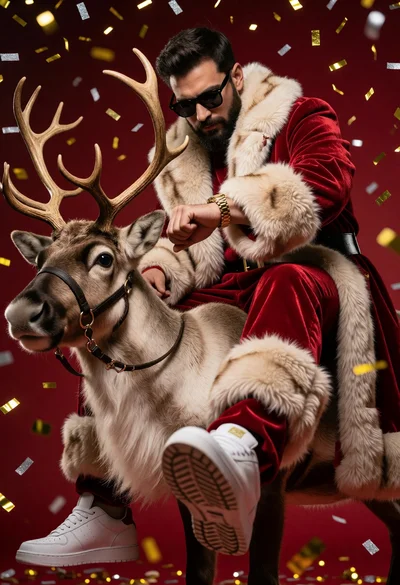
Man in red velvet santa suit sitting atop reindeer with falling confetti
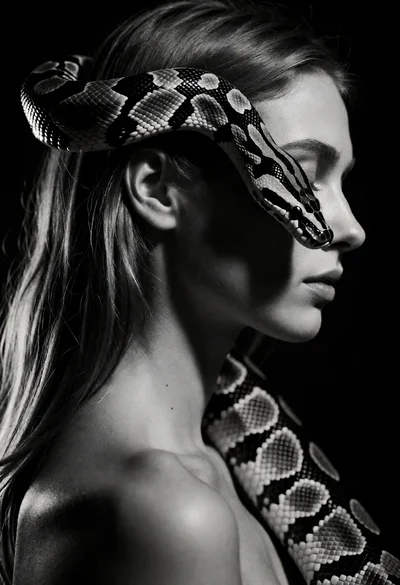
High contrast black and white portrait of woman with coiled patterned snake
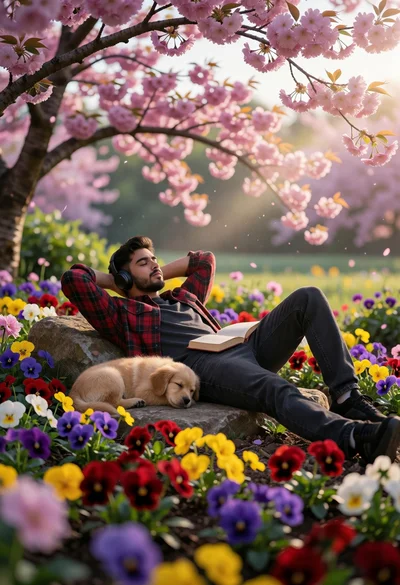
Young man resting with puppy in vibrant flower garden under cherry blossoms
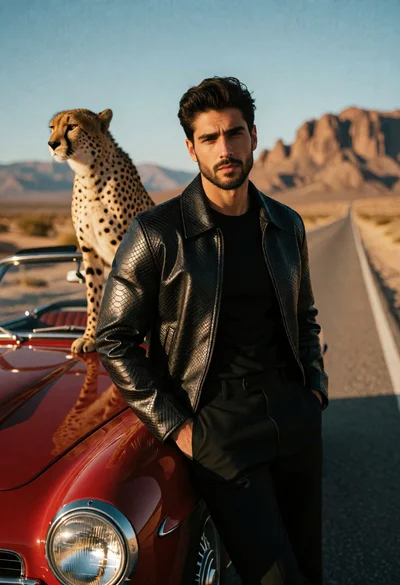
Man with cheetah beside vintage red convertible on desert highway
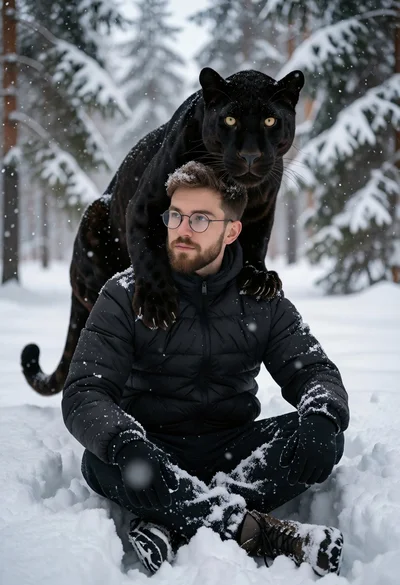
Man sitting in deep snow with a black panther resting on his
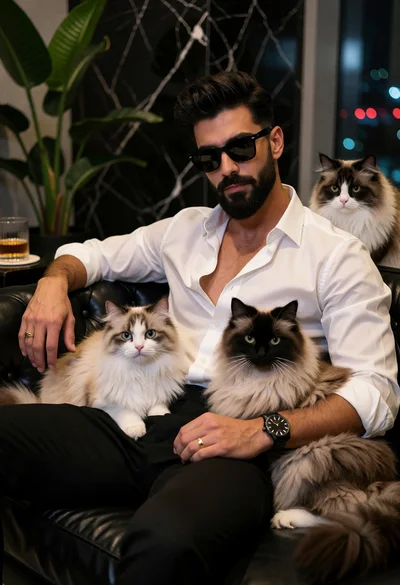
Stylish man with beard sitting on black couch surrounded by three fluffy
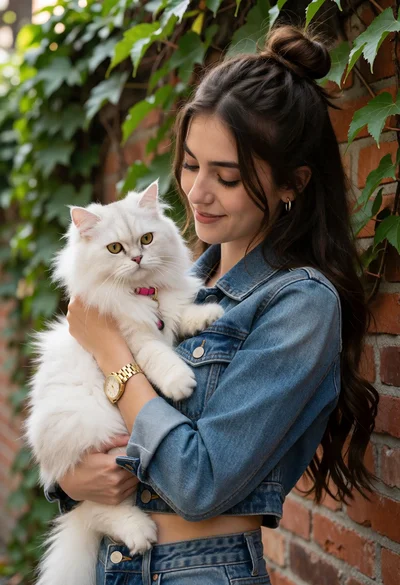
Young woman cradling white cat against vine covered red brick wall
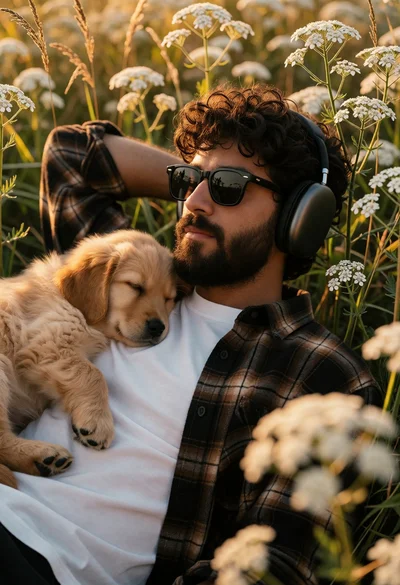
Man resting in wildflowers with sleeping golden retriever puppy portrait
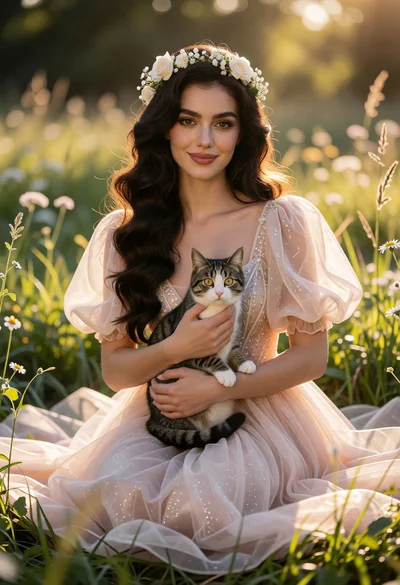
Woman in pale gown sitting in sunlit meadow holding tabby cat
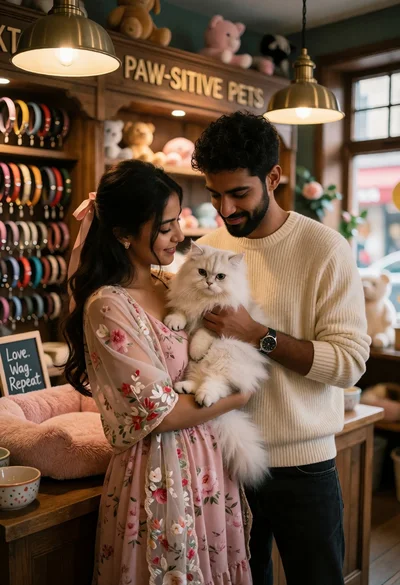
Couple holding white cat inside cozy wooden pet shop setting
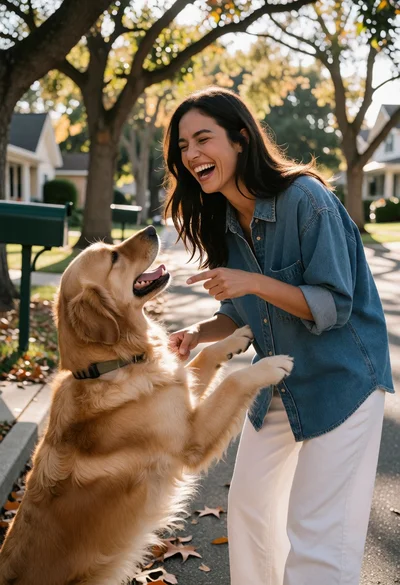
Joyful woman laughing with golden retriever on suburban street
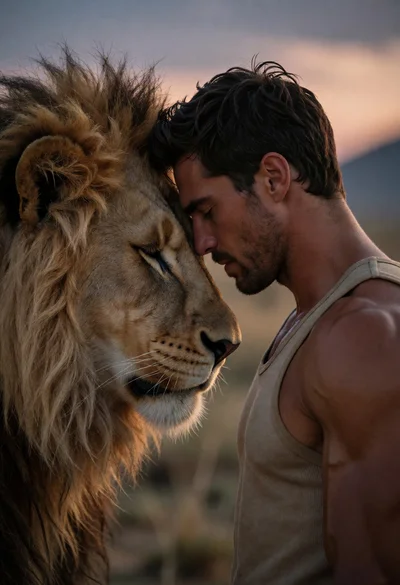
Muscular man and lion sharing an intimate moment on the savanna at
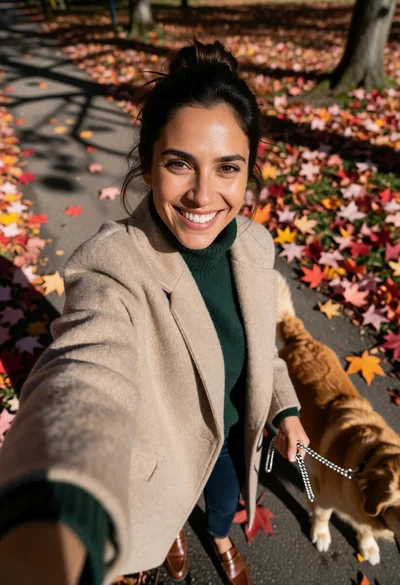
Woman taking high angle selfie with golden retriever on autumn leaf path
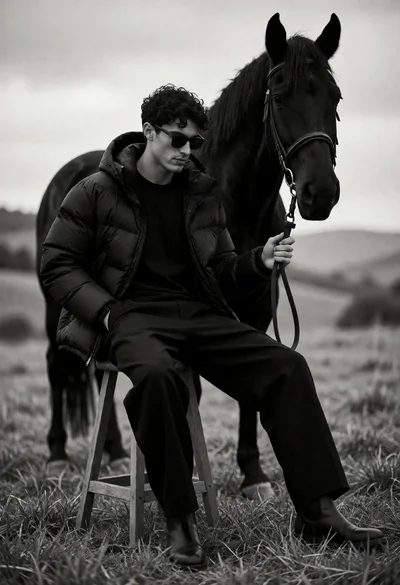
Man seated on stool with black horse in open grassy field
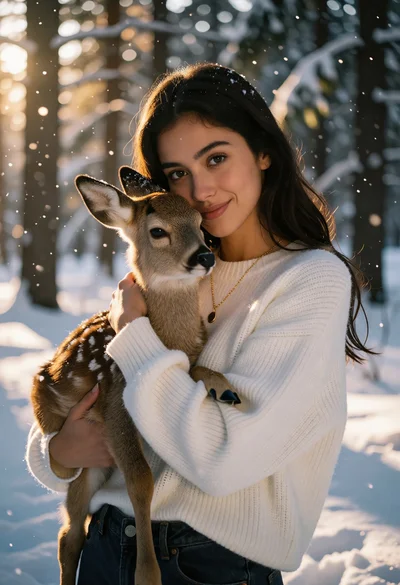
Young woman cradling fawn in snowy forest with golden sunlight glow
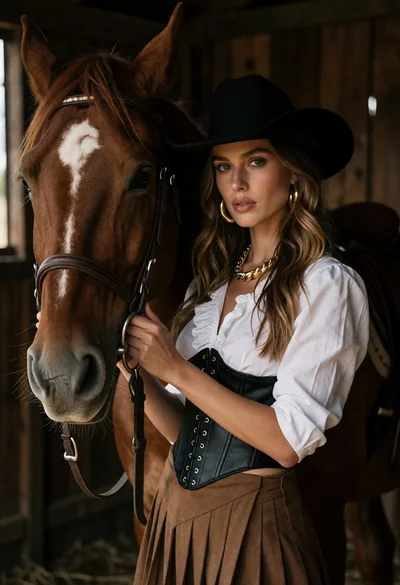
Woman in western attire posing intimately with chestnut horse inside wooden stable
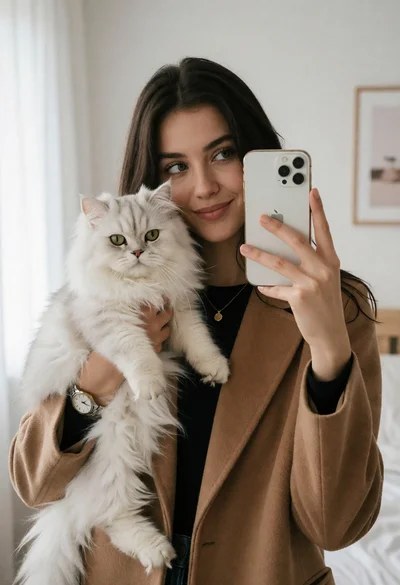
Young woman taking mirror selfie with white cat in bright bedroom
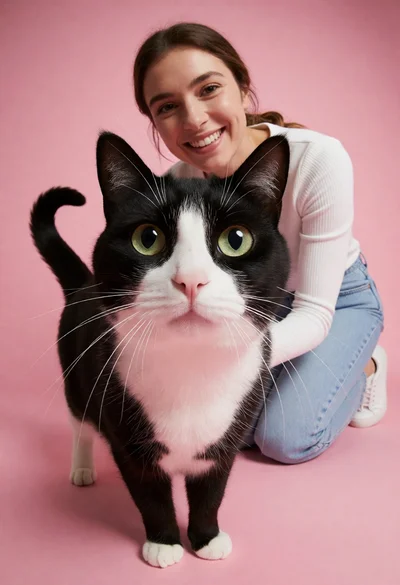
Black and white tuxedo cat close up with smiling woman against pink
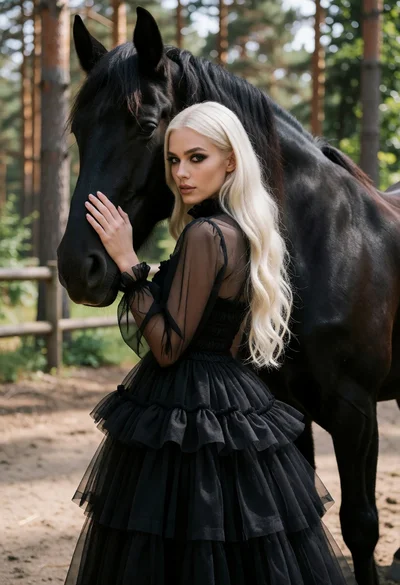
Woman in black tulle dress posing with large black horse in pine
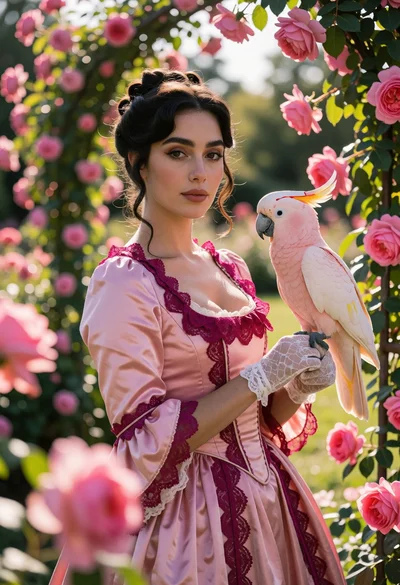
Woman in pink gown holding cockatoo within a lush rose garden setting
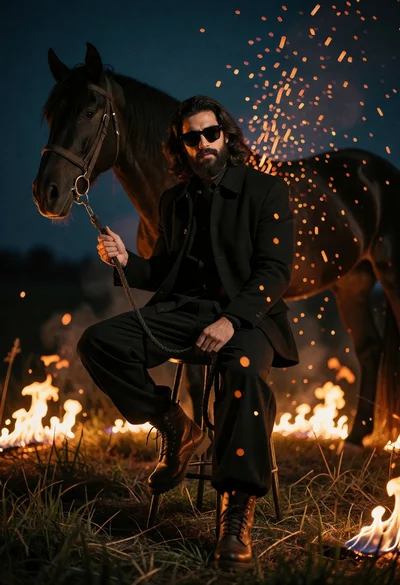
Man seated on stool in grassy field surrounded by flames and dark
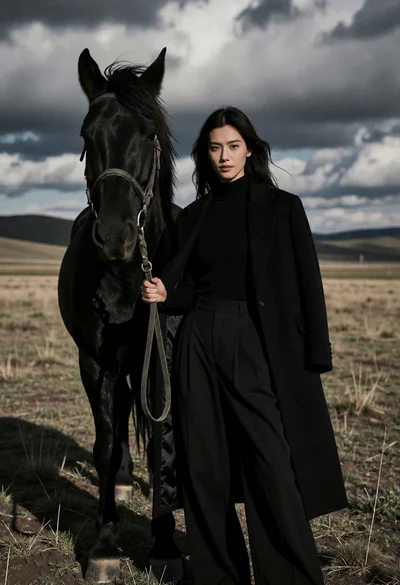
Woman standing beside black horse in grassy field under dramatic cloudy sky
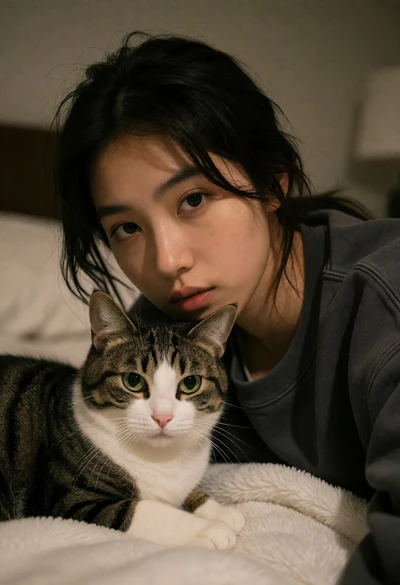
Young woman with dark hair holding a tabby cat in a softly
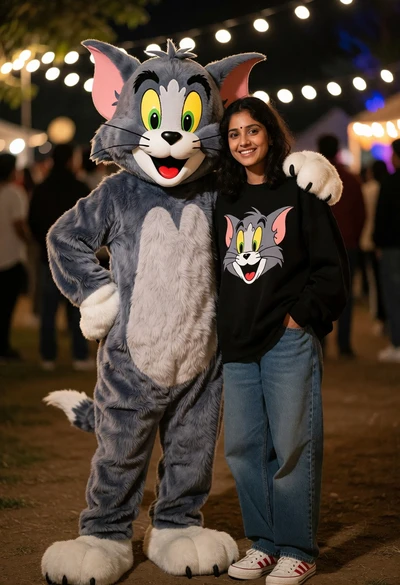
Young woman smiling beside large cat mascot at outdoor night event
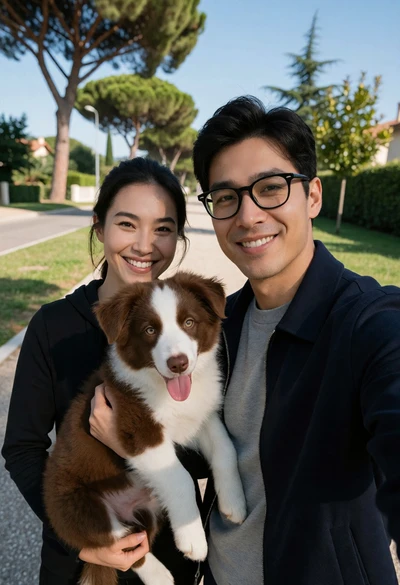
Couple taking a selfie outdoors with a dog on a paved walkway
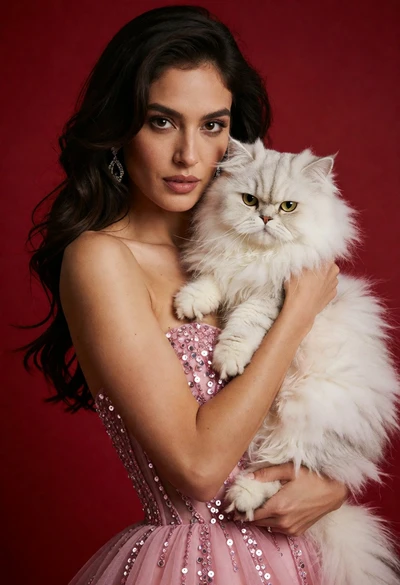
Poised woman in pink sequin gown holding white persian cat against red
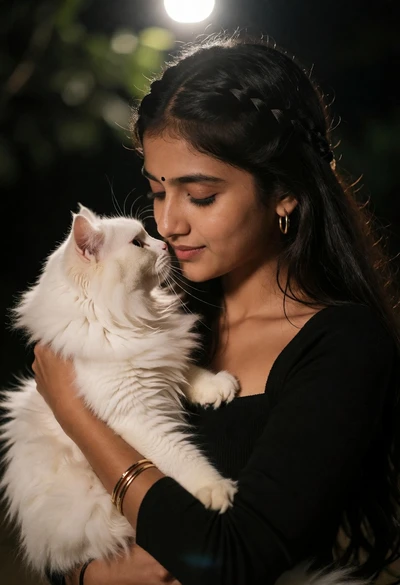
Young woman holding white cat close to face in dimly lit outdoor
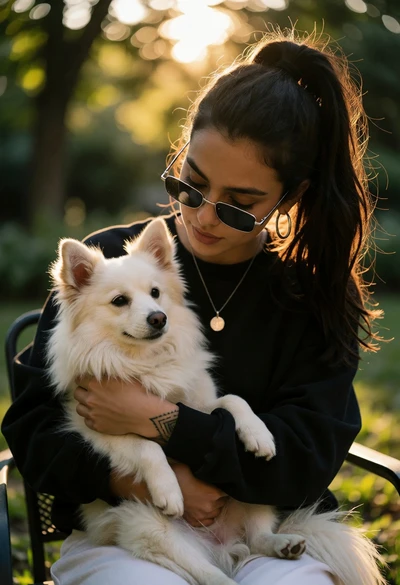
Young woman with dark ponytail holding white dog outdoors in golden sunlight