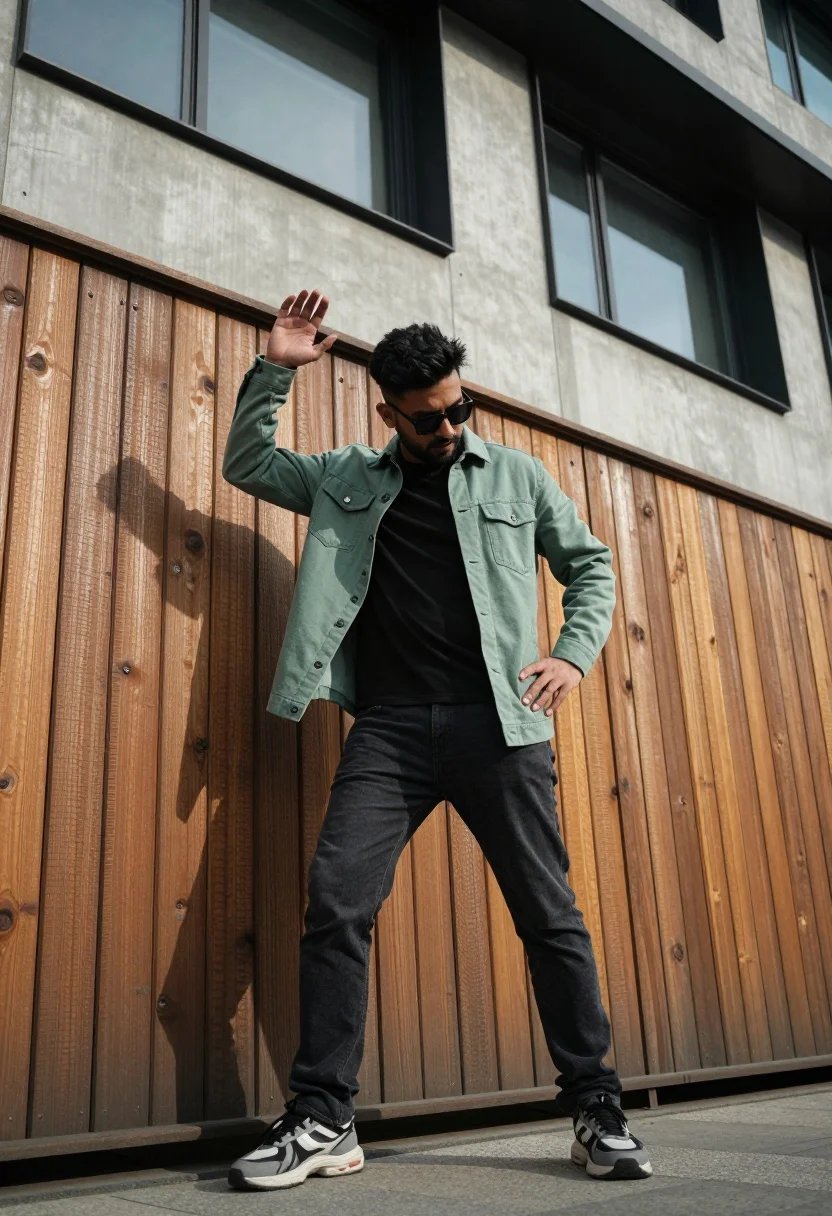
Man in light green jacket posing by wooden fence and modern building
Prompt
A man stands in a dynamic pose against a wooden fence with a modern building facade above.

Subject: A man wearing sunglasses and looking down with his head tilted slightly to the side.

Clothing: He wears a light green button-up jacket over a black t-shirt, paired with dark jeans and chunky sneakers.

Action: His right arm is raised with an open hand near his head while his left hand rests on his hip, creating a confident stance.

Environment: The background features vertical wooden planks forming a fence or wall, topped by a concrete structure with large windows.

Camera: The shot is taken from a low angle looking up at the subject, emphasizing his height and posture against the architectural backdrop.

Lighting: Strong directional sunlight casts deep shadows across the wooden surface and highlights the texture of the jacket and jeans.

Style Details: The image has a cinematic color grading with warm tones on the wood and cool shadows, giving it a stylized urban photography aesthetic.
Description
This prompt is useful for creating editorial menswear lookbooks, architectural lifestyle blogs, and dynamic street portraiture. The combination of 'low angle looking up' and 'strong directional sunlight' exaggerates the subject's verticality against the contrasting textures of the 'wooden fence' and modern concrete, which prevents the composition from feeling flat or static.
Suggestions
- Change 'light green button-up jacket' to 'olive utility jacket' for a more rugged feel.
- Add 'anamorphic lens flare' to enhance the cinematic quality.
- Swap 'chunky sneakers' for 'minimalist leather boots' to adjust the overall tone.
Category
Tags
Full BodyLow AngleMaleStreetUrban
Date added
August 5, 2026
Added by
PromptDexter Team
Related Prompts
More prompts with similar categories and tags.

Young man on fence against modern city skyline
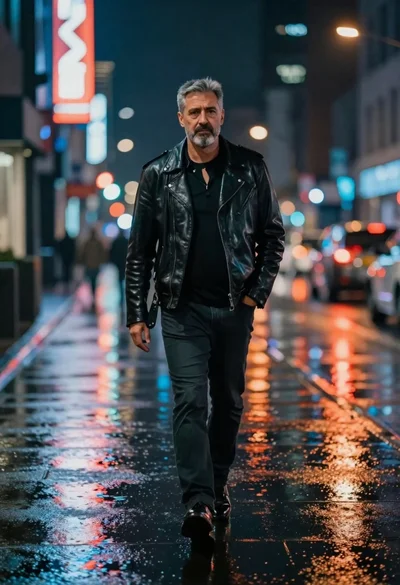
Man walking down rain slicked city street at night
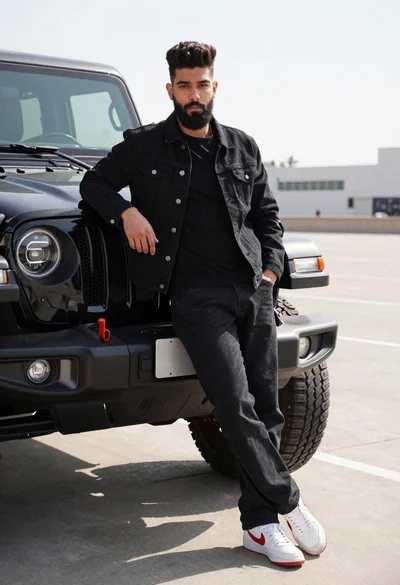
Young man leaning against black off road vehicle in paved lot
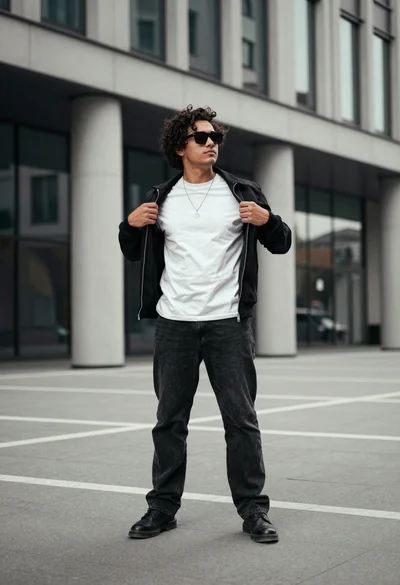
Young man in black jacket standing confidently in modern urban plaza setting
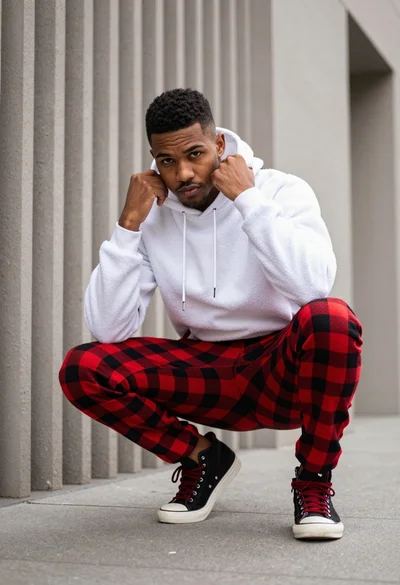
Young man crouching in white hoodie against textured urban concrete wall
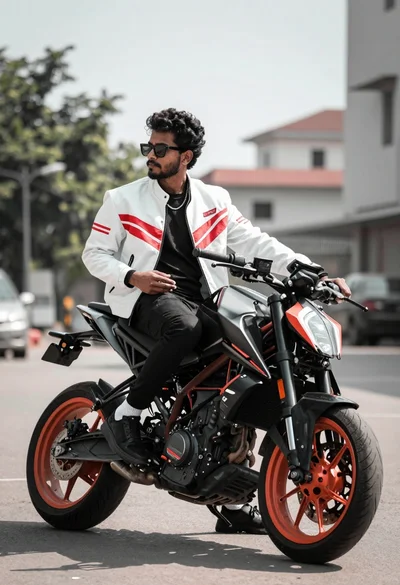
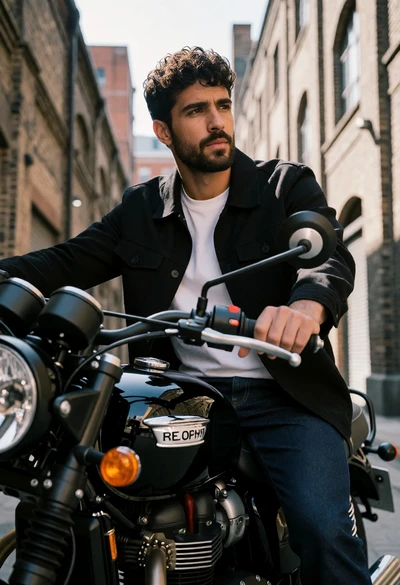
Man on black motorcycle in urban setting under bright daylight
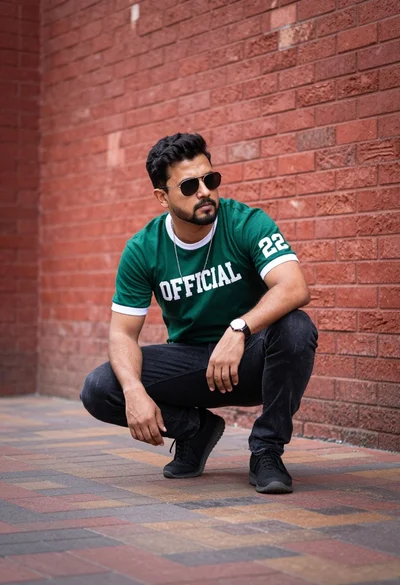
Man crouching low on brick pathway against textured red brick wall

Man standing by black motorcycle on urban street with greenery backdrop
Man on curved metal bridge looking back over shoulder in park setting
Man walking away from camera near white sedan on city street