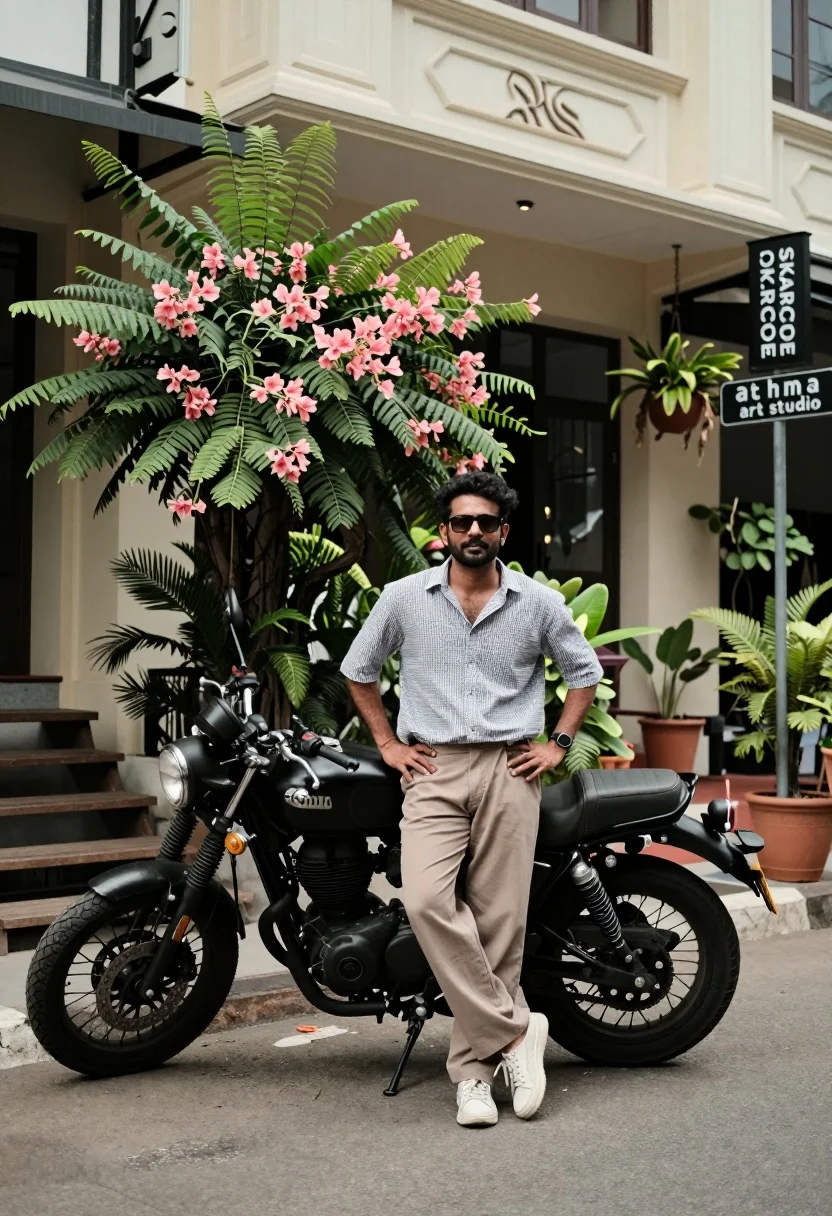
Man standing by black motorcycle on urban street with greenery backdrop
Prompt
A man stands confidently next to a black motorcycle in front of a light-colored building with lush greenery and hanging plants.

Subject: A man wearing sunglasses, standing with hands on hips, looking directly at the camera.

Clothing: He wears a short-sleeved checkered button-up shirt, loose-fitting beige trousers, and white sneakers.

Action: Standing upright with a relaxed posture, one leg slightly forward, exuding a casual yet stylish vibe.

Environment: An urban street scene with a cream-colored building featuring decorative molding, a large bush with pinkish flowers, potted plants, and a wooden staircase to the left.

Camera: Medium shot capturing full body from head to toe, slightly low angle emphasizing the subject and motorcycle, natural depth of field with background softly blurred.

Lighting: Natural daylight casting soft shadows, even illumination across the scene with no harsh contrasts, suggesting overcast or shaded outdoor conditions.

Objects: A classic black motorcycle parked beside him, a street sign reading “SKARCODE” and “athma art studio,” and various plants including ferns and flowering shrubs.

Text/Graphics: Visible signage includes a stylized logo above the entrance and two vertical signs on a pole with text “SKARCODE” and “athma art studio.”

Style Details: Candid street photography aesthetic, urban lifestyle vibe, muted earth tones with pops of green and floral color, clean composition with balanced framing.
Description
This prompt is useful for creating editorial automotive features, modern menswear lookbooks, and atmospheric travel blogs showcasing city life. The combination of 'natural daylight casting soft shadows' and the 'candid street photography aesthetic' ensures that the subject and motorcycle feel integrated into the environment rather than simply placed against it, while the 'muted earth tones with pops of green and floral color' keeps the composition visually rich without becoming distracting.
Suggestions
- Change 'checkered button-up shirt' to 'solid olive t-shirt' for a more streamlined look.
- Swap 'black motorcycle' for 'vintage chrome motorcycle' to change the era feel.
- Adjust 'softly blurred' to 'shallow depth of field' for stronger subject isolation.
Category
Tags
Casual WearFull BodyLow AngleMaleMedium ShotOutdoorsRealisticStreetUrban
Date added
August 5, 2026
Added by
PromptDexter Team
Related Prompts
More prompts with similar categories and tags.

Young man leaning on a modified sports car in city night
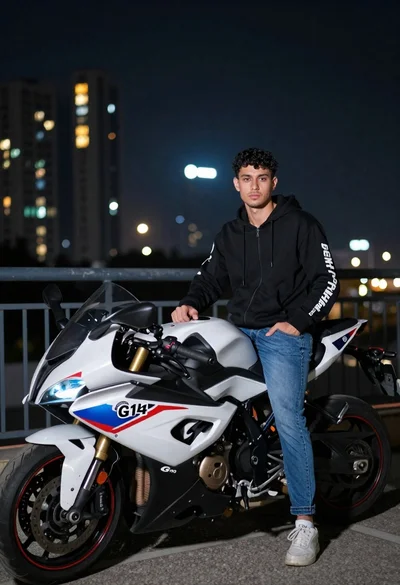
Young man with curly hair standing by motorcycle on balcony at night
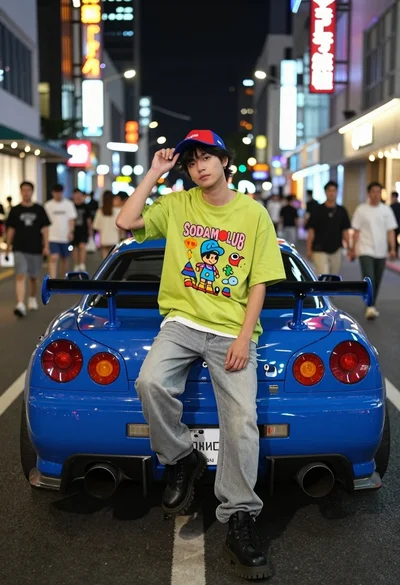
Young man sitting on blue sports car bumper in neon lit city
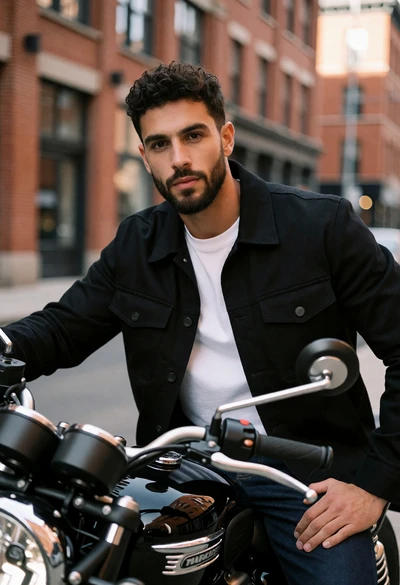
Man with dark curly hair sitting on black motorcycle in brick city
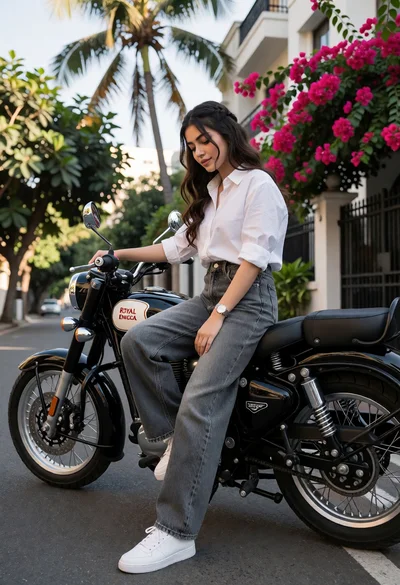
Young woman sitting casually on black motorcycle on an urban street
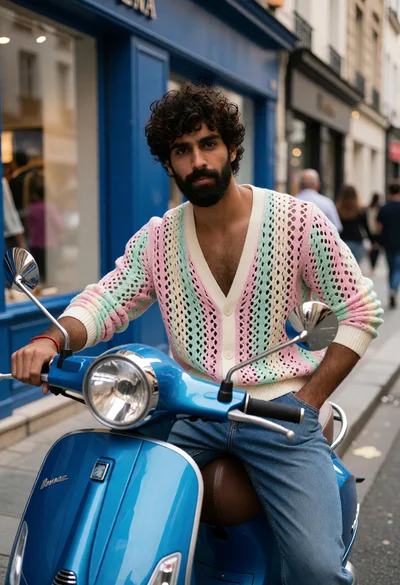
Young man on blue scooter in urban street setting with pastel cardigan
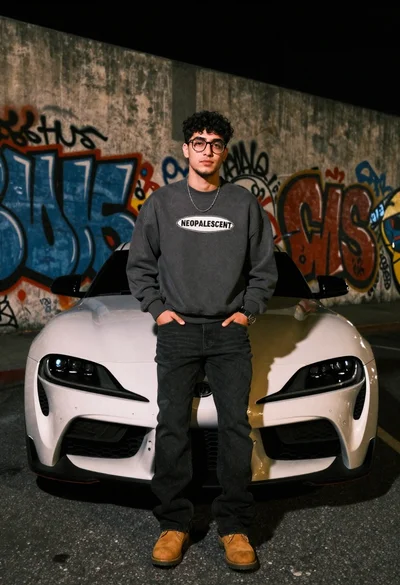
Young man leaning on white sports car graffiti street at night
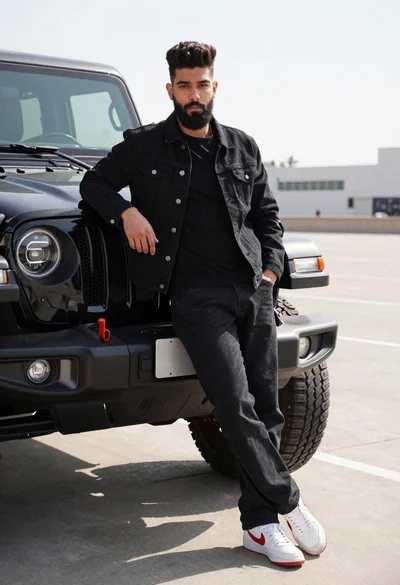
Young man leaning against black off road vehicle in paved lot
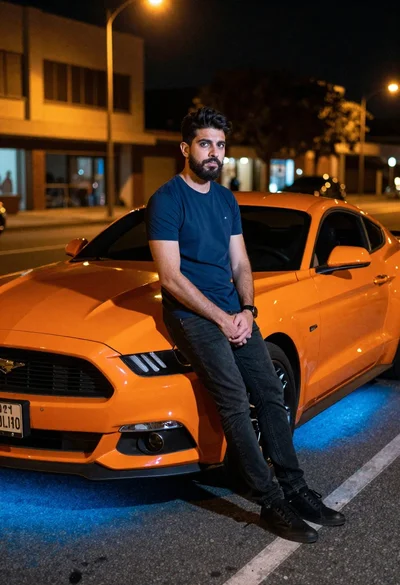
Man leaning on orange mustang at night city street
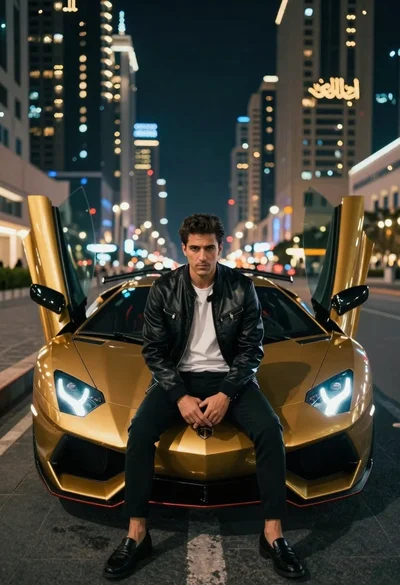
Man in leather jacket sitting on golden sports car at night