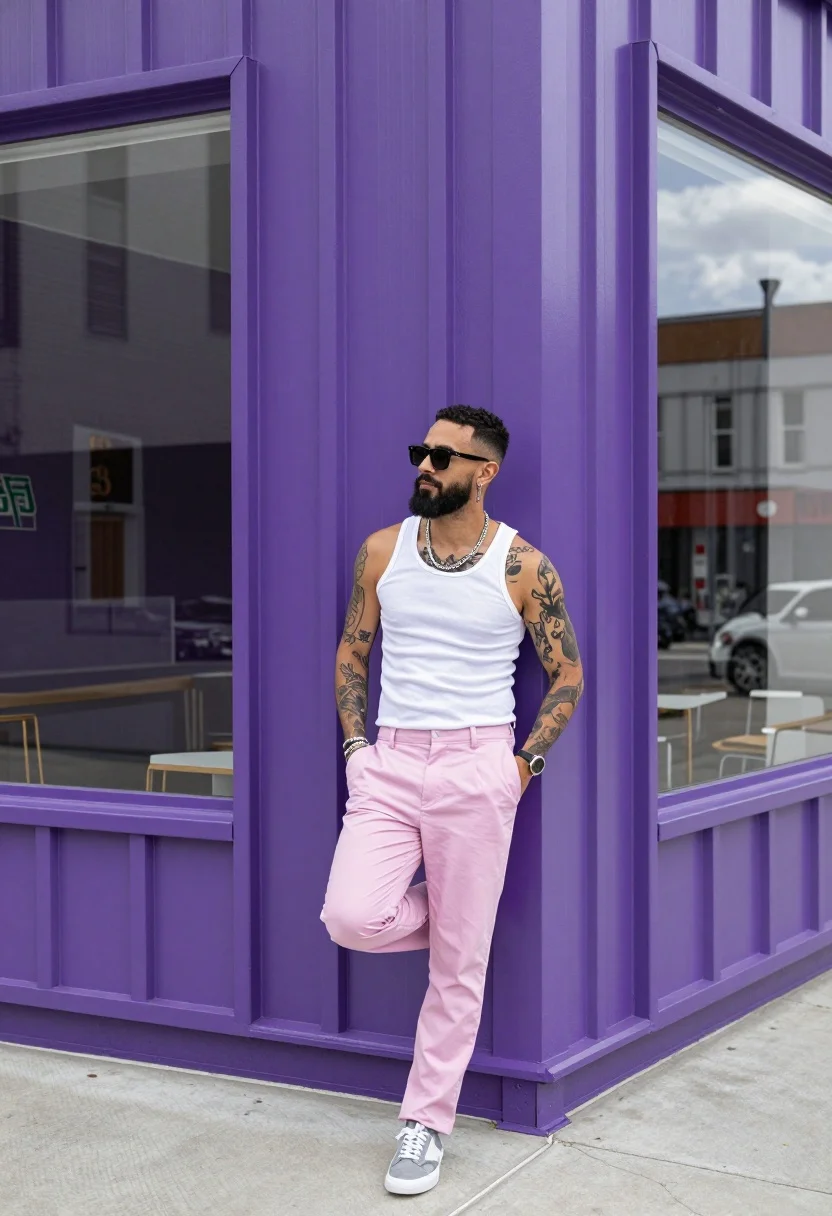
Man leaning against purple corrugated metal wall near large glass window
Prompt
A man leans casually against a vibrant purple corrugated metal wall next to a large glass window.

Subject: A man with a beard and sunglasses stands in a relaxed pose, displaying visible tattoos on his arms and chest.

Clothing: He wears a white tank top, light pink trousers, grey sneakers, multiple necklaces, a watch, and bracelets.

Action: He leans back against the wall with one hand resting near his waist and the other touching the corner of the purple paneling.

Environment: The setting is an urban street corner featuring a bright purple vertical siding wall and a large window reflecting the surroundings.

Camera: The shot is taken at eye level in a medium-full length frame that captures the subject from head to toe against the architectural background.

Lighting: Bright daylight illuminates the scene, casting soft shadows and highlighting the vivid colors of the wall and clothing.

Style Details: High-quality photography with sharp focus on the subject and vibrant color saturation.
Description
This prompt is useful for creating urban editorial spreads, character concept art for film, and lifestyle advertising featuring bold backdrops. The combination of 'vibrant purple corrugated metal wall' and 'bright daylight' ensures the background provides intense chromatic contrast against the subject's neutral clothing, while specifying a 'medium-full length frame' guarantees enough context to showcase both the tattoos and the architectural setting.
Suggestions
- Change 'vibrant purple' to 'deep indigo' for a more moody feel.
- Add 'film grain' to the style details for a grittier texture.
- Swap 'bright daylight' for 'overcast daylight' to soften the shadows.
Category
Tags
Full BodyMaleMedium ShotOutdoorsRealisticStreetUrban
Date added
August 5, 2026
Added by
PromptDexter Team
Related Prompts
More prompts with similar categories and tags.
Man crouching low in urban setting adjusting cap with vintage film look
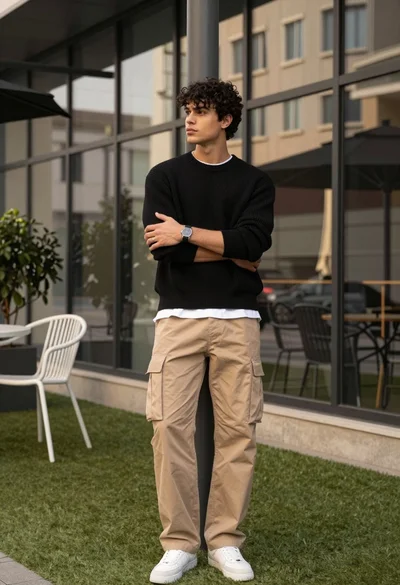
Stylish man in black sweater and cargo pants outdoors near glass building

Stylish man leaning against concrete wall in an urban outdoor setting
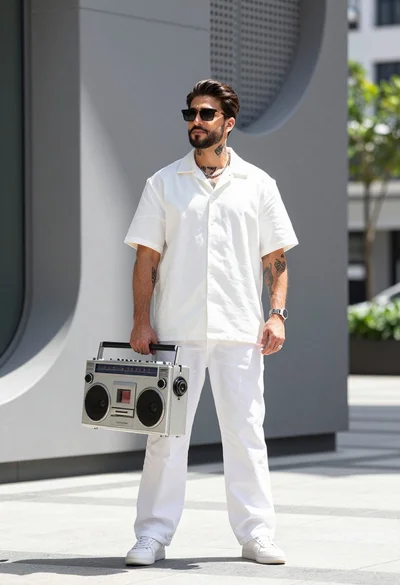
Stylish man holding vintage boombox against modern grey architectural backdrop outdoors
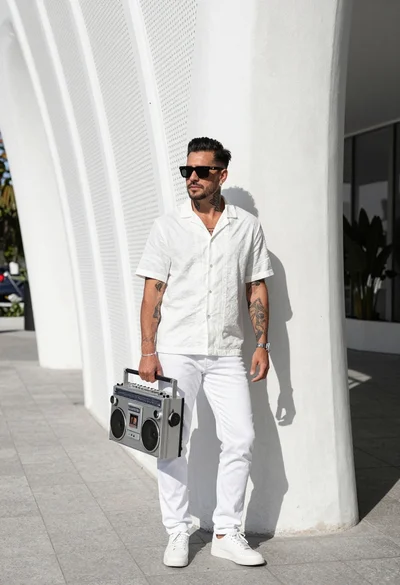
Stylish man leaning on white architecture holding vintage boombox outdoors
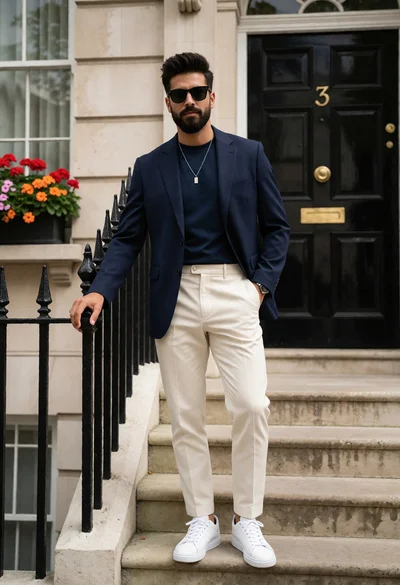
Stylish man in navy blazer standing at classic townhouse entrance steps
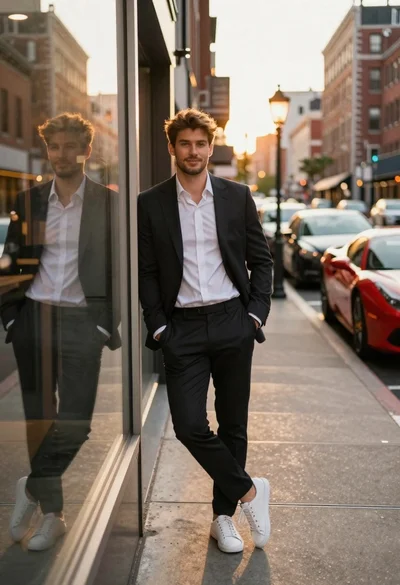
Stylish man leaning on storefront glass during golden hour
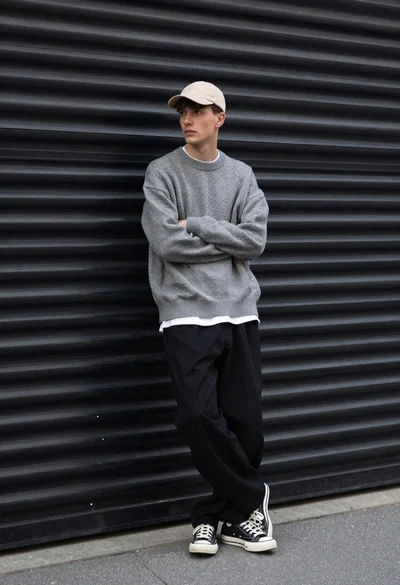
Young man in streetwear leaning against industrial garage door backdrop
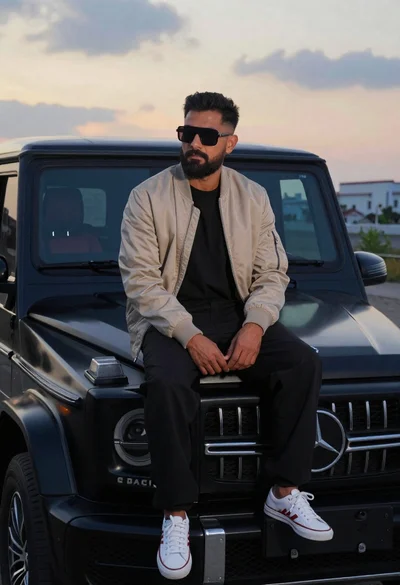
Man sitting on black gwagon at dusk
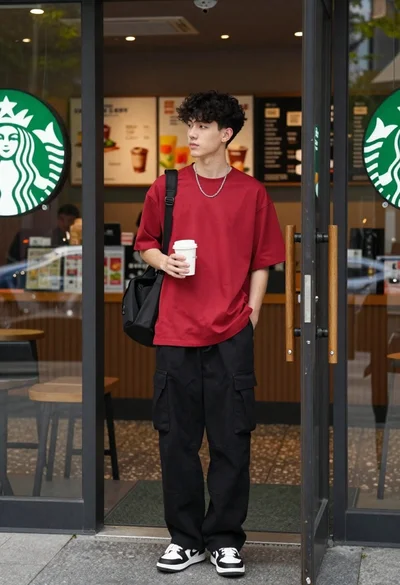
Young man in red tshirt standing at starbucks coffee shop entrance