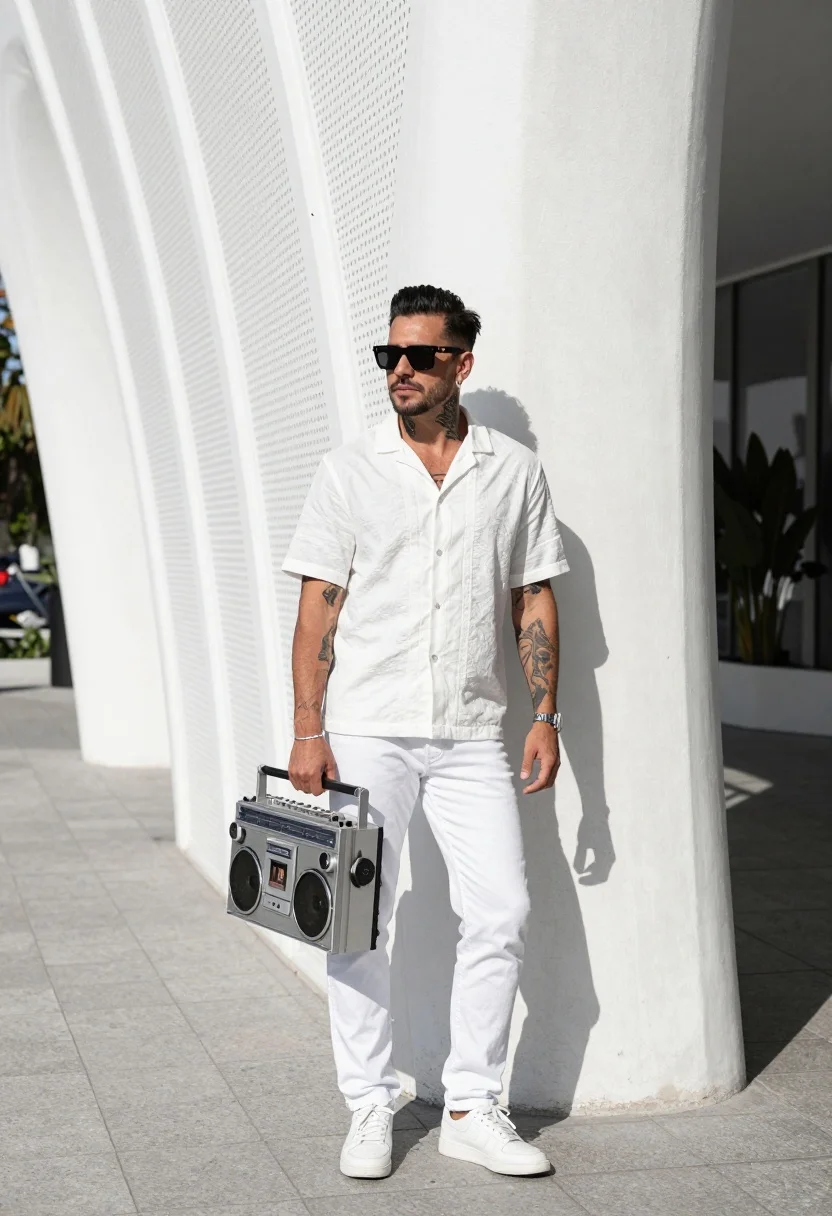
Stylish man leaning on white architecture holding vintage boombox outdoors
Prompt
A stylish man stands confidently leaning against a modern white architectural structure with curved perforated panels.

Subject: A man with dark hair styled upwards and wearing sunglasses, displaying tattoos on his arms and neck.

Clothing: He wears a white short-sleeved button-up shirt with subtle embroidery, white jeans, and white sneakers.

Action: He leans casually against the wall while holding a large vintage boombox in one hand, looking directly at the camera.

Environment: The setting is an outdoor urban area featuring a paved walkway and a distinctive white geometric wall with plant life visible in the background.

Objects: A large silver and black retro-style boombox with prominent speakers is held by the man.

Lighting: Bright natural sunlight illuminates the scene, casting sharp shadows and highlighting the textures of the clothing and architecture.

Camera: The shot is framed at eye level with a medium-full angle that captures the subject's full body and the surrounding architectural details.

Style Details: High-contrast photography with a clean, modern aesthetic emphasizing monochromatic tones and geometric lines.
Description
This prompt is useful for creating editorial street style features, album cover art, and high-end lifestyle advertisements. The combination of 'bright natural sunlight' casting sharp shadows against the 'modern white architectural structure' emphasizes a high-contrast, monochromatic aesthetic that grounds the subject within a clean, geometric setting suitable for fashion focus.
Suggestions
- Change 'white jeans' to 'light wash denim' for more visual contrast.
- Add 'Kodak Portra 400 film grain' to soften the sharp shadows.
- Swap 'vintage boombox' for 'portable record player' to alter the object's vibe.
Category
Tags
Full BodyMaleMedium ShotOutdoorsRealisticStreetUrban
Date added
August 5, 2026
Added by
PromptDexter Team
Related Prompts
More prompts with similar categories and tags.
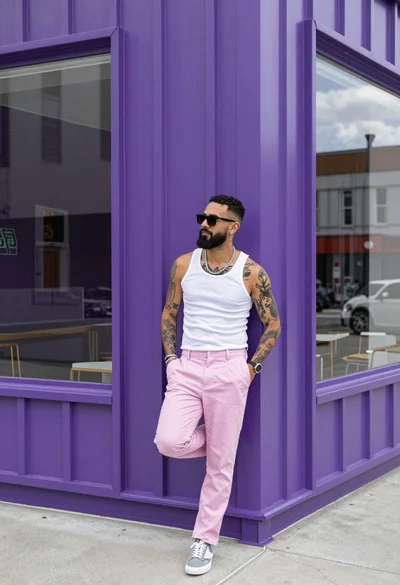
Man leaning against purple corrugated metal wall near large glass window

Man crouching low in urban setting adjusting cap with vintage film look
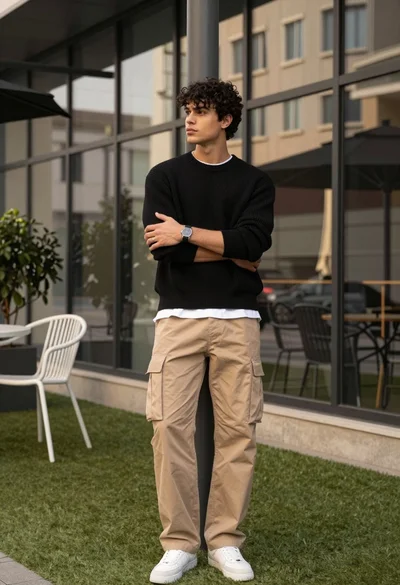
Stylish man in black sweater and cargo pants outdoors near glass building

Stylish man leaning against concrete wall in an urban outdoor setting
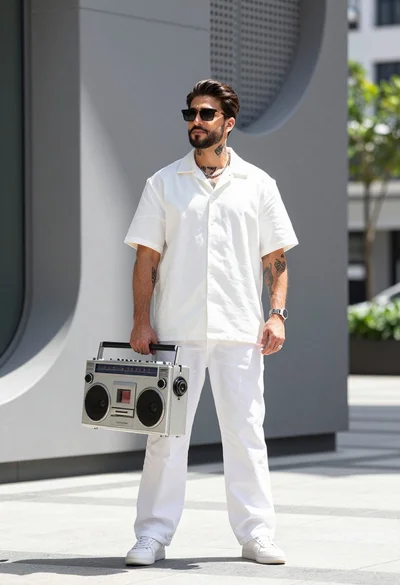
Stylish man holding vintage boombox against modern grey architectural backdrop outdoors
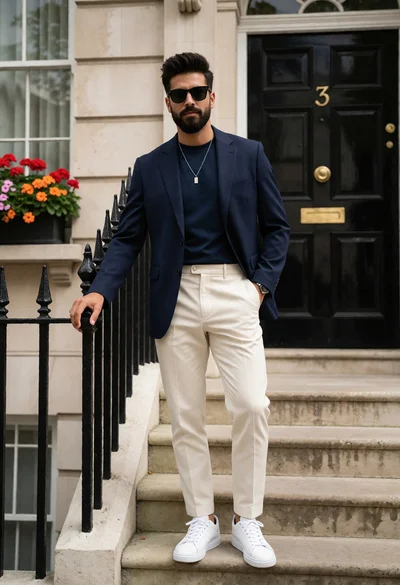
Stylish man in navy blazer standing at classic townhouse entrance steps
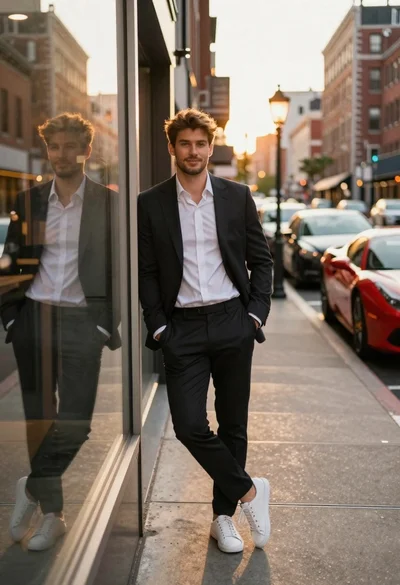
Stylish man leaning on storefront glass during golden hour
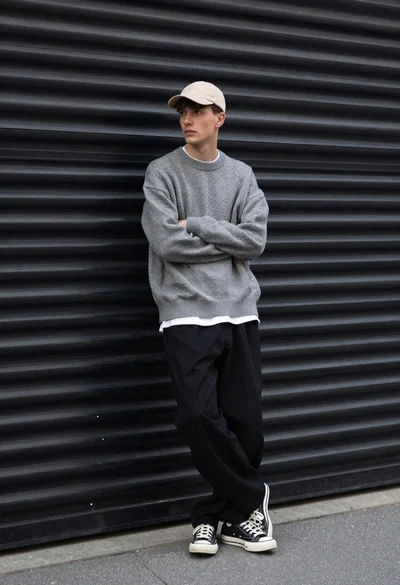
Young man in streetwear leaning against industrial garage door backdrop
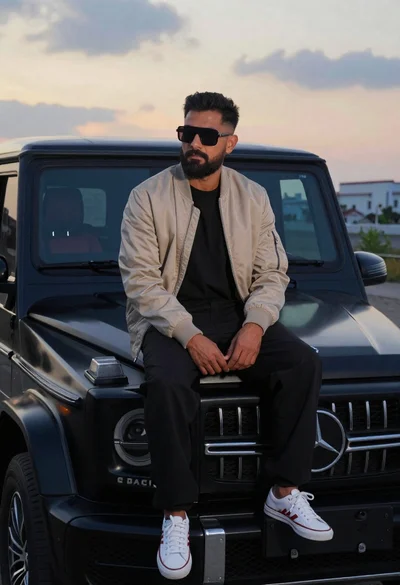
Man sitting on black gwagon at dusk
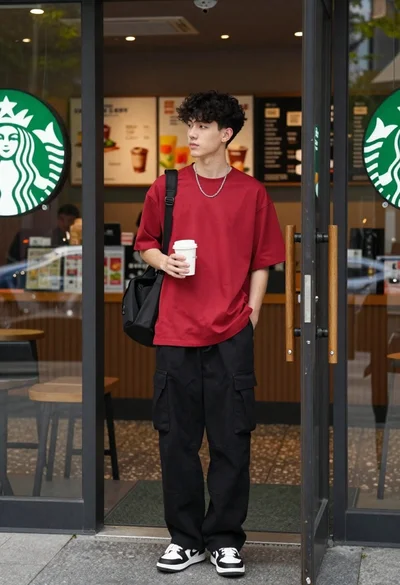
Young man in red tshirt standing at starbucks coffee shop entrance