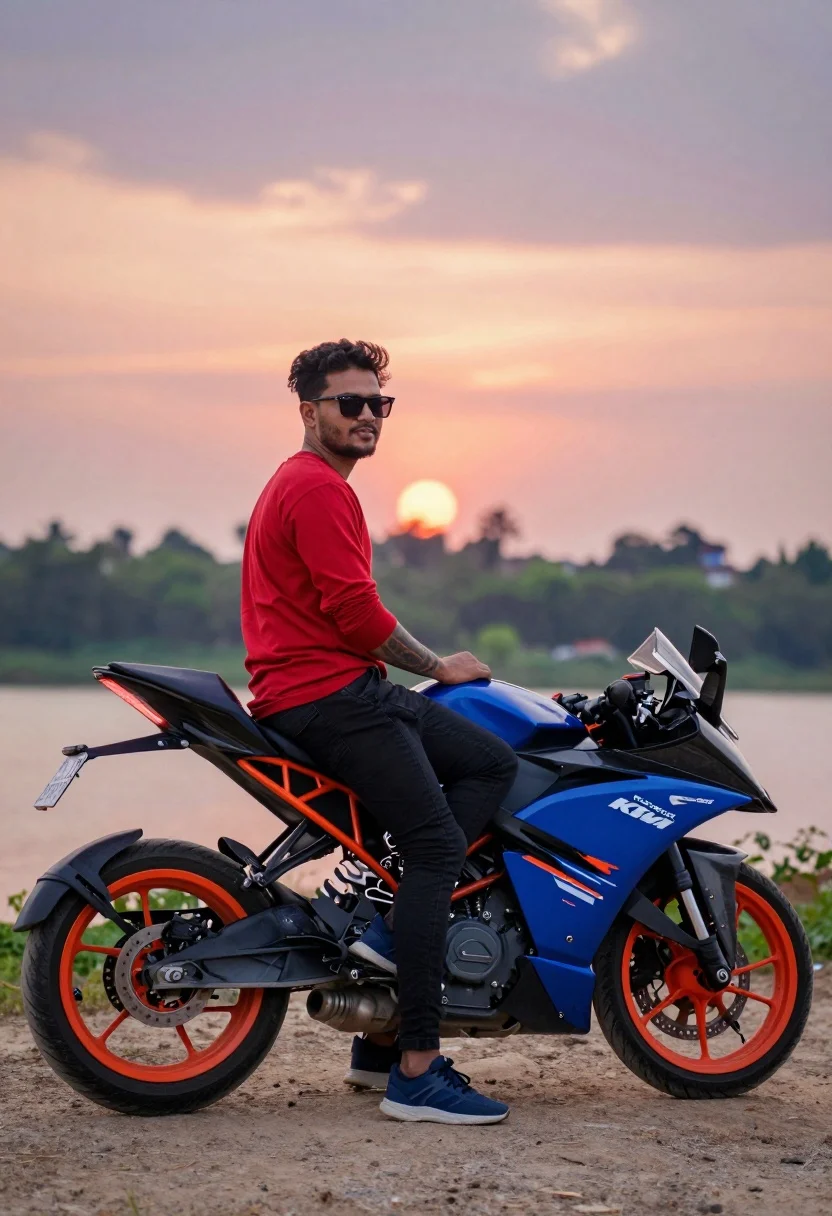
Man on sportbike looking back over shoulder at sunset near water
Prompt
A man sits casually on a sportbike with a vibrant sunset sky in the background.

Subject: A man wearing sunglasses and displaying tattoos on his arm while seated on a motorcycle.

Clothing: He wears a red long-sleeved shirt, black jeans, and blue sneakers.

Action: The subject is posed looking back over his shoulder toward the camera with a relaxed posture.

Environment: The setting is an outdoor dirt area near a body of water with trees and distant buildings in the background.

Camera: The shot uses a shallow depth of field to blur the background while keeping the subject sharp, framed from a side angle.

Lighting: Soft natural light suggests late afternoon or sunset, casting gentle shadows and highlighting the colors.

Objects: A sportbike with orange wheels and blue bodywork is positioned prominently in the foreground.

Text/Graphics: The motorcycle features visible branding including KTM and RC 200 logos along with a license plate reading GJ 26 S9877.

Style Details: The image has a cinematic color grade with saturated tones and a polished, high-quality photography aesthetic.
Description
This prompt is useful for creating automotive lifestyle advertisements, motorcycle enthusiast blogs, and dramatic travel narratives. The combination of 'vibrant sunset sky' and 'cinematic color grade with saturated tones' ensures the background drama complements the foreground action, while the specified 'shallow depth of field' keeps focus tightly on the man and the sportbike despite the busy environment.
Suggestions
- Change 'red long-sleeved shirt' to 'black leather jacket' for a tougher aesthetic.
- Swap 'orange wheels' for 'matte black wheels' to modernize the bike look.
- Adjust 'side angle' to 'three-quarter view' to better capture the profile.
Category
Tags
Full BodyMaleRealisticSide ProfileSportswearStreetwearVehicle
Date added
July 12, 2026
Added by
PromptDexter Team
Related Prompts
More prompts with similar categories and tags.
Bearded man sitting on white sports car at estate gate
Man on sportbike at gas station at night
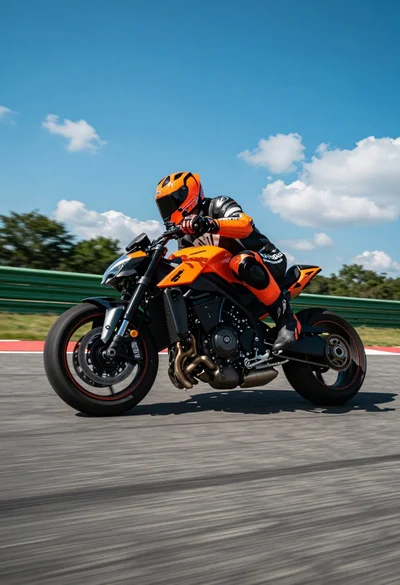
Low angle shot of motorcyclist leaning into a sharp turn on asphalt
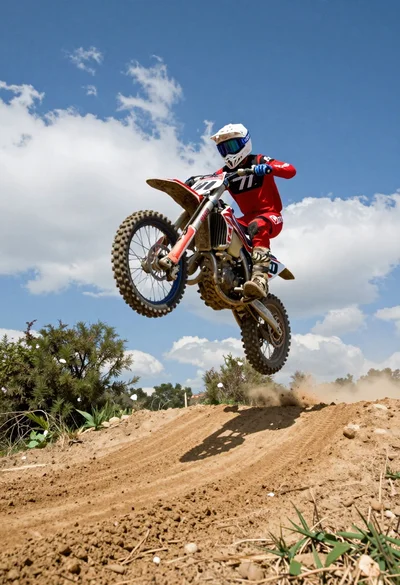
Motocross rider jumping dirt bike over mound under bright blue sky
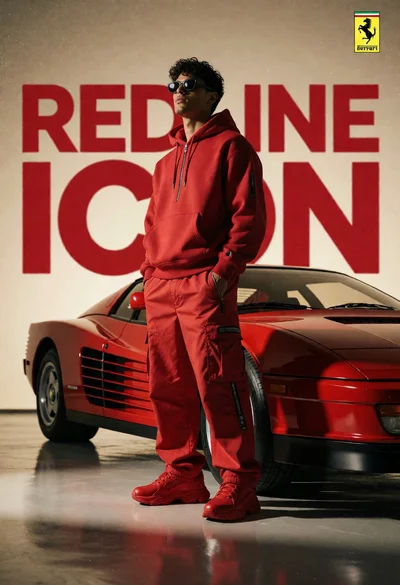
Man in red outfit beside classic ferrari testarossa in studio setting
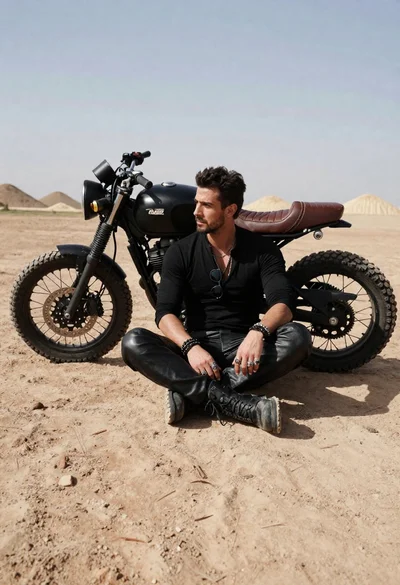
Rugged man sitting by black motorcycle in dusty lot
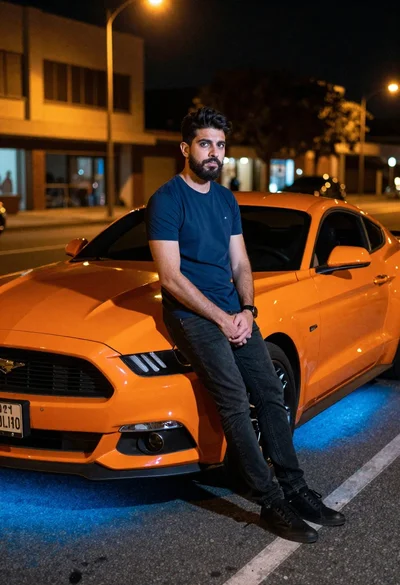
Man leaning on orange mustang at night city street
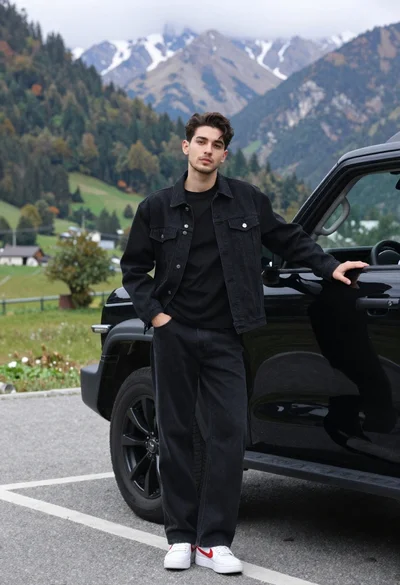
Stylish young man in black denim jacket leaning on suv in mountain
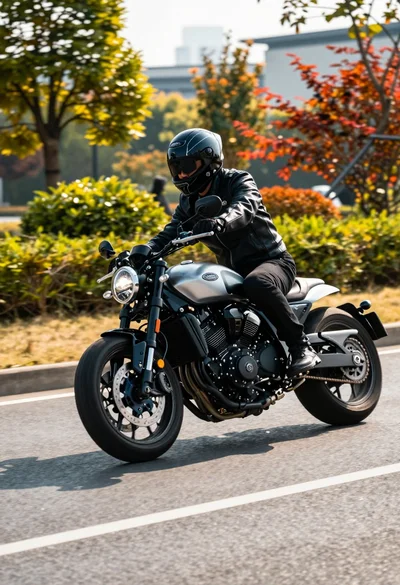
Motorcyclist in black leather gear riding sleek bike on paved road
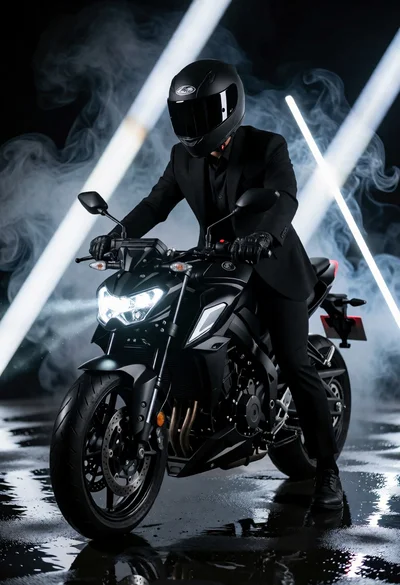
Man in black suit sitting on motorcycle under dramatic studio lighting