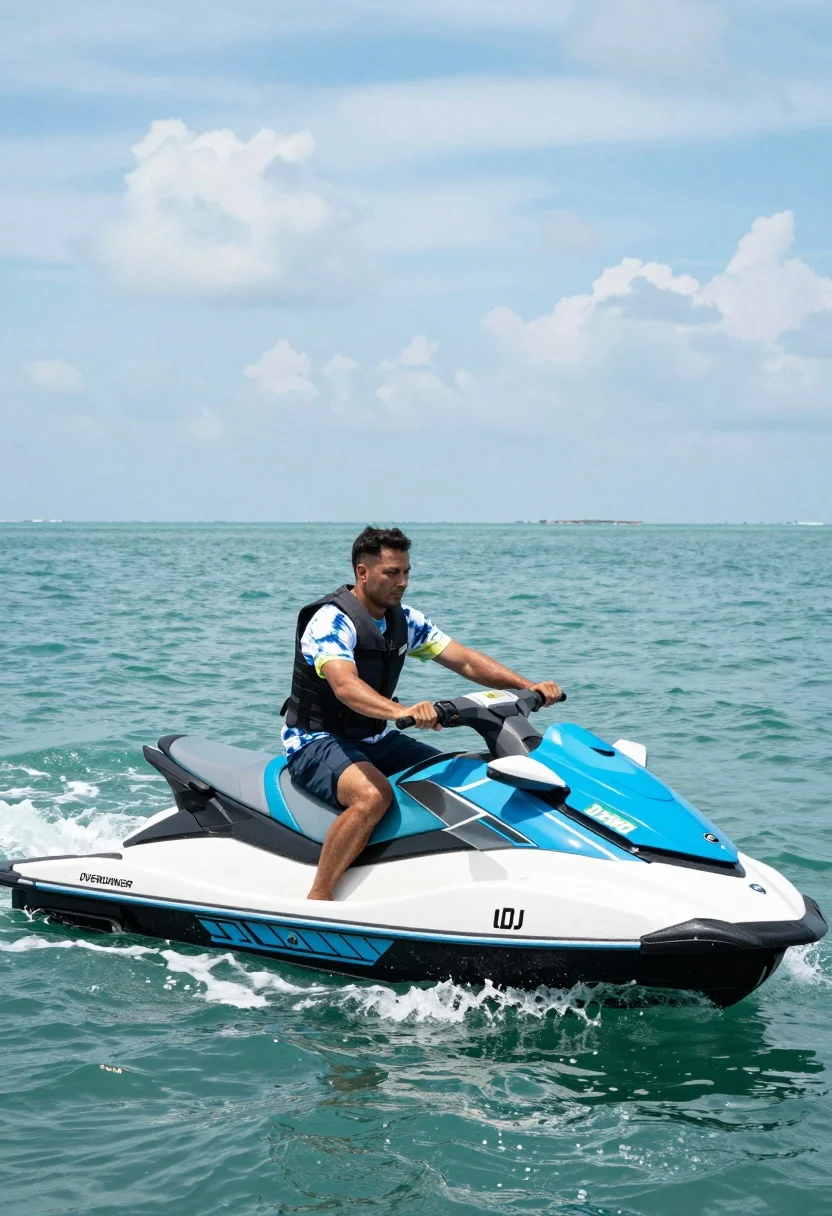
Man riding blue and white jet ski across turquoise ocean water at
Prompt
A man riding a blue and white jet ski across turquoise ocean water under a bright sky.

Subject: A man with short dark hair wearing a dark life vest over a tie-dye t-shirt and dark shorts sits on the jet ski, gripping the handlebars with a focused expression.

Clothing: The man wears a dark life vest over a white t-shirt with blue and yellow tie-dye patterns on the sleeves and torso, paired with dark shorts.

Action: He is seated on the jet ski, leaning slightly forward as he steers through the water, creating a wake behind him.

Environment: The scene takes place on a calm ocean with turquoise water and white foam trailing the vehicle, under a vast sky filled with scattered clouds.

Camera: The shot is taken from a low angle near water level, emphasizing the speed of the jet ski and capturing the spray of water around the hull.

Lighting: Bright natural daylight illuminates the scene evenly, casting soft shadows and highlighting the vibrant colors of the water and vehicle.

Objects: A blue and white jet ski with visible text reading "DJ 2842" on a green plate and "OVERRUNNER" branding is being ridden through the water.

Text/Graphics: The words "OVERRUNNER" are printed in black on the side of the jet ski, and a green registration plate displays "DJ 2842".

Style Details: The image has a crisp, high-resolution photographic quality with vivid color saturation and clear detail in the water texture and sky.
Description
This prompt is useful for creating dynamic travel advertisements, action sports photography, and vibrant destination brochures. The combination of 'low angle near water level' and 'bright natural daylight' emphasizes the speed and spray of the jet ski by framing the subject from a perspective that maximizes the perceived height and power against the 'turquoise ocean water'.
Suggestions
- Change 'tie-dye t-shirt' to 'board shorts' for a more cohesive look.
- Swap 'blue and white jet ski' for 'neon yellow and black jet ski' to increase contrast.
- Add 'motion blur on the wake' to exaggerate the sense of speed.
Category
Tags
Casual WearFull BodyLow AngleMaleOutdoorsRealisticVehicle
Date added
July 12, 2026
Added by
PromptDexter Team
Related Prompts
More prompts with similar categories and tags.
Young woman by vintage silver convertible on winding coastal road
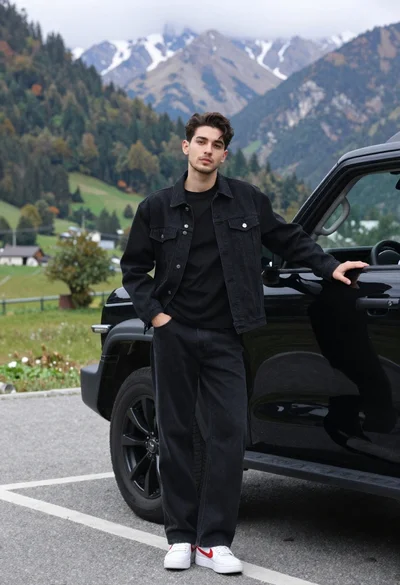
Stylish young man in black denim jacket leaning on suv in mountain
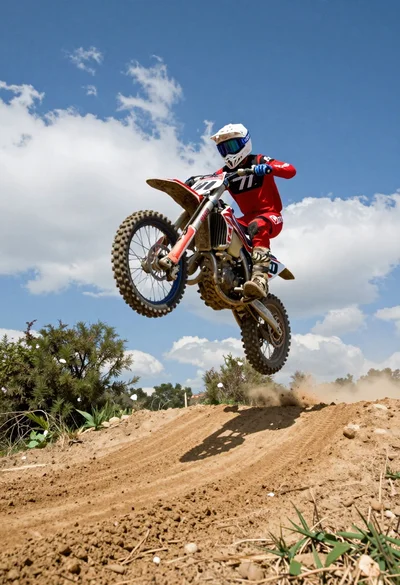
Motocross rider jumping dirt bike over mound under bright blue sky
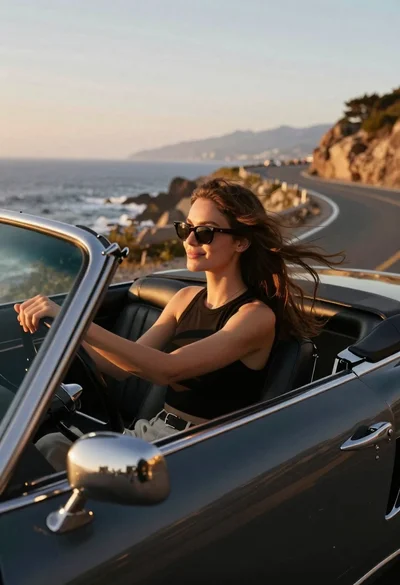
Young woman driving classic convertible on coastal highway at sunset
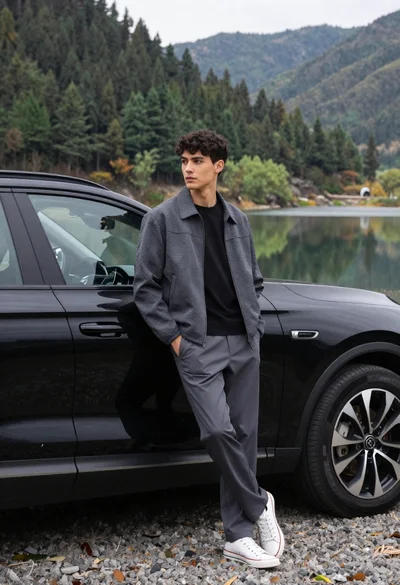
Young man leaning on black suv by lake with forested mountains background
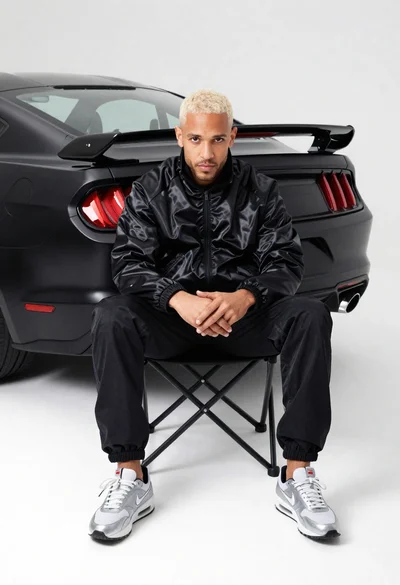
Man in black track jacket sits on chair in front of matte
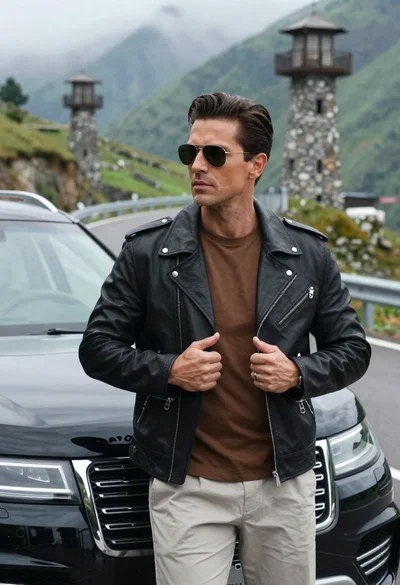
Handsome man in leather jacket standing by luxury suv on mountain road
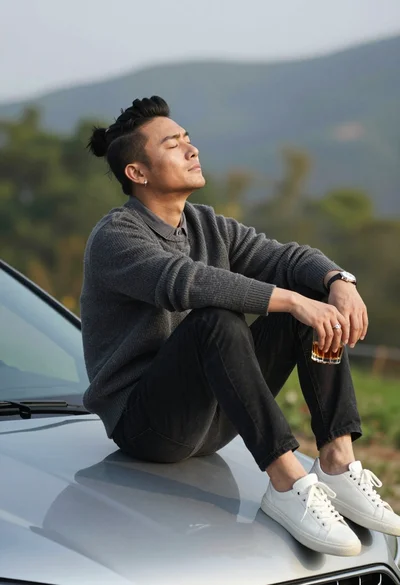
Man sitting on silver car hood outdoors with beverage and hills background

Young man leaning on a modified sports car in city night
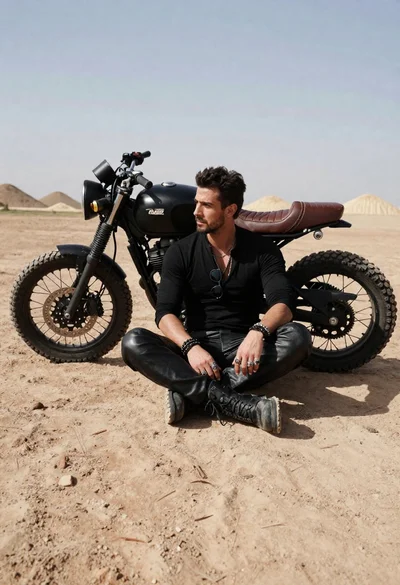
Rugged man sitting by black motorcycle in dusty lot