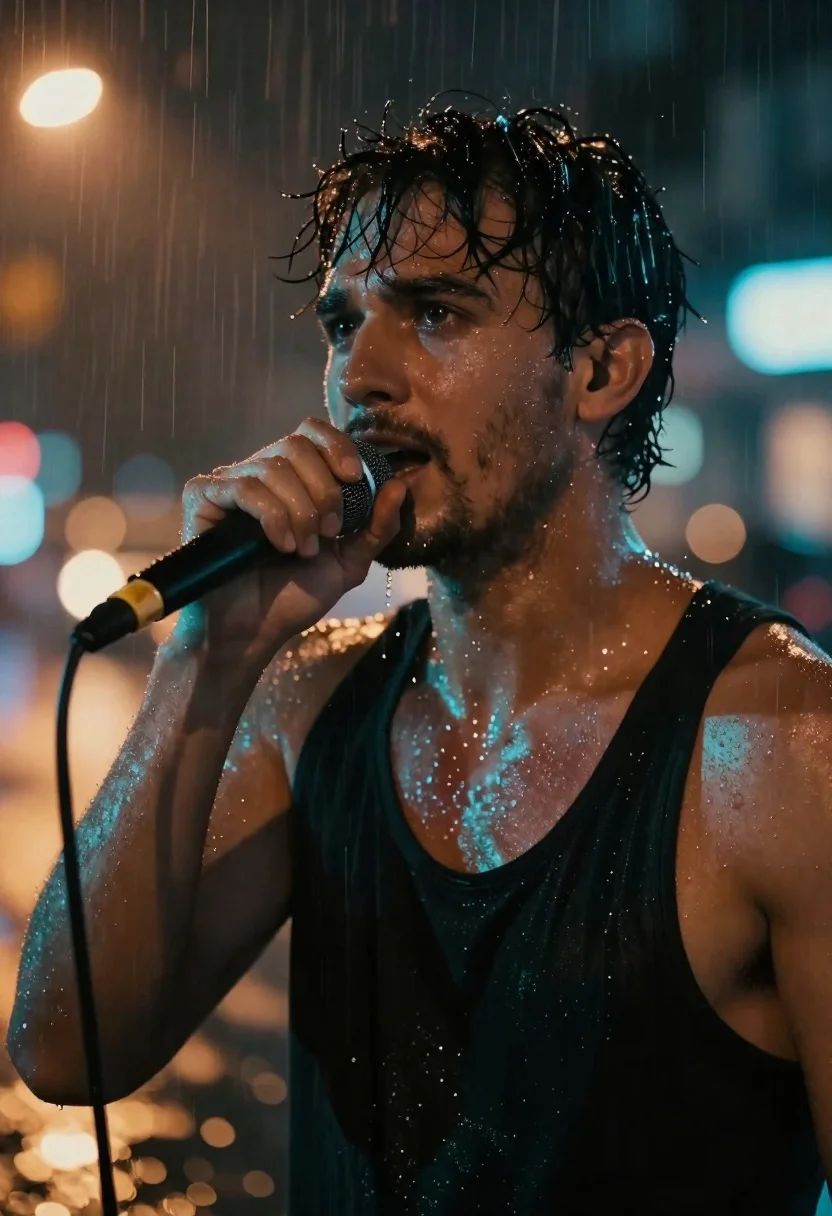
Man singing into microphone in rainy urban street
Prompt
Cinematic portrait of a man singing into a microphone in the rain at night

Subject: intense gaze with wet dark hair and stubble on his face

Clothing: soaked black tank top, bare shoulders glistening under light

Action: holding a handheld mic close to mouth, focused expression as if performing passionately

Environment: rainy urban street scene with blurred bokeh lights in warm orange and cool blue tones behind him

Camera: tight head-and-shoulders framing, shallow depth of field isolating subject from background glow

Lighting: dramatic dual-tone lighting cool teal highlights on skin vs. warm ambient city light reflecting off raindrops

Style Details: high contrast moody atmosphere with visible water droplets and steam-like mist enhancing emotional intensity;
Description
This prompt is useful for creating album cover art, dramatic character portraits for film pitches, and moody editorial photography. The combination of 'dramatic dual-tone lighting' contrasting cool teal highlights against warm ambient city light ensures the subject pops out from the background glow, while specifying 'visible water droplets and steam-like mist' grounds the performance in a specific, emotionally charged atmosphere.
Suggestions
- Change 'soaked black tank top' to 'wet leather jacket' for more texture.
- Swap 'warm orange and cool blue tones' for 'deep magenta and cyan' for an alternative color palette.
- Adjust 'tight head-and-shoulders framing' to 'medium close-up' to include more of the environment.
Category
Tags
MalePortrait ShotRealisticStreetUrban
Date added
June 19, 2026
Added by
PromptDexter Team
Related Prompts
More prompts with similar categories and tags.

Young man in city street between glass skyscrapers
Young man with glasses in neon lit city at night
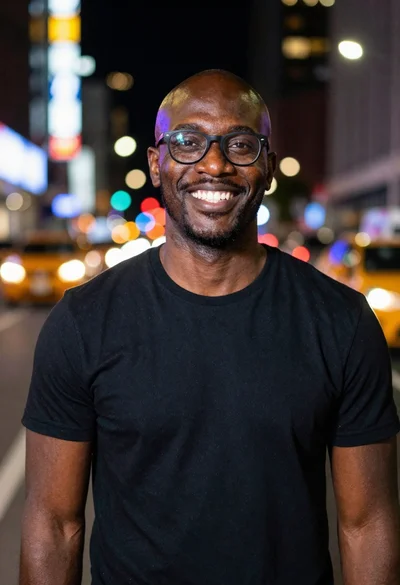
Smiling black man standing on a nighttime city street
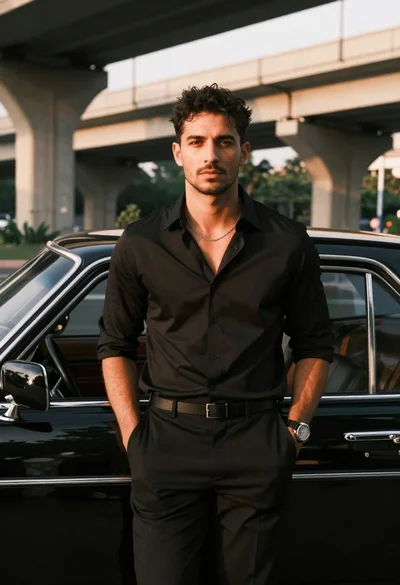
Man leaning against classic black car in urban underpass
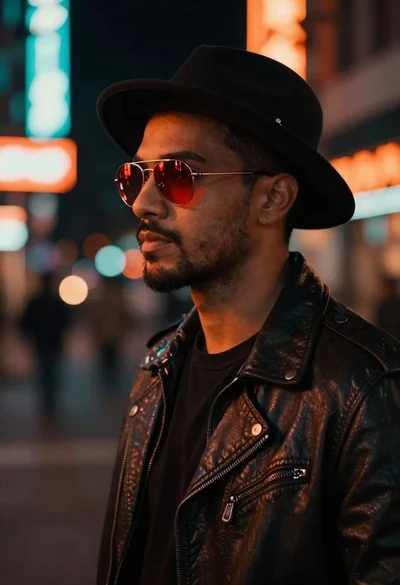
Man in fedora and leather jacket on neon street
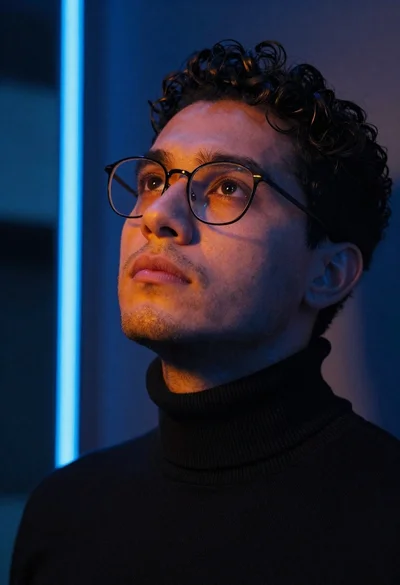
Close up portrait of man looking upward in urban neon light
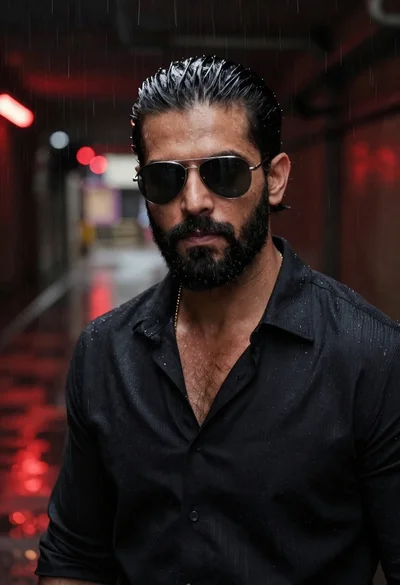
Man in sunglasses in rainy subway tunnel
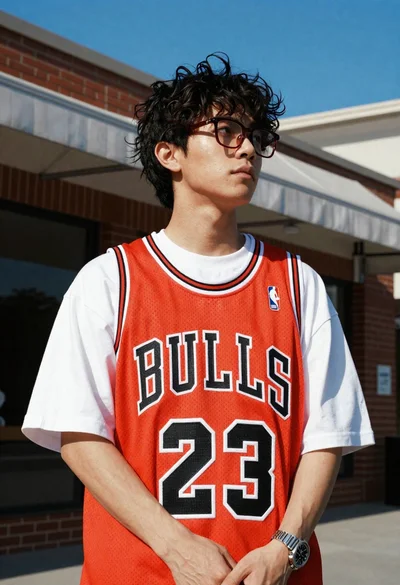
Young man in bulls jersey on brick storefront