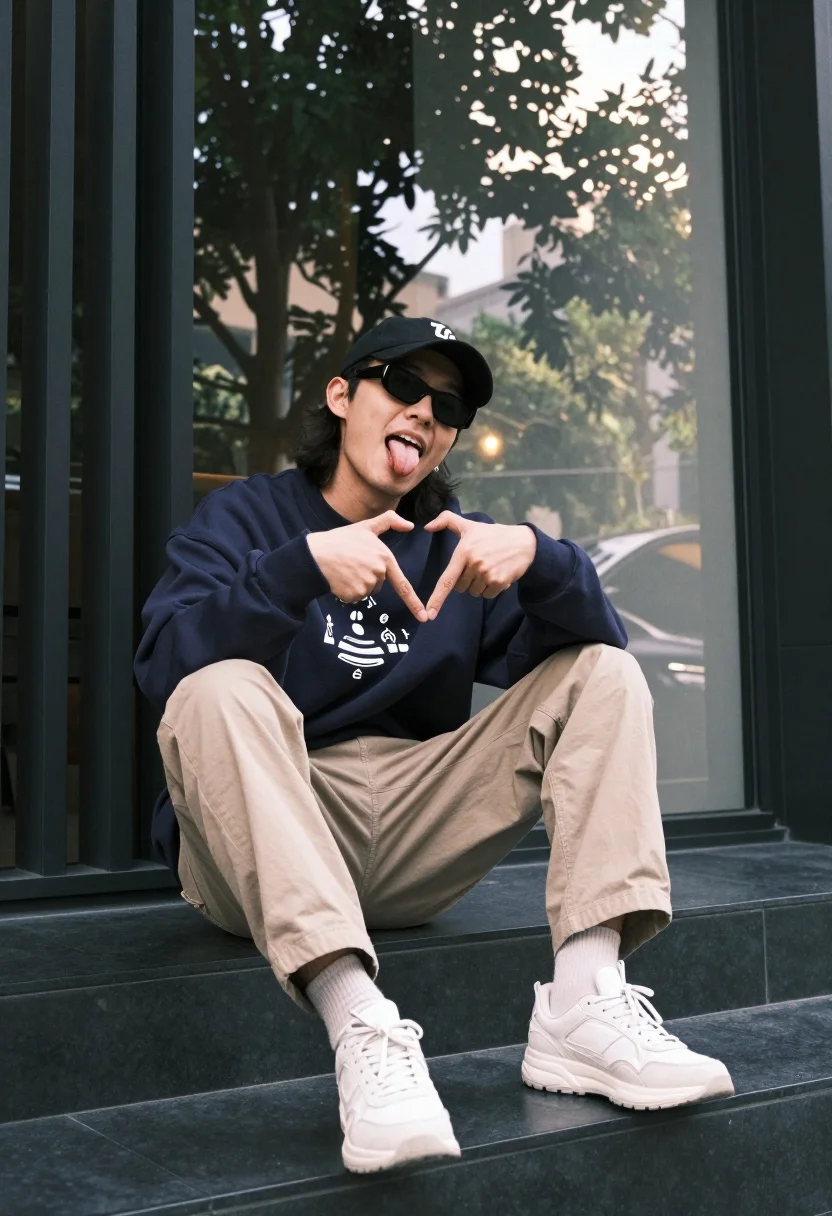
Man sitting casually outdoors in streetwear near glass window facade
Prompt
A man sits casually on dark steps outdoors, striking a playful pose with his tongue out and hands forming a heart shape near his chest.

Subject: A man wearing sunglasses and a black baseball cap worn backward, with shoulder-length hair visible beneath the hat.

Clothing: He wears a dark blue crewneck sweatshirt featuring a graphic print on the front, beige trousers, light-colored socks, and chunky white sneakers.

Action: The man is seated with one leg bent and the other extended slightly, leaning back against a wall while making an expressive gesture with his hands and tongue.

Environment: He is positioned in front of a large glass window reflecting trees and sunlight, next to a dark vertical slatted structure that appears to be part of a building facade.

Camera: The shot is taken at eye level with a medium framing that captures the subject from head to toe, emphasizing his relaxed posture against the urban backdrop.

Lighting: Natural daylight filters through the glass behind him, creating a soft glow and lens flare effect while casting gentle shadows on his face and clothing.

Objects: A ring is visible on one of his fingers, adding a subtle detail to his hand gesture.

Style Details: The image has a warm, slightly vintage color grade with high contrast and a cinematic feel that enhances the urban streetwear aesthetic.
Description
This prompt is useful for creating editorial street style photography, character concept art for modern narratives, and lifestyle advertising featuring youth culture. The combination of 'natural daylight' filtering through the glass facade and the 'warm, slightly vintage color grade' ensures that the subject's playful pose and streetwear elements read as intentionally styled rather than accidental, preventing a flat, overly bright look.
Suggestions
- Change 'dark blue crewneck sweatshirt' to 'oversized graphic hoodie' for more volume.
- Swap 'chunky white sneakers' for 'retro high-top trainers' to adjust the silhouette.
- Adjust the lighting by adding 'rim light from the side' to separate him from the glass reflection.
Category
Tags
Casual WearFull BodyMaleMedium ShotRealisticStreetwearUrban
Date added
July 12, 2026
Added by
PromptDexter Team
Related Prompts
More prompts with similar categories and tags.
Young man in black t shirt standing in dimly lit industrial loft
Man leaning on orange mustang at night city street

Young man on fence against modern city skyline
Two people looking at arcade cabinet in dimly lit hall
Man sitting on bollard against vibrant graffiti wall
Bearded man sitting on white sports car at estate gate
Man sitting under overpass at night in city
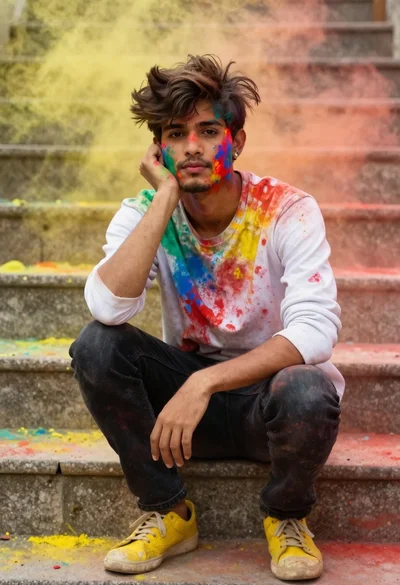
Young man with dark hair covered in colored powder on stone steps
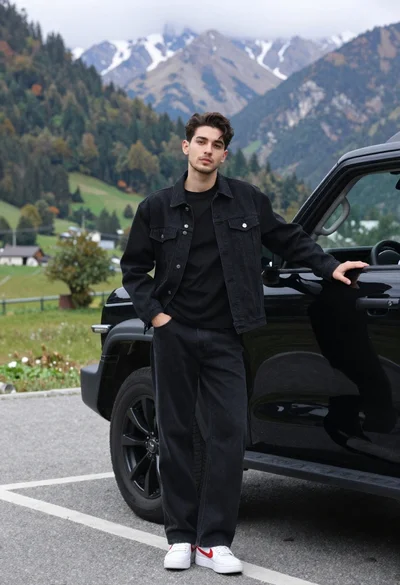
Stylish young man in black denim jacket leaning on suv in mountain
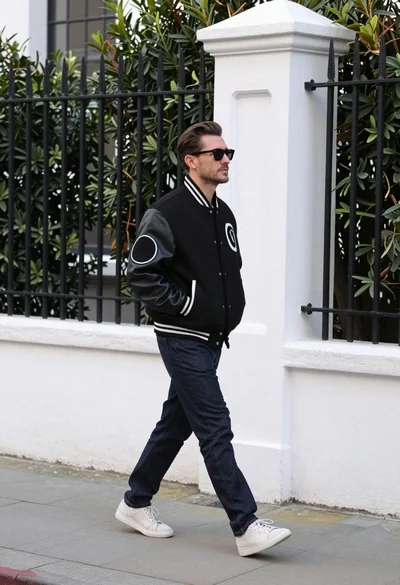
Man in black varsity jacket walking down urban sidewalk by white wall