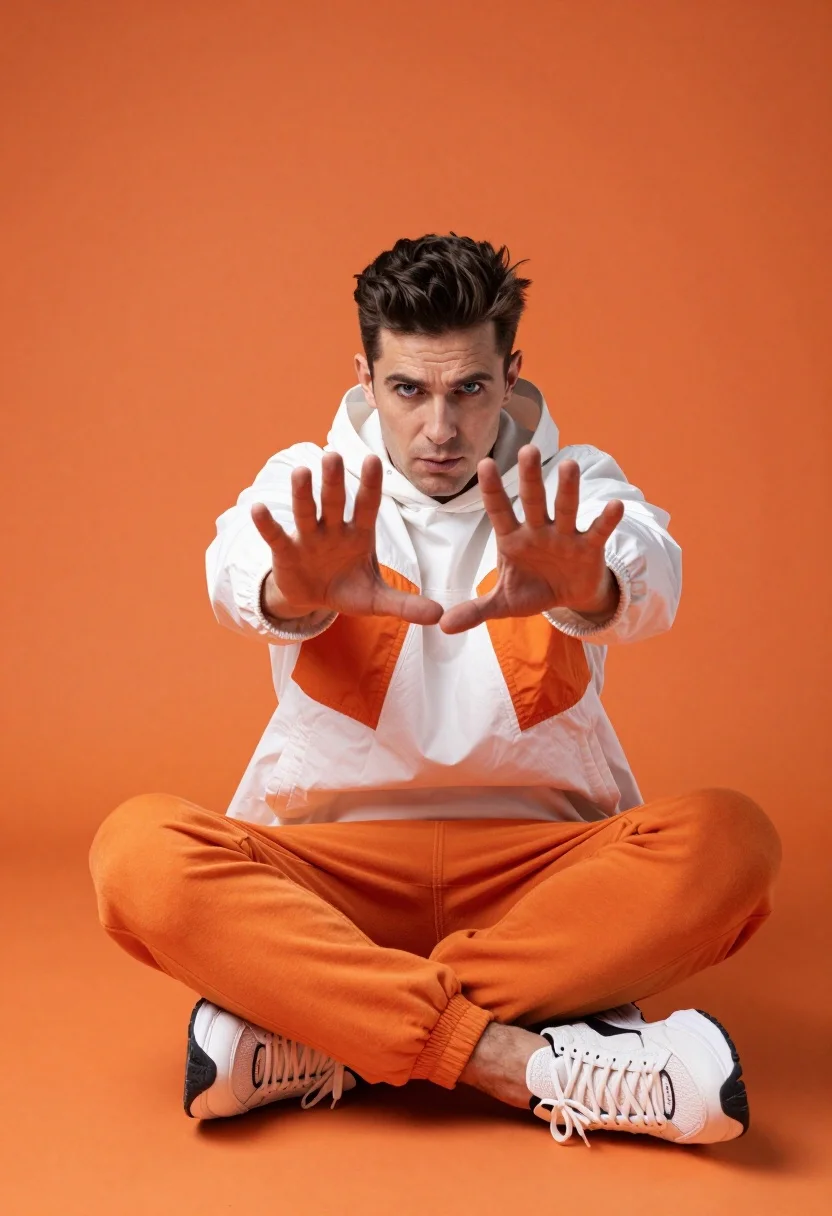
Man sitting cross legged against orange backdrop with splayed hands
Prompt
A man sits cross-legged against a solid orange backdrop, extending both hands forward with fingers splayed in a dynamic gesture.

Subject: A man with short dark hair styled upward and intense blue eyes looking directly at the camera with a serious expression.

Clothing: He wears a white hooded jacket featuring orange panels on the sleeves and chest, paired with bright orange sweatpants and chunky white sneakers with black accents.

Action: The subject is seated in a relaxed pose with his legs spread apart, leaning slightly forward as he reaches out toward the viewer with both hands extended.

Environment: A seamless solid orange background fills the entire frame, creating a minimalist studio setting that isolates the subject without distraction.

Camera: Shot from a low angle looking up at the subject, emphasizing his presence and height, with a shallow depth of field keeping him sharply in focus while softly blurring the edges of the orange backdrop.

Lighting: Bright and even studio lighting illuminates the scene uniformly, casting soft shadows beneath the subject and highlighting the textures of his clothing without harsh contrasts.

Style Details: High-resolution photography with vibrant saturated colors, clean composition, and a modern urban aesthetic that emphasizes bold fashion choices and confident body language.
Description
This prompt is useful for creating streetwear lookbooks, album art featuring portraiture, and high-impact editorial spreads emphasizing color blocking. The combination of 'low angle looking up' with a 'solid orange backdrop' exaggerates the subject's stature and presence, while the 'bright and even studio lighting' ensures that the contrasting white jacket panels remain visible without harsh shadows obscuring the bold fashion choices.
Suggestions
- Change 'white hooded jacket' to 'black bomber jacket' for a more grounded contrast.
- Swap 'solid orange backdrop' for 'burnt sienna backdrop' to deepen the mood.
- Adjust 'low angle looking up' to 'eye-level shot' for a more confrontational portrait.
Category
Tags
Full BodyLow AngleMaleRealisticStreetwearStudioUrban
Date added
July 12, 2026
Added by
PromptDexter Team
Related Prompts
More prompts with similar categories and tags.
Stylish man standing on a modern shopping mall walkway

Model walking down rainy city street at night
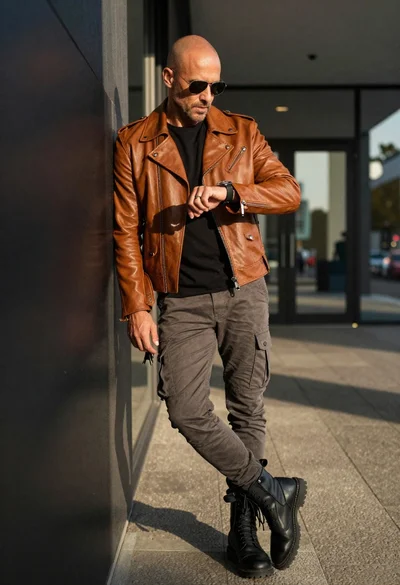
Bald man in motorcycle jacket leaning in urban corridor
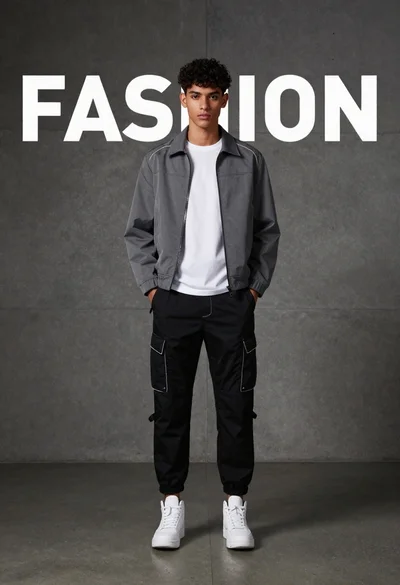
Young man standing against concrete wall with fashion text backdrop
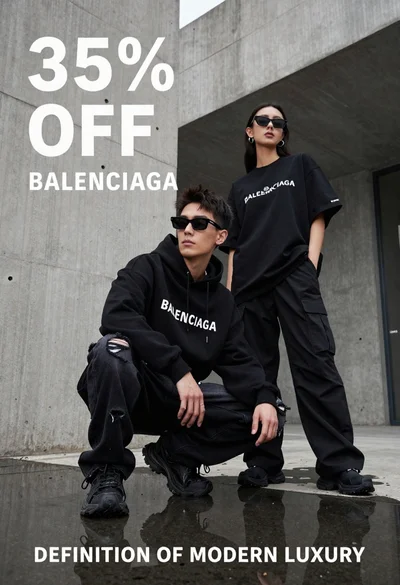
Two stylish models in black balenciaga streetwear posing in an urban concrete
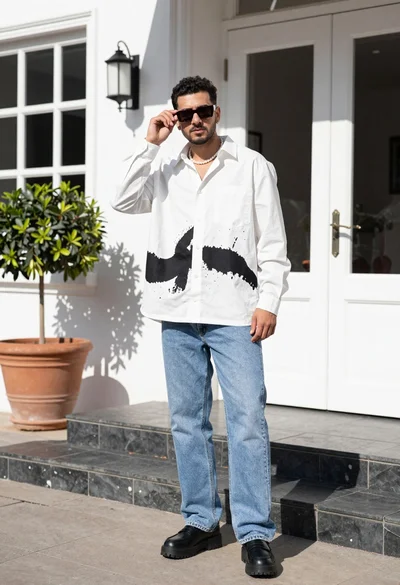
Stylish man in white shirt and jeans standing outdoors near white building
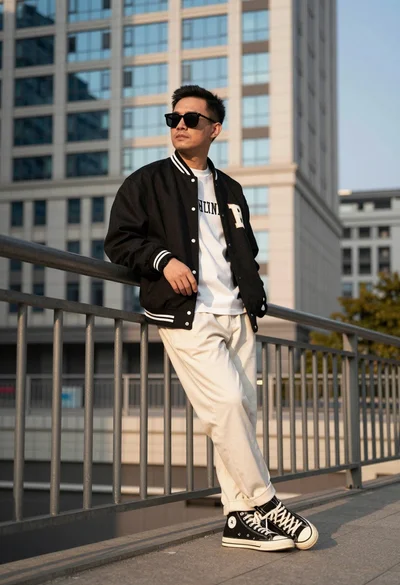
Man leaning against metal railing in urban setting with tall building background
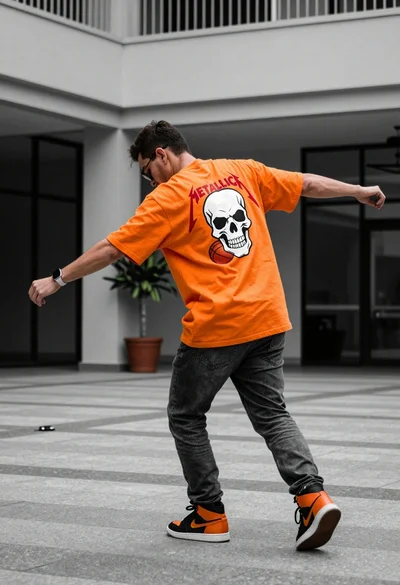
Man in orange tshirt leaning forward in urban plaza setting
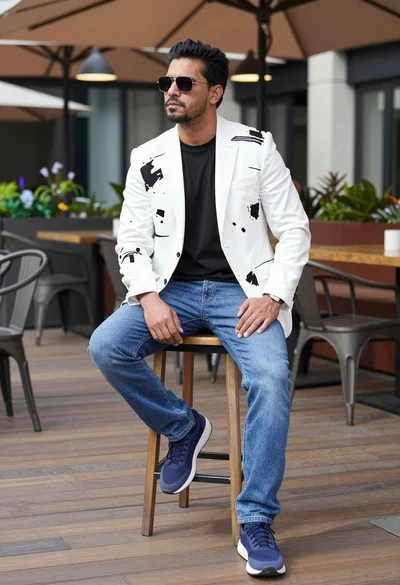
Man sitting confidently on stool on outdoor terrace with modern decor
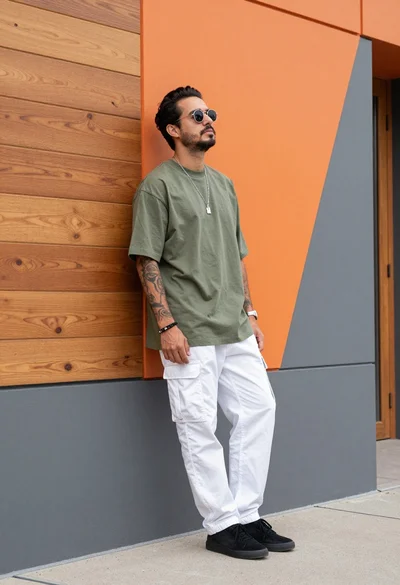
Man leaning against modern orange grey geometric wall in urban setting