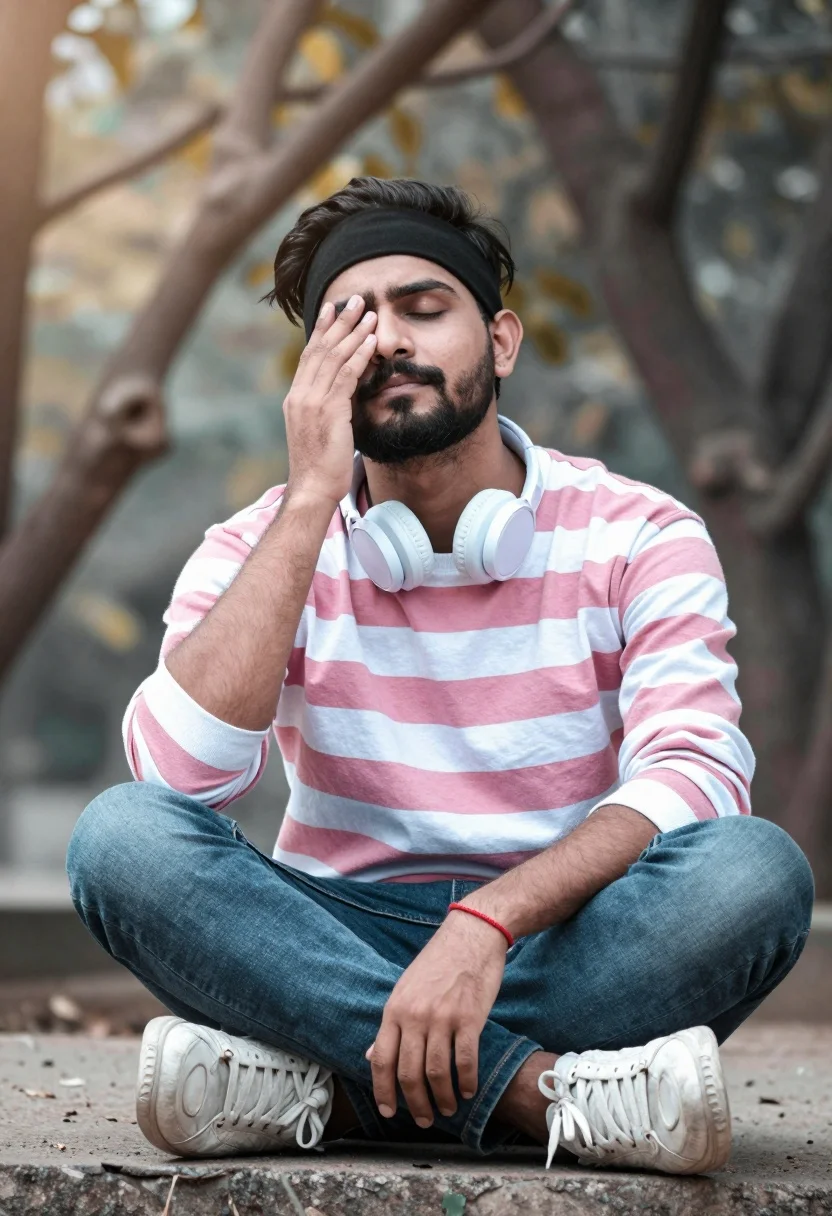
Man sitting cross legged outdoors with eyes closed and hand near face
Prompt
A man sits cross-legged outdoors with his eyes closed and one hand resting near his face in a relaxed pose.

Subject: A man with a beard wearing a black headband around his forehead.

Clothing: He wears a long-sleeved shirt featuring pink, white, and grey horizontal stripes, paired with jeans and white sneakers. Light blue headphones rest around his neck, and he has a red bracelet on his wrist.

Action: The man is seated in a cross-legged position with his eyes closed and one hand raised to his face near his eye.

Environment: The background consists of blurred tree branches and foliage, suggesting an outdoor park or garden setting.

Camera: The shot utilizes a shallow depth of field that keeps the subject sharp while rendering the background soft and out of focus.

Lighting: Soft natural light illuminates the scene with a gentle glow visible in the upper left corner.

Style Details: The image features a cinematic color grading style with a dreamy, slightly desaturated aesthetic.
Description
This prompt is useful for creating contemplative portraiture, wellness branding materials, and editorial lifestyle photography suggesting moments of quiet reflection. The combination of 'soft natural light' and the 'shallow depth of field' isolates the subject against the blurred foliage, ensuring that the viewer focuses entirely on the man's relaxed pose and closed eyes rather than distracting background details.
Suggestions
- Change 'pink, white, and grey horizontal stripes' to 'earth tone vertical stripes' for a more natural feel.
- Add 'golden hour backlighting' to intensify the glow around his silhouette.
- Swap 'dreamy, slightly desaturated aesthetic' for 'high contrast cinematic grading' for a moodier look.
Category
Tags
ForestMaleMedium ShotOutdoorsRealistic
Date added
August 5, 2026
Added by
PromptDexter Team
Related Prompts
More prompts with similar categories and tags.
Young man leaning against ancient stone wall with green mountains
Man crouching by a campfire at night in forest
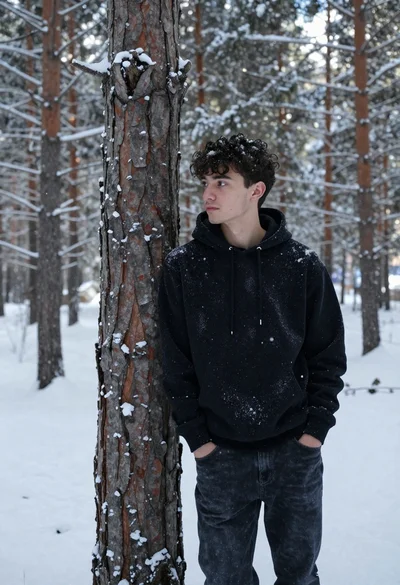
Young man in black sweatshirt leaning against pine tree in snowy forest
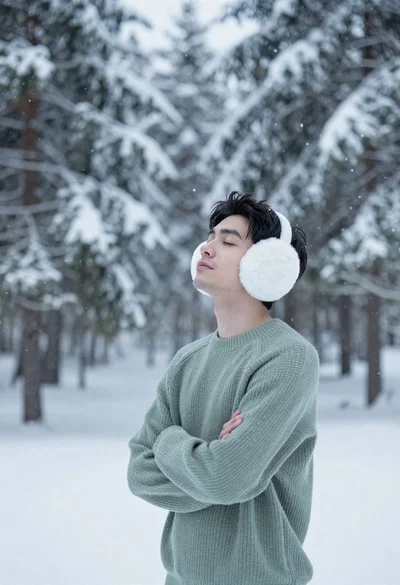
Young man in green sweater standing in snowy forest with earmuffs
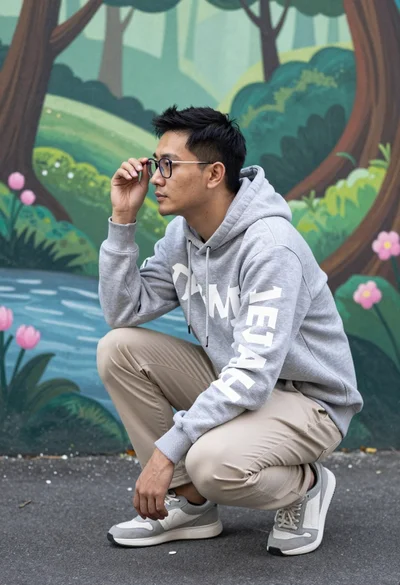
Man crouching thoughtfully against a vibrant fantasy forest mural backdrop
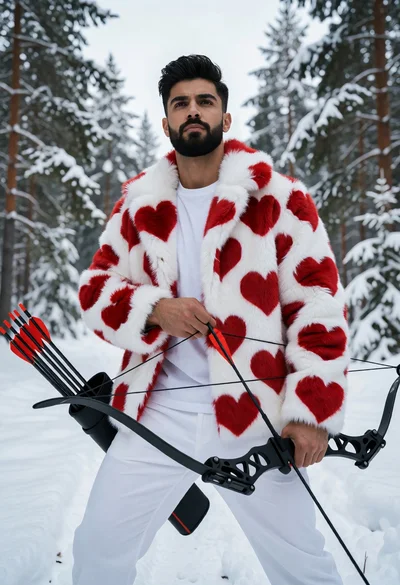
Man in white faux fur coat holding bow in snowy pine forest
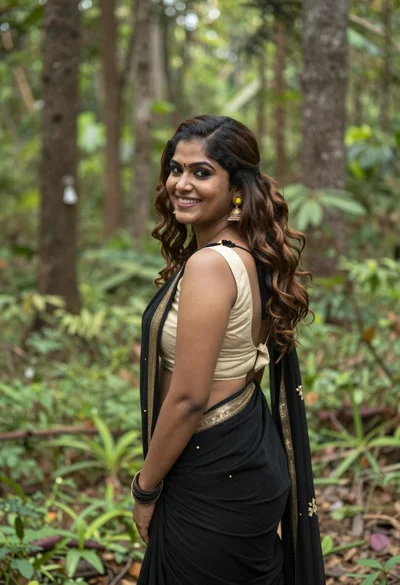
Smiling woman in black saree looking over shoulder in lush green forest
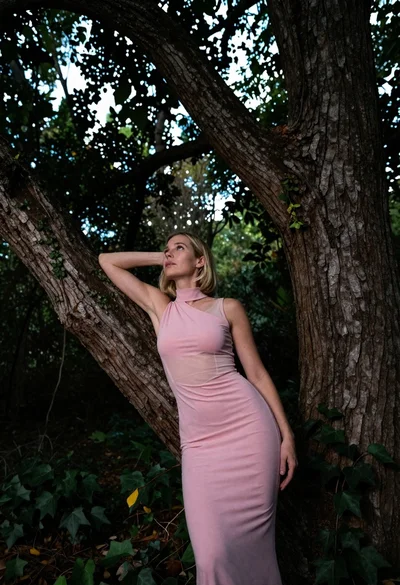
Low angle shot of blonde woman leaning against a tree in lush
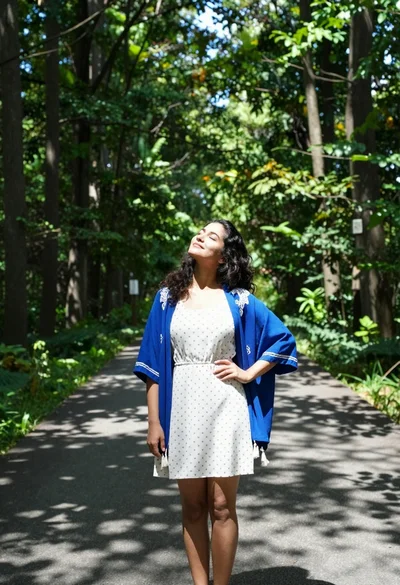
Woman in polka dot dress and blue kimono on forest path
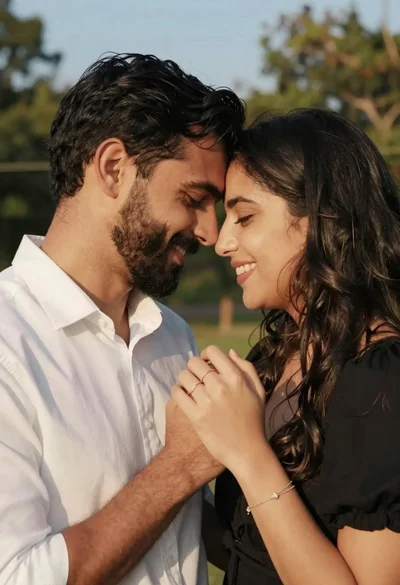
Romantic portrait of smiling couple embracing outdoors in soft golden light