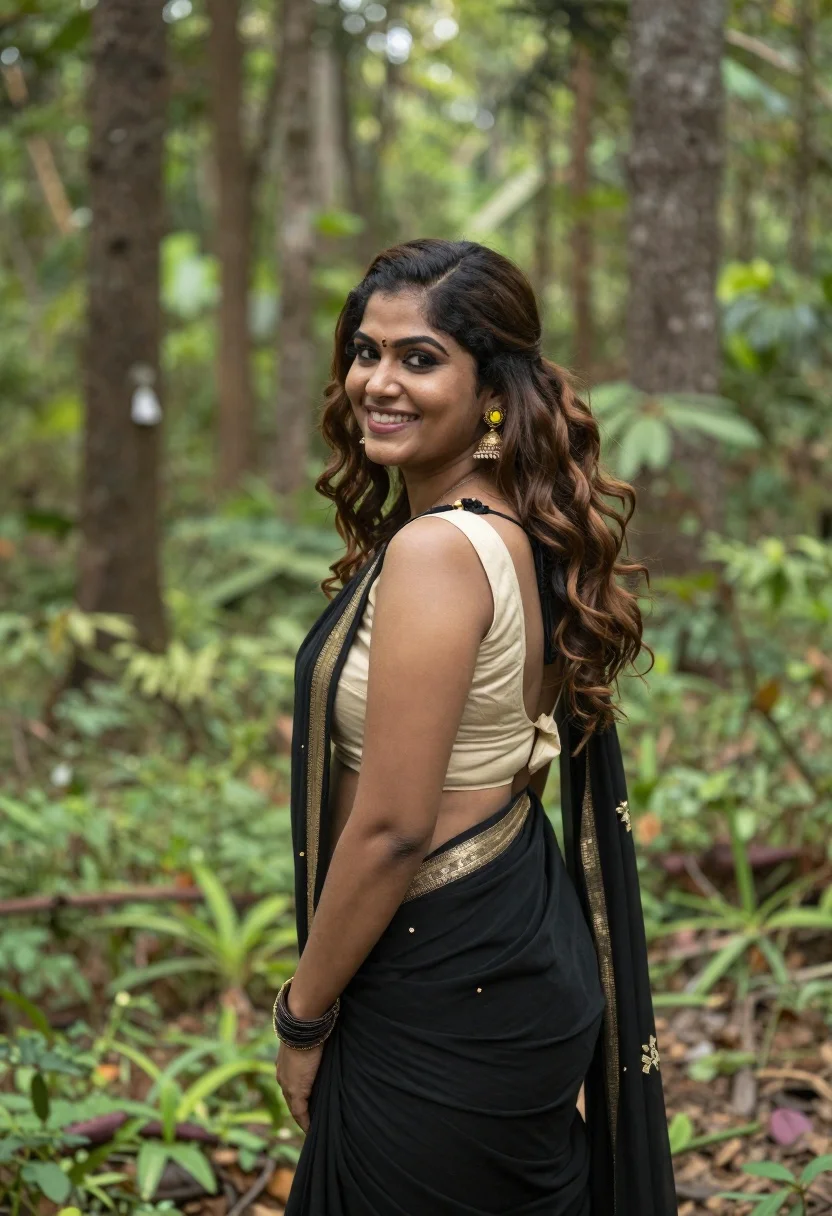
Smiling woman in black saree looking over shoulder in lush green forest
Prompt
A woman stands in a lush forest looking over her shoulder with a bright smile.

Subject: A smiling woman with long wavy brown hair styled with a side part and loose curls cascading down her back. She has defined dark eyebrows, subtle eye makeup, and a warm complexion.

Clothing: She wears a traditional Indian outfit consisting of a black saree with gold sequin embellishments draped over one shoulder and a cream-colored backless blouse with thin straps. She accessorizes with large ornate gold earrings featuring yellow accents and a stack of gold bangles on her wrist.

Action: The woman is captured in a three-quarter profile view, turning her head to look back at the camera with a joyful expression while standing still.

Environment: A dense green forest setting with tall tree trunks rising vertically in the background and soft-focus foliage creating a natural backdrop.

Camera: Medium shot framing the subject from the waist up with a shallow depth of field that blurs the background trees to emphasize her figure.

Lighting: Natural daylight illuminating the scene with soft highlights on her hair and skin, creating a gentle glow against the shaded forest environment.

Style Details: Photorealistic portrait photography with vibrant natural colors and a polished aesthetic.
Description
This prompt is useful for creating editorial fashion moodboards, cultural storytelling pieces, and high-end lifestyle advertising featuring traditional wear. The combination of 'black saree with gold sequin embellishments' against the 'dense green forest setting' ensures that the rich contrast draws immediate focus to the subject while the 'shallow depth of field' prevents the background foliage from becoming a distracting visual mess.
Suggestions
- Change 'gold sequins' to 'silver embroidery' for a cooler, more ethereal look.
- Add 'rim lighting filtering through canopy' to enhance the glow on her hair.
- Adjust 'medium shot' to 'full body' to better showcase the drape of the saree.
Category
Tags
Brown HairBrunetteFemaleForestMedium ShotOutdoorsRealisticTraditional Wear
Date added
June 19, 2026
Added by
PromptDexter Team
Related Prompts
More prompts with similar categories and tags.

Smiling young woman in white ruffled dress between green topiary bushes
Smiling young woman in blue floral dress leaning against stone ledge

Smiling woman in red dress sitting in white macrame hanging chair

Woman with brown hair seated on red bench against weathered white wall

Smiling young woman in sweater vest within sunny autumn park setting

Young woman in olive saree leaning on railing outdoors during golden hour
Young woman in navy embroidered traditional dress indoors medium shot
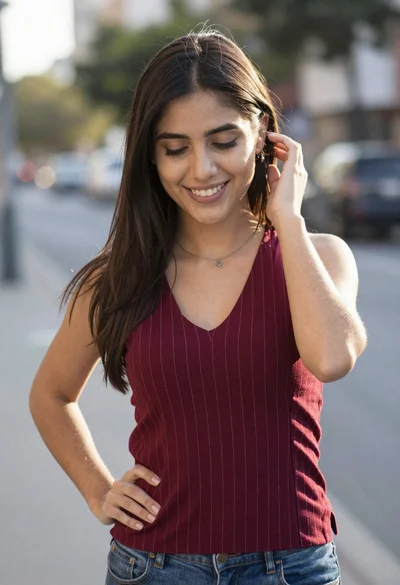
Smiling young woman in maroon top standing outdoors with blurred background
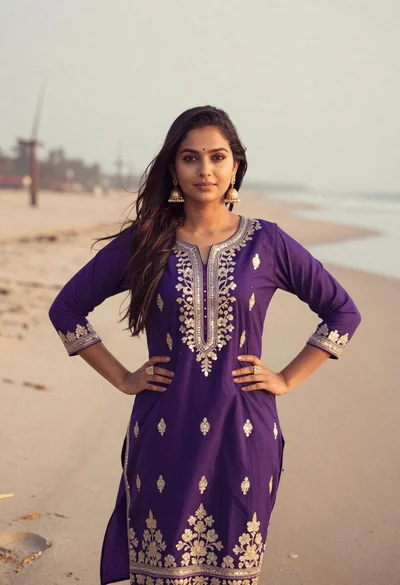
Young woman in purple embroidered dress standing on sandy beach
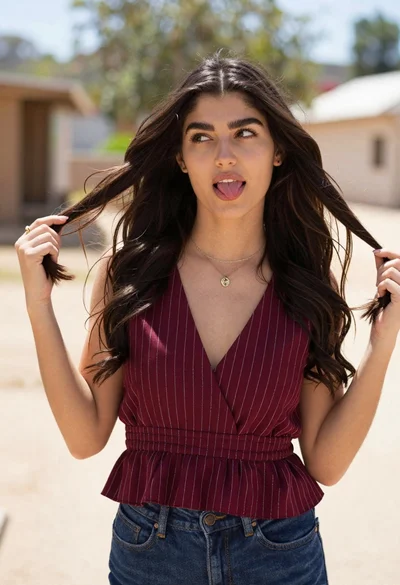
Young woman playfully sticking tongue out holding dark hair outdoors in daylight
