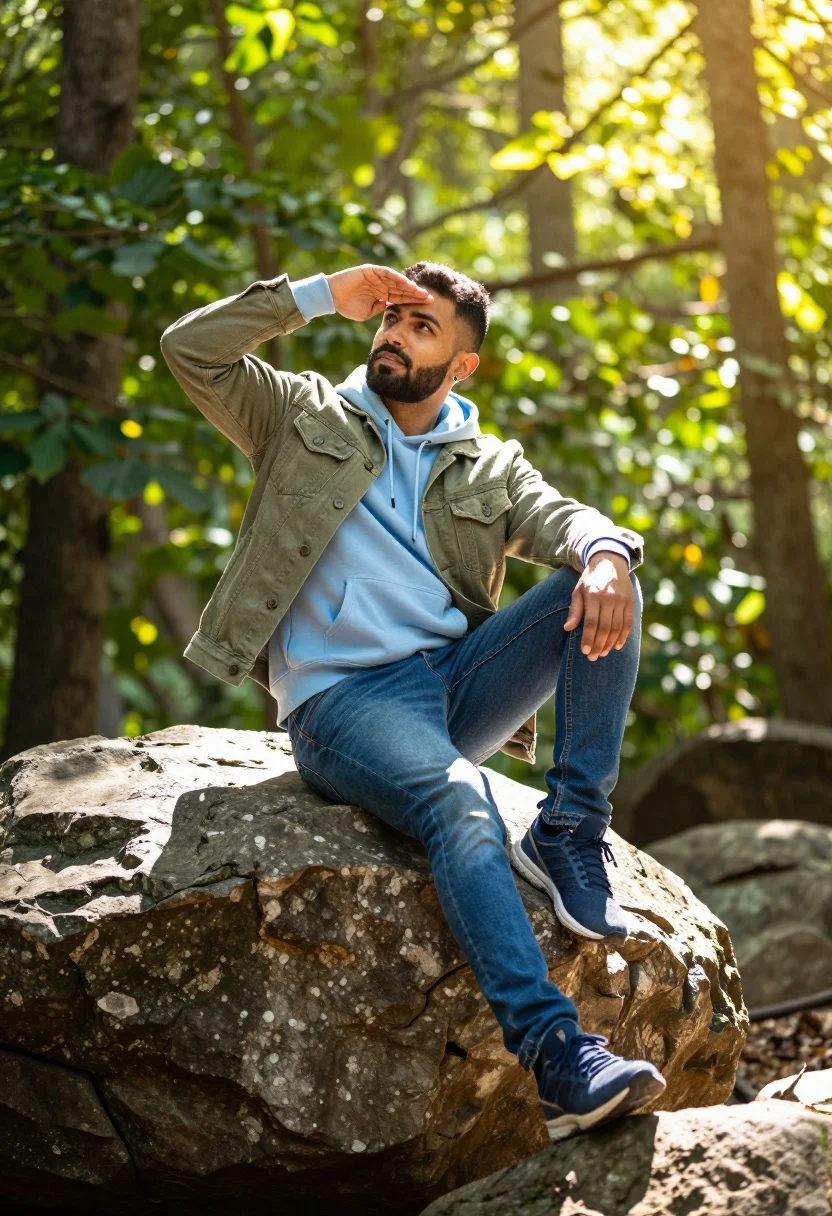
Man sitting on rock in sundrenched forest clearing with bokeh background
Prompt
A man sits casually on a large rock in a sun-drenched forest clearing.

Subject: A man with a short beard and an earring in his left ear.

Clothing: He wears a light blue hooded sweatshirt under an olive green denim jacket, paired with blue jeans and blue athletic sneakers.

Action: He rests one leg on the rock while the other hangs down, shielding his eyes from the sun with one hand raised to his forehead.

Environment: A dense forest with lush green foliage and trees surrounding him, bathed in bright sunlight.

Camera: The shot is taken at eye level with a shallow depth of field that blurs the background into soft bokeh.

Lighting: Strong backlighting creates a glowing rim light around the subject and casts a warm, golden hue over the scene.

Objects: A large, textured rock serves as the seat for the man.

Style Details: The image features high saturation with a vibrant color palette and a cinematic, polished photography aesthetic.
Description
This prompt is useful for creating adventure lifestyle photography, editorial nature spreads, and rustic character portraits. The combination of 'strong backlighting' producing a glowing rim light and the 'shallow depth of field that blurs the background into soft bokeh' isolates the subject against the dense forest foliage, ensuring the man remains the clear focal point despite the vibrant color palette.
Suggestions
- Change 'light blue hooded sweatshirt' to 'charcoal grey hoodie' for more contrast.
- Swap 'olive green denim jacket' for 'burnt orange canvas jacket' for a warmer tone.
- Adjust 'shallow depth of field' to 'medium depth of field' if you want more background detail.
Category
Tags
ForestMaleOutdoorsRealistic
Date added
July 12, 2026
Added by
PromptDexter Team
Related Prompts
More prompts with similar categories and tags.
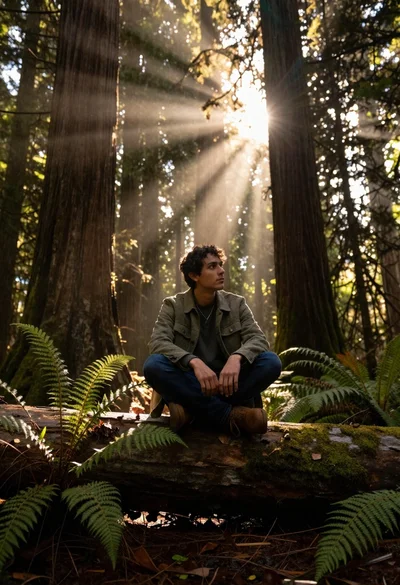
Young man sitting on log in redwood forest during golden hour

Young man standing in tall grass field with arms outstretched under rain
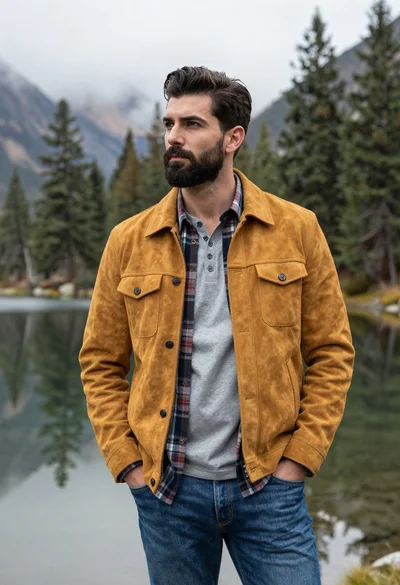
Handsome man in yellow jacket standing by misty mountains and calm lake
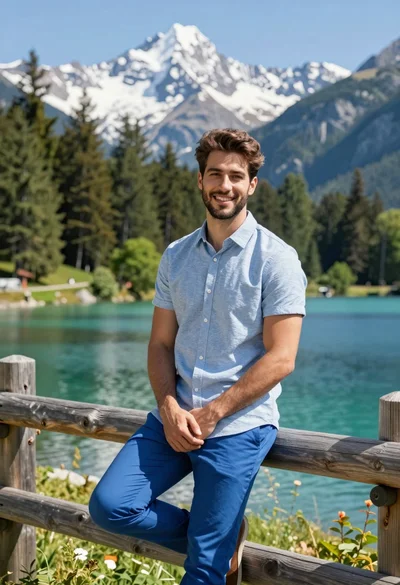
Handsome man leaning on wooden fence in alpine lake mountain landscape
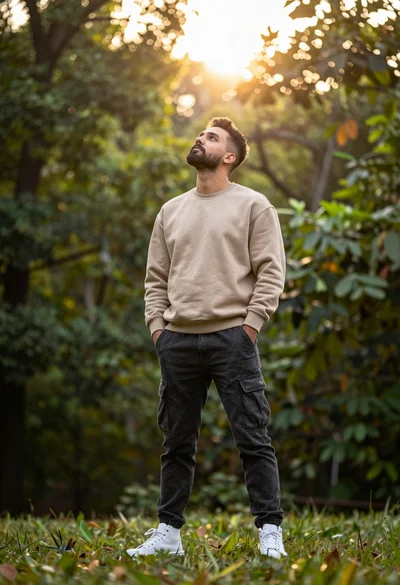
Man in beige sweatshirt looking up into sunlit forest background

Young man in striped shirt sitting on tree stump in lush forest
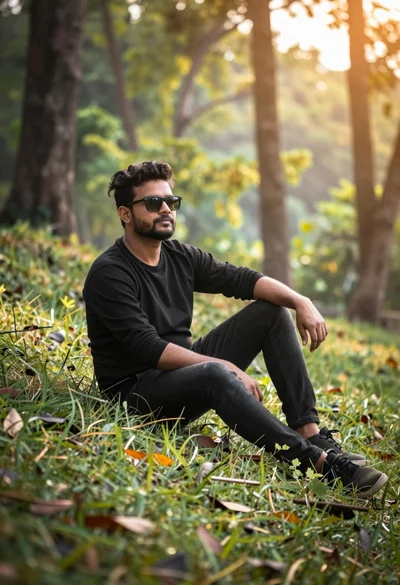
Man sitting casually in sundrenched forest clearing with warm light

Muscular man standing before massive waterfall in lush jungle setting
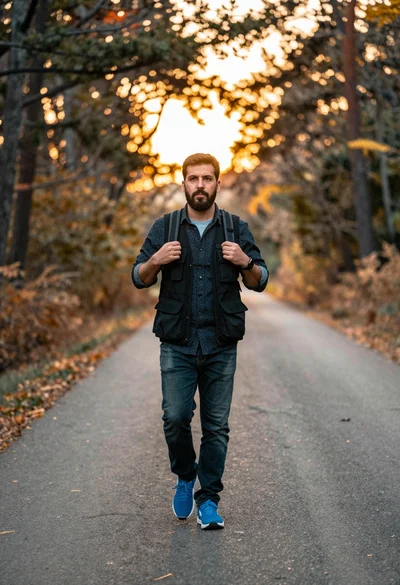
Man walking on paved road through forest during golden hour sunlight
Man walking through shallow river holding camera in lush green forest