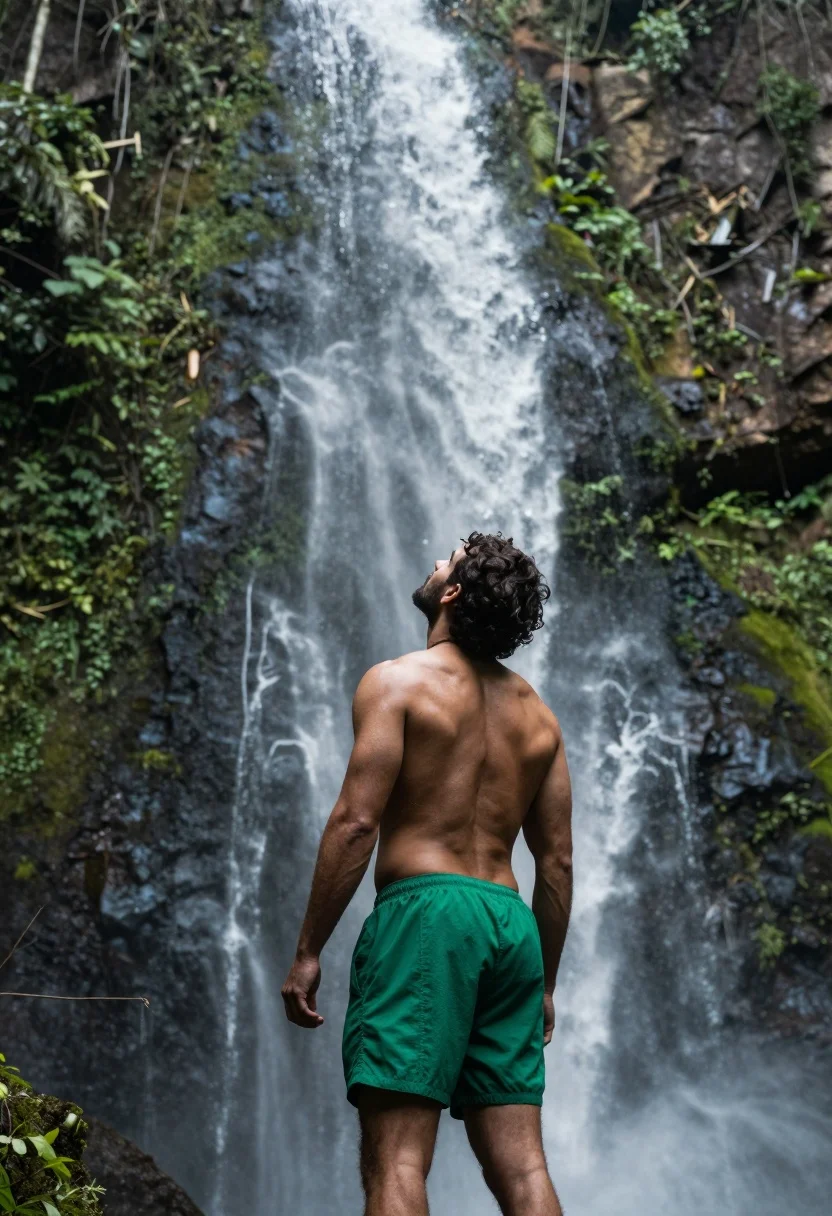
Muscular man standing before massive waterfall in lush jungle setting
Prompt
A muscular man stands with his back to the camera, gazing upward at a massive waterfall cascading down a mossy cliff face.

Subject: A fit, shirtless man with dark curly hair and a beard, viewed from behind, standing in front of a towering waterfall.

Clothing: He wears bright green athletic shorts that contrast with his tanned skin; no other clothing is visible.

Action: His head is tilted up toward the falling water, arms relaxed at his sides, suggesting awe or contemplation.

Environment: A lush, verdant jungle surrounds the scene, with dense green foliage clinging to steep rock walls on both sides of the waterfall.

Camera: Shot from a medium-low angle looking slightly upward, emphasizing the height of the waterfall and the man’s posture; shallow depth of field keeps focus on the subject while softly blurring the background mist.

Lighting: Natural daylight filters through the canopy, creating soft highlights on the man’s back and shoulders, with diffused light reflecting off the spray of the waterfall.

Objects: None beyond the natural elements—no props or artificial items are present.

Text/Graphics: No visible text, logos, or graphics appear in the image.

Style Details: Realistic photographic style with high dynamic range, rich saturated greens and earthy tones, subtle motion blur on the falling water to convey movement, and a cinematic composition that evokes tranquility and grandeur.
Description
This prompt is useful for creating adventure travel posters, fitness lifestyle editorials, and nature documentary stills emphasizing human scale against natural power. The combination of 'medium-low angle looking slightly upward' and the 'massive waterfall cascading down a mossy cliff face' forces the viewer to acknowledge the sheer verticality, while the 'shallow depth of field' isolates the man’s contemplation against the misty backdrop.
Suggestions
- Change 'bright green athletic shorts' to 'dark earth-toned board shorts' for better contrast.
- Swap 'soft highlights on the man’s back and shoulders' for 'dappled sunlight filtering through leaves' for more texture.
- Adjust 'medium-low angle looking slightly upward' to 'worm's eye view' to exaggerate height.
Category
Tags
ForestFull BodyLow AngleMaleMedium ShotNatureOutdoorsRealisticWide Shot
Date added
July 12, 2026
Added by
PromptDexter Team
Related Prompts
More prompts with similar categories and tags.

Lone skier ascending snowy mountain ridge under bright blue sky

Man standing in green field with outstretched arms facing snow capped mountain
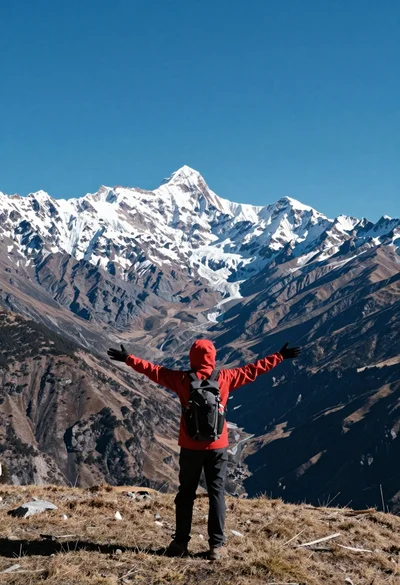
Hiker standing with outstretched arms on grassy ridge facing snowy mountains
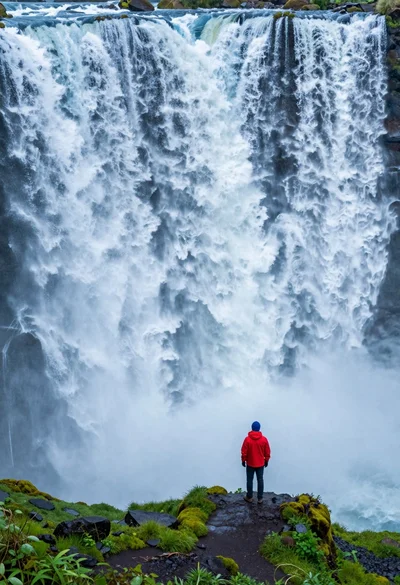
Hiker standing on ledge overlooking massive thundering waterfall at natural edge
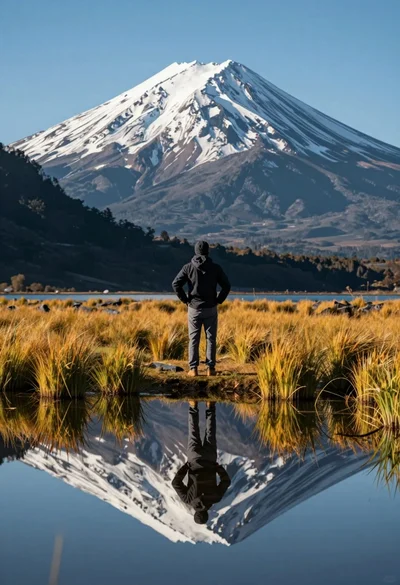
Hiker viewing massive snow capped mountain reflected in calm lake at low
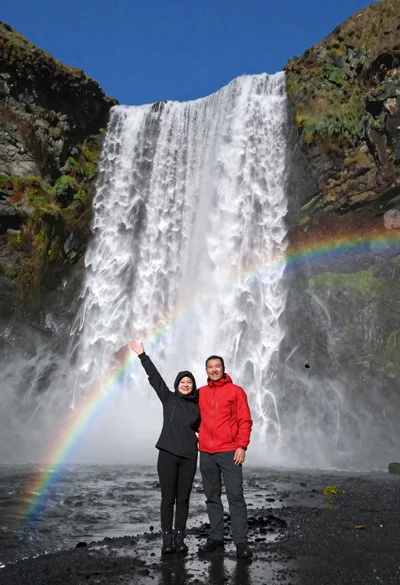
Couple standing before massive waterfall under clear blue sky low angle
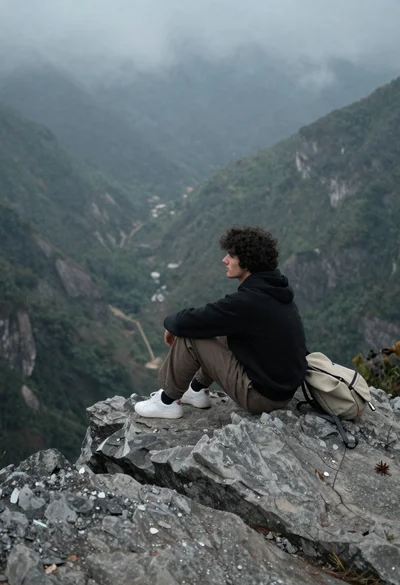
Young man sitting contemplatively on rocky cliff overlooking misty mountains

Bearded man in striped shirt holding purple water lilies in wooden boat
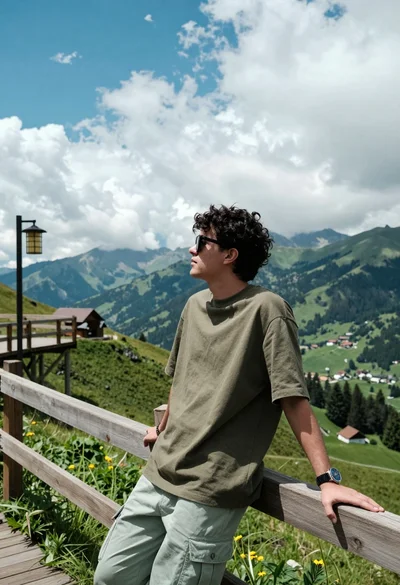
Young man leaning on wooden railing overlooking lush green mountain vista
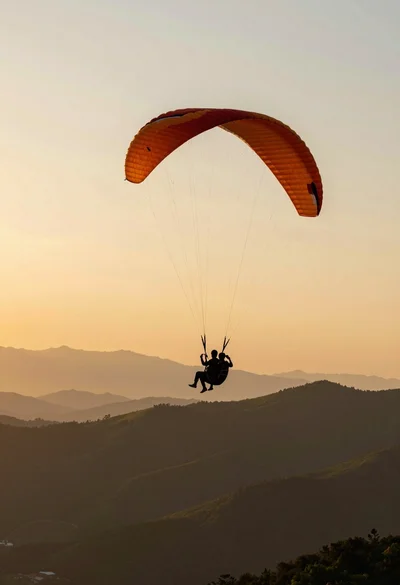
Silhouette of tandem paragliders soaring above green mountain range at sunset