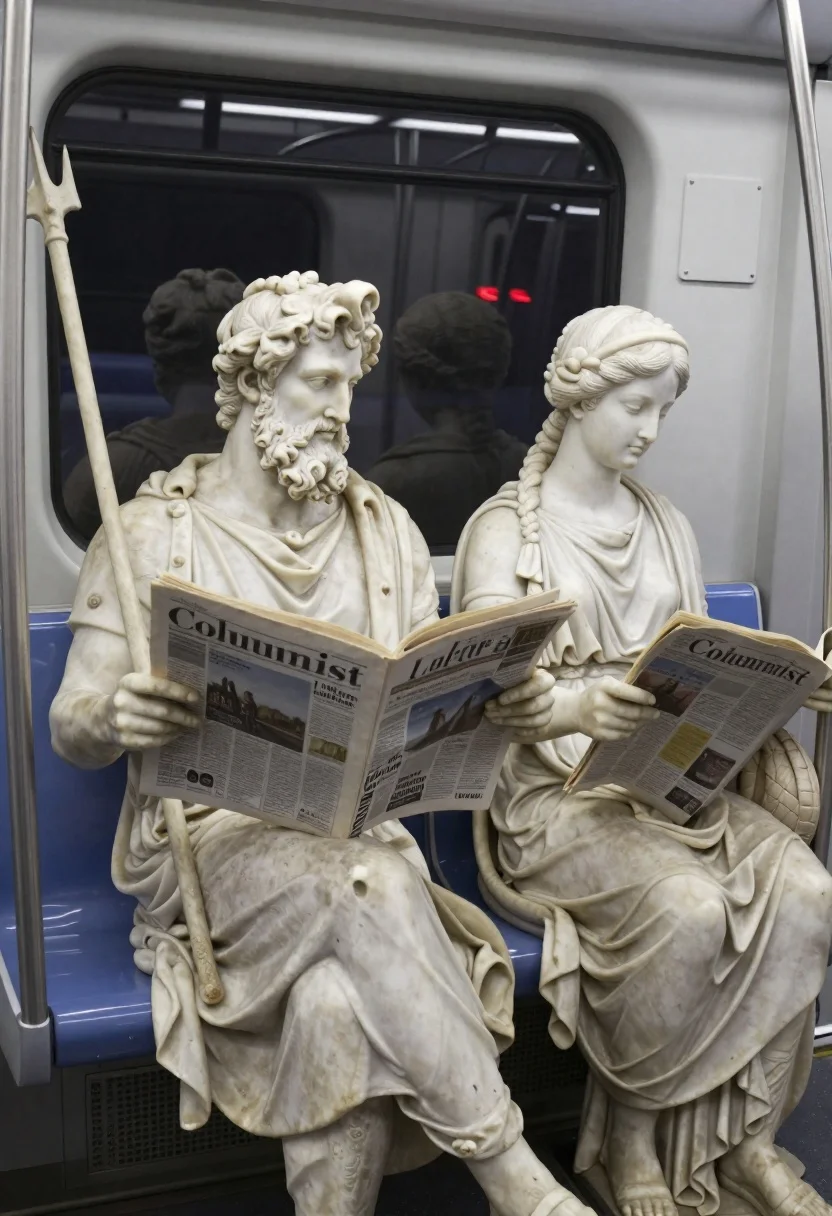
Marble statues sitting on a modern subway train interior
Prompt
Realistic photograph of ancient marble statues seated on a modern subway train

Subject: bearded male statue resembling Neptune holding a trident and reading a newspaper beside female statue with braided hair wearing draped toga-like garment

Clothing: classical white stone robes, detailed folds, weathered texture mimicking aged marble.

Action: both figures sitting calmly in transit mode one absorbed in newspaper, the other looking down at her own paper.

Environment: interior of subway car with blue seats, metal poles, window showing blurred reflection and tunnel lights outside.

Camera: medium shot capturing full seated figures from waist up, slightly angled to include reflections behind them.

Lighting: soft ambient fluorescent lighting typical of public transport interiors; subtle shadows accentuate stone texture.

Objects: newspapers held by both statues with visible headlines like 'Columnist' and partial article text including names such as 'Lucilia.'

Style Details: photorealistic rendering blending classical sculpture aesthetics with contemporary urban setting for surreal humor effect.
Description
This prompt is useful for creating surreal editorial spreads, conceptual art pieces exploring time juxtaposition, and narrative-driven advertising mockups. The combination of 'soft ambient fluorescent lighting' against the 'weathered texture mimicking aged marble' ensures that the classical forms do not look pristine or out of place; instead, the subtle shadows accentuate the stone's weight while the modern subway environment grounds the absurdity for a cohesive visual joke.
Suggestions
- Change 'blue seats' to 'burnt orange seats' for a warmer contrast.
- Swap 'Neptune holding a trident' for 'statue holding a smartphone' to update the theme.
- Adjust 'soft ambient fluorescent lighting' to 'harsh overhead strip light' for more dramatic shadows.
Category
Tags
Brown HairFemaleFull BodyIndoorsMaleMedium ShotUrban
Date added
June 19, 2026
Added by
PromptDexter Team
Related Prompts
More prompts with similar categories and tags.
Figures standing in void facing massive light source
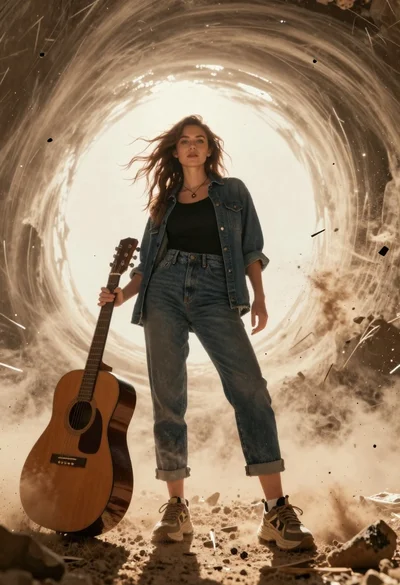
Young woman with brown hair holding guitar in a dusty vortex
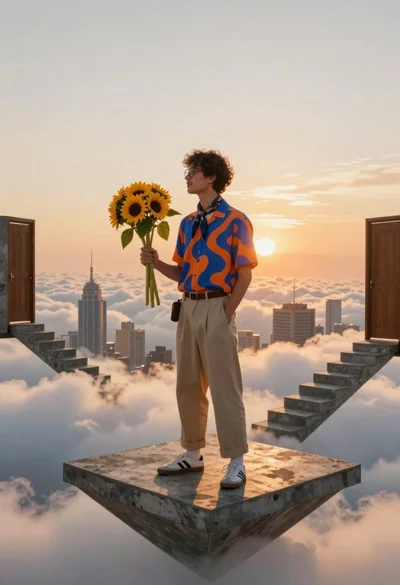
Young man in casual wear standing on floating concrete platform above clouds
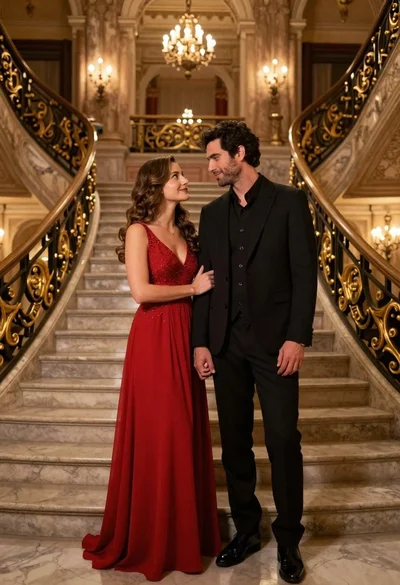
Couple in formal evening wear standing in an opulent ballroom
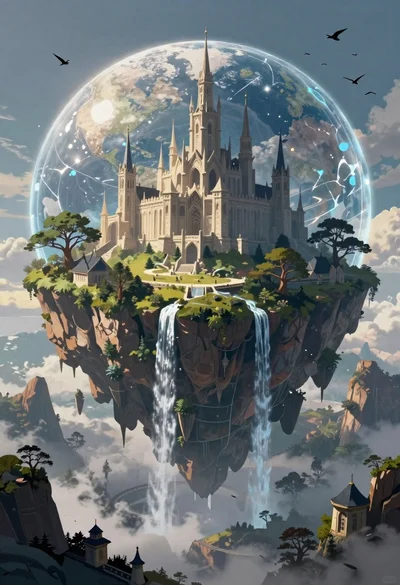
Fantasy castle floating island inside crystal sphere
Wooden door in gorge opening to bright daytime landscape
Pale human skull submerged underwater with rising bubbles
Woman snowboarding above clouds during golden hour