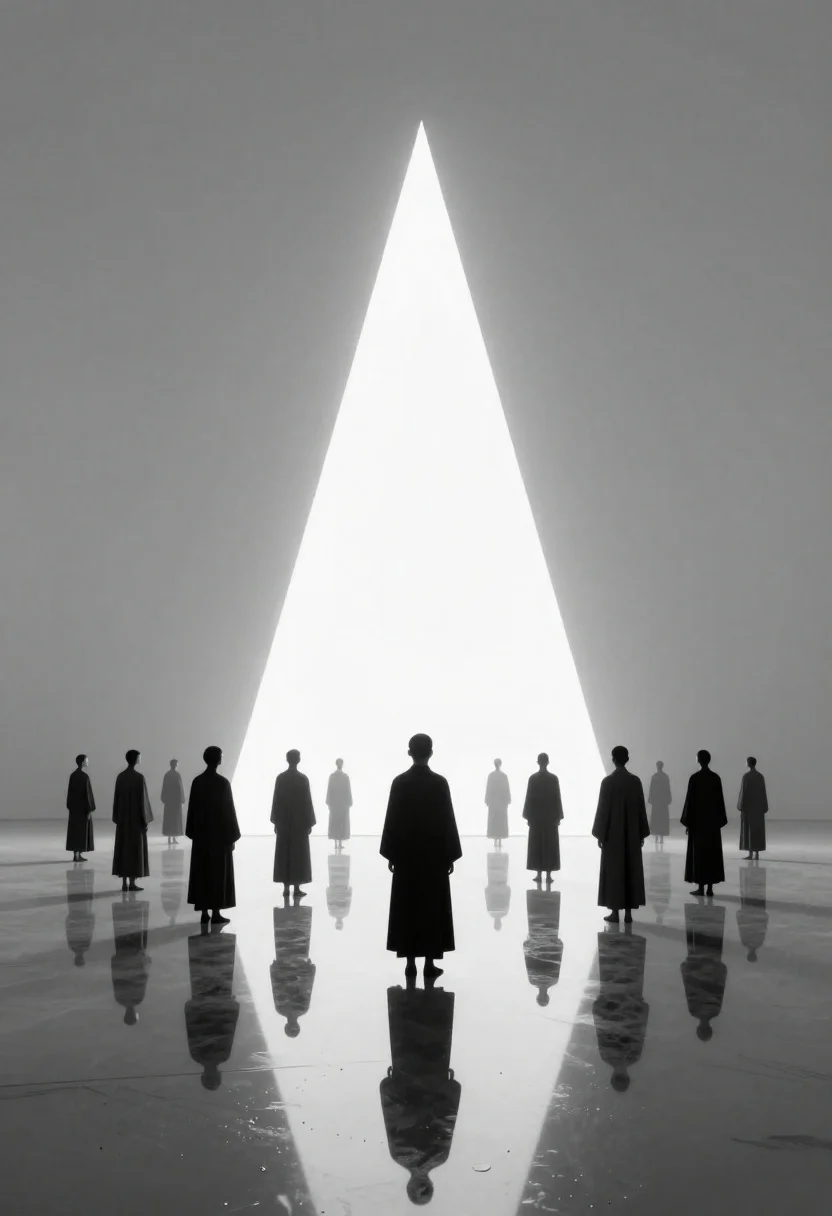
Figures standing in void facing massive light source
Prompt
A monochromatic digital art piece depicting a surreal landscape with figures standing on a reflective surface facing a massive triangular light source

Subject: A line of people in dark robes stand with their backs to the viewer, receding into the distance toward the light

Clothing: Long flowing garments covering the body from neck to ankles with simple silhouettes

Action: All figures are standing still and gazing forward at the bright geometric shape ahead

Environment: An infinite grey void where a flat ground meets an empty sky at the horizon line, creating perfect reflections on the water-like surface below

Camera: A wide-angle view capturing both the full height of the light structure and the deep perspective leading to its sharp vanishing point

Lighting: Stark high-contrast scene dominated by a bright white triangular prism emitting intense glow from behind against a flat grey background

Style Details: Minimalist composition with smooth gradients, symmetrical framing around the central vertical axis, and clean geometric forms.
Description
This prompt is useful for creating conceptual art pieces exploring human scale against overwhelming forces, architectural visualization studies of infinite space, and minimalist fine art prints. The combination of 'monochromatic digital art' with a 'massive triangular light source' establishes an extreme high-contrast drama that emphasizes the figures' smallness, while the 'infinite grey void' ensures no distracting environmental elements pull focus from the central vanishing point.
Suggestions
- Change 'dark robes' to 'charcoal wool cloaks' for more visible texture.
- Adjust 'triangular light source' to 'vertical beam of pure white light' for a different geometric feel.
- Swap 'wide-angle view' for 'anamorphic lens' to exaggerate the perspective.
Category
Tags
Back ViewFull BodyRealisticWide Shot
Date added
June 19, 2026
Added by
PromptDexter Team
Related Prompts
More prompts with similar categories and tags.
Wooden door in gorge opening to bright daytime landscape
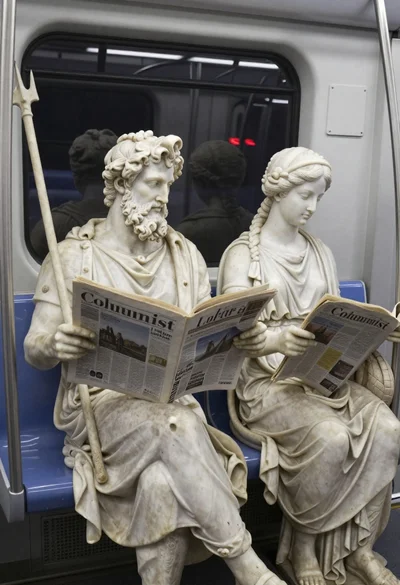
Marble statues sitting on a modern subway train interior
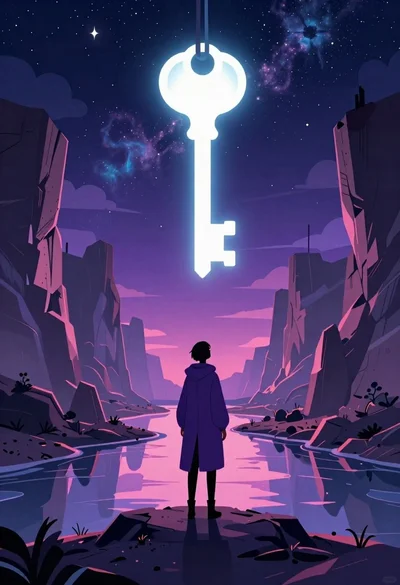
Solitary figure viewing glowing key in alien canyon
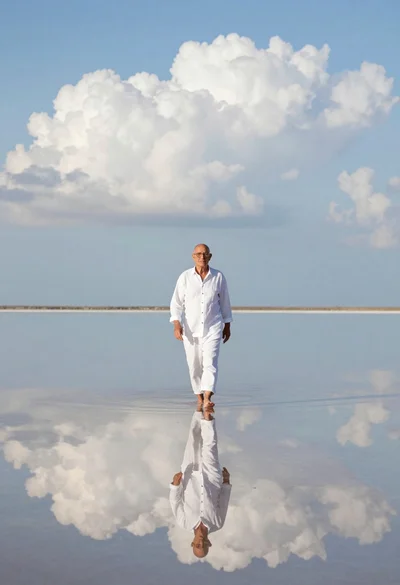
Older man walking across still reflective body of water
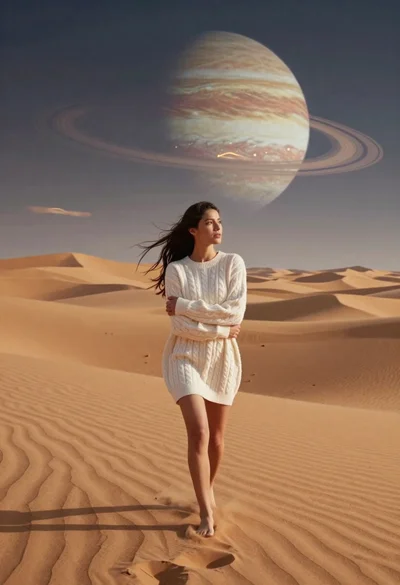
Woman walking across desert dunes under gas giant
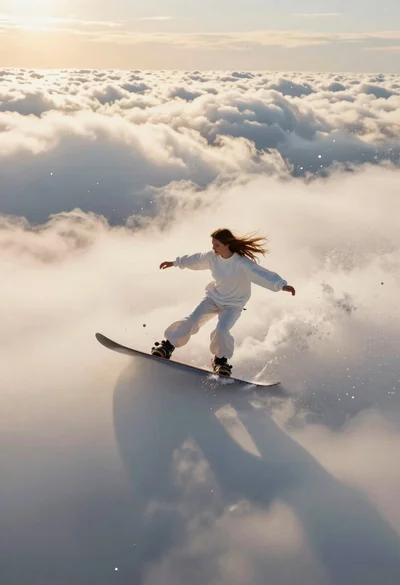
Woman snowboarding above clouds during golden hour
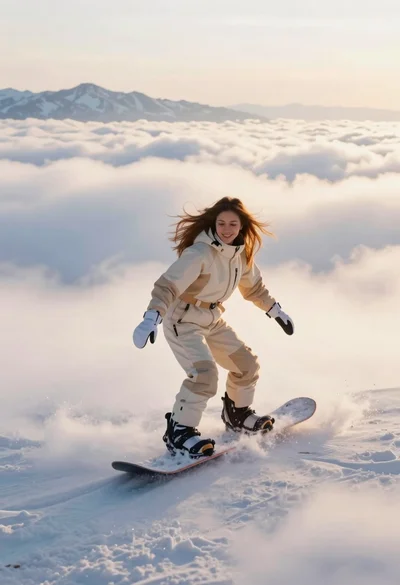
Joyful woman snowboarding above sea of clouds with distant mountains
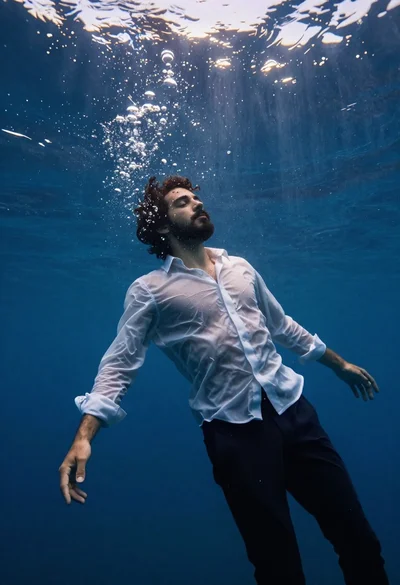
Cinematic underwater shot of a young man floating in deep blue water