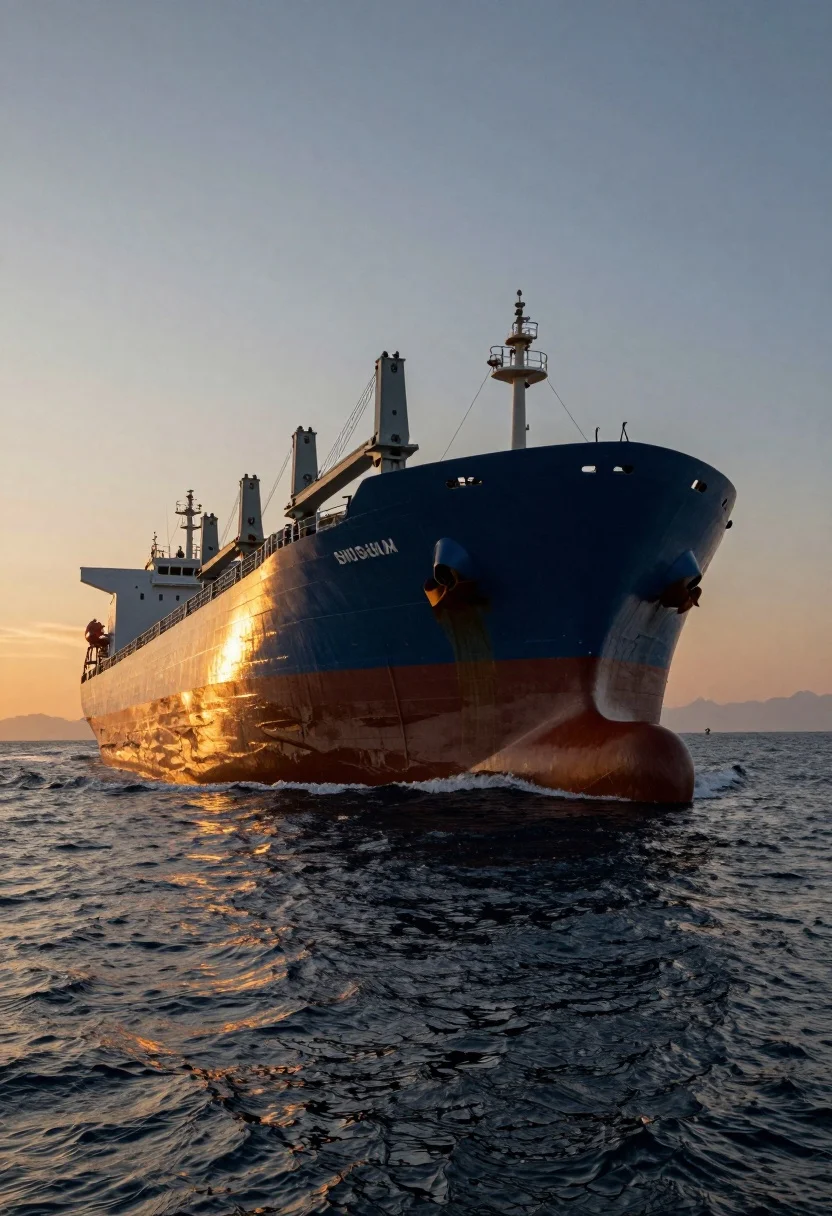
Massive cargo ship sailing on rippling ocean water during dramatic sunset
Prompt
A massive cargo ship dominates the frame as it sails across a rippling sea during sunset.

Subject: A large blue-hulled cargo vessel with a reddish-brown anti-fouling paint line near the waterline, featuring visible deck structures including cranes and masts.

Action: The ship is moving steadily forward through the water, creating a slight wake along its hull.

Environment: The vessel floats on dark, textured ocean water under a sky transitioning from warm orange and yellow near the horizon to soft blue above, with distant land faintly visible on the horizon line.

Camera: Low-angle perspective emphasizing the ship’s imposing size, wide framing capturing both the bow and stern, with slight motion blur suggesting forward momentum.

Lighting: Warm golden sunlight from a low sun casts dramatic reflections along the hull and illuminates the water’s surface, creating high contrast between lit areas and shadowed sections of the ship.

Style Details: Realistic photographic rendering with natural color grading, subtle film grain, and enhanced saturation to emphasize the sunset glow and maritime atmosphere.
Description
This prompt is useful for creating dramatic travel photography, cinematic movie concept art, and industrial documentary visuals. The 'low-angle perspective' combined with 'warm golden sunlight' casting 'dramatic reflections along the hull' ensures the massive scale of the vessel feels imposing against the richly colored sky, which prevents the ship from appearing flat or disconnected from its environment.
Suggestions
- Change 'reddish-brown anti-fouling paint line' to 'deep rust color' for a more weathered look.
- Add 'volumetric fog' near the horizon to enhance mystery.
- Swap 'slight motion blur' for 'strong wake pattern' to emphasize speed.
Category
Tags
Low AngleOutdoorsRealisticVehicleWide Shot
Date added
July 12, 2026
Added by
PromptDexter Team
Related Prompts
More prompts with similar categories and tags.
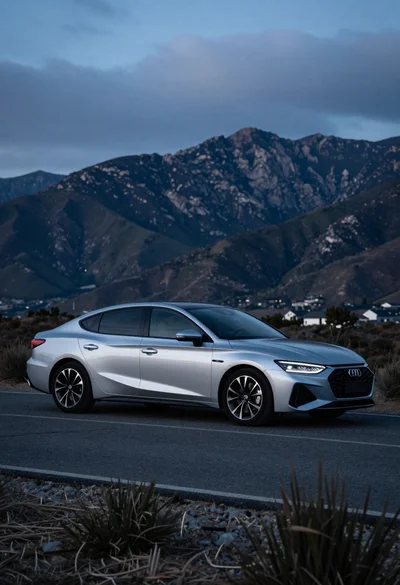
Sleek silver sedan parked on asphalt before dramatic mountain range under blue
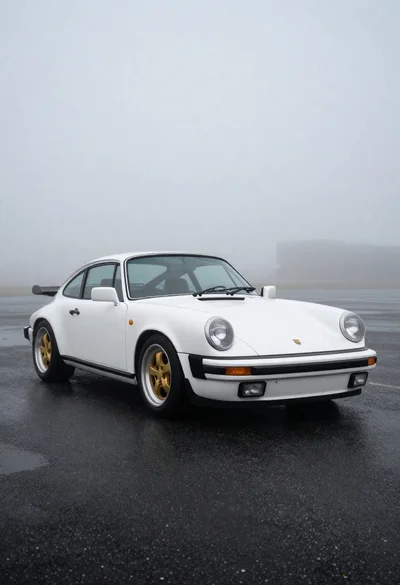
White classic porsche sports car on dark asphalt
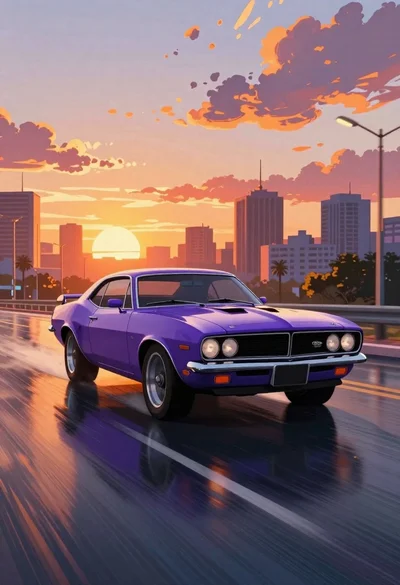
Purple muscle car driving through city at sunset
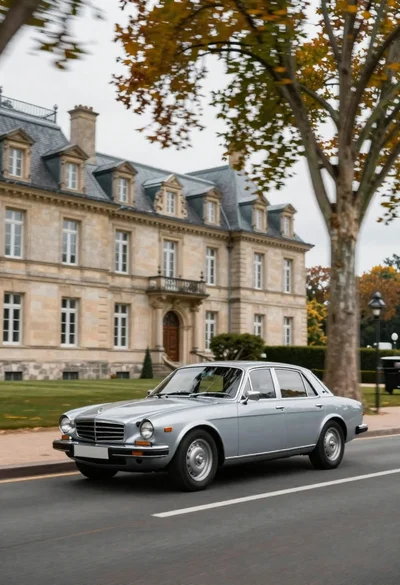
Vintage sedan cruising past french chateau with autumn leaves
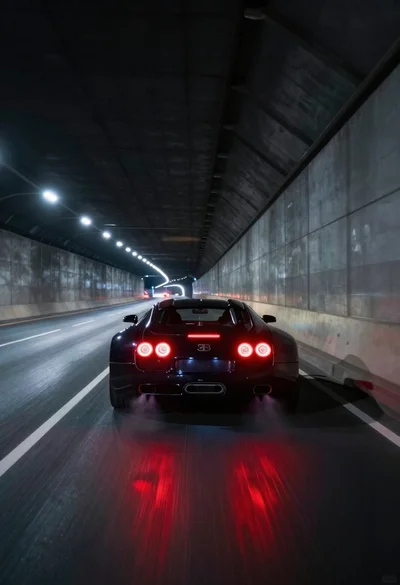
Black supercar speeding through a concrete tunnel at night
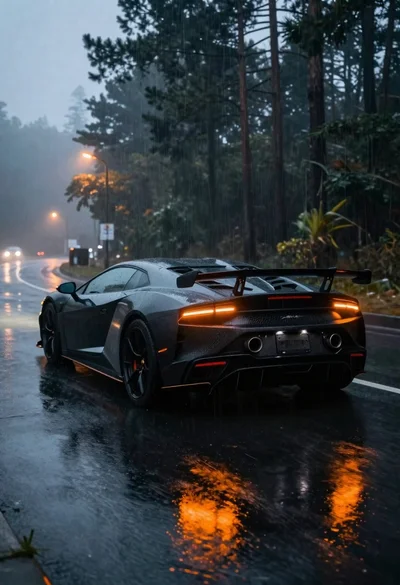
Black sports car on wet asphalt road in misty forest
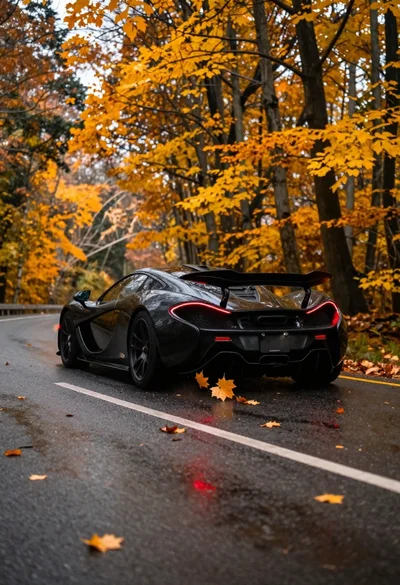
Matte black supercar speeding through autumn forest road
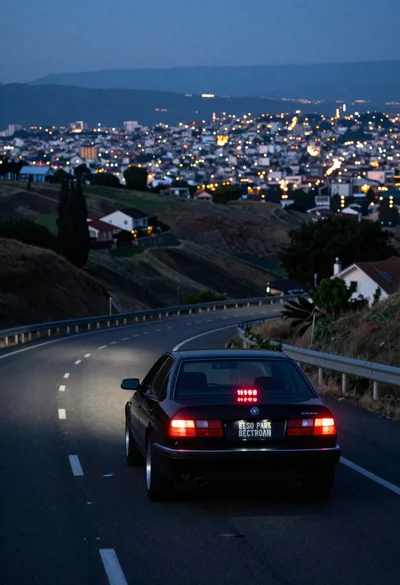
Black sedan on highway winding through hilly landscape at dusk
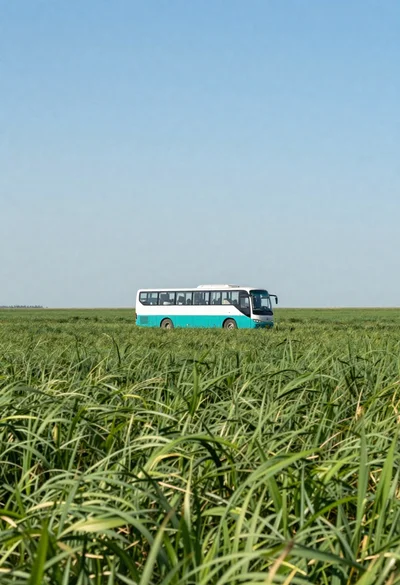
Teal and white bus crossing an endless green field
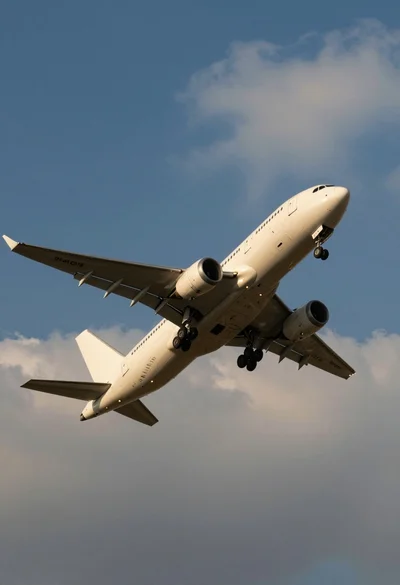
Low angle view of white airliner banking sharply against blue sky