
Medium close up portrait of smiling man with brown hair in classroom
Prompt
A warm portrait of a smiling man with curly brown hair and glasses sitting at a wooden desk in a classroom.

Subject: A middle-aged man with thick wavy dark hair, a short beard, and round tortoise-shell glasses looking directly at the camera with a friendly smile.

Clothing: He is wearing a textured dark grey ribbed knit sweater with long sleeves.

Action: He sits with his hands clasped together on the desk in front of him, leaning slightly forward.

Environment: The setting is a classroom with wooden desks and a chalkboard visible in the background where another student is writing.

Lighting: Soft natural sunlight streams in from a window on the left, illuminating the man's hair and face while casting gentle shadows.

Camera: A medium close-up shot with a shallow depth of field that keeps the main subject sharp while blurring the background elements.

Style Details: The image has a cinematic, photorealistic quality with warm color grading and soft focus on the surroundings to emphasize the subject.
Description
This prompt is useful for creating academic portraiture, character concept art for educational settings, and lifestyle editorial features about mentorship or learning. The combination of 'soft natural sunlight streams in from a window on the left' and the 'shallow depth of field' directs all visual attention to the subject's expression while using the visible chalkboard writing as contextual background detail rather than letting it become a distracting focal point.
Suggestions
- Change 'wooden desks' to 'dark oak desks' for a richer, more academic feel.
- Swap 'textured dark grey ribbed knit sweater' for 'charcoal wool turtleneck' for a more formal look.
- Adjust the lighting by adding 'rim light catching the glasses frames' to enhance definition.
Category
Tags
Brown HairIndoorsMaleMedium ShotRealistic
Date added
July 3, 2026
Added by
PromptDexter Team
Related Prompts
More prompts with similar categories and tags.
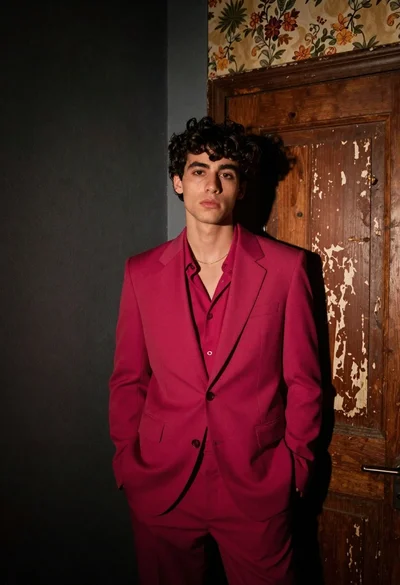
Young man in magenta suit jacket standing in dimly lit room with

Muscular man in blue blazer on solid deep blue background
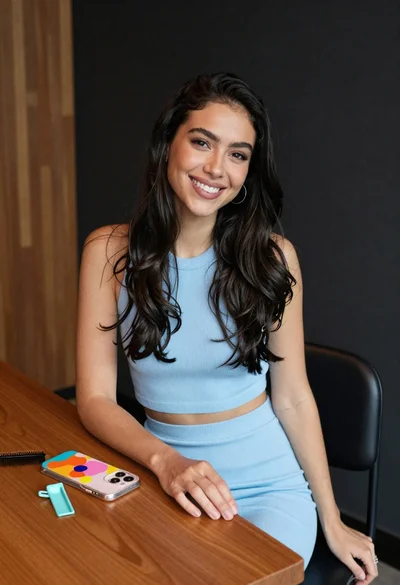
Smiling woman with dark hair at wooden table wearing blue ribbed outfit

Woman seated in armchair near large windows with greenery

Young blonde woman in brown top seated in modern living room setting
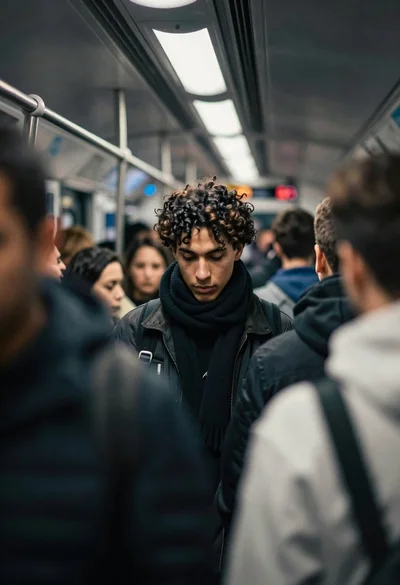
Young man in subway car with focused expression
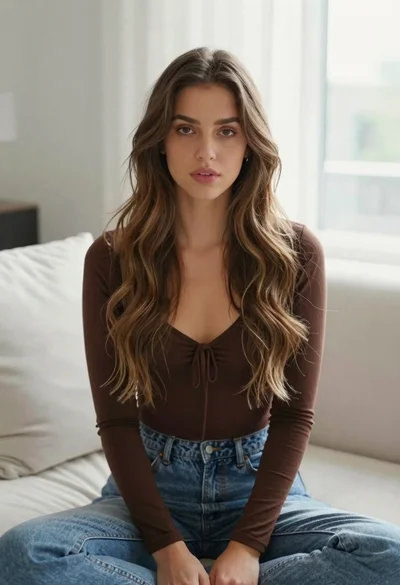
Young woman with brown hair sitting on white sofa in bright modern

Young man in bulls jersey on brick storefront

Man in suit sitting in car at night

Young woman in pink corset dress standing in a doorway indoors