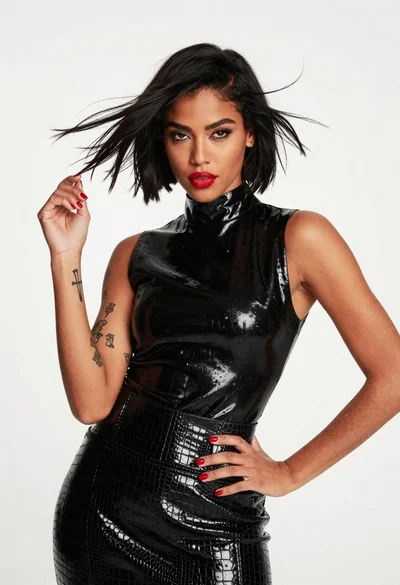

Medium close up portrait of young woman in purple gown at evening
Prompt
A portrait of a young woman with dark hair styled in an updo and loose tendrils framing her face.

Subject: A young woman with dark skin, defined eyebrows, and a soft, confident expression looking off to the side.

Clothing: She wears a vibrant purple halter-neck gown featuring a deep plunging neckline and a twisted knot detail at the waist.

Action: Her head is turned slightly to her right while she gazes away from the camera with a subtle smile.

Environment: The background is dark and out of focus, suggesting an evening event or red carpet setting with a hint of a railing behind her.

Camera: Shot as a medium close-up with a shallow depth of field that blurs the background to emphasize the subject.

Lighting: Dramatic lighting highlights her face and shoulders against the dark backdrop, creating soft shadows and emphasizing the texture of her skin.

Style Details: High-fashion photography style with rich color saturation and a polished, cinematic finish.
Description
This prompt is useful for creating high-end editorial fashion spreads, dramatic character portraits, and luxury event promotion materials. The combination of 'vibrant purple halter-neck gown' against the 'dark and out of focus' background ensures that the subject remains the absolute focal point, while the 'dramatic lighting' sculpts her features by preventing flat illumination across the skin.
Suggestions
- Change 'vibrant purple' to 'deep sapphire blue' for a cooler tone.
- Add 'rim light from above' to enhance hair separation.
- Swap 'medium close-up' for 'head and shoulders shot' to focus more on expression.
Category
Tags
BrunetteDark SkinFemaleMedium ShotPortrait ShotRealistic
Date added
June 19, 2026
Added by
PromptDexter Team
Related Prompts
More prompts with similar categories and tags.

Smiling woman in royal blue gown on red carpet with green foliage
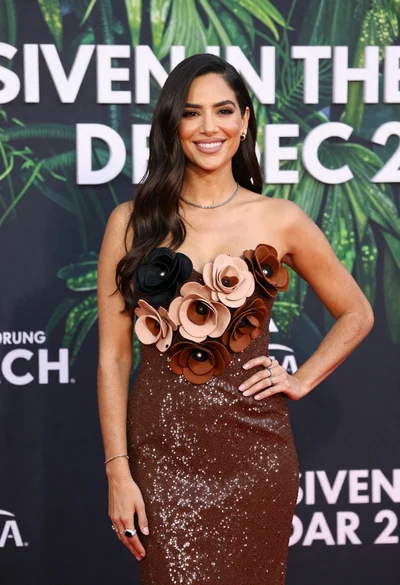
Poised woman smiling on red carpet with sparkly brown strapless dress
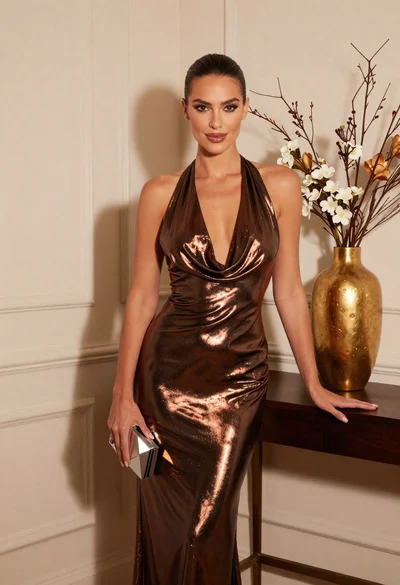
Glamorous woman in metallic bronze gown standing indoors at an elegant setting
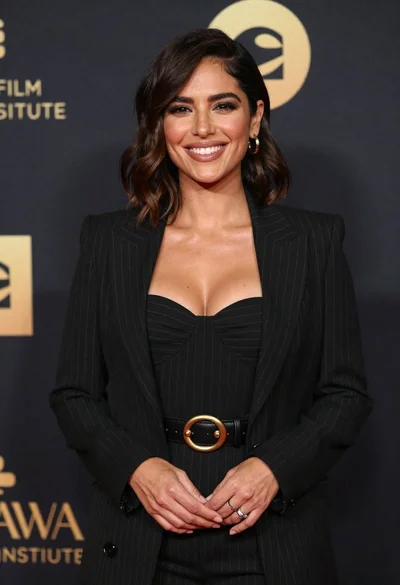
Smiling woman in black pinstripe suit jacket against dark backdrop

Blonde woman looking back over shoulder against white wall

Poised woman in black blazer sitting on stool against blue gradient background

Fair skinned woman with red hair in brown satin dress against gray
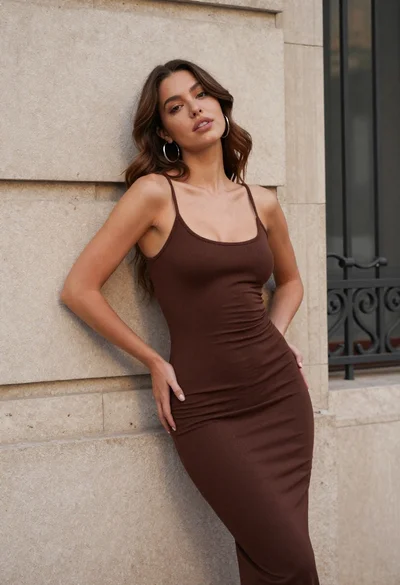
Young woman in brown dress leaning against beige stone wall
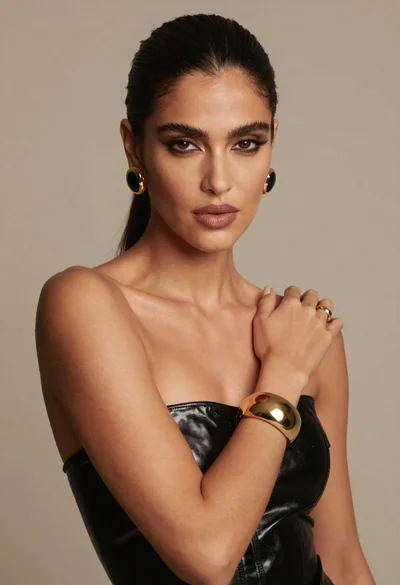
Dark skinned woman in black top posing with gold jewelry studio portrait
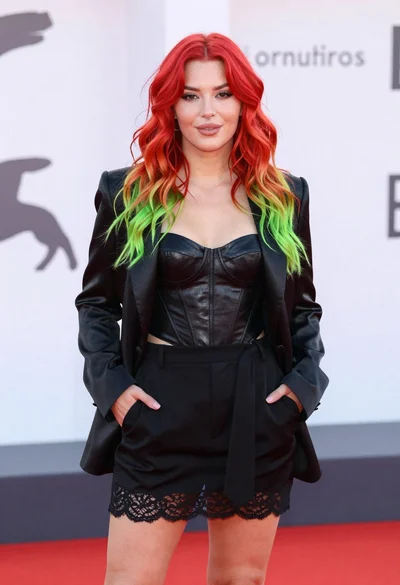
Young woman with red to green hair posing confidently on white backdrop
