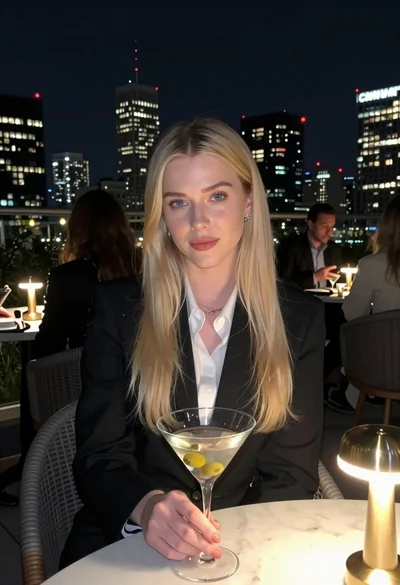
Medium full length portrait of woman in brown mesh dress
Prompt
A confident woman with long dark hair stands against a plain olive green background.

Subject: A woman with long, straight black hair featuring subtle blonde highlights and bangs framing her face. She has a fair complexion, defined eyebrows, and is looking directly at the camera with a neutral to slightly sultry expression. Her lips are parted slightly.

Clothing: She wears a tight-fitting, brown mesh mini-dress with a deep plunging neckline trimmed in pale pink fabric. The dress features short sleeves and a ribbed texture. She accessorizes with a long beaded necklace containing light blue and purple stones, large white hoop earrings, and a ring on her left hand.

Action: She stands with her legs slightly apart, leaning forward with her hands resting gently on her upper thighs. Her posture is poised and direct.

Environment: A solid, seamless olive green backdrop fills the entire background, providing a neutral studio setting.

Camera: The shot is a medium-full length portrait framed from the mid-thigh up, utilizing a soft-focus lens effect that blurs the edges of the frame slightly to emphasize the subject.

Lighting: Soft, diffused studio lighting illuminates the scene evenly from the front, creating gentle shadows and highlighting the texture of her skin and clothing without harsh contrast.

Style Details: The image has a polished, high-fashion editorial aesthetic with smooth skin tones and a muted color palette dominated by earthy browns and greens.
Description
This prompt is useful for creating intimate beauty editorials, character concept art for fashion magazines, and stylized e-commerce lookbooks focusing on texture. The combination of 'soft, diffused studio lighting' with the 'plain olive green background' ensures that the focus remains entirely on the subject's 'brown mesh mini-dress' and accessories without any distracting environmental elements or harsh shadows.
Suggestions
- Change 'olive green backdrop' to 'deep charcoal backdrop' for a more dramatic contrast.
- Swap 'mesh mini-dress' for 'velvet slip dress' to alter the texture focus.
- Adjust 'soft, diffused studio lighting' to 'rim lighting from the side' for added dimension.
Category
Tags
Black HairBlondeBrunetteCasual WearFair SkinFemaleMedium ShotPortrait ShotRealisticStudio
Date added
June 19, 2026
Added by
PromptDexter Team
Related Prompts
More prompts with similar categories and tags.
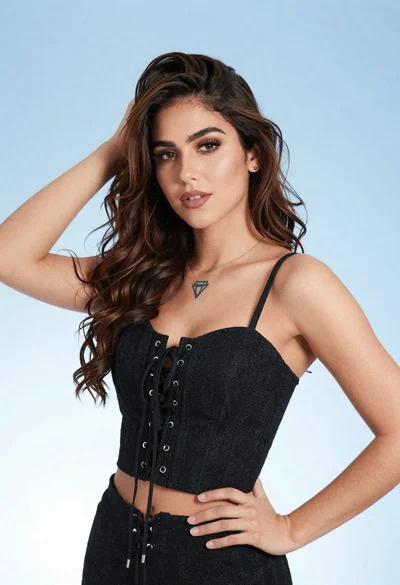
Portrait of young woman in black corset top against soft blue background

Blonde woman in black hat standing in misty green rolling hills
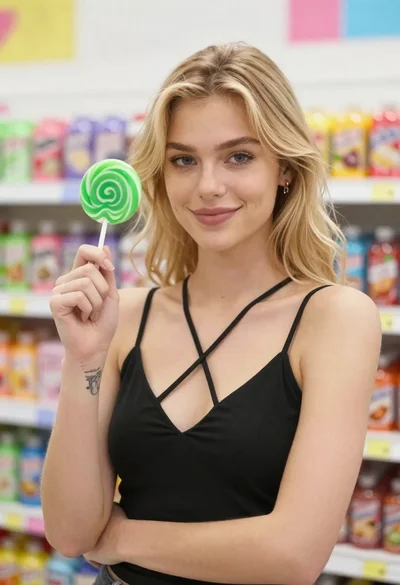
Blonde woman smiling with green lollipop in brightly lit candy store
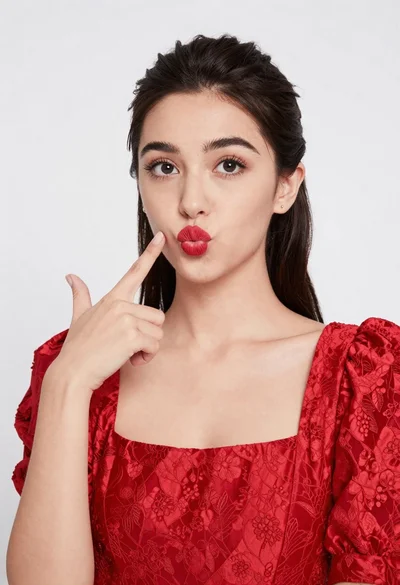
Young woman pointing playfully at cheek in deep red studio dress
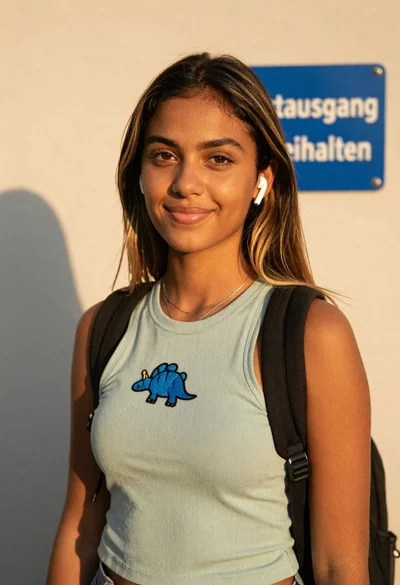
Young woman in green tank top against wall with golden hour light
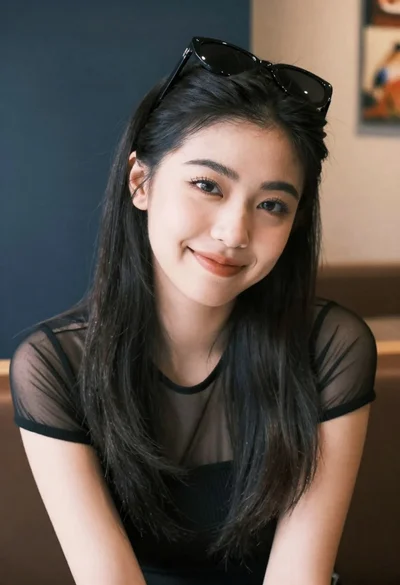
Medium close up portrait of young woman wearing black top and sunglasses
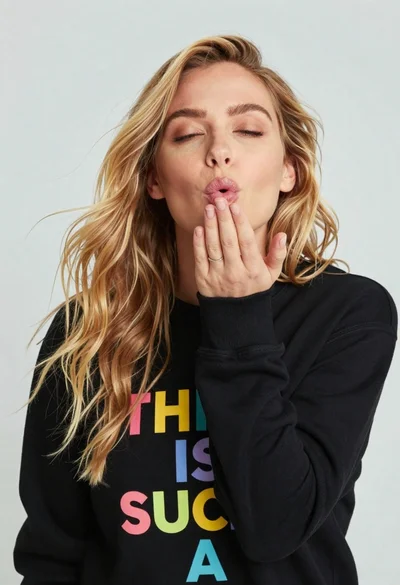
Close up portrait of blonde woman blowing kiss in black sweatshirt
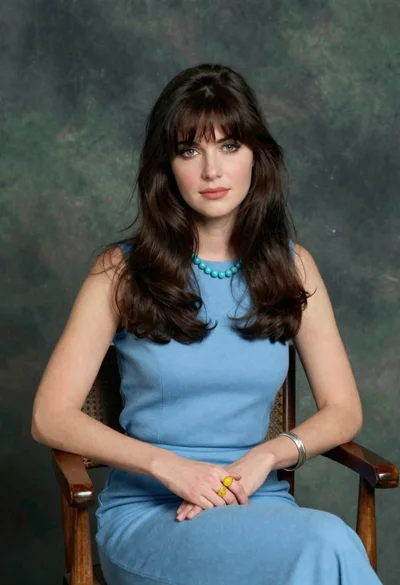
Woman with dark brown hair seated in wooden chair against green backdrop
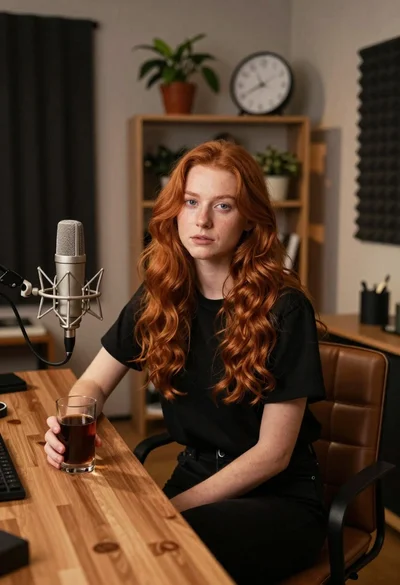
Young woman with red hair seated at wooden desk in cozy studio
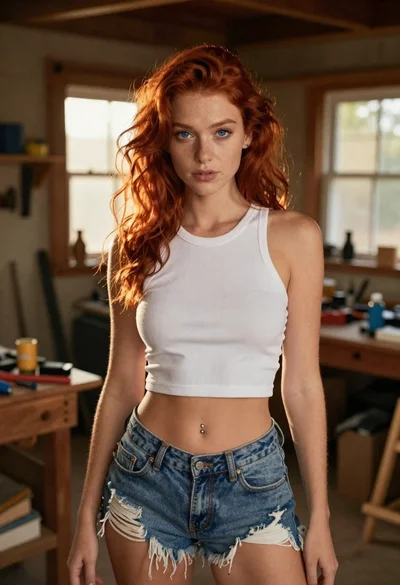
Red haired woman in workshop with tools background