Blonde woman smiling with green lollipop in brightly lit candy store
Prompt
A young woman with shoulder-length blonde hair smiles gently at the camera while holding a large green lollipop in her right hand.

Subject: A fair-skinned woman with wavy blonde hair and light-colored eyes, featuring small tattoos on her left forearm and inner wrist.

Clothing: She wears a black spaghetti-strap top with a deep V-neckline and thin straps crossing at the chest.

Action: She holds a large green lollipop up near her face with her right hand while her arms are crossed in front of her body.

Environment: The setting appears to be a brightly lit retail store or candy shop, with shelves of colorful products visible in the background.

Lighting: The scene is illuminated by bright, even indoor lighting that creates soft highlights on her skin and hair.

Camera: A medium close-up shot captures the subject from the waist up with a shallow depth of field that blurs the background details.

Style Details: The image has a clean, commercial photography aesthetic with high color saturation and sharp focus on the subject's face.
Description
This prompt is useful for creating vibrant product advertisements, lifestyle portraiture featuring treats, and stylized e-commerce lookbooks. The combination of 'brightly lit retail store' setting and 'high color saturation' ensures that the vivid green lollipop pops against the subject while the 'shallow depth of field' keeps the focus tightly on her face despite the colorful background.
Suggestions
- Change 'black spaghetti-strap top' to 'pastel yellow crop top' for a brighter palette.
- Add 'bokeh effect' to enhance the background blur.
- Swap 'green lollipop' for 'rainbow swirl lollipop' for more visual interest.
Category
Tags
Black HairBlondeCasual WearFair SkinFemaleMedium ShotPortrait ShotRealistic
Date added
June 19, 2026
Added by
PromptDexter Team
Related Prompts
More prompts with similar categories and tags.
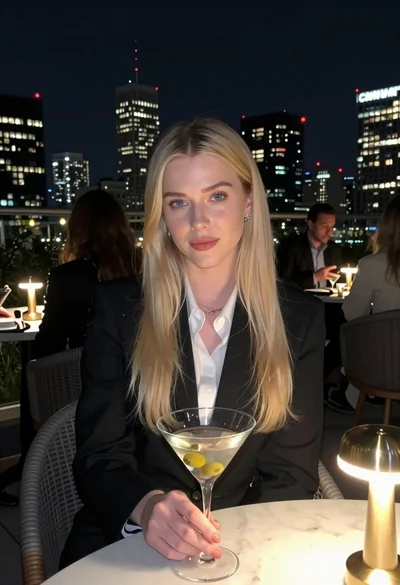
Blonde woman in blazer holding martini glass on rooftop overlooking city skyline
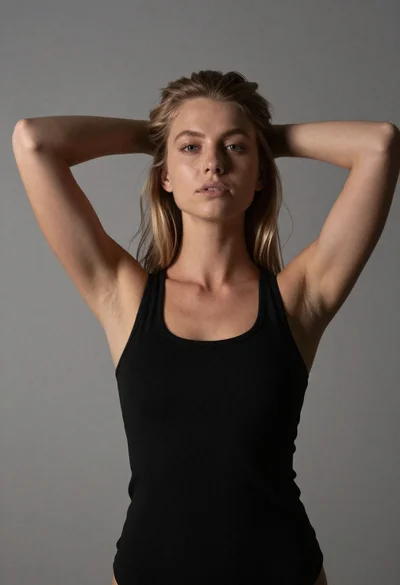
Young woman with blonde hair posing against gray wall

Blonde woman in black hat standing in misty green rolling hills

Blonde woman at a bar counter in dimly lit pub

Young woman with dark hair at wooden table in open air setting
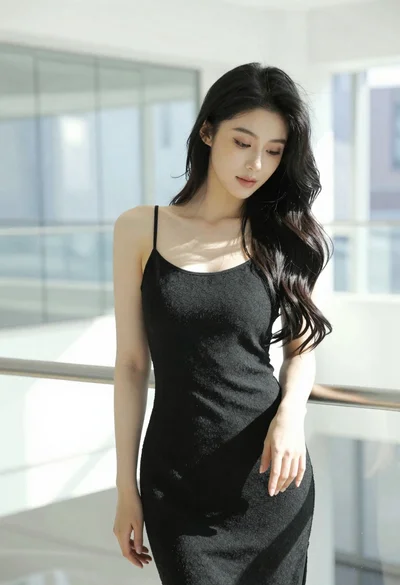
Woman with black hair leaning indoors by glass railing in bright modern

Young woman in black crop top and cream trousers indoors looking over

Woman in black dress seated in dimly lit diner booth
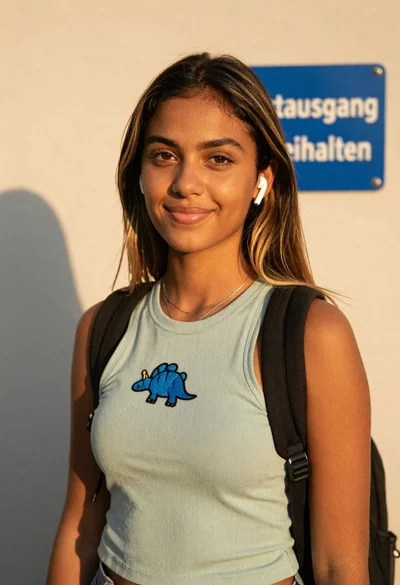
Young woman in green tank top against wall with golden hour light
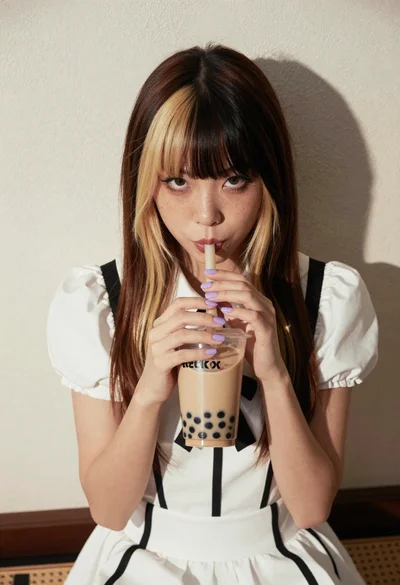
Young woman with twotoned hair drinking bubble tea indoors