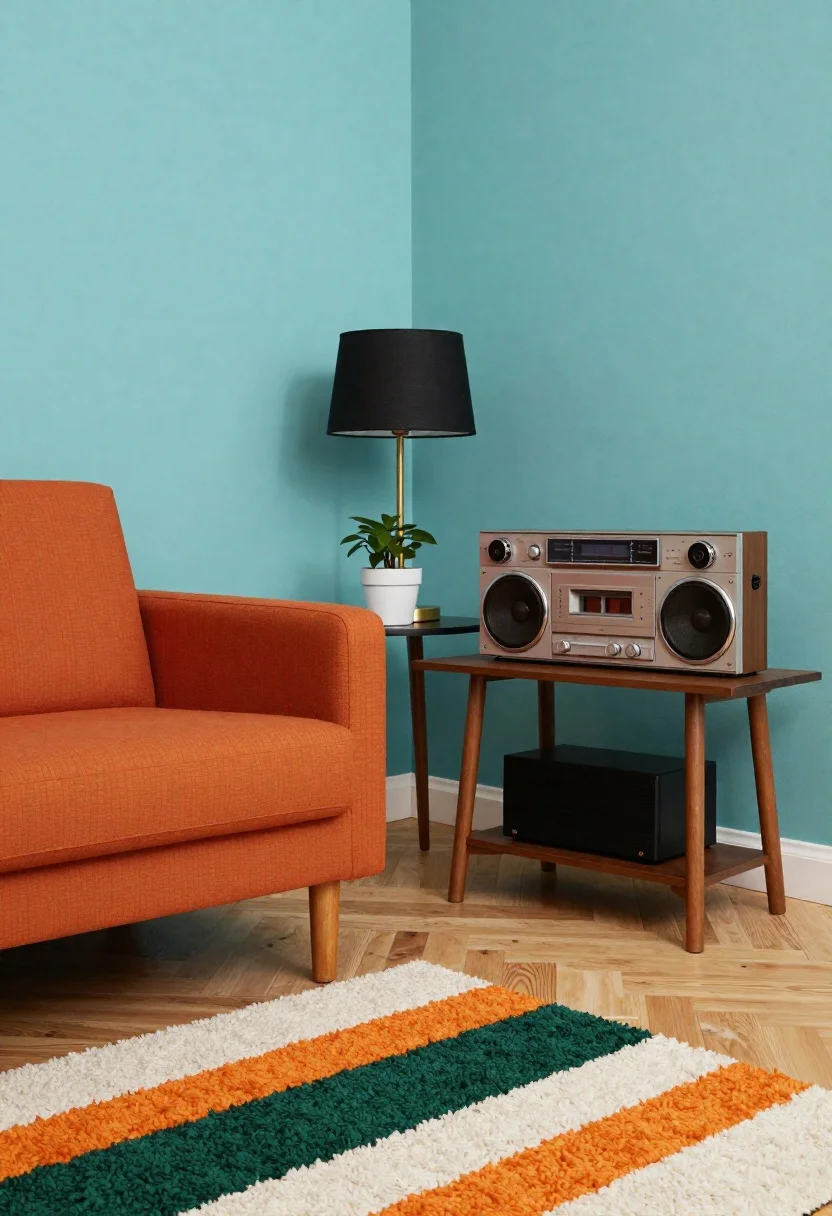
Midcentury modern living room corner interior design
Prompt
Stylized interior scene of a mid-century modern living room corner with bold colors and clean lines

Subject: orange upholstered armchair on wooden legs sits in the foreground left, partially cropped by frame edge

Action: still life arrangement with no movement or human presence

Environment: teal-painted walls meet a light wood floor, anchored by a shaggy white rug with bold dark green and orange stripes

Objects: retro-style stereo system on wooden stand to right features dials, knobs, cassette deck, large speaker grille, digital display reading '01'; matching black amplifier sits beneath small side table holding potted plant in white pot, lamp with black shade and gold base casting soft shadow behind it.
Description
This prompt is useful for creating interior design mood boards, architectural visualization concepts, and stylized product placement mockups. The combination of 'teal-painted walls' against the 'light wood floor' establishes a specific retro palette, while specifying objects like the 'retro-style stereo system' ensures visual anchors that prevent the scene from feeling too generic or empty.
Suggestions
- Change 'orange upholstered armchair' to 'mustard yellow velvet armchair' for a different pop of color.
- Replace 'shaggy white rug' with 'geometric patterned area rug' to alter the floor texture.
- Adjust 'soft shadow behind it' to 'harsh geometric shadow' for a more graphic feel.
Category
Tags
Digital ArtIndoors
Date added
June 19, 2026
Added by
PromptDexter Team
Related Prompts
More prompts with similar categories and tags.
Neon glowing armchair in dimly lit elegant room
Sunlit minimalist living room with earth tones and stone
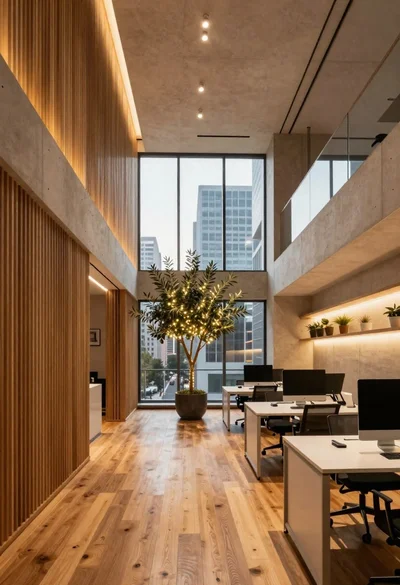
Modern office interior with wood and concrete design
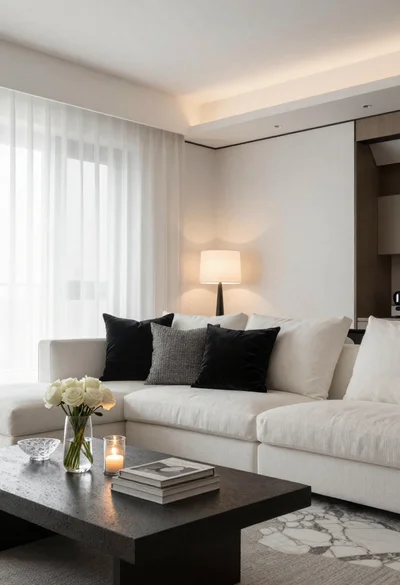
Minimalist living room interior with white sofa and stone table
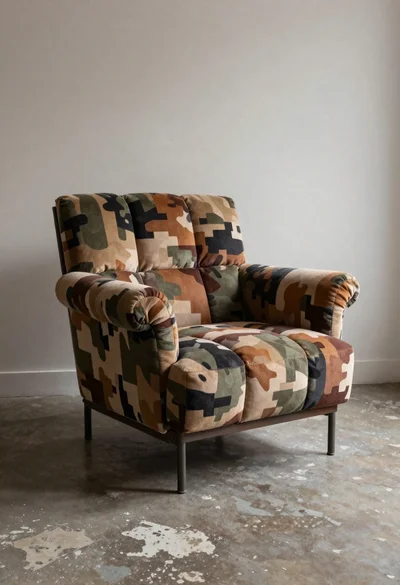
Camouflage armchair in a stylish indoor setting
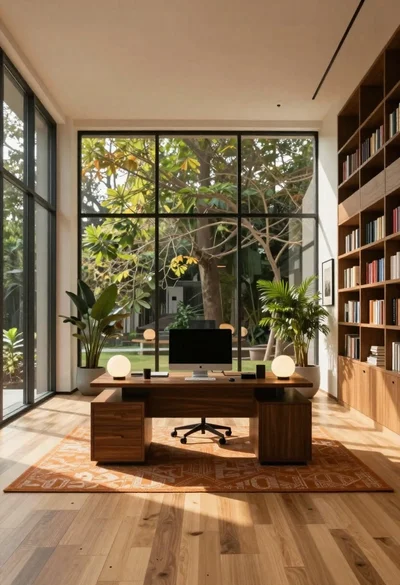
Minimalist office interior with large windows and green trees
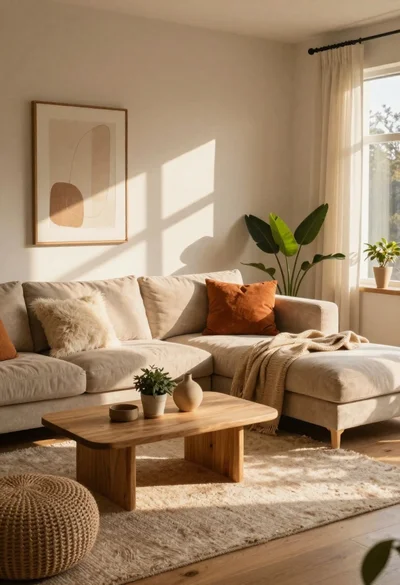
Cozy living room interior bathed in warm sunlight

High angle group portrait of stylized family of six standing on patterned