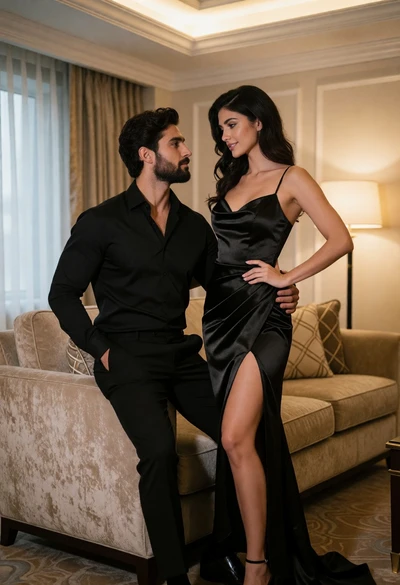
Intimate couple portrait in luxurious hotel room setting with warm ambient light

Blonde woman reading book indoors against peeling distressed teal paint wall
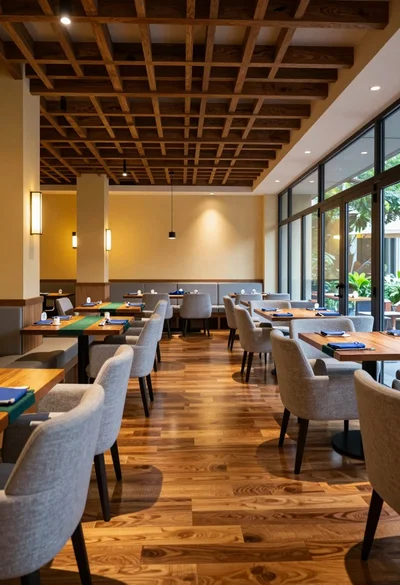
Modern dining room interior with wooden tables and blue napkins
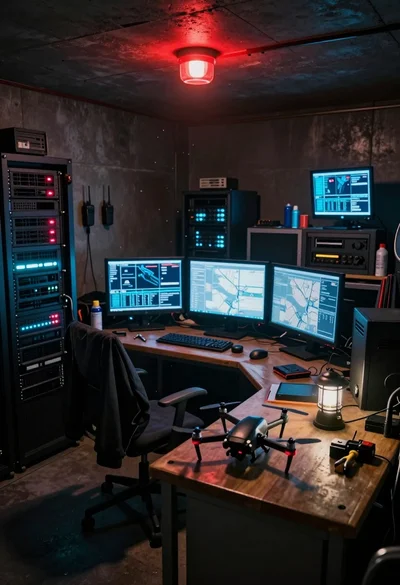
Cluttered underground command center with drone monitors and server racks
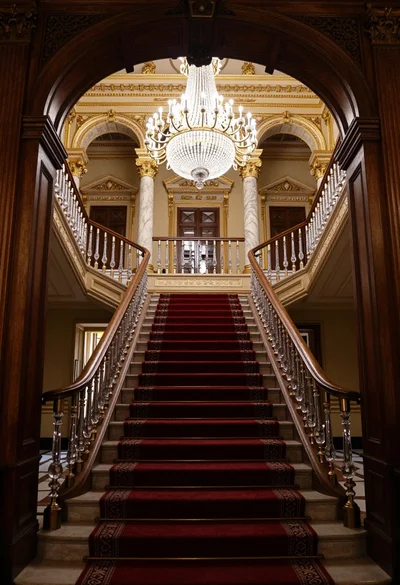
Grand ornate double staircase viewed through a dark carved wooden archway

High angle group portrait of stylized family of six standing on patterned
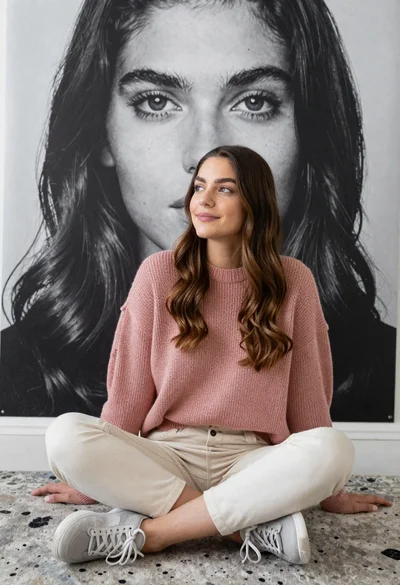
Young woman with long wavy brown hair sitting crosslegged on patterned carpet
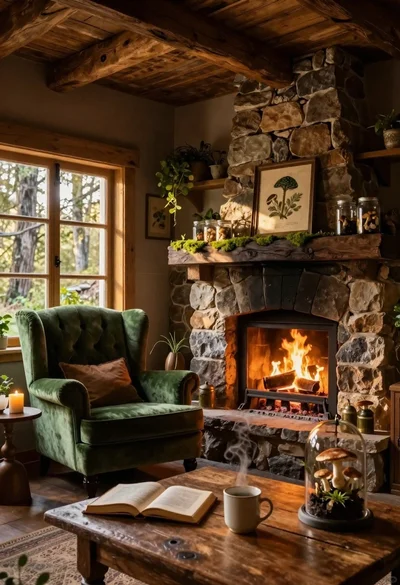
Cozy rustic cabin interior with green velvet armchair and stone fireplace
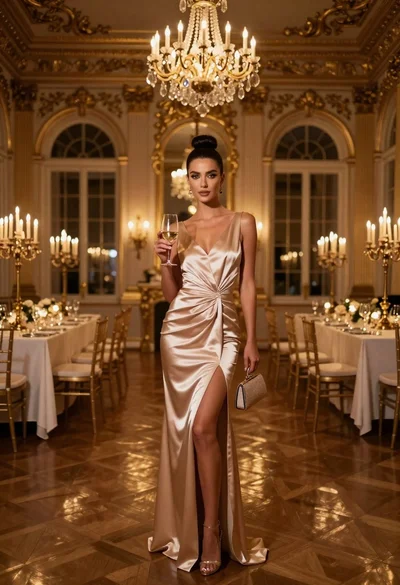
Glamorous woman in champagne satin gown holding wine glass in opulent candlelit
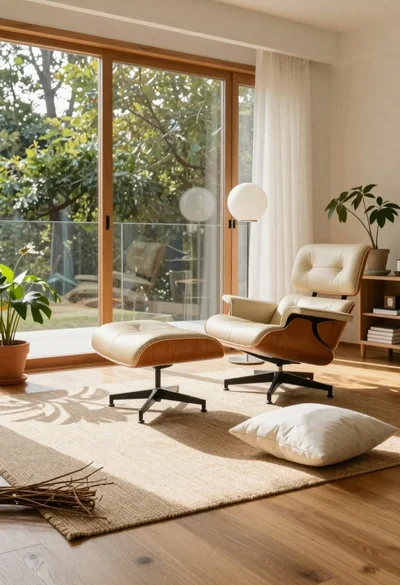
Sunlit living room interior with eames lounge chair
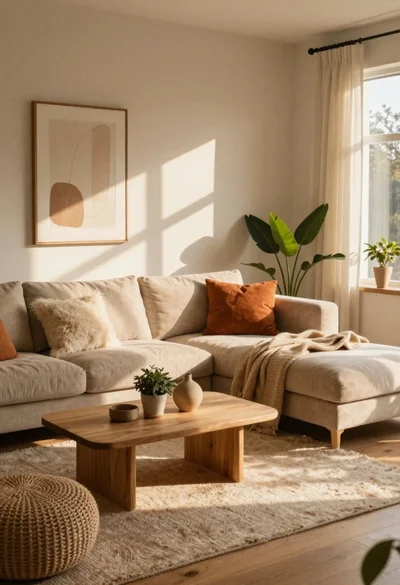
Cozy living room interior bathed in warm sunlight
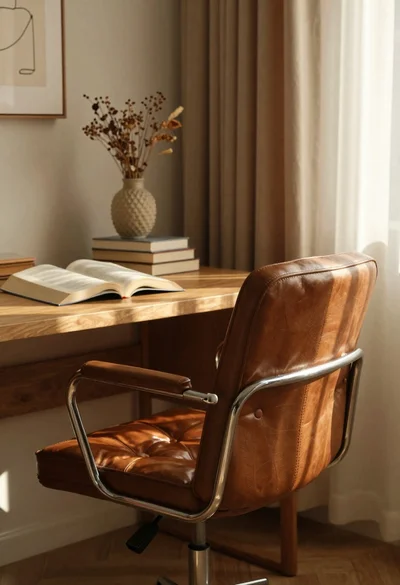
Vintage leather chair by wooden desk in afternoon light
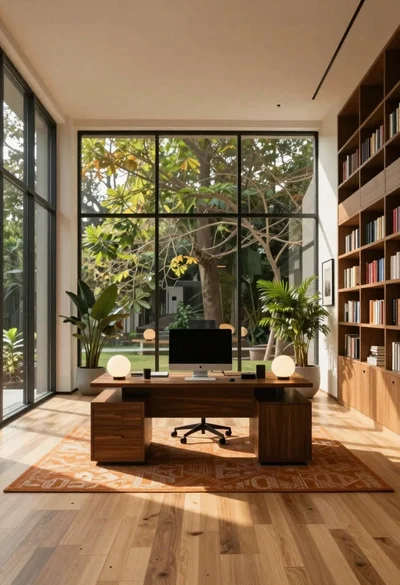
Minimalist office interior with large windows and green trees

Midcentury modern living room corner interior design
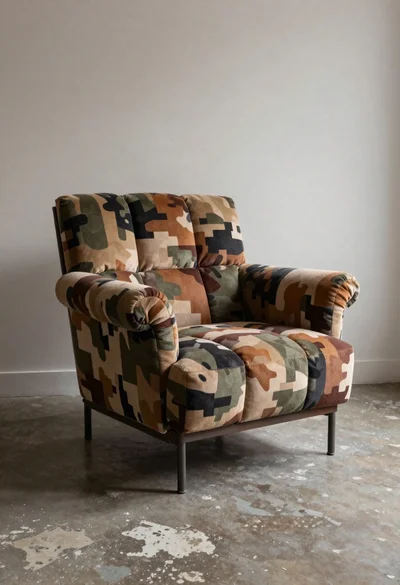
Camouflage armchair in a stylish indoor setting
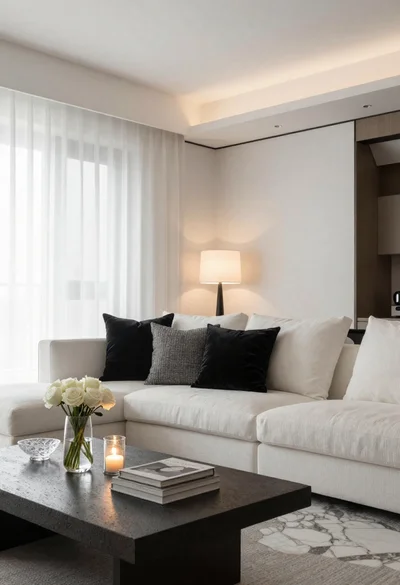
Minimalist living room interior with white sofa and stone table
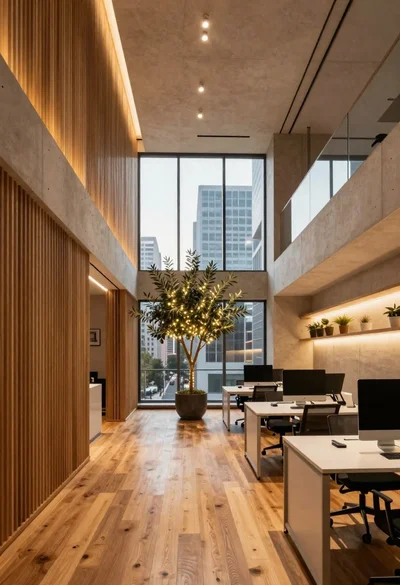
Modern office interior with wood and concrete design
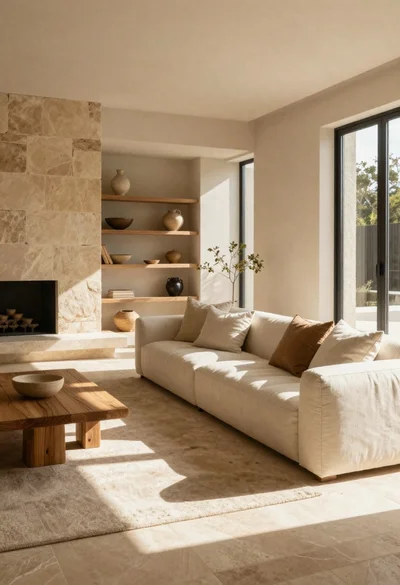
Sunlit minimalist living room with earth tones and stone
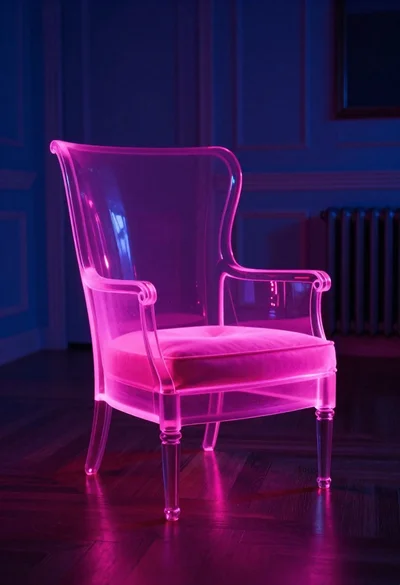
Neon glowing armchair in dimly lit elegant room