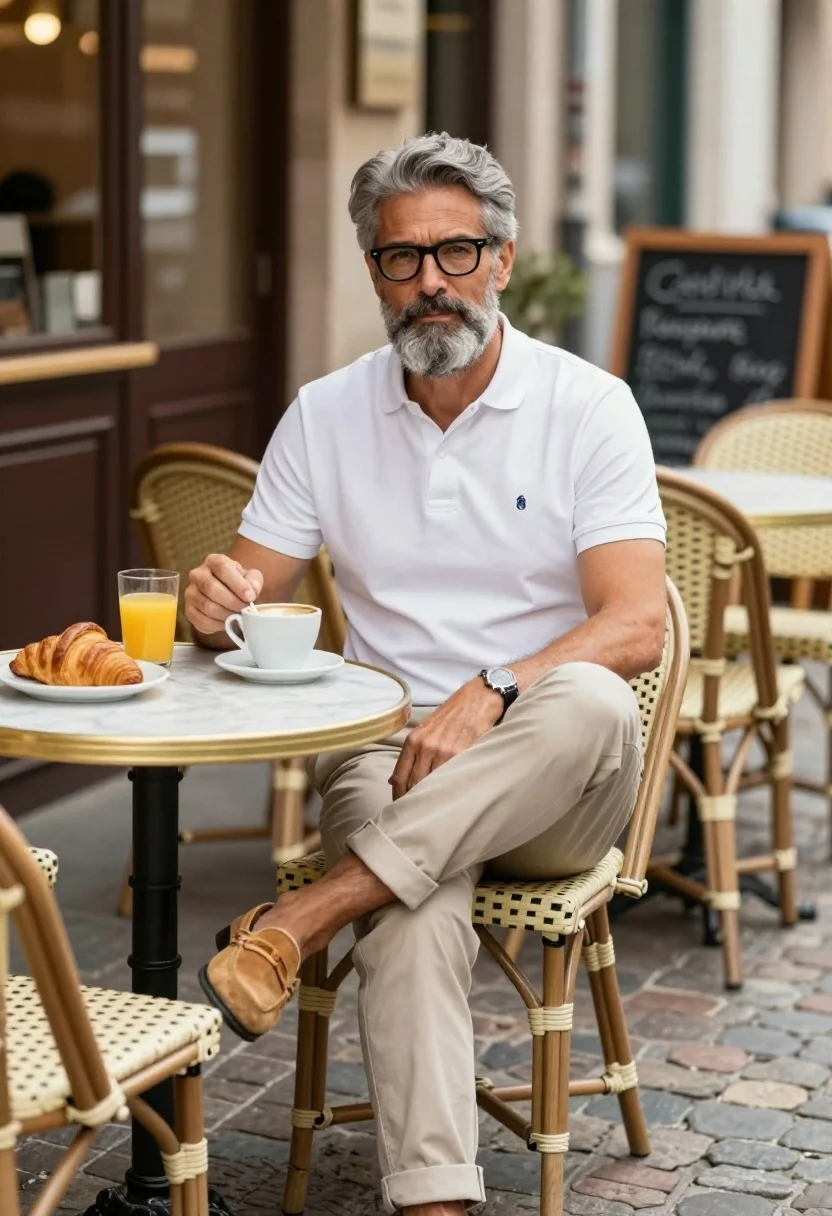
Middle aged man with grey beard at outdoor cafe table enjoying breakfast
Prompt
A handsome middle-aged man with grey hair and a beard sits at an outdoor cafe table enjoying breakfast.

Subject: A mature man with salt-and-pepper hair styled neatly, wearing black-rimmed glasses and sporting a well-groomed full grey beard and mustache.

Clothing: He wears a crisp white short-sleeved polo shirt featuring a small blue logo on the chest, paired with beige chinos rolled at the cuffs and tan suede loafers.

Action: The man sits in a relaxed pose with one leg crossed over the other, holding a spoon in his right hand as he stirs a cup of coffee while looking directly at the camera.

Environment: He is seated at a small round marble-topped table on a cobblestone street in front of a cafe, with empty wicker chairs and a chalkboard menu visible in the blurred background.

Objects: On the table sits a white ceramic cup of coffee, a glass of orange juice, and a golden-brown croissant on a plate.

Lighting: Soft natural daylight illuminates the scene evenly, creating gentle shadows and highlighting the textures of his clothing and the food.

Camera: Shot from a slightly low angle with a shallow depth of field that keeps the subject sharp while blurring the background street scene.

Style Details: The image has a clean, high-resolution photographic quality with warm color tones and a sophisticated lifestyle aesthetic.
Description
This prompt is useful for creating lifestyle magazine features, character portraits for narrative fiction, and commercial advertising promoting artisanal goods. The combination of 'soft natural daylight' and the 'shallow depth of field' ensures that the subject remains sharply focused against a softly blurred background, which directs the viewer's eye immediately to the man and his breakfast items while maintaining environmental context.
Suggestions
- Change 'beige chinos' to 'dark denim jeans' for a more casual feel.
- Swap 'white ceramic cup' for 'vintage porcelain mug' to enhance the aesthetic.
- Adjust 'soft natural daylight' to 'late afternoon sunlight' for warmer highlights.
Category
Tags
CafeLow AngleMaleRealisticStreet
Date added
July 3, 2026
Added by
PromptDexter Team
Related Prompts
More prompts with similar categories and tags.
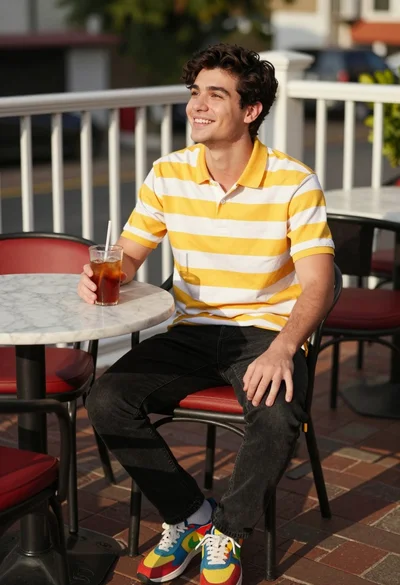
Young man smiling at outdoor cafe table with iced tea drink
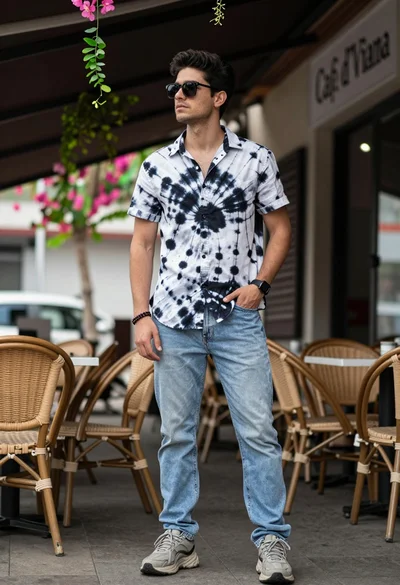
Young man in tiedye shirt standing at outdoor cafe patio setting
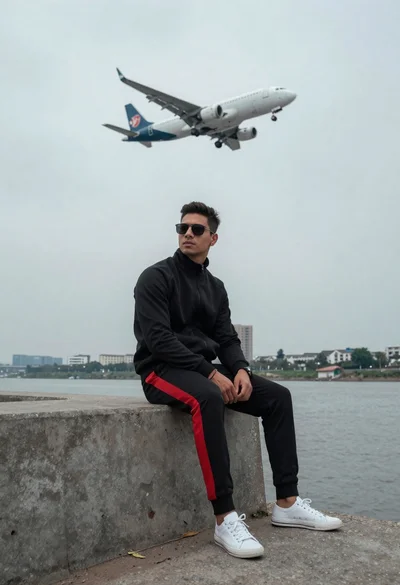
Man on ledge with airplane flying overhead by water
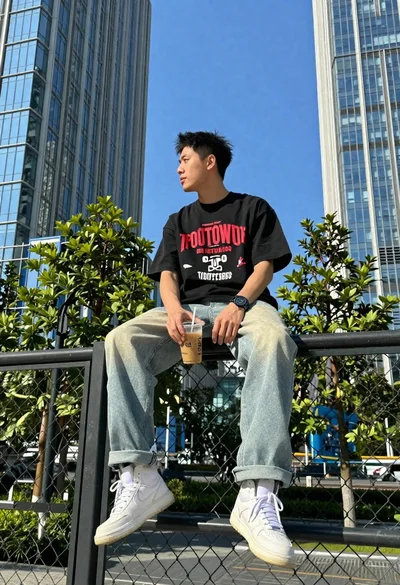
Young man on fence against modern city skyline

Young man in city street between glass skyscrapers
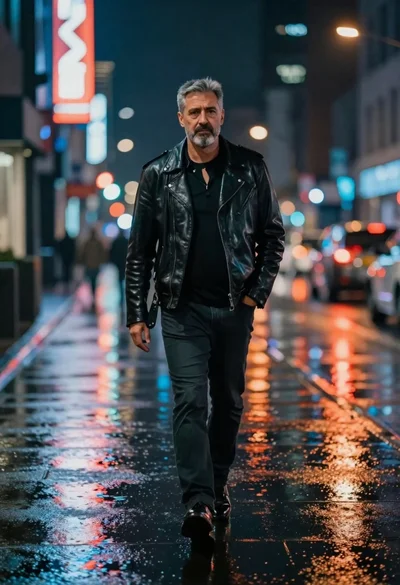
Man walking down rain slicked city street at night
Stylish man posing before eiffel tower at paris twilight
Young man in cafe looking out at city view
Young man sitting by graffiti brick wall with headphones low angle shot
Young man leaning on white sports car graffiti street at night