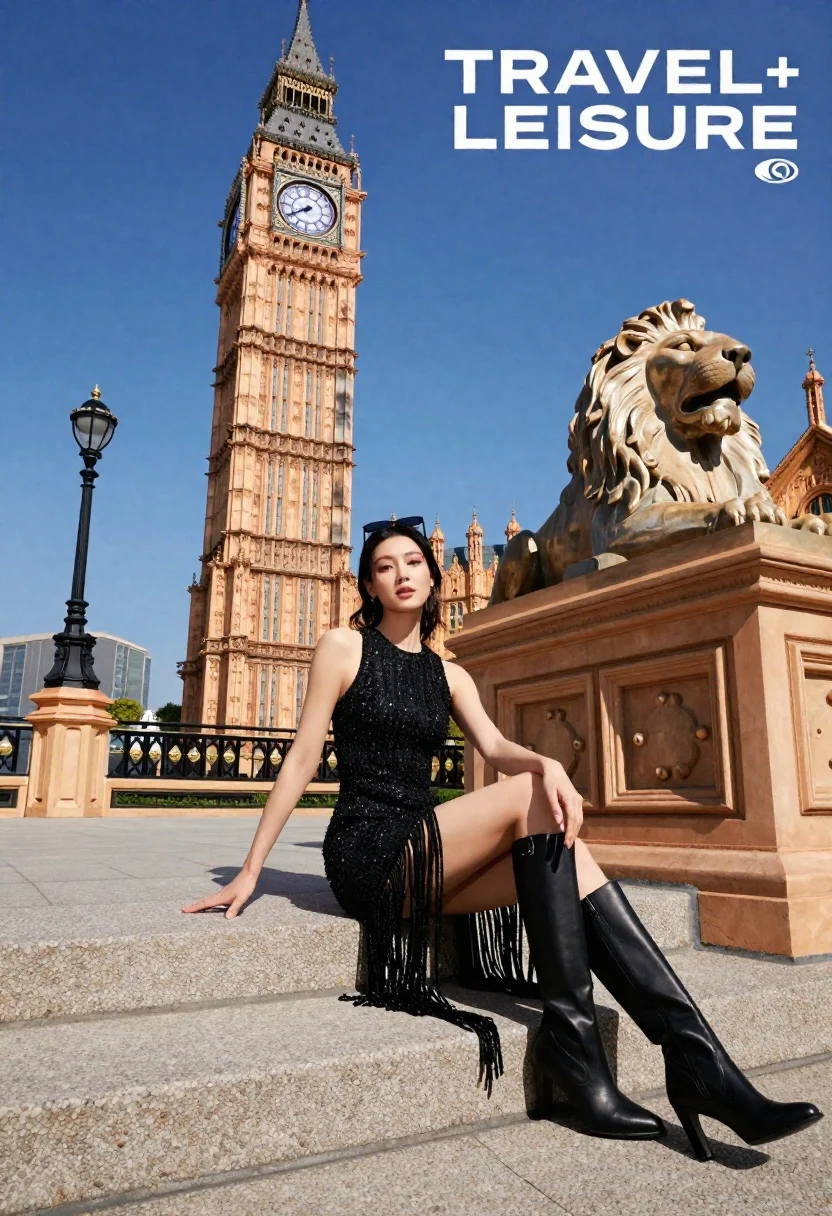
Poised woman seated near clock tower statue under bright blue sky
Prompt
A confident woman sits elegantly on stone steps in front of a tall clock tower under a bright blue sky.

Subject: A poised woman with dark hair and sunglasses perched on her head, looking directly at the camera with a calm expression.

Clothing: She wears a shimmering black sleeveless dress featuring intricate beading on the bodice and long, flowing fringe detailing that cascades down the skirt, paired with tall black heeled boots.

Action: The woman is seated sideways on the steps with her legs crossed at the ankles, hands resting gently in her lap, exuding a relaxed yet glamorous posture.

Environment: The setting is an outdoor plaza featuring a massive stone lion statue to the right and a grand clock tower rising in the background, with decorative balustrades and street lamps lining the walkway.

Camera: Shot from a low angle looking up at the subject and the towering architecture, utilizing a wide lens to capture the full height of the clock tower and the expansive sky.

Lighting: Bright natural daylight illuminates the scene from above, casting soft shadows and highlighting the textures of the stone and the sparkle of the dress.

Text/Graphics: Large white text reading "TRAVEL+ LEISURE" is visible in the top right corner with a small logo underneath.

Style Details: High-fashion editorial photography with vibrant colors, sharp focus on the subject, and a clean, polished aesthetic typical of magazine cover art.
Description
This prompt is useful for creating high-fashion travel editorials, architectural feature spreads, and glossy magazine cover mockups. The combination of 'low angle' perspective with a 'wide lens' emphasizes the subject's dominance against the towering architecture, while the 'shimmering black sleeveless dress' catches the 'bright natural daylight' to provide necessary visual contrast against the stone.
Suggestions
- Change 'shimmering black sleeveless dress' to 'deep emerald velvet gown' for a richer color palette.
- Replace 'low angle' with 'eye-level shot' to make the subject feel more approachable.
- Add 'bokeh effect' to soften the background elements like street lamps.
Category
Tags
FemaleLow AnglePortrait ShotRealisticWide Shot
Date added
June 19, 2026
Added by
PromptDexter Team
Related Prompts
More prompts with similar categories and tags.
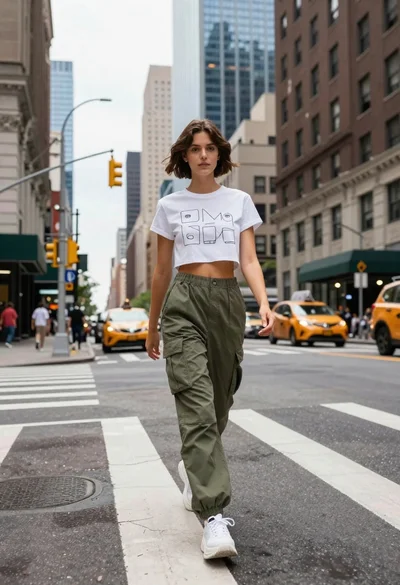
Young woman in white tshirt and cargo pants walking across city street
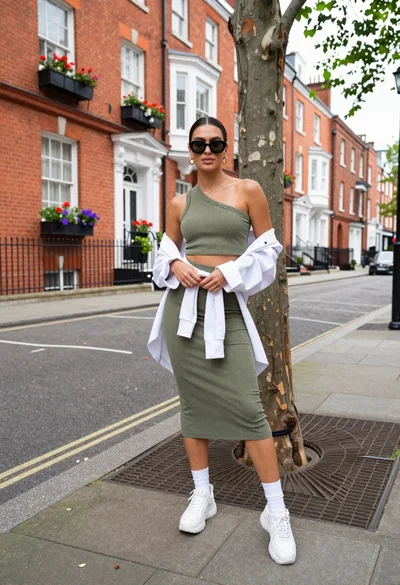
Stylish woman posing on a city sidewalk near red brick townhouses

Woman in black dress by window overlooking ocean at golden hour
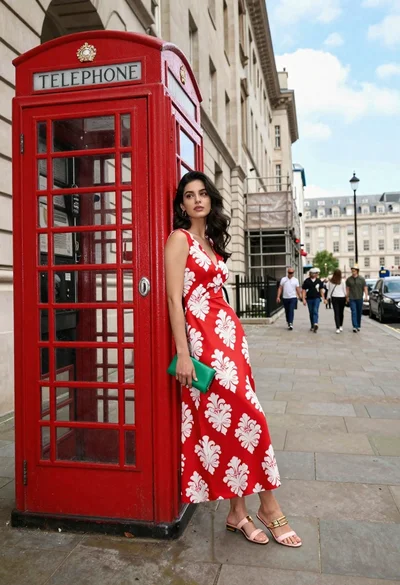
Young woman in patterned red dress leaning on classic telephone booth street

Woman posing on terrace at golden hour by mediterranean buildings
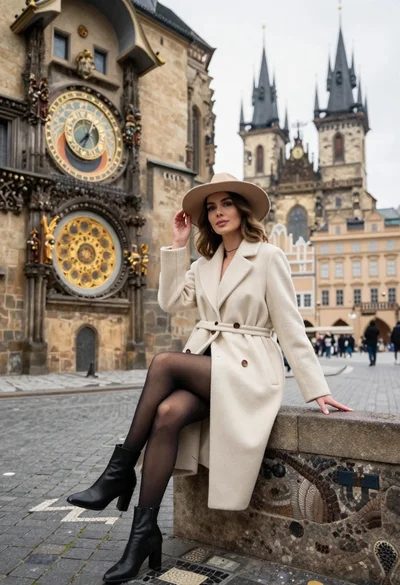
Stylish woman in cream coat sitting by prague astronomical clock
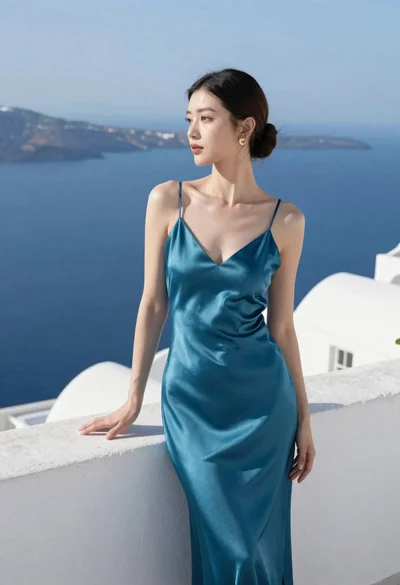
Woman in teal satin slip dress standing on terrace overlooking blue sea
High fashion magazine cover of east asian woman on yacht overlooking blue
Blonde woman leaning against stone wall near colosseum in rome
Fair skinned blonde woman in brown bomber jacket reaching from low angle