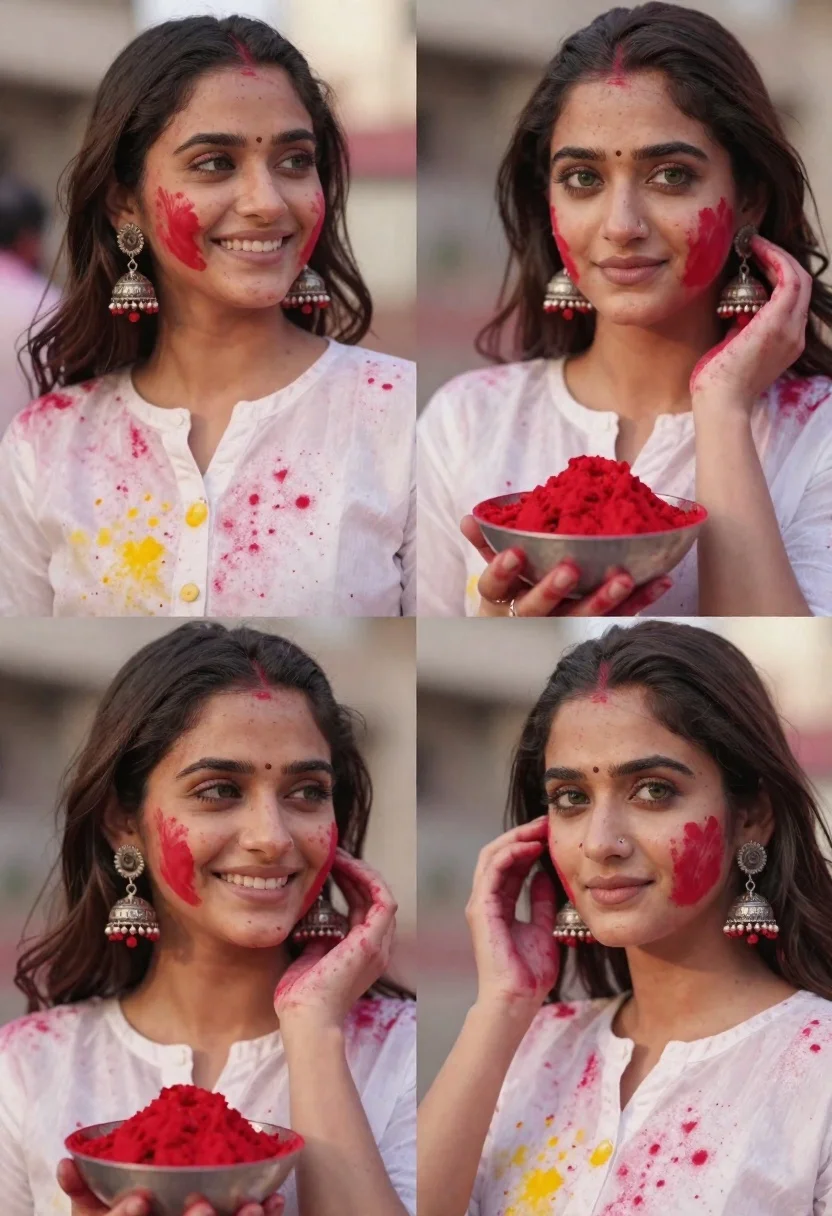
Portrait collage of young woman celebrating holi festival with red powder
Prompt
A collage of four images depicting a woman celebrating the Holi festival with red powder and traditional jewelry.

Subject: A young woman with dark wavy hair, fair skin, and green eyes, wearing large silver jhumka earrings and a white top.

Clothing: She wears a loose-fitting white blouse or kurta that is stained with colorful powders, particularly red and yellow, suggesting active participation in the festival.

Action: The woman smiles warmly in one panel while looking off to the side, and gazes directly at the camera in another; her face is decorated with red powder handprints and a bindi on her forehead.

Environment: The setting appears to be outdoors during the day with soft natural lighting and a blurred background that emphasizes the subject.

Camera: Close-up shots focus on facial expressions and details of the jewelry, with shallow depth of field blurring the surroundings.

Lighting: Soft, warm sunlight illuminates the scene, creating gentle highlights on her skin and hair while casting subtle shadows.
Second

Subject: A hand holding a small bowl filled with bright red powder in one panel.

Objects: Traditional silver jhumka earrings with intricate filigree work and dangling red beads are prominently featured.

Interaction: The woman interacts with the red powder by applying it to her face, creating festive patterns on her skin.

Text/Graphics: No text or graphics are visible in the image.

Style Details: High-resolution photography with vibrant colors and a focus on cultural celebration and traditional Indian aesthetics.
Description
This prompt is useful for creating editorial festival spreads, cultural portrait series, and lifestyle advertising showcasing joy and tradition. The combination of 'soft, warm sunlight' and the 'shallow depth of field' ensures that the focus remains intensely on the subject's expressive face and the vibrant stains of color, preventing the background from distracting from the narrative of celebration.
Suggestions
- Change 'red powder' to 'multi-colored gulal' for more visual variety.
- Swap 'white blouse or kurta' for 'vibrant silk saree' to change the garment focus.
- Add 'bokeh effect' to enhance the blurred background.
Category
Tags
Brown HairClose UpFair SkinFemaleMedium ShotOutdoorsPortrait ShotRealisticTraditional Wear
Date added
June 21, 2026
Added by
PromptDexter Team
Related Prompts
More prompts with similar categories and tags.

Woman in traditional thai dress standing before a grand golden temple
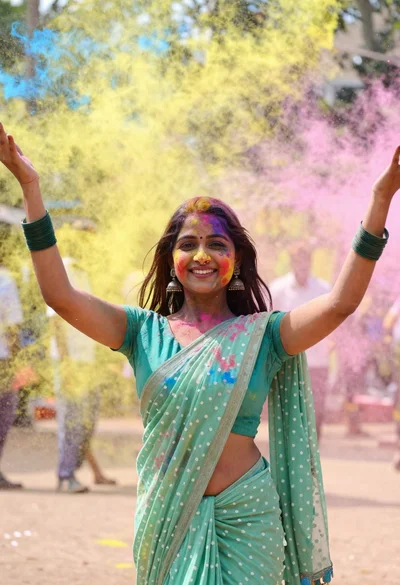
Young woman in traditional saree celebrating with vibrant colored powder explosion
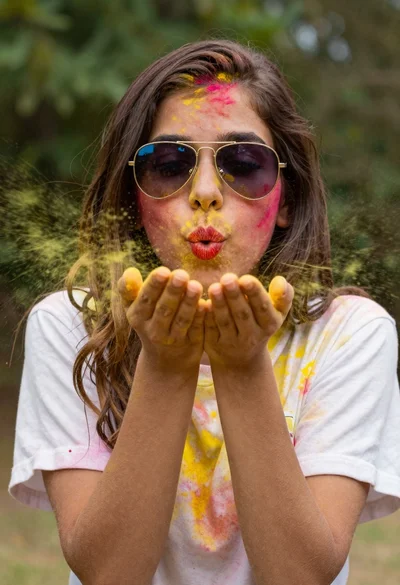
Young woman blowing yellow powder from her hands toward camera
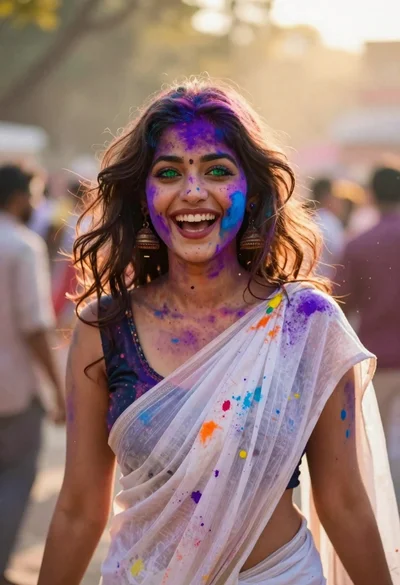
Joyful young woman in white sari covered in colorful powder at festival
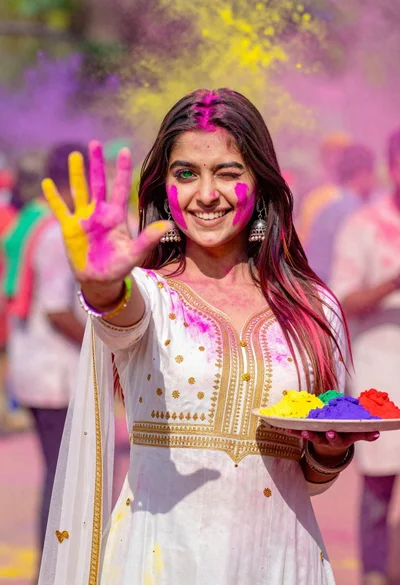
Young woman in traditional dress celebrating holi festival with colorful powders

Photorealistic portrait of woman in red gold armor holding shield studio shot

Young woman in olive saree leaning on railing outdoors during golden hour
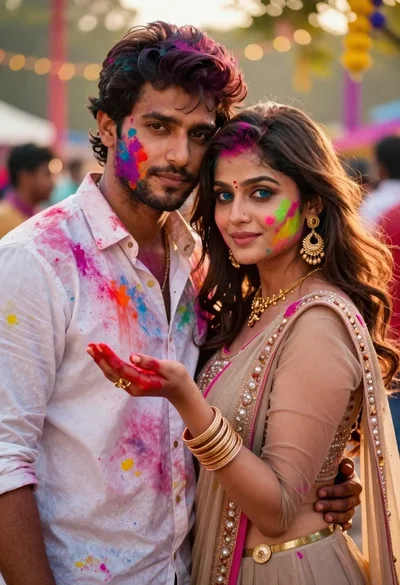
Young couple covered in colorful powder celebrating holi festival at sunset