
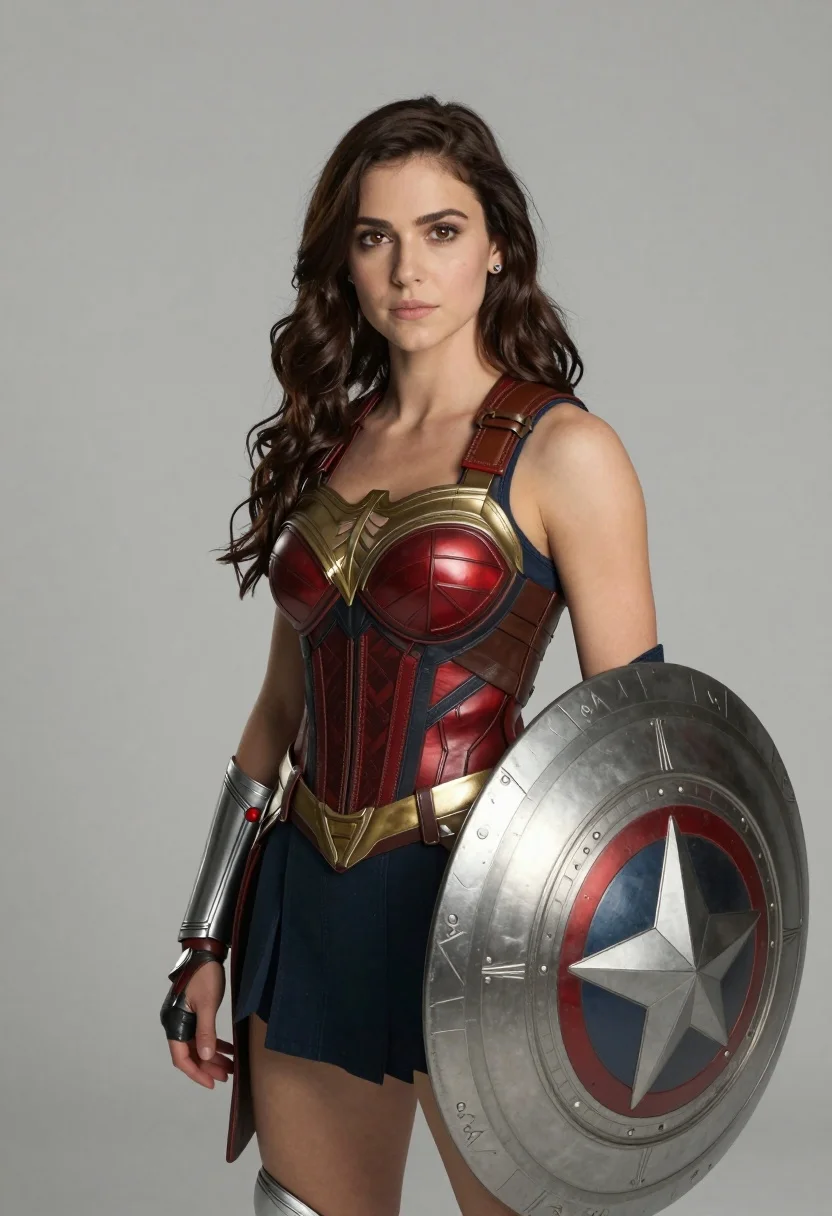
Photorealistic portrait of woman in red gold armor holding shield studio shot
Prompt
A confident woman with long wavy dark brown hair stands in a three-quarter pose against a plain neutral gray background.

Subject: A young woman with fair skin and expressive eyes wearing a detailed armored costume featuring a metallic red and gold bodice with leather straps, a dark blue skirt, and silver gauntlets on her arms.

Clothing: The outfit includes a structured chest piece with embossed patterns, a wide gold belt, and a brown leather strap crossing the torso diagonally; she wears small stud earrings.

Action: She stands upright with a calm expression, looking directly at the camera, holding a large round shield in front of her left side while her right hand rests near her hip.

Environment: The setting is a minimalist studio space with a seamless light gray backdrop that isolates the figure without distraction.

Camera: Shot from a medium-full length angle with soft focus on the background to emphasize the subject, using naturalistic lighting and shallow depth of field.

Lighting: Soft diffused frontal lighting highlights the contours of her face and costume textures while casting gentle shadows to define form.

Objects: A large ornate shield with geometric engravings is held in front of her body, partially visible in the foreground.

Style Details: Photorealistic cinematic portrait style with high detail rendering, subtle color grading, and clean post-processing for a polished superhero aesthetic.
Description
This prompt is useful for creating character concept art for video games, promotional key visuals for sci-fi media, and detailed costume design portfolios. The combination of 'metallic red and gold bodice' against the 'plain neutral gray background' ensures that the vibrant armor elements remain the absolute focal point, preventing any environmental clutter from distracting from the subject's heroic presence.
Suggestions
- Change 'dark brown hair' to 'raven black hair' for higher contrast.
- Swap 'large ornate shield' for 'sci-fi energy shield' to update the genre feel.
- Adjust 'soft diffused frontal lighting' to 'dramatic rim lighting' for more cinematic impact.
Category
Tags
3/4 AngleArmorBrown HairBrunetteCasual WearClose UpFair SkinFemaleFull BodyMedium ShotOutdoorsPortrait ShotRealisticStudio
Date added
August 5, 2026
Added by
PromptDexter Team
Related Prompts
More prompts with similar categories and tags.

Young woman in olive saree leaning on railing outdoors during golden hour
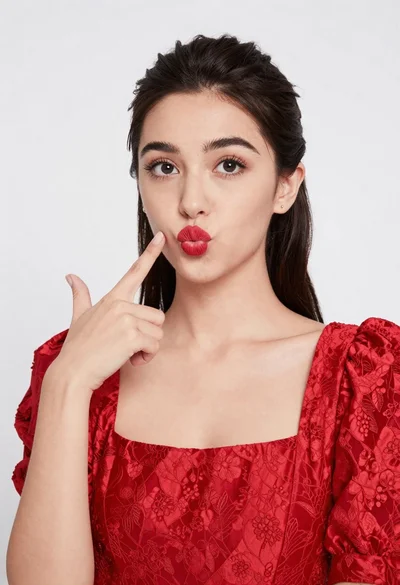
Young woman pointing playfully at cheek in deep red studio dress

Smiling young woman in maroon top standing outdoors with blurred background
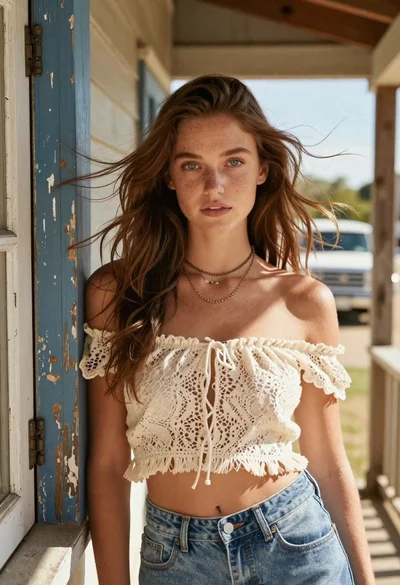
Young woman with brown hair on a sunlit rustic porch
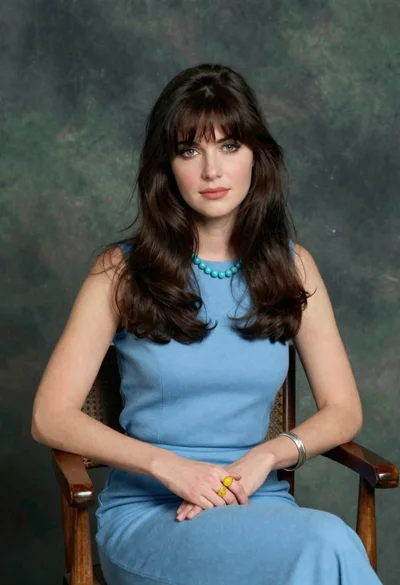
Woman with dark brown hair seated in wooden chair against green backdrop
Close up portrait of young woman making heart shape over chest

Woman with brown hair forming heart shape in white strapless dress
Young east asian woman smiling with white flowers on sidewalk near flower
Blonde woman in sailor uniform floating among cosmic stars as cupid

Smiling woman in red dress sitting in white macrame hanging chair
