
Portrait of woman in green saree and red blouse indoors
Prompt
A woman sits gracefully in a portrait pose, wearing a traditional Indian saree with a rich green body and a contrasting red border featuring gold stripes. She wears an ornate red blouse with intricate gold embroidery on the neckline and sleeves. Her dark hair is pulled back from her face, revealing elaborate gold jewelry including a necklace, dangling earrings, bangles, and a ring. A small red bindi adorns her forehead. She gazes directly at the camera with a calm expression. The lighting is soft and warm, highlighting the texture of the silk fabric and casting gentle shadows on the plain cream-colored wall behind her. A wooden-framed mirror hangs on the wall above her shoulder. She sits on a bench upholstered in red fabric with a floral pattern.

Subject: A woman with dark hair pulled back, wearing traditional Indian attire and gold jewelry.

Clothing: A green silk saree with a red border featuring gold stripes, paired with a red blouse detailed with gold embroidery on the neckline and sleeves.

Action: Sitting upright with hands clasped in her lap, looking directly at the camera with a calm expression.

Environment: An indoor setting with a plain cream-colored wall and a wooden-framed mirror hanging behind the subject.

Camera: Medium shot framing the upper body, with soft focus on the background to emphasize the subject.

Lighting: Soft, warm lighting that highlights the texture of the fabric and creates gentle shadows on the wall.

Objects: A red upholstered bench with a floral pattern visible beneath her.

Style Details: Traditional Indian aesthetic with high-quality textile rendering and elegant composition.
Description
This prompt is useful for creating cultural portraiture, editorial features on traditional textiles, and intimate character studies set indoors. The combination of 'soft, warm lighting' accentuating the 'texture of the silk fabric' against the 'plain cream-colored wall' ensures that the rich colors of the green saree and red blouse remain vibrant while preventing harsh reflections, which is crucial for showcasing intricate gold embroidery.
Suggestions
- Change 'rich green body' to 'emerald green body' for a deeper jewel tone.
- Swap 'wooden-framed mirror' for 'antique brass mirror' to enhance the opulent feel.
- Adjust 'soft focus on the background' to 'shallow depth of field' for more dramatic separation.
Category
Tags
Black HairDark SkinFemaleIndoorsMedium ShotPortrait ShotRealisticTraditional Wear
Date added
June 19, 2026
Added by
PromptDexter Team
Related Prompts
More prompts with similar categories and tags.

Woman in black dress holding cocktail glass at dimly lit restaurant table

Woman in black velvet cheongsam holding katana against red background
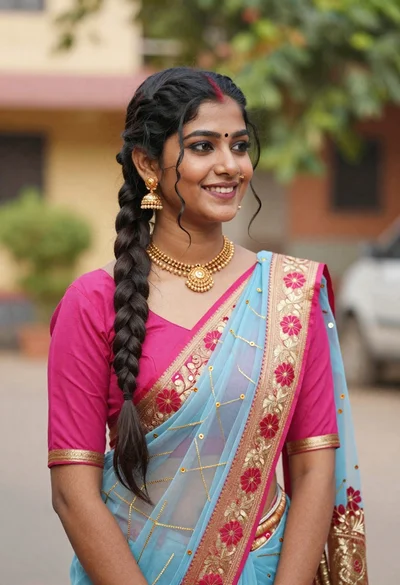
Young woman in pink blouse and blue sari outdoors with braided hair
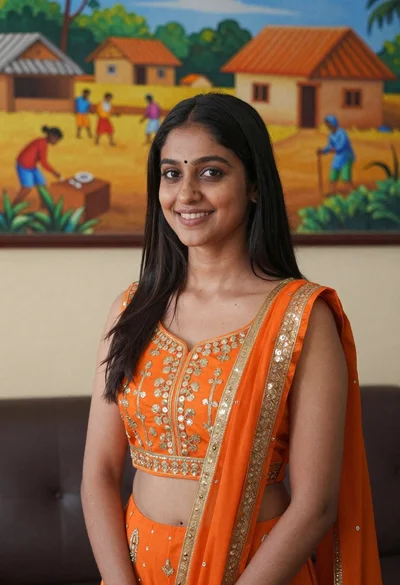
Smiling young woman in orange embroidered traditional outfit against colorful mural
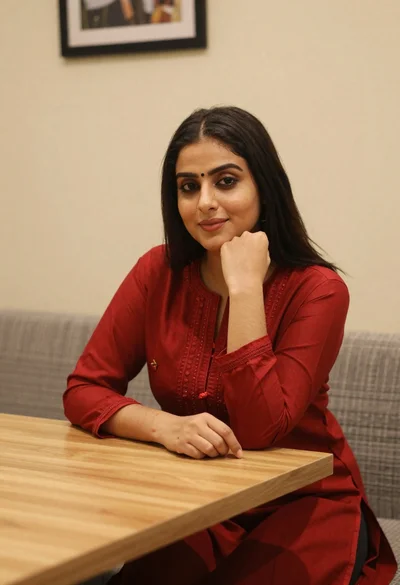
Young woman in red salwar kameez resting chin on hand indoors
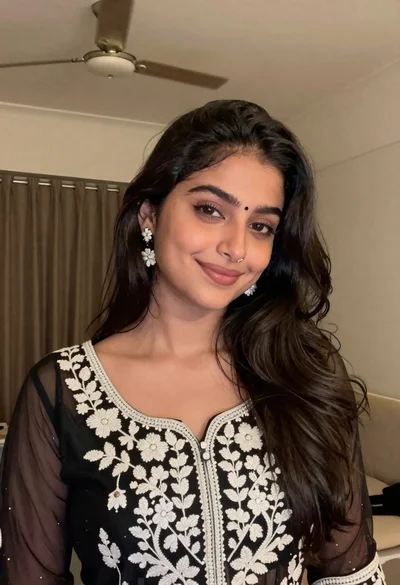
Young woman with dark wavy hair wearing embroidered top indoors portrait

Woman with black hair leaning indoors by glass railing in bright modern
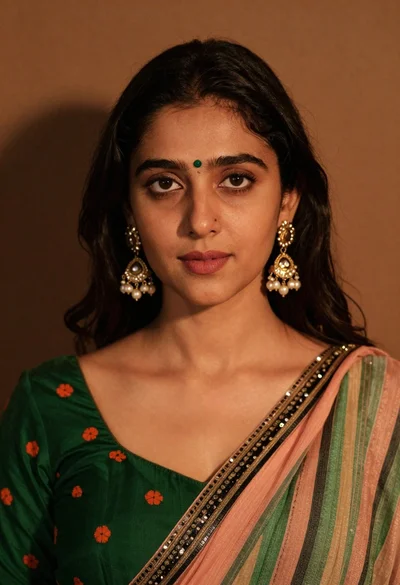
Close up portrait of young woman with dark hair wearing traditional indian
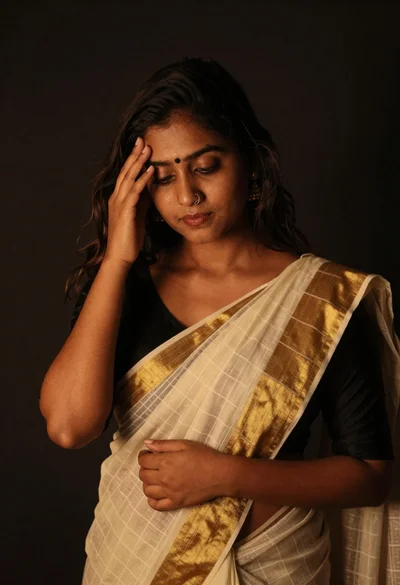
Young woman in traditional saree posing contemplatively against dark background

Young woman in black crop top and cream trousers indoors looking over