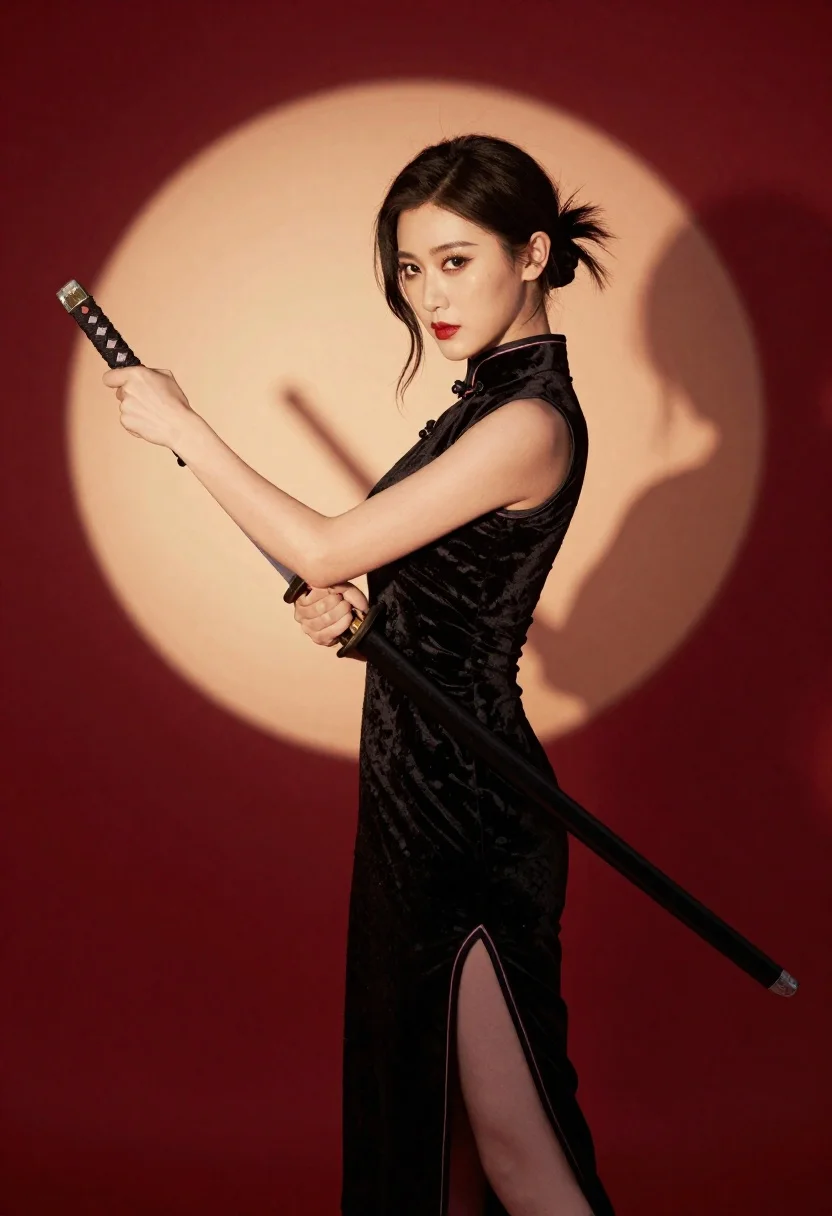
Woman in black velvet cheongsam holding katana against red background
Prompt
A woman in a black sleeveless cheongsam holding a katana against a red background with a large circular light behind her.

Subject: A woman with dark hair styled in an updo and loose strands framing her face, featuring defined makeup including winged eyeliner and bold red lipstick.

Clothing: She wears a black velvet sleeveless cheongsam dress with traditional frog buttons at the collar, a high slit on the side revealing lace-up detailing, and a fitted silhouette.

Action: She stands in profile facing left, gripping the hilt of a katana with both hands to hold it diagonally across her body, looking forward with a serious expression.

Environment: The setting is a studio space with a solid deep red background featuring a large, soft-edged circular spotlight directly behind the subject.

Camera: A medium shot capturing the subject from the thighs up, utilizing a shallow depth of field to blur the background light and emphasize the sharp details of the figure and weapon.

Lighting: Dramatic lighting creates a strong contrast between the dark velvet fabric and the bright warm backlight, casting a distinct shadow of the woman and sword onto the red wall behind her.

Objects: A katana with a black handle featuring diamond-shaped inlays and a metallic blade is held firmly by the subject.

Style Details: The image exhibits a cinematic aesthetic with high contrast, rich saturated colors, and a polished studio photography quality.
Description
This prompt is useful for creating dramatic character portraits, stylized historical concept art, and editorial fashion spreads with an Asian-inspired edge. The combination of 'black velvet' against the 'deep red background' maximizes visual drama, while the 'large, soft-edged circular spotlight' ensures that even the silhouette retains enough visible texture to ground the figure within the composition.
Suggestions
- Change 'black velvet' to 'lacquered silk' for a different sheen.
- Swap 'red lipstick' for 'deep oxblood' to match the background tone.
- Adjust 'medium shot' to 'full body' to better showcase the cheongsam's slit.
Category
Tags
Black HairCasual WearDark SkinFemaleFull BodyMedium ShotOutdoorsPortrait ShotRealisticSide ProfileStudioTraditional Wear
Date added
June 23, 2026
Added by
PromptDexter Team
Related Prompts
More prompts with similar categories and tags.
Young woman in green tank top against wall with golden hour light
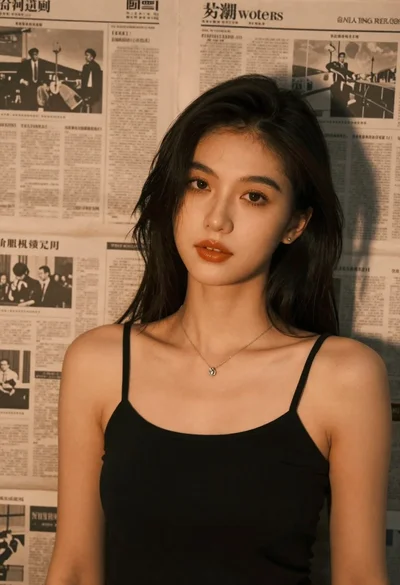
Brunette woman leaning against aged newspaper wall
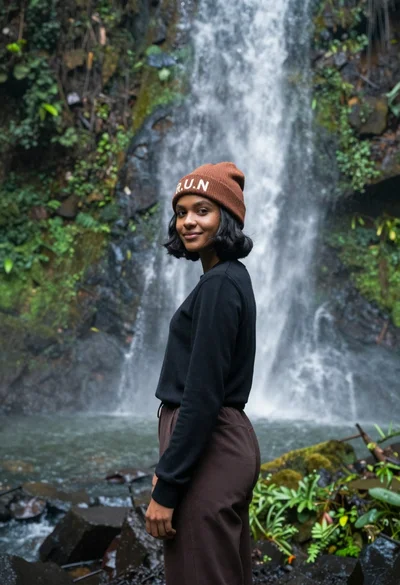
Young woman with dark skin and beanie standing before jungle waterfall

Woman in black dress holding cocktail glass at dimly lit restaurant table
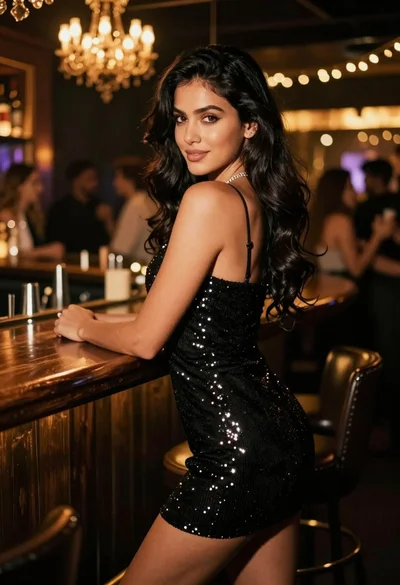
Glamorous woman in black sequin dress leaning on bar counter at nightclub
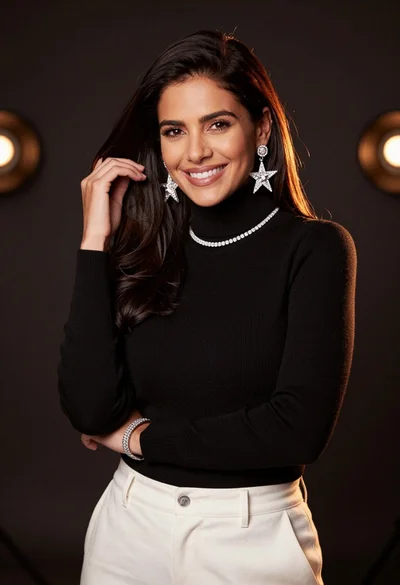
Smiling woman with dark hair wearing black turtleneck against bokeh background

Photorealistic portrait of woman in red gold armor holding shield studio shot

East asian woman in black leather jacket on bustling chinese street at