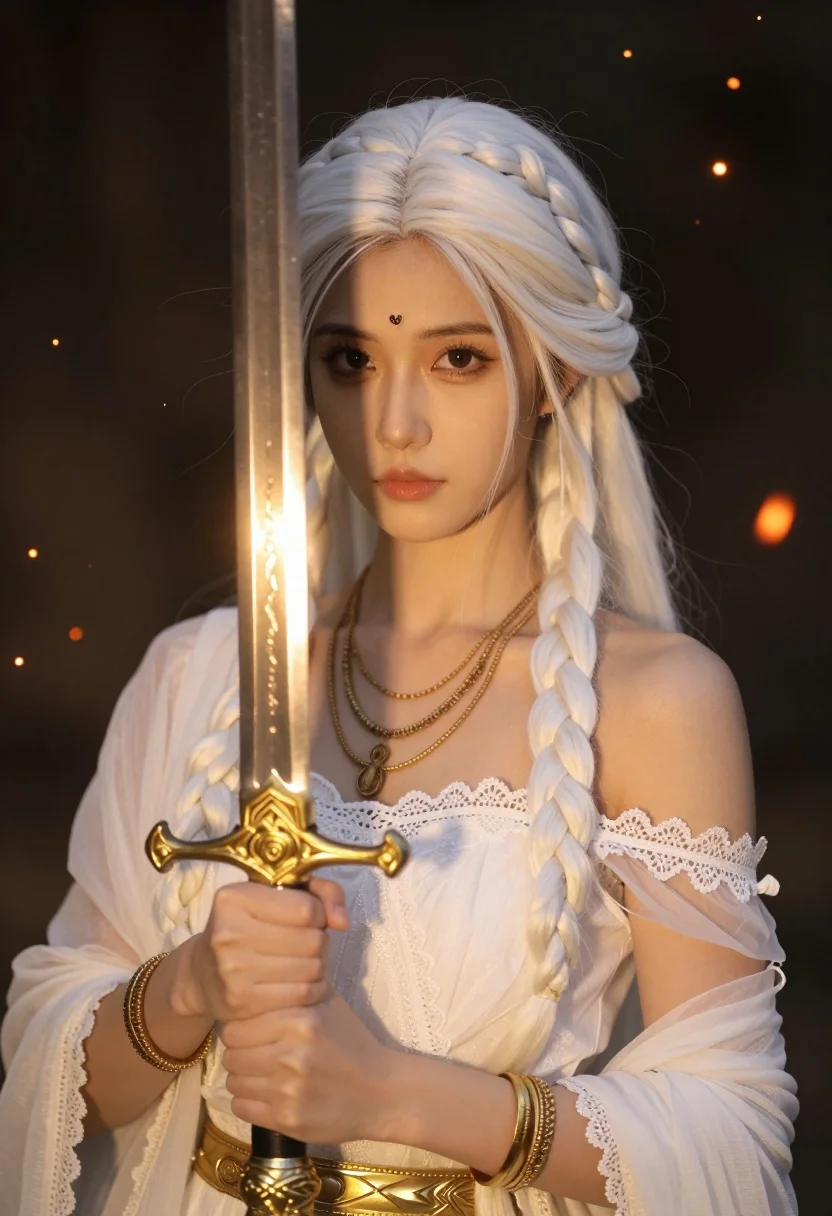
Portrait of woman with white braids holding glowing golden sword in dark
Prompt
A striking portrait of a young woman with long, flowing white hair styled in two thick braids framing her face and a small decorative bindi on her forehead. She holds an ornate golden sword upright in front of her chest with both hands, the blade glowing with a warm inner light that illuminates her features. Her expression is calm and direct as she gazes forward.

Subject: A young woman with pale skin, long white hair styled in two thick braids, and a small decorative bindi on her forehead.

Clothing: She wears an elegant off-the-shoulder white gown featuring delicate lace trim along the neckline and sleeves, layered with multiple gold necklaces and bracelets.

Action: She holds a golden sword upright in front of her chest with both hands, maintaining a calm and direct gaze toward the viewer.

Environment: The background is dark and atmospheric, filled with floating glowing embers or sparks that suggest a magical or fiery setting.

Camera: A close-up portrait shot with a shallow depth of field that keeps the subject sharp while softly blurring the background particles.

Lighting: Warm golden light emanates from the sword blade, casting a soft glow on her face and hair, contrasting with the darker, ambient lighting of the surroundings.

Objects: An ornate golden sword with intricate detailing on the hilt and a glowing blade is held prominently in the foreground.

Style Details: The image features a cinematic, high-fantasy aesthetic with hyper-realistic textures, soft focus effects, and a magical atmosphere enhanced by floating embers.
Description
This prompt is useful for creating book cover art for epic fantasy novels, character concept sheets for TTRPGs, and dramatic promotional artwork for video games. The combination of 'warm golden light' emanating from the sword against a 'dark and atmospheric' background ensures that the subject remains highly visible while the glowing embers provide visual interest, preventing the composition from feeling flat or static.
Suggestions
- Change 'white hair' to 'platinum blonde hair' for a more specific color palette.
- Add 'volumetric lighting' to enhance the glow effect.
- Swap 'floating glowing embers' for 'wisps of blue magical smoke' to alter the mood.
Category
Tags
BlondeClose UpFair SkinFemaleIndoorsPortrait ShotRealistic
Date added
August 5, 2026
Added by
PromptDexter Team
Related Prompts
More prompts with similar categories and tags.
Portrait of young woman with blue eyes and blonde hair

Close up portrait of young woman with dark brown hair indoors

Blonde woman at a bar counter in dimly lit pub
Young blonde woman in black lace camisole holding red rose indoors
Portrait of young blonde woman in deep red satin top against white
Close up portrait of blonde woman touching head against metallic structure
Close up portrait of blonde woman touching face at golden hour

Close up portrait of blonde woman blowing kiss in black sweatshirt
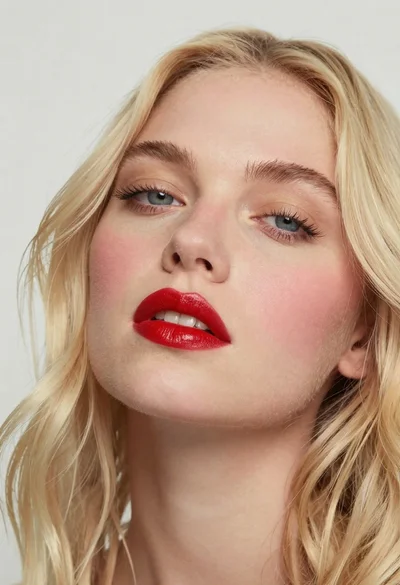
Close up portrait of woman with blonde hair and blue eyes
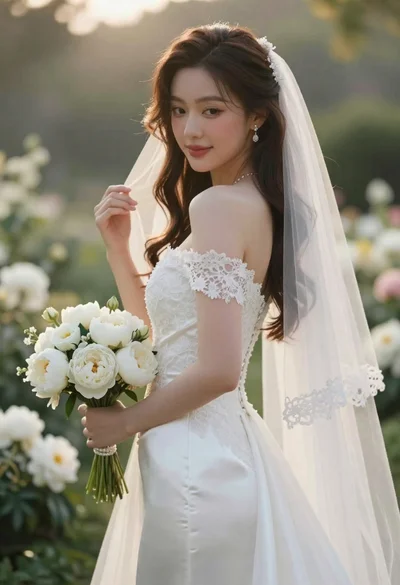
Close up portrait of shy bride in white gown on garden terrace