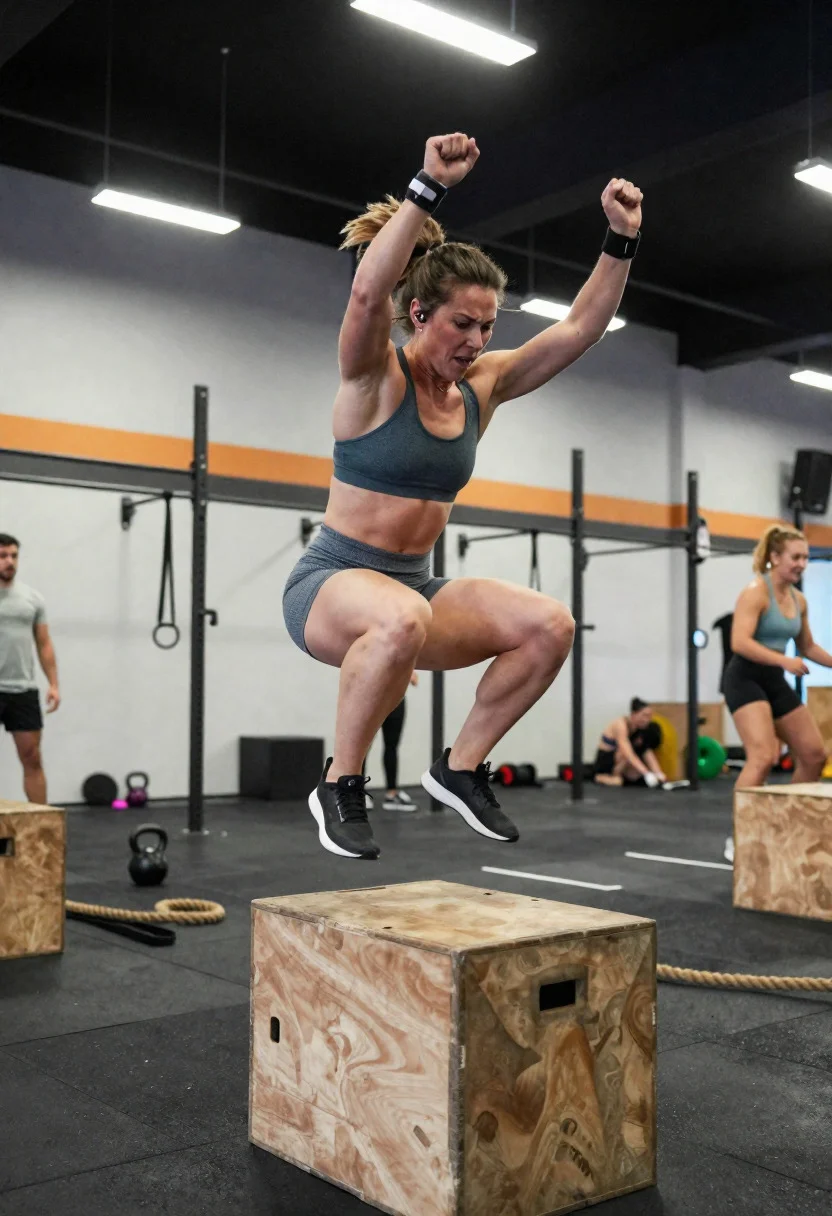
Powerful female athlete mid jump during intense gym training session
Prompt
Dynamic gym action scene capturing an explosive moment of athletic performance during an intense training session

Subject: powerful female athlete with defined musculature and a fierce, focused expression

Clothing: sports bra and high-waisted training shorts, breathable performance fabric

Accessories: wrist wraps and wireless earbuds

Action: mid-jump during a box jump, legs tucked and arms driving upward with explosive energy

Environment: functional training gym with plyometric boxes, ropes, and open floor space, slightly blurred background activity

Camera: freeze-frame action shot from a low front angle, wide lens capturing motion and height

Lighting: bright overhead industrial lights with sharp highlights and crisp shadows, emphasizing movement and form

Other Subjects: a few blurred athletes training in the background

Objects: wooden plyo box, resistance bands, kettlebells scattered nearby

Style Details: high-speed sports photography with crisp motion freeze, vibrant contrast, and a dynamic, energetic aesthetic
Description
This prompt is useful for creating fitness magazine covers, sportswear advertisements, and action sequence concept art. The combination of 'low front angle' and 'bright overhead industrial lights with sharp highlights and crisp shadows' exaggerates the athlete's vertical leap and musculature, which is crucial for conveying explosive energy over a flat, evenly lit depiction.
Suggestions
- Change 'high-waisted training shorts' to 'compression leggings' for more coverage.
- Swap 'wooden plyo box' for 'rubber plyometric boxes' to change the material feel.
- Adjust 'wide lens' to '24mm prime lens' for a slightly different perspective.
Category
Tags
FemaleFull BodyLow AngleOutdoorsRealisticSportswearWide Shot
Date added
June 19, 2026
Added by
PromptDexter Team
Related Prompts
More prompts with similar categories and tags.

Blonde woman skydiving in freefall against fluffy white clouds

Confident young woman in blue sports outfit at vibrant football stadium
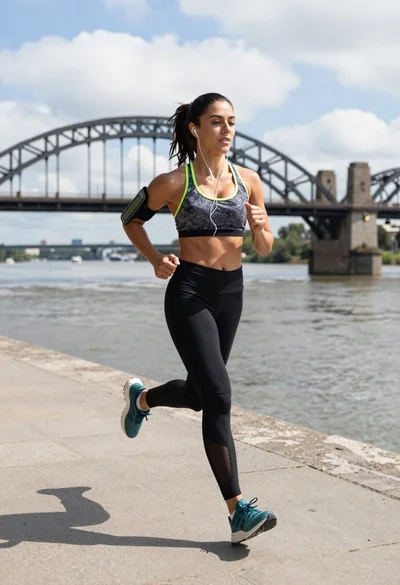
Fit woman jogging on stone embankment near large steel arch bridge
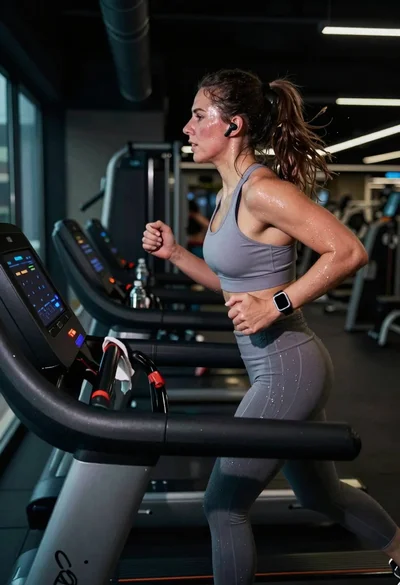
Exhausted female athlete sprinting on treadmill in dim modern gym

Fit woman balancing on a soccer ball against a clear blue sky
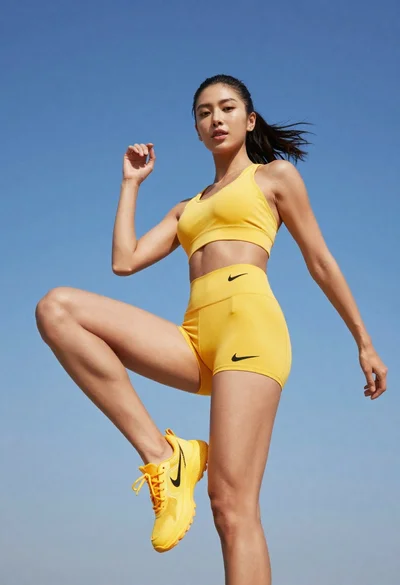
Fit woman in yellow athletic wear posing against a clear blue sky
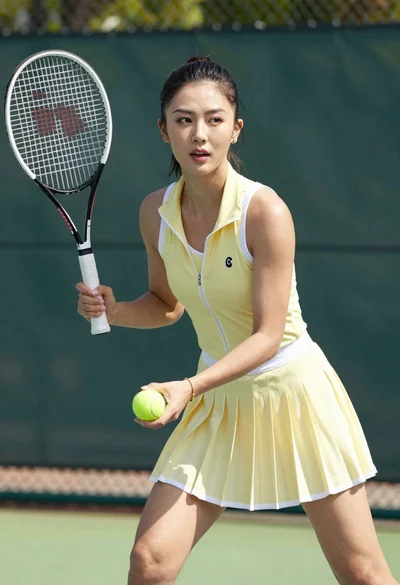
Fit woman in yellow tennis outfit holding racket and ball on court
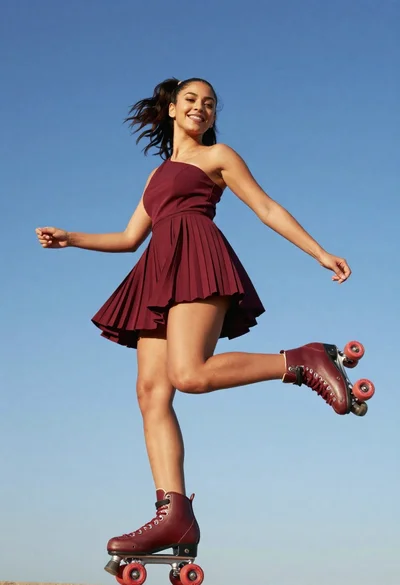
Young woman in maroon oneshoulder dress skating on roller skates against blue
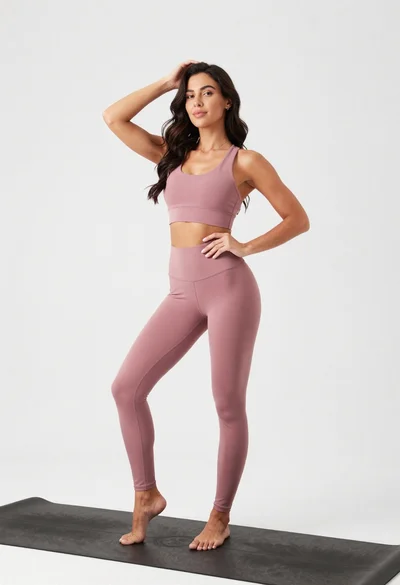
Fit woman in dusty pink sports bra standing on black yoga mat

Young woman in black jumpsuit freefalling through clouds with arms outstretched