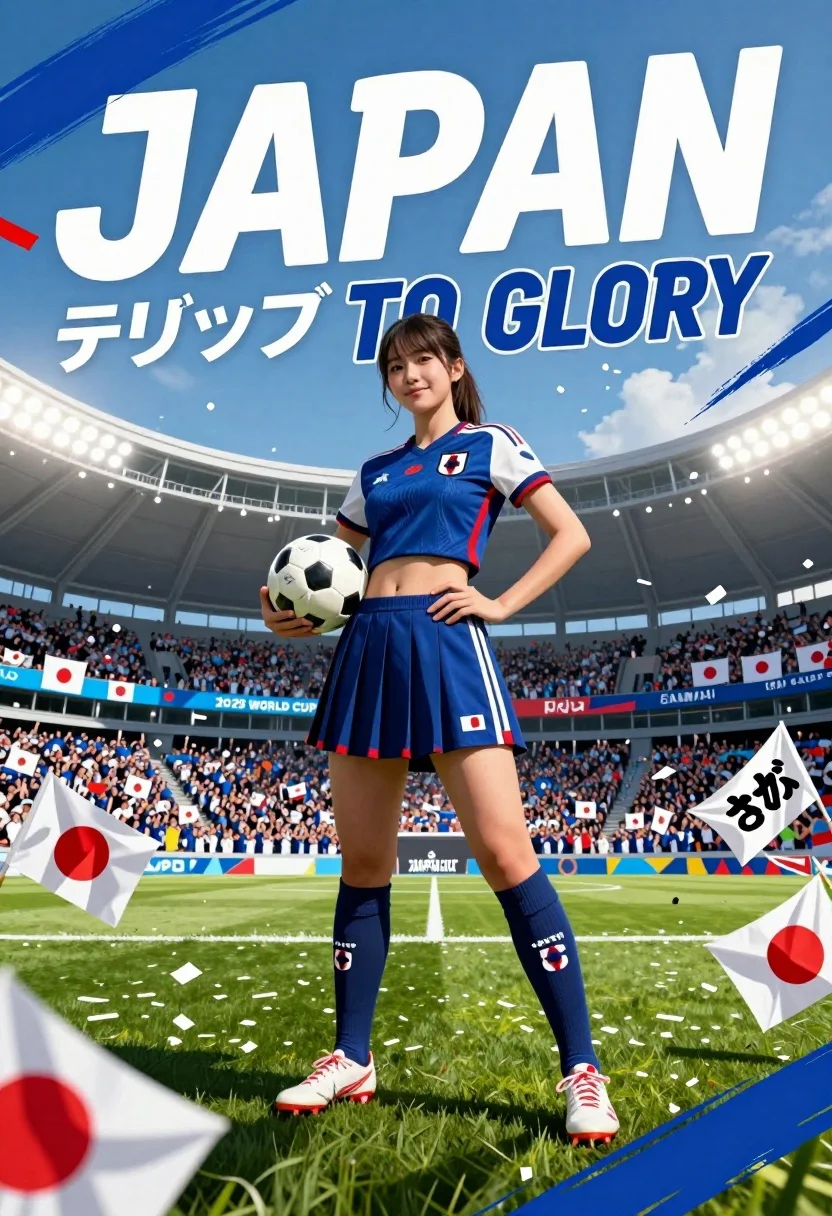
Confident young woman in blue sports outfit at vibrant football stadium
Prompt
A confident young woman stands in a vibrant football stadium holding a soccer ball, wearing a blue sports outfit with the Japanese flag emblem and matching knee-high socks.

Subject: A fit young woman with long dark hair tied back, standing confidently on a green grass pitch.

Clothing: She wears a navy blue sleeveless crop top with red and white trim and a crest, a matching pleated skirt, navy blue socks with white stripes and the word JAPAN printed on them, and white football cleats with red accents.

Action: She holds a soccer ball in her right hand while resting her left hand on her hip, looking directly at the camera with a slight smile.

Environment: A packed stadium filled with fans waving Japanese flags under bright floodlights, with large banners and confetti falling around her.

Camera: Low angle shot emphasizing the subject's stature, wide lens capturing the expansive stadium background, dynamic composition with diagonal lines from the text and flags.

Lighting: Bright stadium lighting creating a high-energy atmosphere with soft shadows on the grass and highlights on the subject's skin and uniform.

Text/Graphics: Large white text reading JAPAN at the top, Japanese characters below it, Blue to Glory in English, 2026 WORLD CUP, SAMURAI BLUE banner in background, and additional Japanese calligraphy on a flag.

Style Details: Vibrant sports poster aesthetic with bold brushstroke effects, dynamic color palette of blue, white, and red, high contrast, energetic composition typical of promotional sports imagery.
Description
This prompt is useful for creating athletic event posters, sports merchandise mockups, and vibrant editorial features about international competition. The combination of 'low angle shot' and 'bright stadium lighting' emphasizes the subject's stature against the backdrop of a 'packed stadium filled with fans,' which directs the viewer's eye upward to convey power and scale appropriate for promotional sports imagery.
Suggestions
- Change 'navy blue' to 'royal blue' for a more saturated primary color.
- Swap 'confetti falling around her' for 'sweeping motion blur of confetti' to enhance dynamism.
- Adjust 'wide lens capturing the expansive stadium background' to 'telephoto compression' to bring the background closer.
Category
Tags
Black HairFemaleFull BodyLow AngleOutdoorsRealisticSportswearWide Shot
Date added
July 3, 2026
Added by
PromptDexter Team
Related Prompts
More prompts with similar categories and tags.
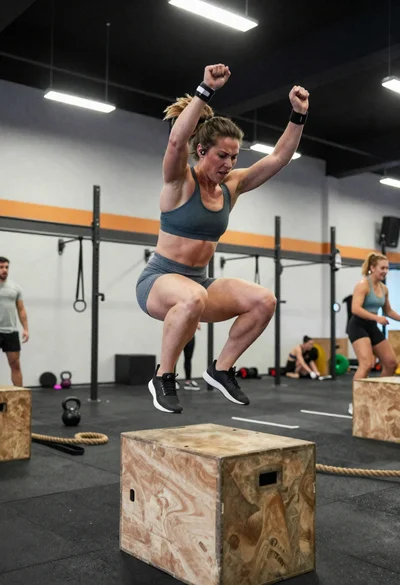
Powerful female athlete mid jump during intense gym training session
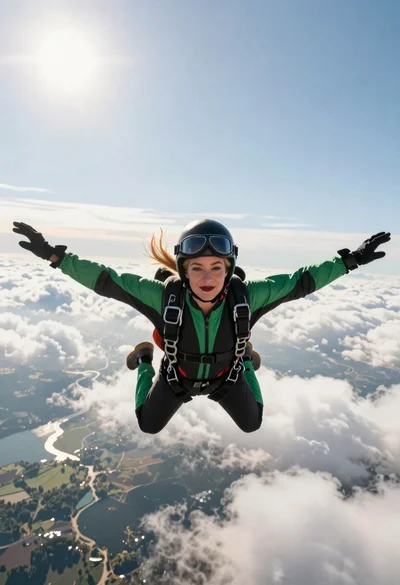
Blonde woman skydiving in freefall against fluffy white clouds

Soccer player walking down stadium tunnel toward cheering crowd at night
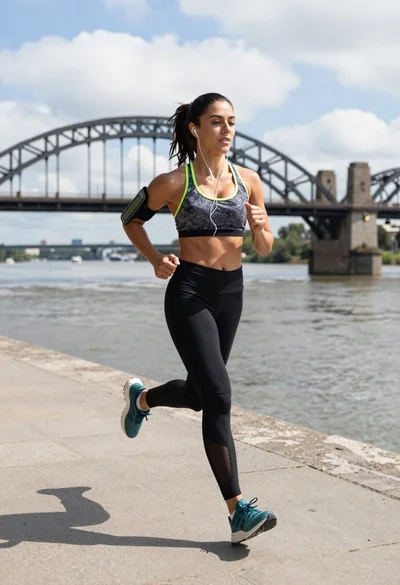
Fit woman jogging on stone embankment near large steel arch bridge
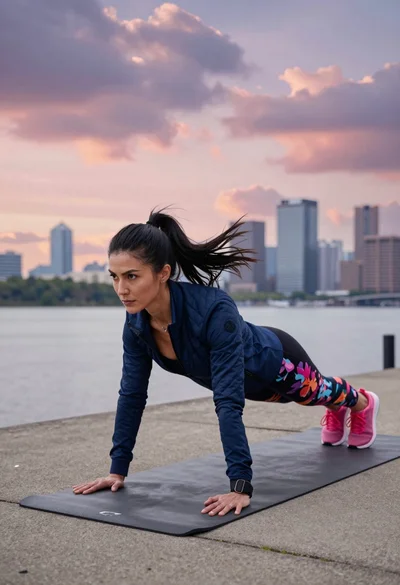
Fit woman planking outdoors near river with city skyline at dusk
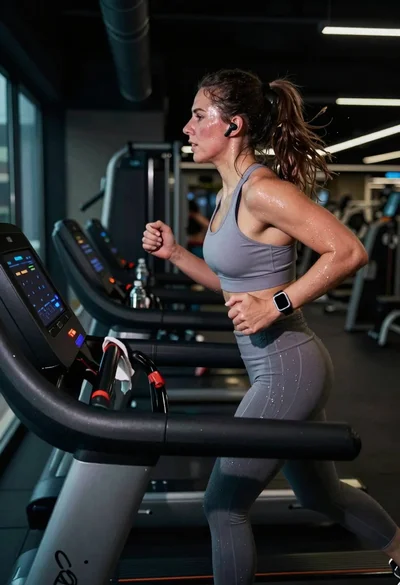
Exhausted female athlete sprinting on treadmill in dim modern gym
Young blonde woman taking mirror selfie in bright indoor gym setting

Muscular fighter recoiling from punch in bright arena
Fit woman in sage green sportswear doing yoga pose on stone terrace
Fit woman balancing on a soccer ball against a clear blue sky