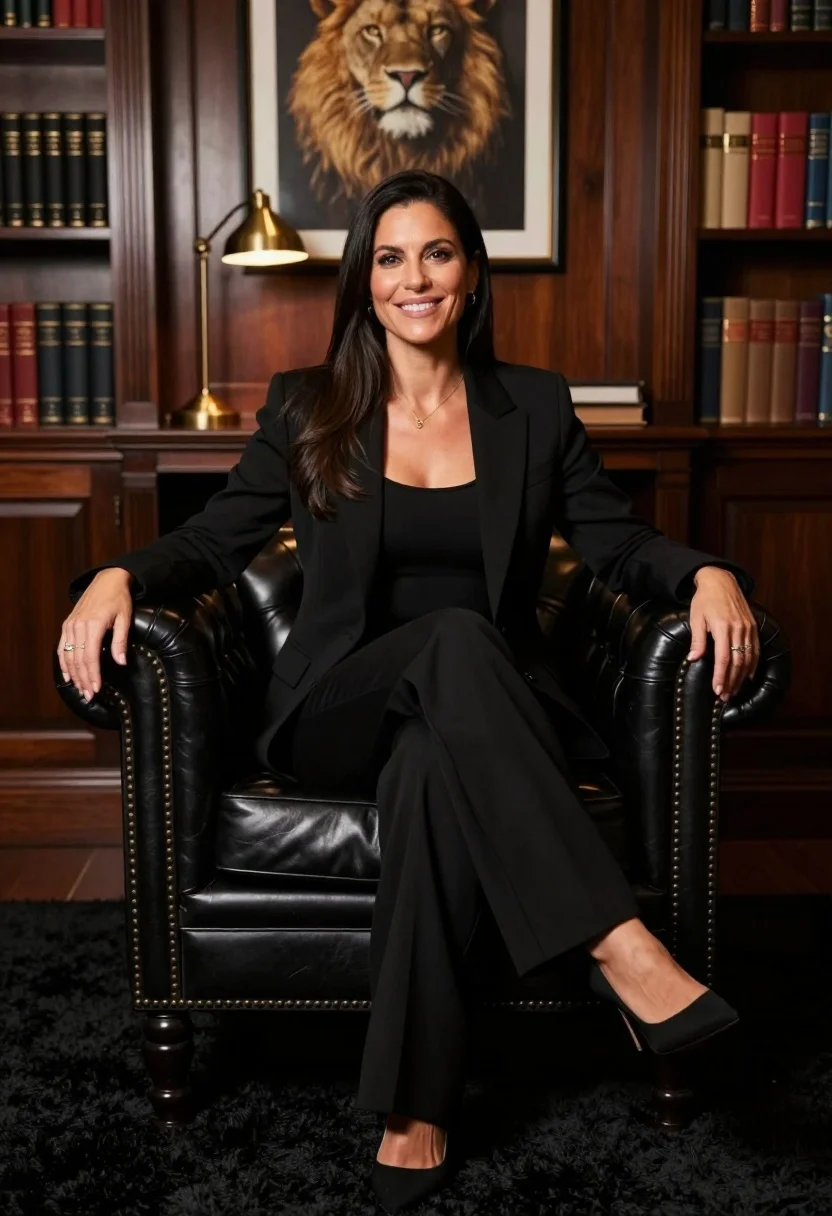
Professional portrait of smiling woman in black blazer sitting on leather armchair
Prompt
A professional portrait of a smiling woman with long dark hair sitting confidently on a black leather Chesterfield armchair.

Subject: A woman with long, straight black hair and a warm smile, wearing a tailored black blazer over a black top and matching wide-leg trousers.

Clothing: She wears a sophisticated all-black ensemble consisting of a structured blazer, a simple scoop-neck top, loose-fitting trousers, and black pointed-toe heels.

Action: She sits with one leg crossed over the other, her left hand resting on the armrest and her right hand placed casually on her thigh.

Environment: The setting is a dimly lit study or office featuring dark wood paneling, built-in bookshelves filled with books, and a plush black shag rug under the chair.

Objects: A brass desk lamp sits on a surface behind the chair, and a framed artwork of a lion's head hangs on the wall directly behind her.

Lighting: The scene is lit with warm, focused lighting that highlights the subject against the darker background, creating soft shadows and a polished atmosphere.

Camera: The shot is taken at eye level with a medium framing that captures the subject from the knees up, utilizing a shallow depth of field to keep the focus sharp on her face while softly blurring the background.

Style Details: The image has a high-end corporate photography aesthetic with rich textures and a professional color palette.
Description
This prompt is useful for creating executive headshots, sophisticated branding materials, and luxury editorial features requiring an air of quiet authority. The combination of 'warm, focused lighting' against the dark wood paneling ensures that the subject remains the clear focal point while the 'shallow depth of field' prevents the detailed background elements from becoming distracting clutter.
Suggestions
- Change 'black leather Chesterfield armchair' to 'deep emerald velvet armchair' for a color pop.
- Add 'rim light catching her hair' to enhance separation from the dark background.
- Swap 'brass desk lamp' for 'crystal chandelier' to increase formality.
Category
Tags
Black HairBrunetteFemaleFormal WearIndoorsMedium ShotRealisticStudio
Date added
July 12, 2026
Added by
PromptDexter Team
Related Prompts
More prompts with similar categories and tags.

Poised woman in elegant white gown on blurred red carpet steps

Glamorous woman in gold sequin gown holding white cup in modern kitchen
Smiling woman in black pinstripe suit jacket against dark backdrop
Stylish woman in olive sweater with dark hair

Blonde woman looking back over shoulder against white wall

Glamorous woman on balcony overlooking city skyline at night
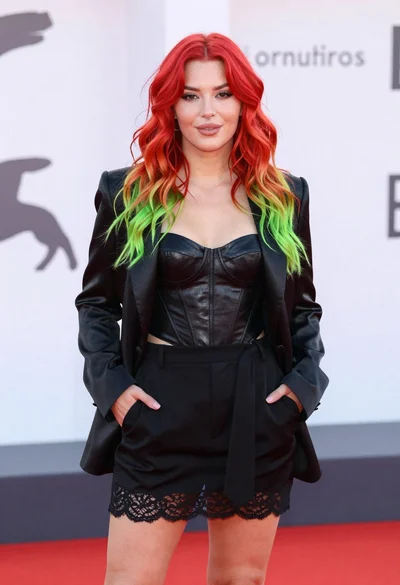
Young woman with red to green hair posing confidently on white backdrop

Man in suit sitting in car at night

Close up portrait of woman in champagne gown with brown hair
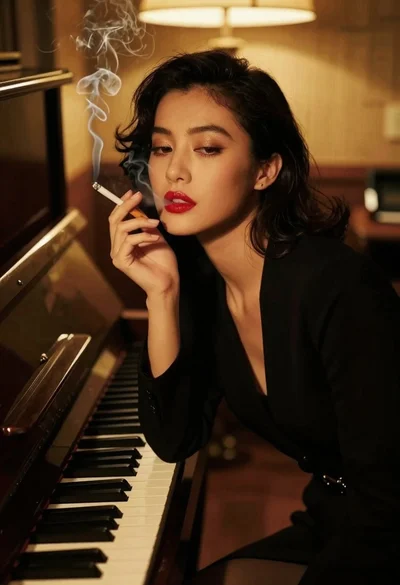
Woman smoking cigarette leaning on upright piano in dim room
