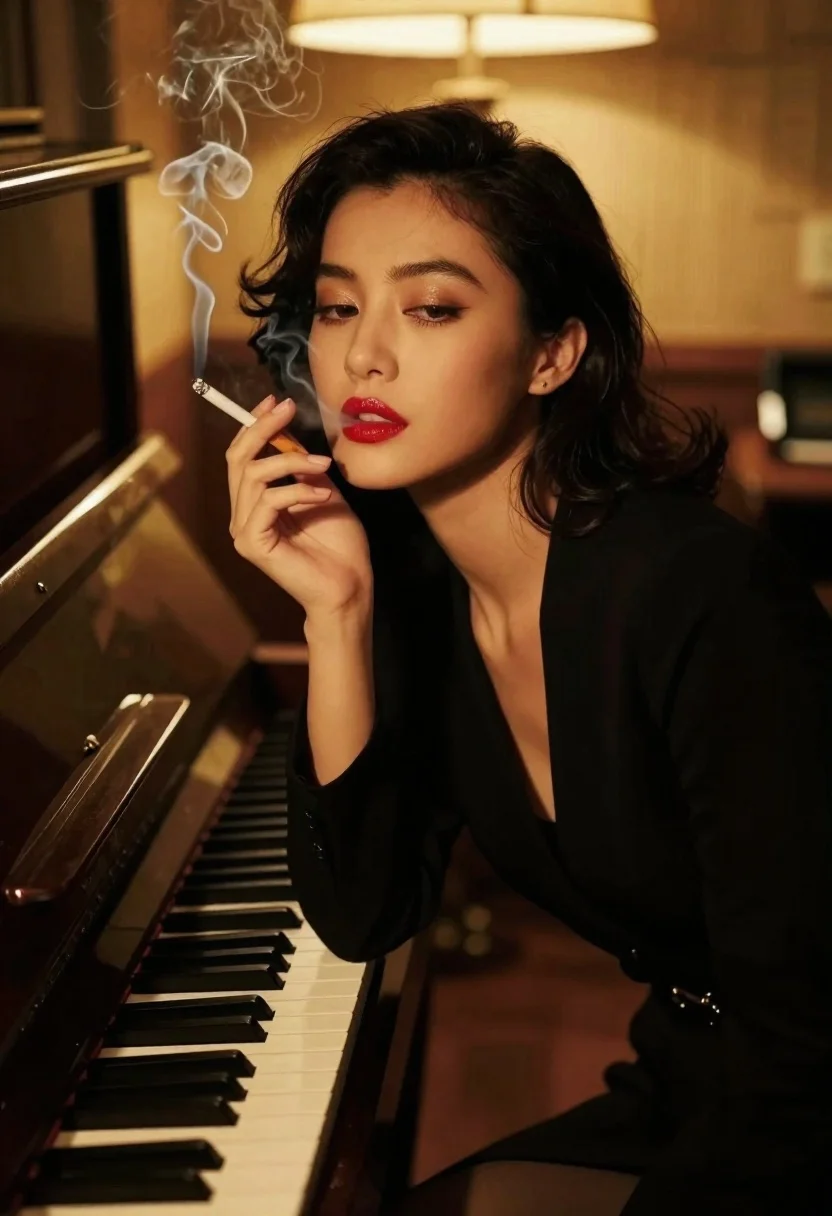
Woman smoking cigarette leaning on upright piano in dim room
Prompt
A cinematic close-up portrait of a woman with dark hair and red lipstick smoking a cigarette while leaning against an upright piano in a dimly lit room

Subject: A poised woman with elegant makeup, arched brows, glossy lips, and visible smoke curling from the cigarette held between her mouth.

Clothing: Wearing a black long-sleeved top or dress that blends into the shadows around her silhouette.

Action: Leaning forward casually against piano keys; one hand rests near them while exhaling smoke in slow motion. Her gaze is soft and directed slightly downward with subtle confidence.

Environment: A warm-toned, moody interior space featuring a wooden upright piano to her left, blurred microphone stand or equipment in the background suggesting a studio setting.

Lighting: Warm directional lighting from above-right creates dramatic highlights on face while leaving most of body and surroundings softly shadowed for noir-like atmosphere.

Camera: Medium close-up framing focused tightly on facial features with shallow depth-of-field blurring distant elements like lamp glow behind her head; slight tilt adds dynamic feel to composition.

Style Details: Vintage film aesthetic reminiscent of classic Hollywood glamour shots, rich contrasts between golden skin tones and deep blacks enhancing emotional moodiness.
Description
This prompt is useful for creating cinematic character portraits, vintage noir editorial spreads, and moody album art featuring dramatic human subjects. The combination of 'warm directional lighting from above-right' casting highlights against the shadows, coupled with the 'black long-sleeved top or dress,' establishes a high contrast that mimics classic Hollywood glamour while ensuring the smoke remains visible against the deep blacks.
Suggestions
- Change 'red lipstick' to 'deep oxblood lipstick' for a more severe look.
- Swap 'upright piano' for 'grand piano' to alter the visual weight.
- Adjust 'shallow depth-of-field' to 'bokeh effect' for softer background separation.
Category
Tags
Black HairBrunetteClose UpFemaleIndoorsMedium ShotPortrait ShotStudio
Date added
June 19, 2026
Added by
PromptDexter Team
Related Prompts
More prompts with similar categories and tags.
Stylish woman in olive sweater with dark hair
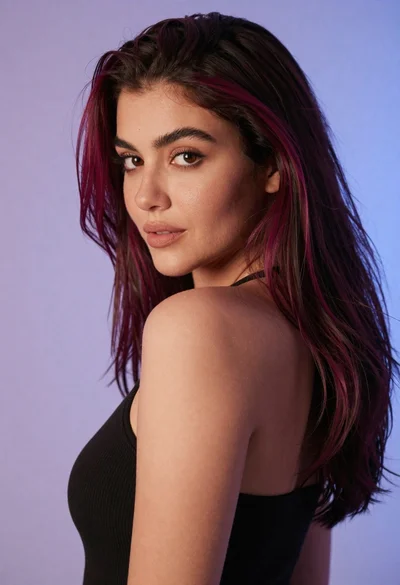
Close up portrait of woman with dark magenta highlighted hair looking over

Close up portrait of woman in teal dress resting chin on hands
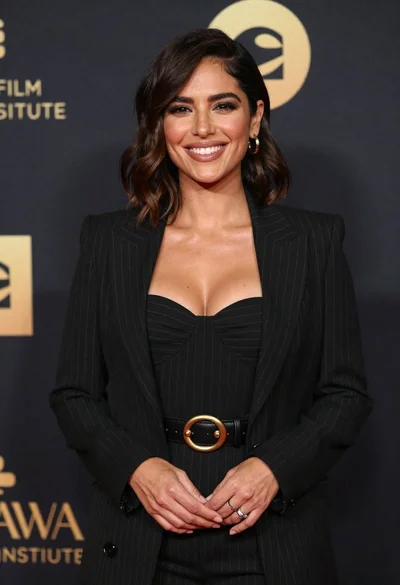
Smiling woman in black pinstripe suit jacket against dark backdrop

Blonde woman looking back over shoulder against white wall
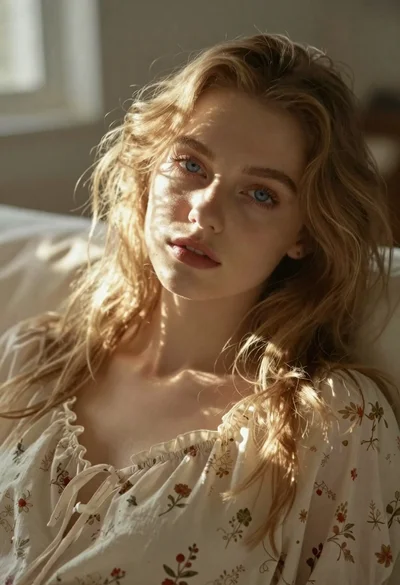
Close up portrait of blonde woman in cream nightgown
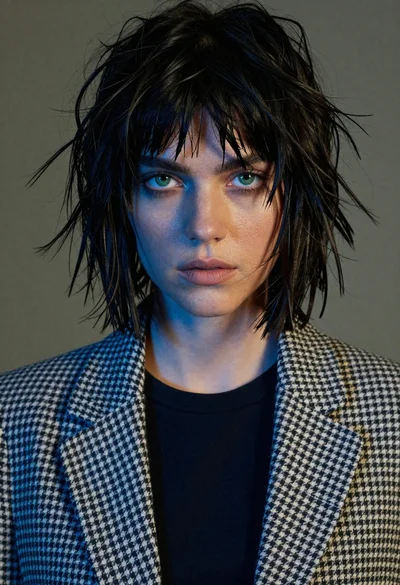
Close up portrait of woman with black hair wearing houndstooth blazer
Black and white portrait of woman in studio