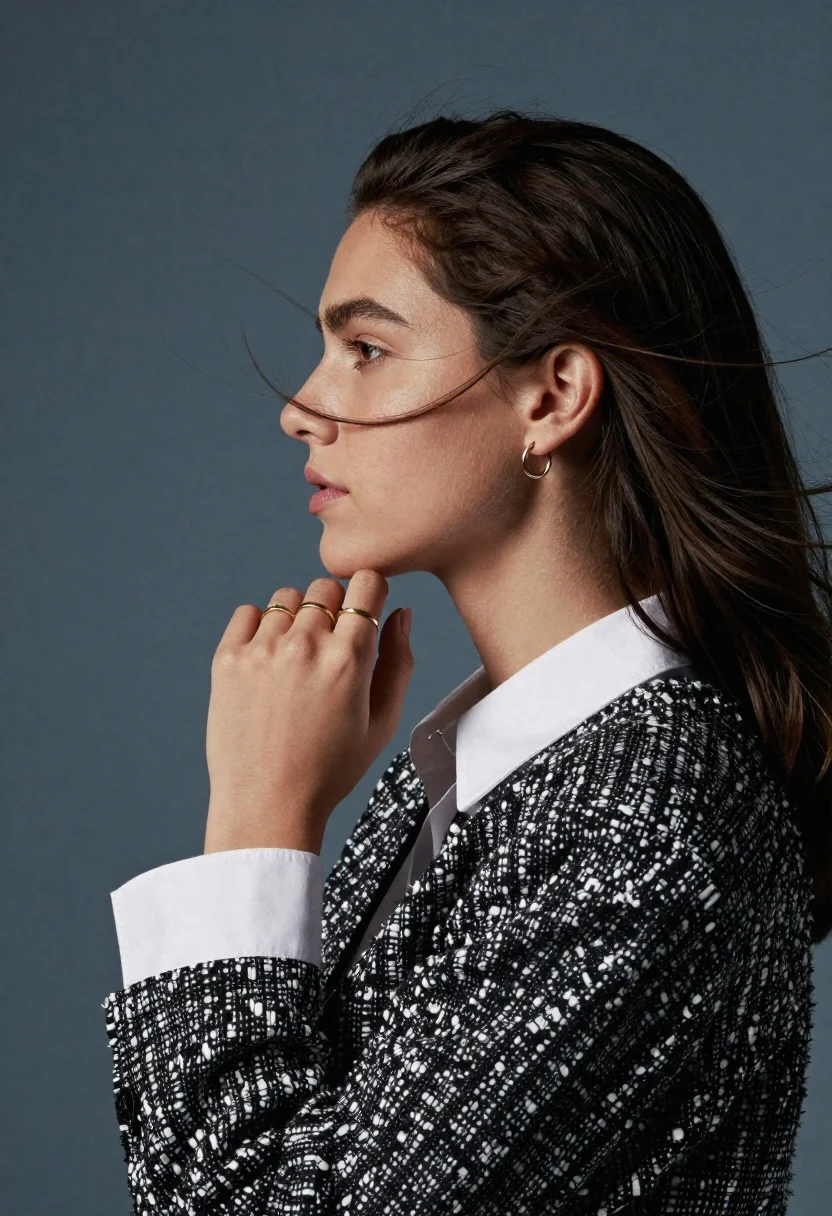
Profile portrait of woman with dark hair against muted blue grey background
Prompt
A woman in profile with dark hair blowing across her face against a muted blue-grey background.

Subject: A young woman shown in sharp profile view with long dark brown hair swept back and loose strands drifting across her cheek and neck. She has a slender nose, defined jawline, and a neutral expression with lips slightly parted.

Clothing: She wears a white collared shirt underneath a black and white speckled boucle cardigan or jacket with a textured knit fabric. The collar of the shirt is visible at the neckline and the cuff is peeking out from the sleeve.

Action: Her right hand is raised to her chin in a contemplative gesture, fingers gently touching her jawline. She wears a small hoop earring in her left ear and multiple gold rings on the fingers of her right hand.

Environment: The background is a solid, smooth surface in a deep slate blue or grey tone that provides a neutral backdrop for the portrait.

Lighting: Soft studio lighting illuminates the side of her face and hand, creating gentle highlights on her skin and hair while casting subtle shadows that define her profile features.

Style Details: High-fashion editorial photography style with a focus on texture and detail, featuring a muted color palette and a clean, minimalist composition.
Description
This prompt is useful for creating high-end beauty editorials, character studies requiring subtle narrative moments, and sophisticated fashion lookbooks. The combination of 'soft studio lighting' defining the profile against a 'muted blue-grey background' ensures that the focus remains entirely on the subject's bone structure and the visible textures of the 'boucle cardigan,' preventing any distracting environmental elements from pulling attention away.
Suggestions
- Change 'deep slate blue or grey tone' to 'pale dusty lavender' for an alternative cool wash.
- Swap 'black and white speckled boucle cardigan' for 'charcoal wool blazer' to alter the texture contrast.
- Add 'rim lighting from the upper left' to enhance the separation of her hair from the background.
Category
Tags
BrunetteFemalePortrait ShotRealisticStudio
Date added
June 19, 2026
Added by
PromptDexter Team
Related Prompts
More prompts with similar categories and tags.
Close up portrait of woman with dark magenta highlighted hair looking over
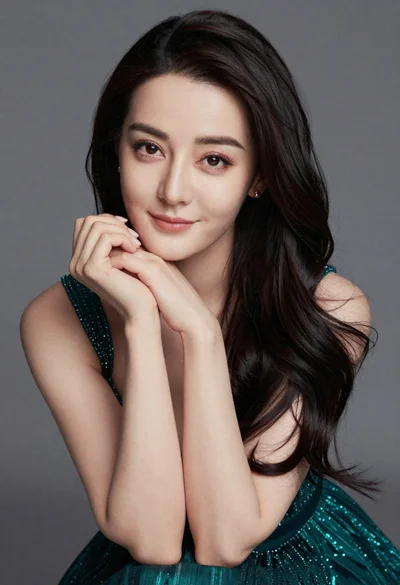
Close up portrait of woman in teal dress resting chin on hands
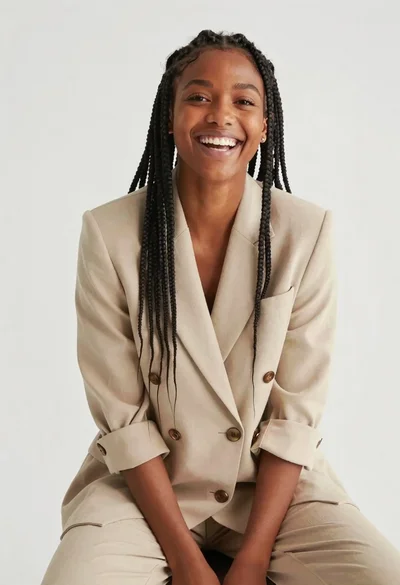
Smiling woman with dark braids wearing beige blazer in studio setting

Woman seated on mid century chair wearing beige suit
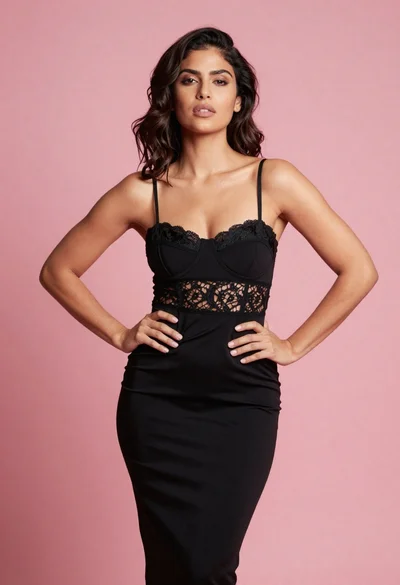
Confident woman in black lace dress against solid pink studio background
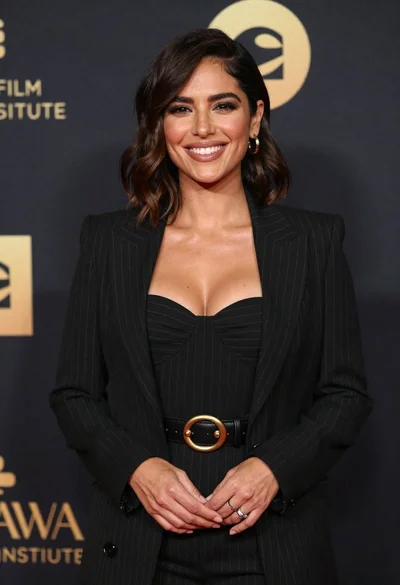
Smiling woman in black pinstripe suit jacket against dark backdrop

Blonde woman looking back over shoulder against white wall
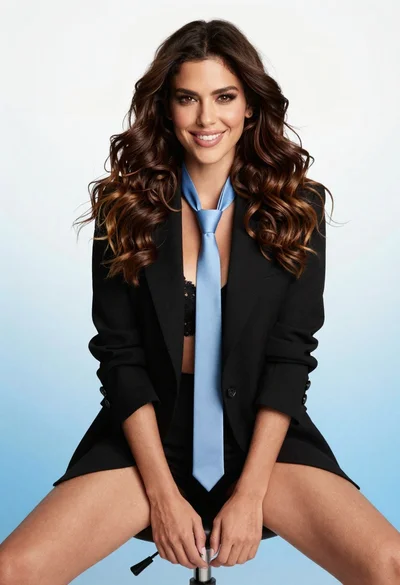
Poised woman in black blazer sitting on stool against blue gradient background
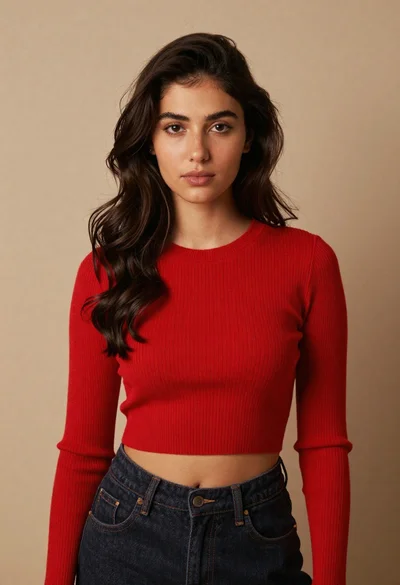
Portrait of young woman in red crop top and dark jeans against
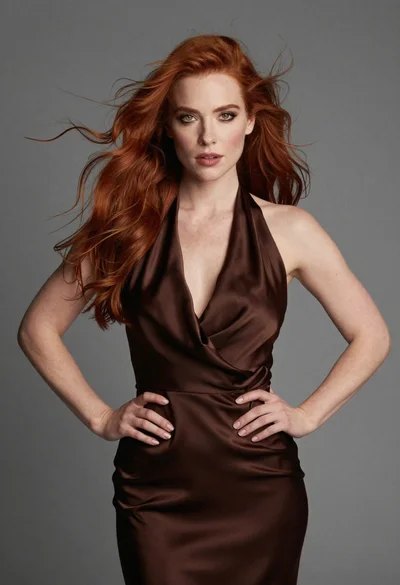
Fair skinned woman with red hair in brown satin dress against gray