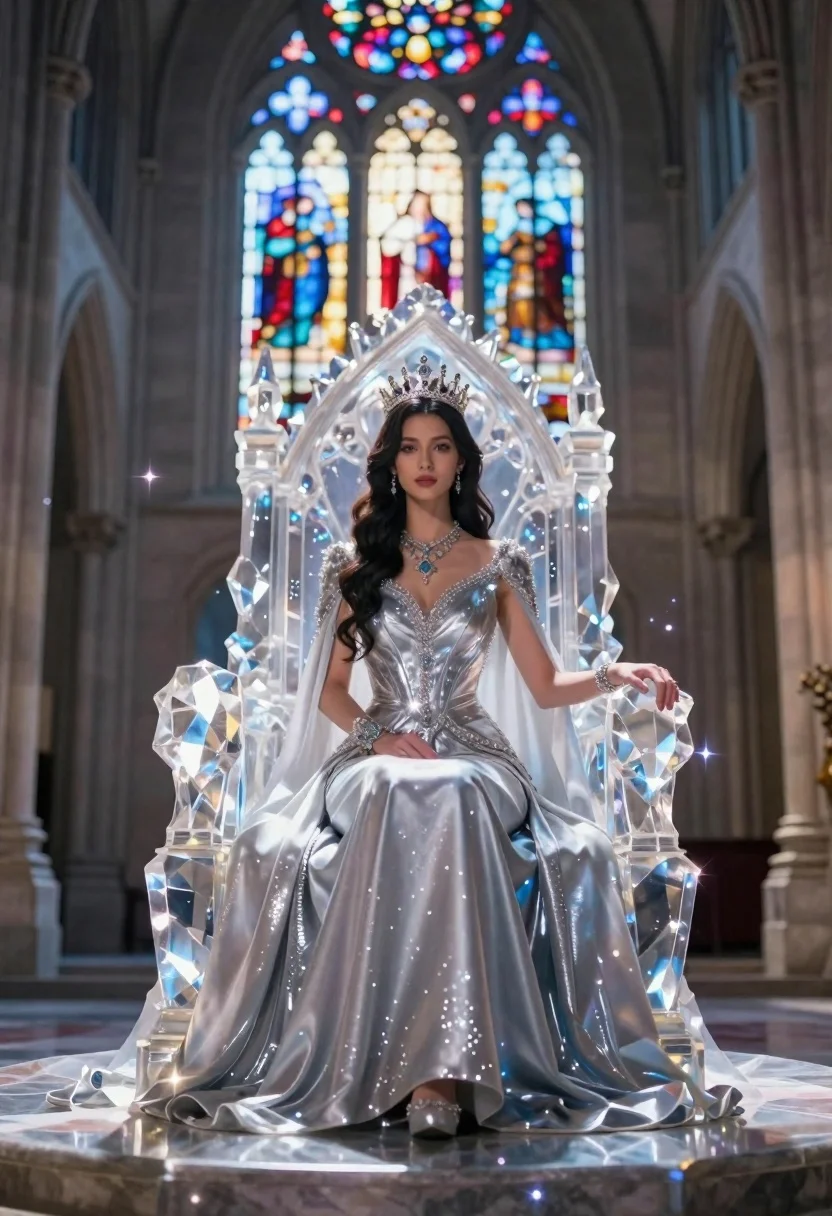
Regal woman in silver gown sits on crystal throne in cathedral
Prompt
A regal woman sits upon a majestic throne made of translucent crystal in a grand cathedral hall.

Subject: A beautiful woman with long dark wavy hair and a serene expression, wearing an elaborate jeweled crown.

Clothing: She wears a shimmering silver gown with intricate beading on the bodice and a flowing satin skirt that pools onto the floor, accessorized with heavy necklaces and bracelets.

Action: She sits upright with her hands clasped gently in her lap, looking directly forward with a calm demeanor.

Environment: The setting is a high-ceilinged stone cathedral featuring tall Gothic arches and a massive stained glass window behind the throne that casts colorful light onto the floor.

Camera: A straight-on medium shot framed to center the subject on the throne, utilizing a shallow depth of field to blur the distant architectural details.

Lighting: Dramatic backlighting streams through the stained glass window, creating a halo effect around the crystal throne and illuminating floating magical sparkles in the air.

Style Details: The image features a fantasy photography style with high contrast, glowing particles, and a polished, cinematic rendering quality.
Description
This prompt is useful for generating concept art for fantasy video game cutscenes, album cover artwork for epic genres, and editorial pieces depicting mythological figures. The combination of 'dramatic backlighting' streaming through the stained glass window creates a halo effect around the crystal throne, which visually separates the subject from the background while the 'shallow depth of field' ensures that the viewer focuses intensely on the woman and her gown rather than getting lost in the cathedral's architectural complexity.
Suggestions
- Change 'shimmering silver gown' to 'deep sapphire velvet' for a richer color contrast.
- Add 'volumetric dust motes' to enhance the magical sparkles.
- Swap 'straight-on medium shot' for 'low angle wide shot' to emphasize the throne's majesty.
Category
Tags
FemaleMedium ShotRealistic
Date added
June 26, 2026
Added by
PromptDexter Team
Related Prompts
More prompts with similar categories and tags.
Blonde woman in blue mini dress standing indoors near glass windows

Woman in black crop top posing against purple pink gradient background

Woman standing barefoot in dry autumn field at golden hour

Woman in green bikini top standing in warm sunlight
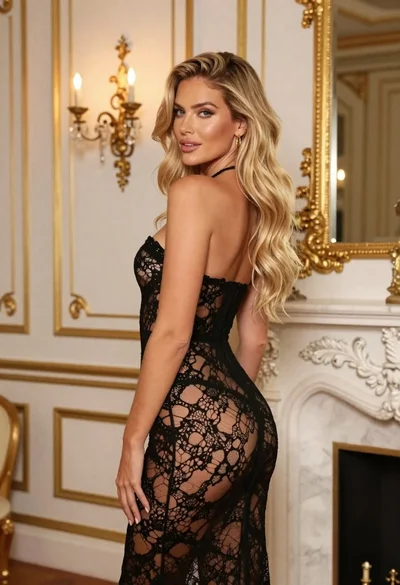
Blonde woman in black lace gown standing in opulent room setting
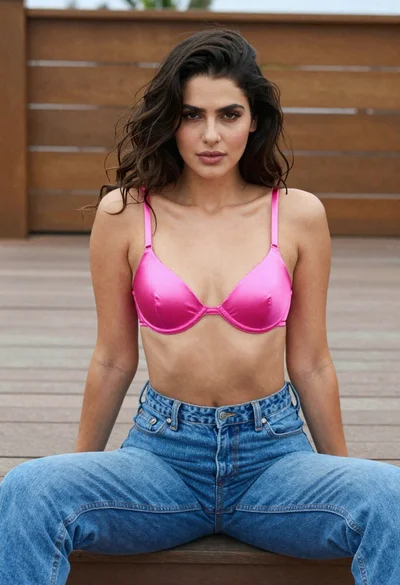
Woman in pink bra and blue jeans sitting on wooden outdoor deck
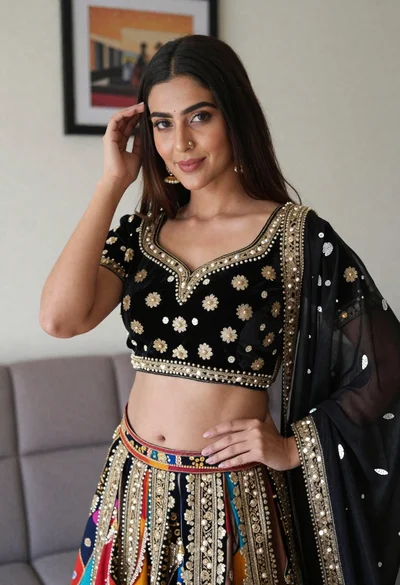
Young woman in ornate black and gold lehenga choli indoors portrait
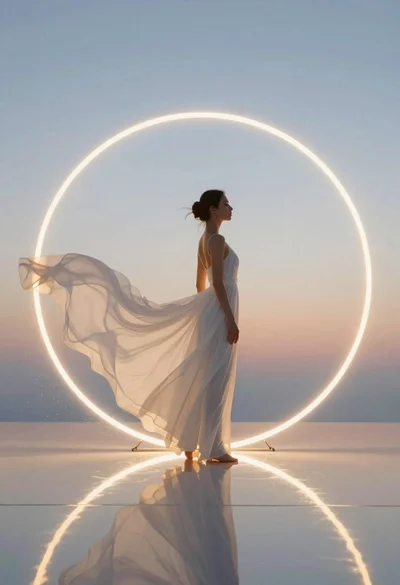
Woman in white dress standing in glowing ring