

Young woman in black corset dress on white shell chair against blue
Prompt
A woman with long dark hair sits inside a large white sculpted shell chair against a painted sky background.

Subject: A young woman with long wavy dark brown hair and fair skin wearing dark sunglasses and dangling earrings.

Clothing: She wears a black corset-style mini dress with lace-up detailing on the sides, paired with tall black leather boots featuring buckles and block heels.

Action: She is seated with legs crossed at the ankles, holding a section of her hair in both hands as if styling or examining it, looking slightly to the side.

Environment: The setting features a large white sculpted shell chair resembling an oyster shell, set against walls painted with soft blue skies and fluffy white clouds, standing on a black and white checkered floor.

Camera: Shot from a low angle looking up at the subject, emphasizing the scale of the shell chair and the sky background.

Lighting: Bright natural daylight illuminates the scene evenly, creating soft shadows within the shell structure and highlighting the texture of the hair and leather boots.

Style Details: The image has a vibrant pop-art aesthetic with surreal elements combining realistic textures like leather and skin against painted backgrounds.
Description
This prompt is useful for creating editorial fashion moodboards, surreal portraiture concepts, and stylized character sheets for alternative media. The combination of 'black corset-style mini dress' and 'tall black leather boots' juxtaposed with the 'painted sky background' achieves a vibrant pop-art aesthetic by grounding highly detailed, realistic textures against an overtly artificial, dreamlike setting.
Suggestions
- Change 'dark brown hair' to 'platinum blonde hair' for a high contrast look.
- Swap 'soft blue skies' for 'deep emerald green' to alter the color palette.
- Adjust 'low angle looking up' to 'eye-level medium shot' for a more intimate portrait.
Category
Tags
Black HairFair SkinFemaleIndoorsLow AnglePortrait ShotRealisticStudio
Date added
June 19, 2026
Added by
PromptDexter Team
Related Prompts
More prompts with similar categories and tags.
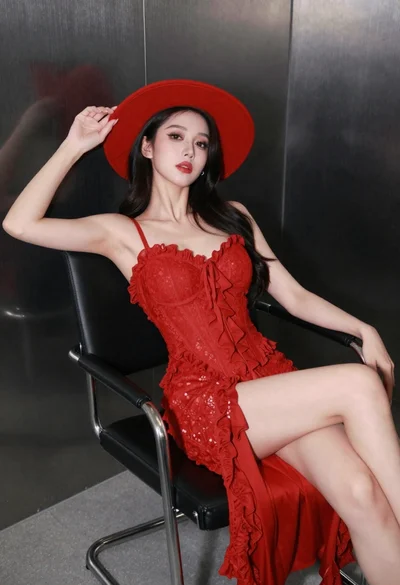
Confident woman in red lace dress seated against dark metallic wall

Poised woman in black gown posing indoors with dramatic low key lighting
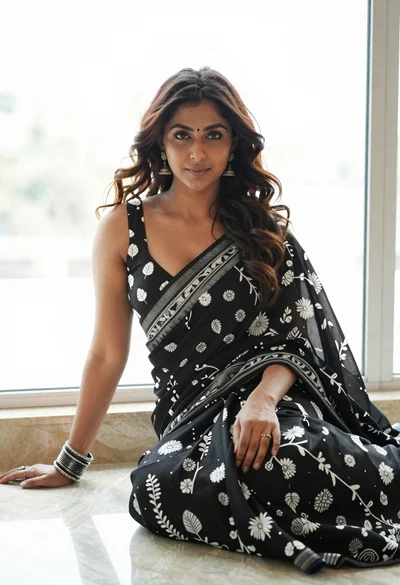
Woman in black saree sitting indoors near bright window light
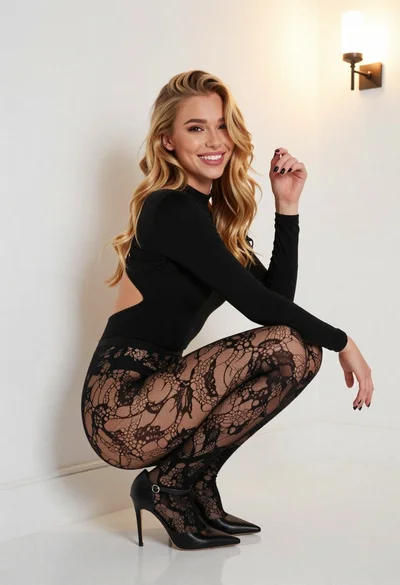
Young blonde woman crouching in black bodysuit against white wall
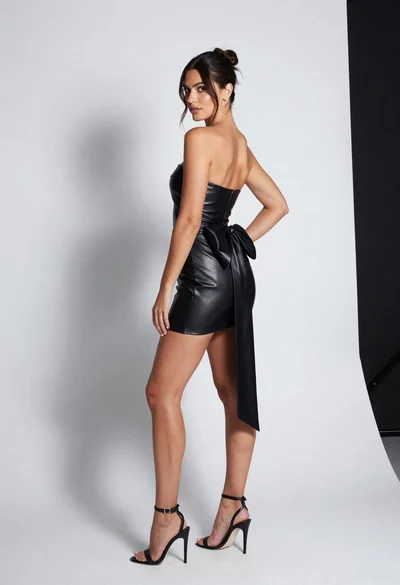
Full body shot of woman in strapless black leather dress studio portrait

Blonde woman in black lace lingerie posing with vintage telephone
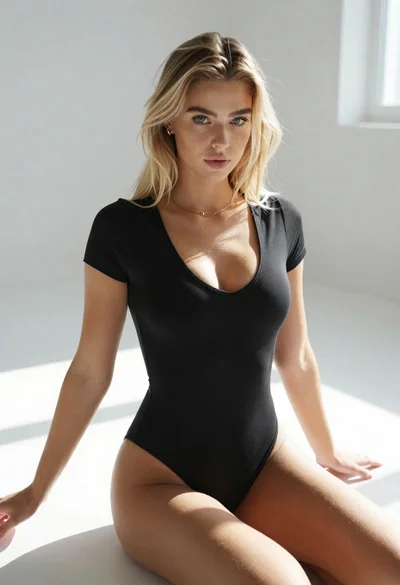
Blonde woman in black bodysuit seated on white floor with natural light
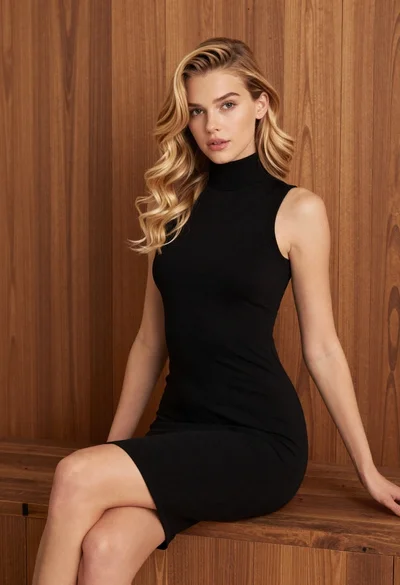
Blonde woman in black dress against wooden paneling
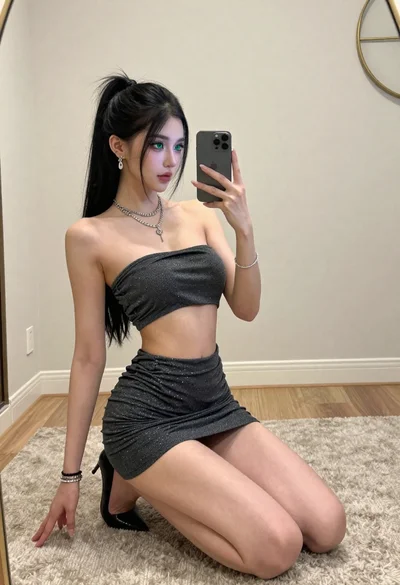
Young woman in shimmering grey outfit taking mirror selfie on carpeted floor
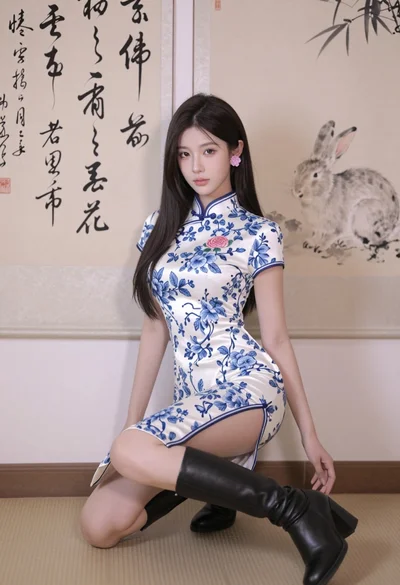
Poised young east asian woman in white cheongsam against chinese calligraphy art
