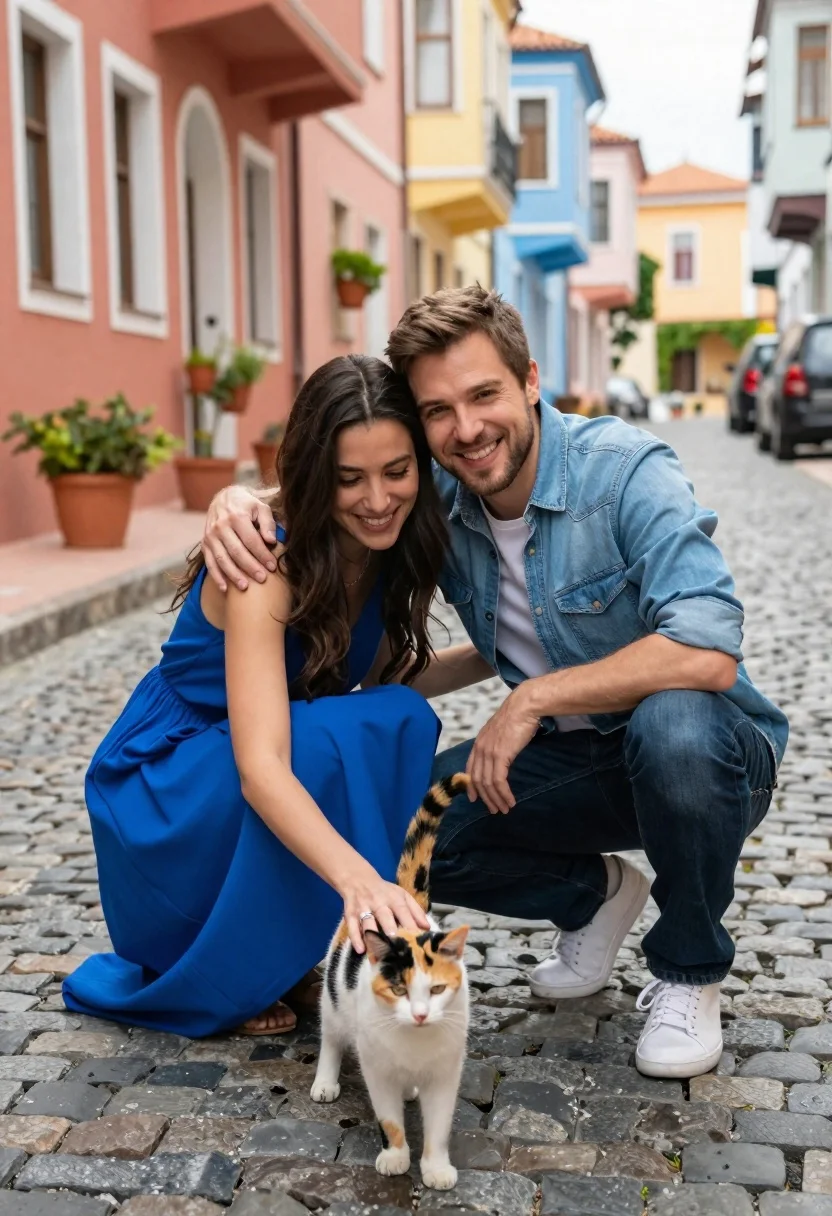
Romantic couple crouching with a calico cat on a cobblestone street
Prompt
A romantic couple crouching affectionately with a cat on a cobblestone street in front of colorful buildings.

Subject: A woman with long dark hair wearing a bright blue dress and a man with short brown hair wearing a denim shirt and jeans, both smiling warmly at the camera while embracing.

Clothing: The woman wears a sleeveless royal blue dress with a ring on her finger, and the man wears a light blue denim button-down shirt over a white t-shirt, dark blue jeans, and white sneakers.

Action: The couple is crouching close together with the man’s arms wrapped around the woman’s shoulders; she gently pets a calico cat standing in front of them while looking down at it with affection.

Environment: A charming cobblestone street lined with vibrant pastel-colored buildings featuring windows, balconies, and potted plants along the sidewalk.

Camera: Medium shot capturing the couple from the waist up with shallow depth of field blurring the background slightly to emphasize the subjects.

Lighting: Soft natural daylight illuminating the scene evenly with gentle shadows suggesting an overcast or late afternoon setting.
Second

Subject: A calico cat with white, black, and orange fur standing calmly between the couple’s legs while being petted by the woman.

Objects: Potted plants on the sidewalk, a parked car in the background, and cobblestone pavement underfoot.

Interaction: The couple shares an intimate embrace while jointly engaging with the cat through affectionate touch and gaze.

Style Details: Warm color palette with saturated tones, cinematic composition, high-resolution detail, and a soft-focus aesthetic that enhances emotional warmth.
Description
This prompt is useful for creating romantic lifestyle photography, charming travel blog features, and intimate portraiture showcasing pet interaction. The combination of 'soft natural daylight' with the 'warm color palette' ensures the scene feels inviting and emotionally resonant, while the 'shallow depth of field' directs all focus onto the affectionate connection between the couple and the cat.
Suggestions
- Change 'bright blue dress' to 'terracotta maxi dress' for a warmer tone.
- Swap 'calico cat' for 'Maine Coon kitten' for a different animal dynamic.
- Adjust 'soft natural daylight' to 'golden hour backlighting' for more dramatic rim light.
Category
Tags
Brown HairCasual WearFemaleMaleMedium ShotOutdoorsRealisticStreetUrban
Date added
June 23, 2026
Added by
PromptDexter Team
Related Prompts
More prompts with similar categories and tags.
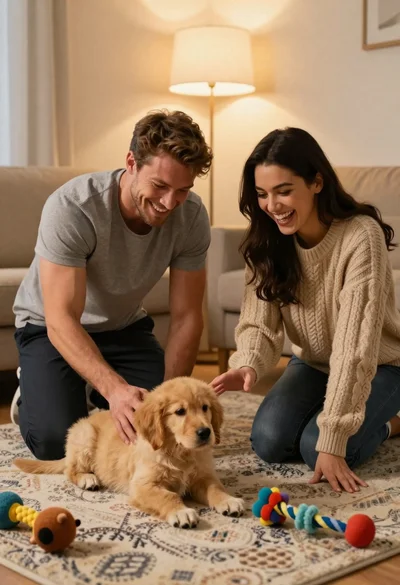
Young couple playing with golden retriever puppy in cozy living room

Romantic couple feeding strawberries on picnic blanket in forest near lake
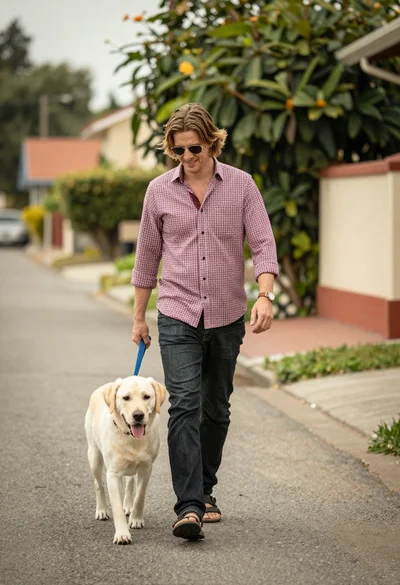
Smiling man walking light dog down quiet residential street with greenery
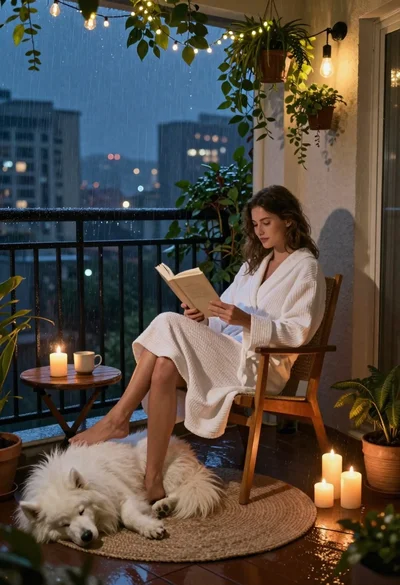
Woman reading to sleeping dog on rainy balcony at night
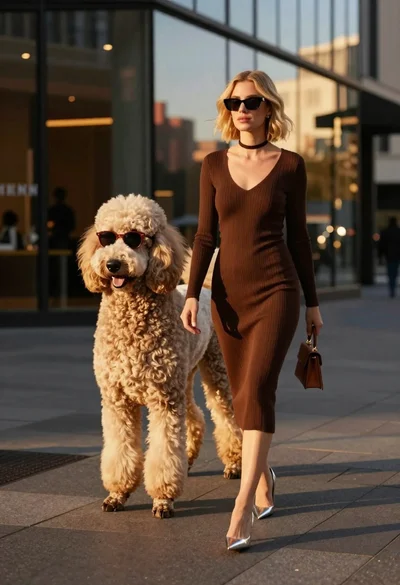
Stylish woman walking with poodle near modern glass buildings

Young woman with dog sitting on green grass in a garden setting
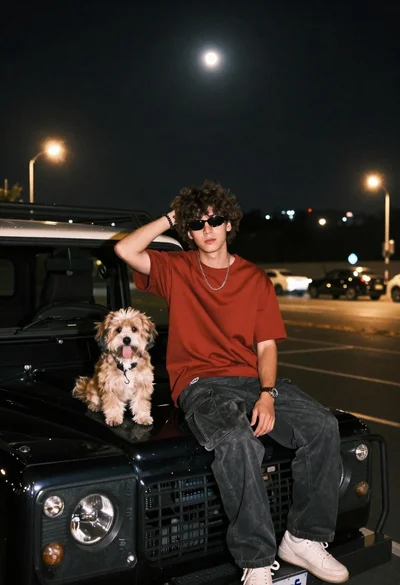
Young man with dog sitting on black land rover at night
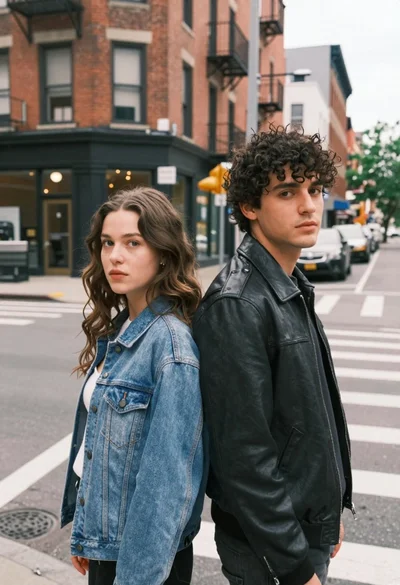
Two young adults standing back to back on a city street corner