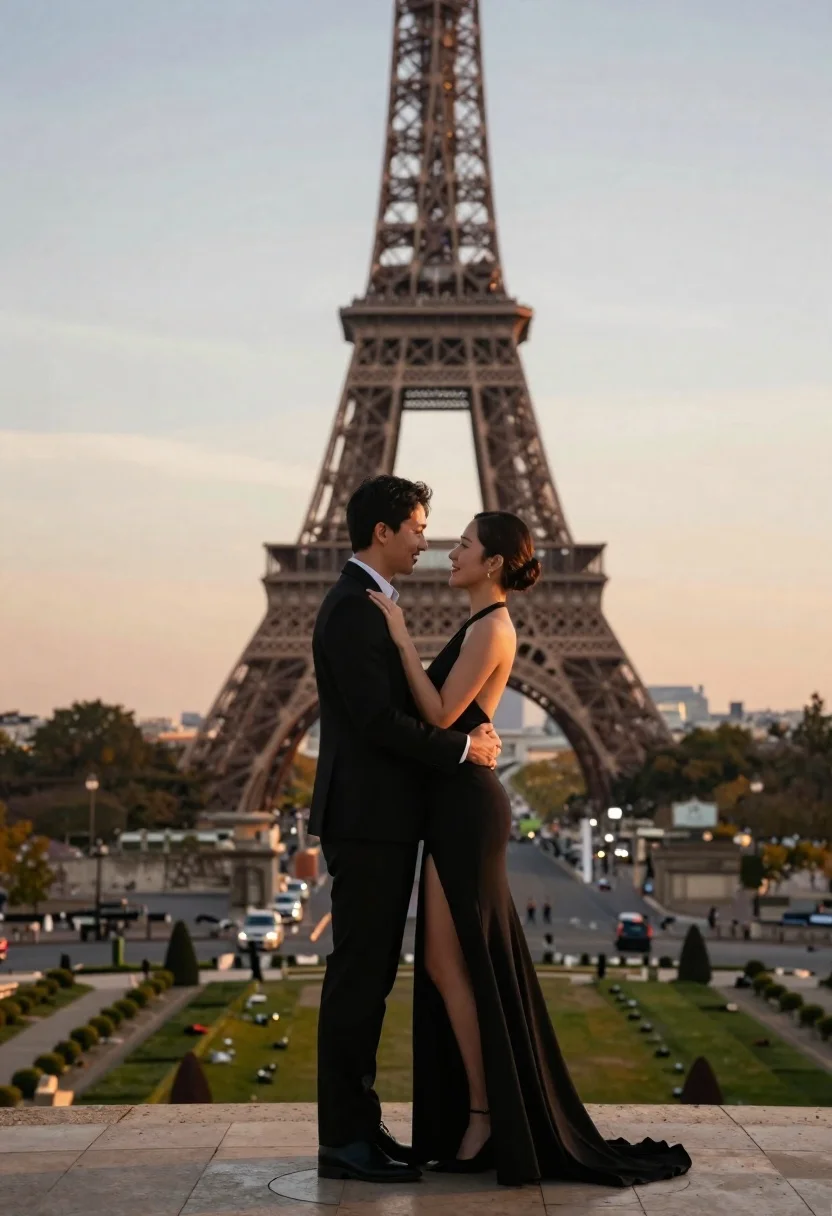
Romantic couple embracing in front of the eiffel tower at sunset
Prompt
A romantic couple stands in a dramatic embrace with the Eiffel Tower rising majestically behind them against a soft sunset sky.

Subject: A man and a woman standing close together in an intimate pose, framed centrally with the iconic iron lattice of the Eiffel Tower directly behind them.

Clothing: The man wears a sharp black suit with a white shirt cuff visible, while the woman is dressed in a sleek black halter-neck gown featuring a high thigh slit that reveals her leg as she lifts one foot.

Action: The couple holds each other closely; the man supports the woman’s weight as she leans back slightly with one leg kicked up behind her, their faces turned toward one another with warm smiles and eyes locked in affectionate gaze.

Environment: They stand on a stone terrace overlooking a wide park with manicured lawns, tree-lined pathways, and distant city buildings under a gradient sky transitioning from pale blue to soft orange near the horizon.

Camera: Shot at eye level with a shallow depth of field that keeps the couple sharply in focus while gently blurring the background tower and landscape for cinematic separation.

Lighting: Soft golden-hour illumination bathes the scene in warm tones, casting gentle shadows and highlighting the contours of their faces and clothing with a dreamy, romantic glow.

Style Details: High-resolution digital photography with smooth skin textures, rich color grading, and a polished post-production finish that enhances the elegance and emotional warmth of the moment.
Description
This prompt is useful for creating cinematic wedding album spreads, romantic travel advertisements, and high-end editorial couple portraits. The combination of 'soft golden-hour illumination' casting warm tones and the 'shallow depth of field' ensures that the intimate connection between the couple remains the primary focus, preventing the detailed background tower from becoming a distracting element.
Suggestions
- Change 'black halter-neck gown' to 'deep emerald velvet gown' for richer color contrast.
- Swap 'stone terrace' for 'cobblestone walkway' to ground the scene more historically.
- Adjust 'soft orange near the horizon' to 'deep magenta near the horizon' for a more dramatic sunset.
Category
Tags
FemaleFormal WearMaleOutdoorsPortrait ShotRealisticUrban
Date added
June 21, 2026
Added by
PromptDexter Team
Related Prompts
More prompts with similar categories and tags.

Romantic couple embracing on a rooftop balcony at twilight
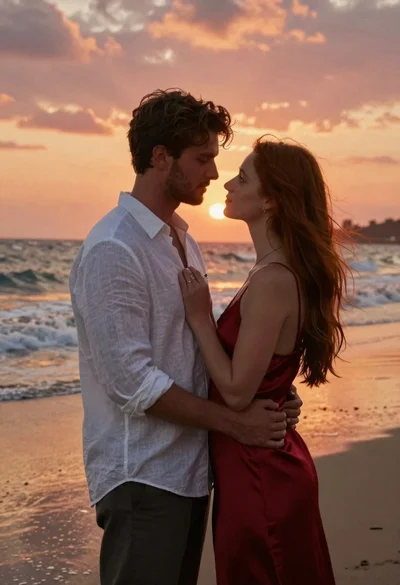
Romantic portrait of couple embracing on wet beach at sunset
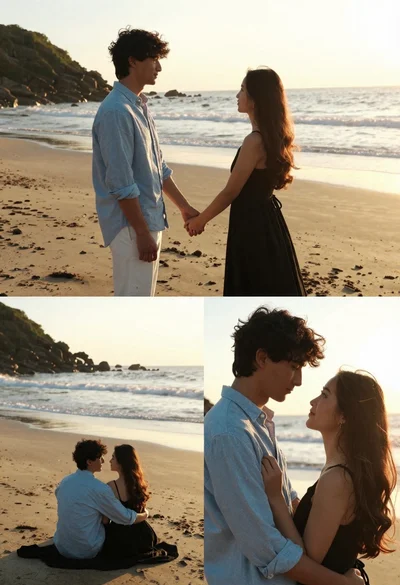
Romantic collage of couple embracing on beach at golden hour sunset
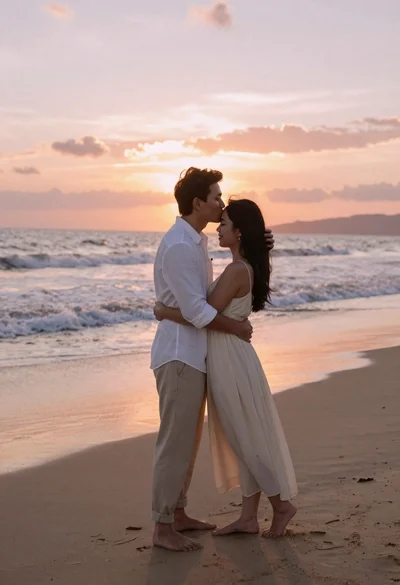
Romantic couple embracing on a sandy beach during sunset golden hour
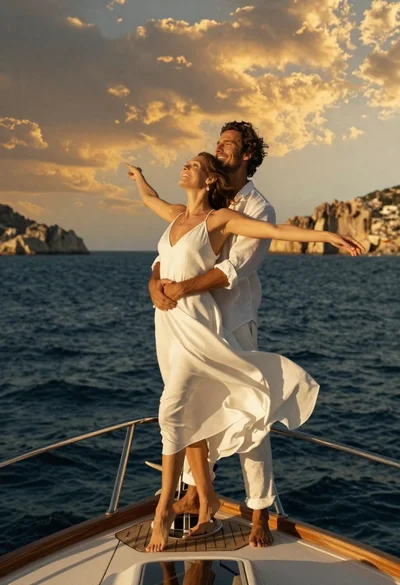
Romantic couple in white linen clothes on yacht bow at sunset

Romantic couple embracing on misty mountains during golden hour sunrise
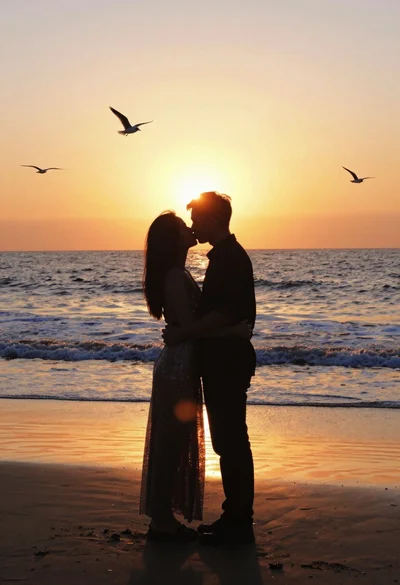
Romantic silhouette of couple embracing kissing on beach at vivid sunset

Romantic couple embracing in front of illuminated eiffel tower at twilight
