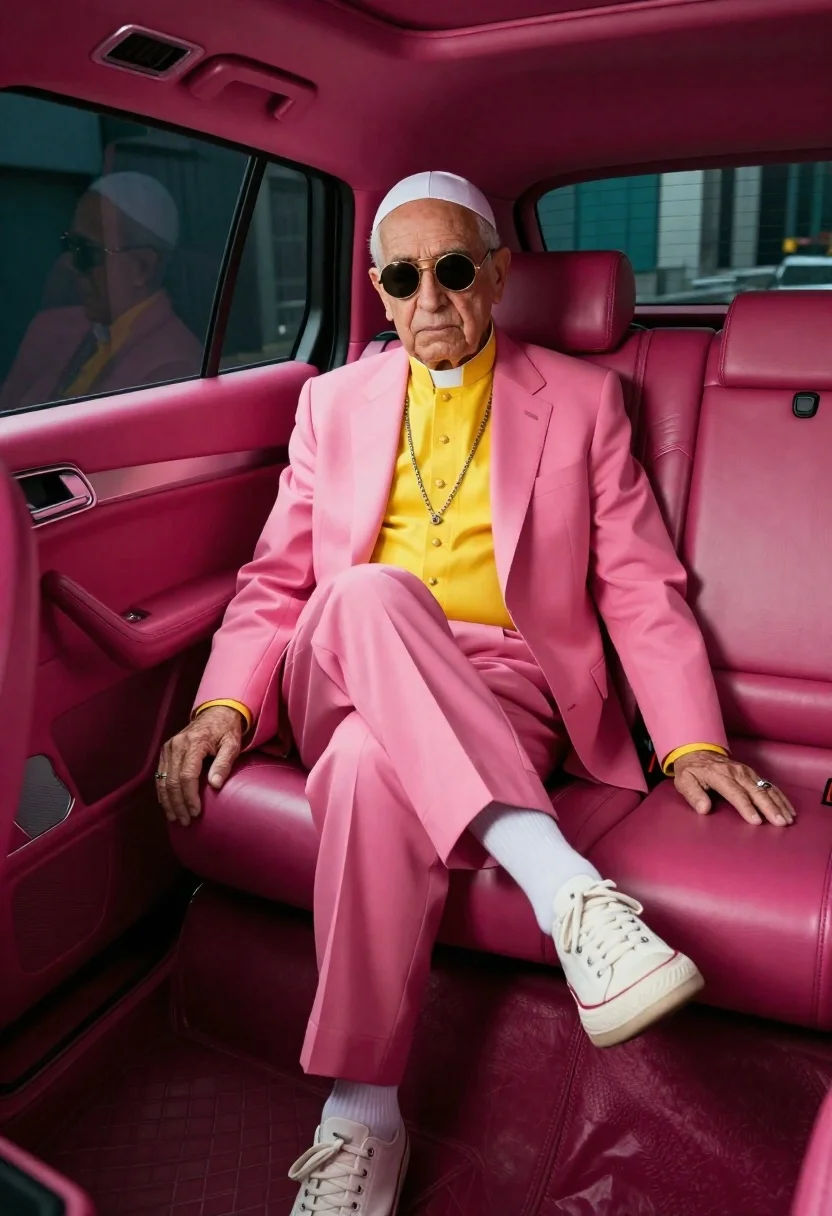
Senior man in pink suit seated inside luxury vehicle
Prompt
A candid studio portrait of a senior man sitting casually in the back seat of an interior with deep pink leather walls and matching upholstery

Subject: elderly male wearing white skullcap, round gold-rimmed sunglasses, yellow clerical shirt under vibrant pink suit jacket and trousers, white crew socks paired with chunky off-white low-top sneakers

Clothing: tailored bright pink blazer and pants set, buttoned collarless shirtsleeves peeking out, silver chain necklace hanging loosely over chest, simple ring on left hand, watch visible on right wrist.

Action: seated relaxed pose with one leg crossed over the other, hands resting naturally by sides, slight downward gaze through sunglasses conveying calm detachment or quiet confidence.

Environment: enclosed vehicle-like space upholstered entirely in rich magenta leather seats and panels; dark tinted windows frame teal-colored backdrop outside suggesting urban setting beyond glass.

Lighting: soft directional light illuminating subject from front-left casting gentle shadows along body contours while highlighting fabric folds, facial features subtly defined despite sunglasses obscuring eyes.

Style Details: fashion-forward surreal aesthetic blending formal religious attire with bold contemporary streetwear elements; high-contrast color palette dominated by pinks and yellows creating striking visual impact reminiscent of editorial photography or pop-art inspired realism.
Description
This prompt is useful for creating avant-garde fashion editorials, character studies for film concepts, and surreal portraiture pieces. The combination of 'deep pink leather walls' with the subject's 'vibrant pink suit jacket' establishes a highly saturated, artificial environment that forces the viewer to focus on the juxtaposition between formal religious attire and bold contemporary streetwear elements.
Suggestions
- Change 'deep pink leather walls' to 'oxblood velvet' for a richer tone.
- Swap 'yellow clerical shirt' for 'pale lavender linen' to soften the contrast.
- Adjust the lighting by adding 'rim light from top-right' to separate the subject more dramatically.
Category
Tags
Casual WearFormal WearFull BodyIndoorsMalePortrait ShotRealisticStudioUrban
Date added
June 19, 2026
Added by
PromptDexter Team
Related Prompts
More prompts with similar categories and tags.

Man in suit sitting on classic red car outdoors
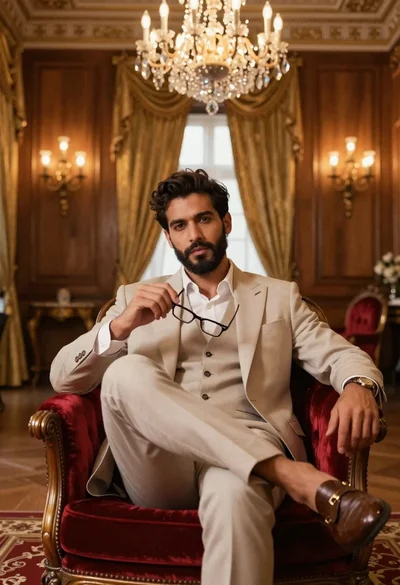
Handsome man in beige suit sitting in opulent room
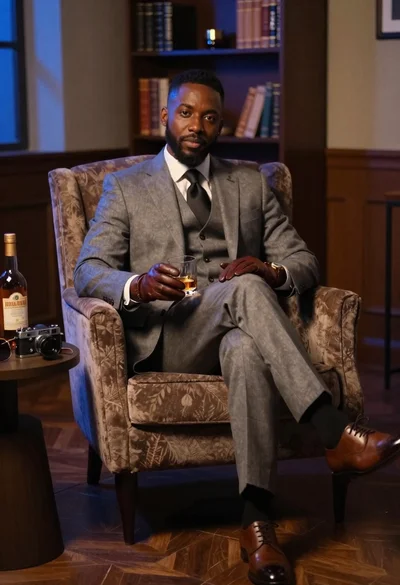
Black man in suit with whiskey in dimly lit room
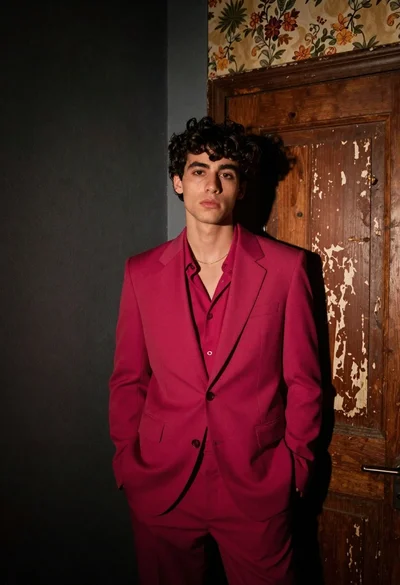
Young man in magenta suit jacket standing in dimly lit room with

Muscular man in blue blazer on solid deep blue background

Woman seated on mid century chair wearing beige suit
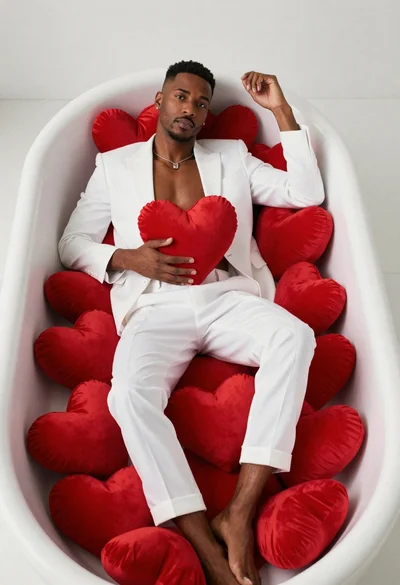
Black man lounging in white bathtub with heart pillows

Woman posing indoors in an embellished gown against sheer curtains
