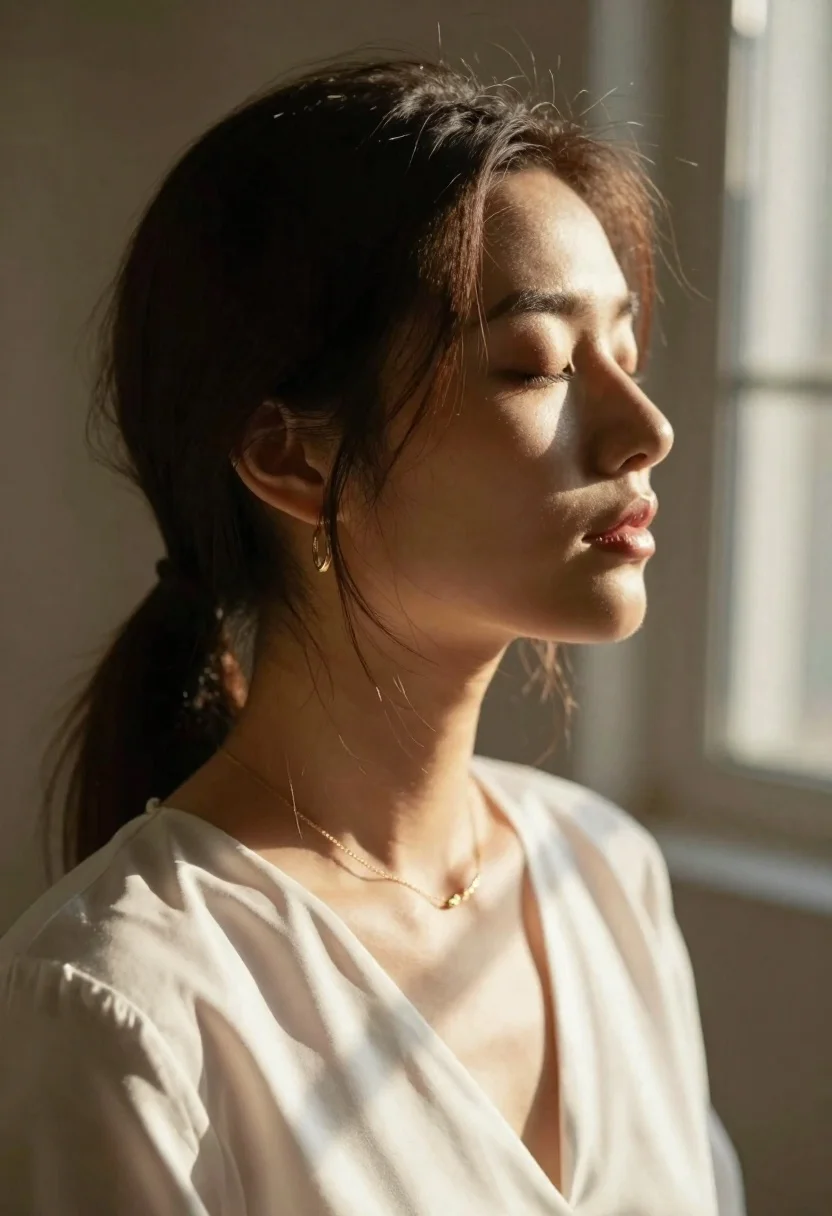
Serene closeup profile of woman with eyes closed in warm sunlight
Prompt
A serene close-up profile of a woman with her eyes closed, bathed in warm sunlight.

Subject: A young woman with dark brown hair pulled back loosely, featuring wispy strands framing her face and catching the light, displaying a calm and peaceful facial expression with soft features.

Clothing: She wears a simple white blouse with a V-neckline that appears to be made of a smooth fabric like silk or satin, complemented by a delicate gold chain necklace and small hoop earrings.

Action: Her head is turned in profile facing right, her eyes are gently closed, and she has a relaxed posture suggesting deep relaxation or meditation.

Environment: The setting is indoors near a window with a visible grid pattern on the glass, featuring warm golden tones and soft shadows cast across the scene.

Lighting: Strong directional sunlight streams from the right side, creating a bright rim light effect on her hair and shoulder while casting soft, dappled shadows across her face and neck.

Camera: The shot is a tight close-up profile view with a shallow depth of field that blurs the background window and wall to emphasize the subject's features.

Style Details: The image has a cinematic, high-contrast aesthetic with a warm color palette, emphasizing texture in the hair and fabric, rendered with a soft focus and naturalistic lighting typical of portrait photography.
Description
This prompt is useful for creating intimate meditation guides, luxury skincare advertisements, and fine art portrait studies focusing on tranquility. The combination of 'strong directional sunlight' providing a 'bright rim light effect' sculpts the profile by highlighting hair texture against the soft focus, while the 'shallow depth of field' isolates the subject's peaceful expression from the distracting grid pattern.
Suggestions
- Change 'dark brown hair' to 'auburn highlights' for more color variation.
- Swap 'silk or satin' for 'raw linen' to change the fabric texture.
- Adjust 'warm golden tones' to 'muted ochre' for a less saturated feel.
Category
Tags
Brown SkinCasual WearClose UpFemaleIndoorsLight SkinOutdoorsRealistic
Date added
June 26, 2026
Added by
PromptDexter Team
Related Prompts
More prompts with similar categories and tags.
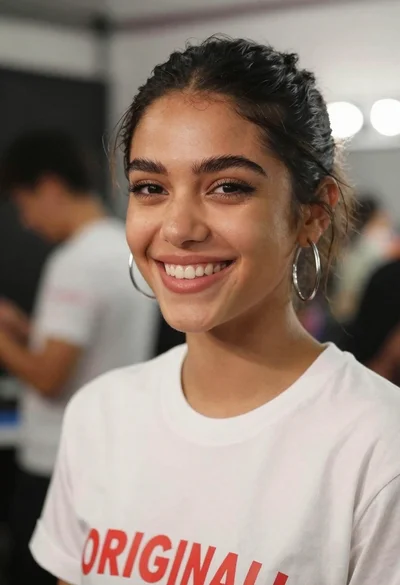
Close up portrait of smiling young woman in white tshirt indoors
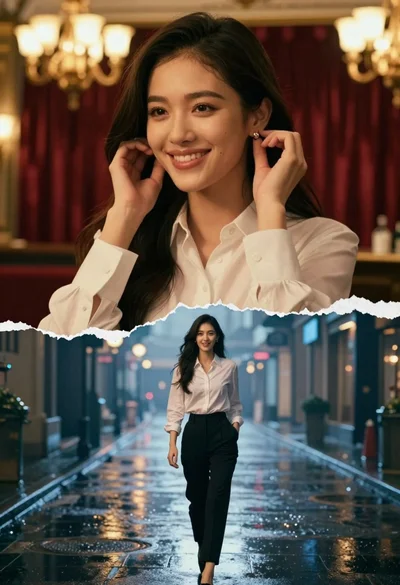
Surreal composite of woman adjusting earring indoors and walking on wet city
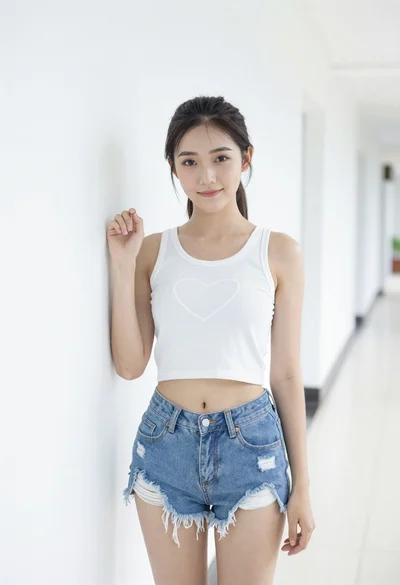
Young woman in white crop top and denim shorts leaning against white

Smiling young woman in teal top and jeans in snowy landscape
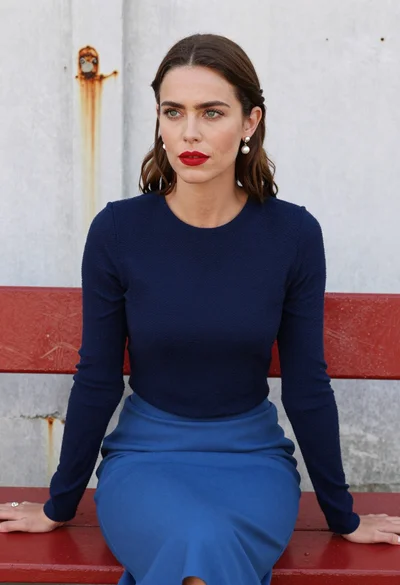
Woman with brown hair seated on red bench against weathered white wall

Joyful portrait of woman laughing in yellow top against grey studio background

Young blonde woman in black lace camisole holding red rose indoors

Laughing couple in formal wear sharing an intimate moment indoors
