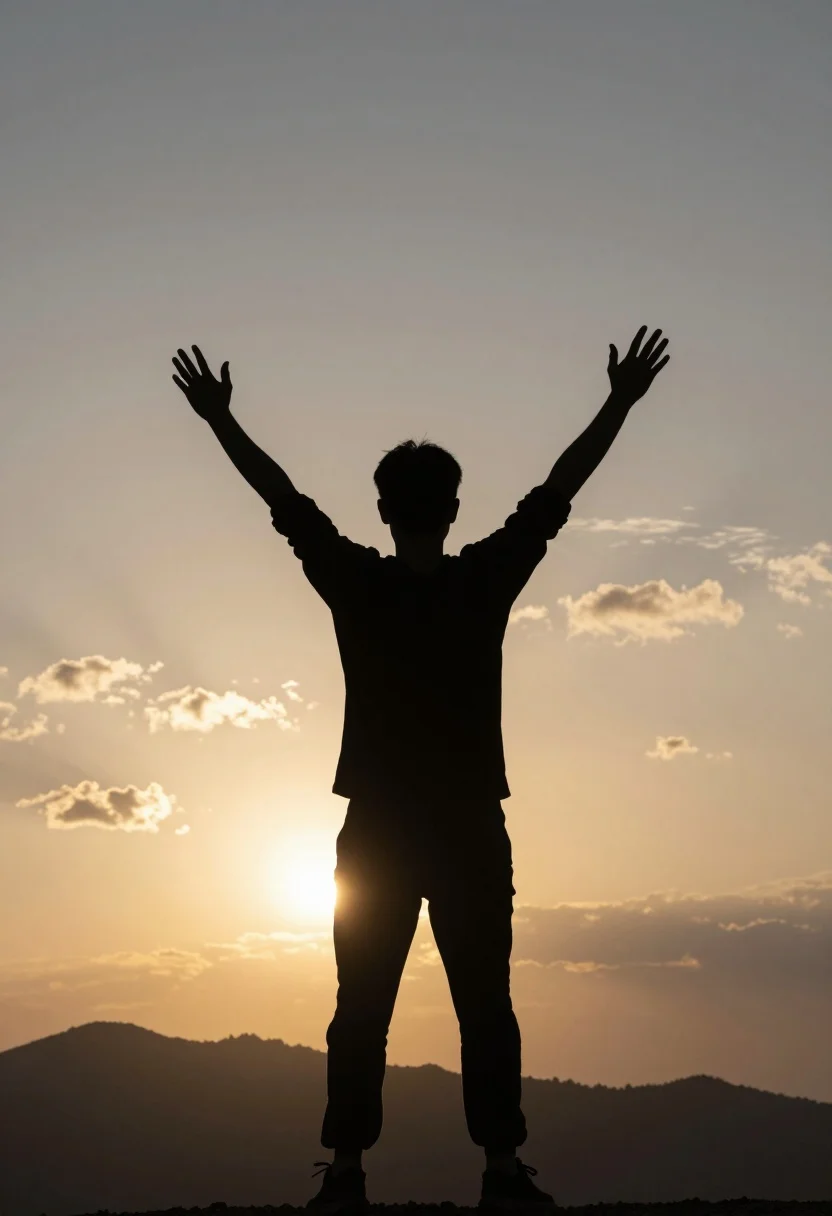
Silhouette of person standing arms raised against glowing mountain sunset sky
Prompt
A silhouette of a person standing with arms raised high in triumph against a glowing sunset sky.

Subject: A dark, featureless silhouette of a human figure viewed from behind, wearing long sleeves and trousers, with hands open and fingers spread upward.

Action: The figure stands still with both arms fully extended upwards in a gesture of victory or celebration.

Environment: A rugged mountain range forms the horizon line beneath the sky, set against a backdrop of soft clouds illuminated by warm golden light.

Camera: Centered medium shot capturing the full height of the subject from head to waist, framed vertically to emphasize the upward reach and the vastness of the sky.

Lighting: Strong backlighting creates a high-contrast silhouette effect, with the sun positioned low on the horizon casting a bright yellow and orange glow that fades into darker tones at the edges.

Style Details: High contrast black-and-white aesthetic emphasizing shape and form over texture, with smooth gradients in the background sky suggesting a cinematic or inspirational mood.
Description
This prompt is useful for creating motivational poster art, album cover concepts, and dramatic landscape photography compositions. The combination of 'strong backlighting' and the 'high contrast black-and-white aesthetic' ensures that the subject remains a pure shape against the vibrant sky, preventing any distracting surface details on the figure while emphasizing the upward reach suggested by the arms raised high.
Suggestions
- Change 'glowing sunset sky' to 'nebula filled sky' for an otherworldly feel.
- Adjust 'high contrast black-and-white aesthetic' to 'sepia toned monochrome' for a vintage look.
- Modify 'medium shot' to 'full body, low angle' to exaggerate the height of the figure.
Category
Tags
Back ViewFull BodyMedium ShotOutdoorsRealistic
Date added
July 12, 2026
Added by
PromptDexter Team
Related Prompts
More prompts with similar categories and tags.
Young east asian woman sitting in sunlit meadow with rolling hills
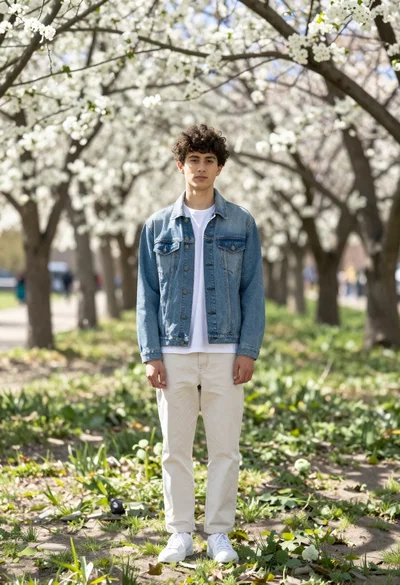
Young man in denim jacket standing in sunlit park with white blossoms

Fit man walking barefoot on tropical beach at vibrant sunset
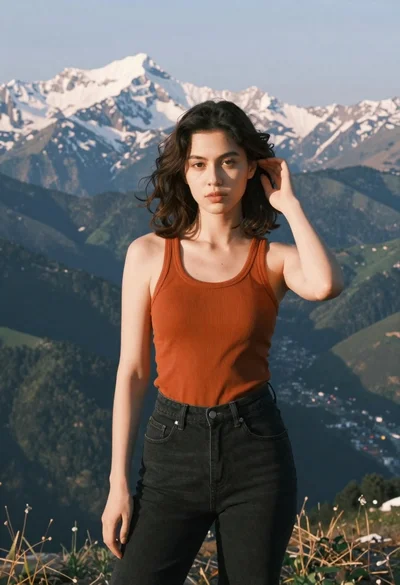
Young woman in orange tank top standing before snow capped mountains
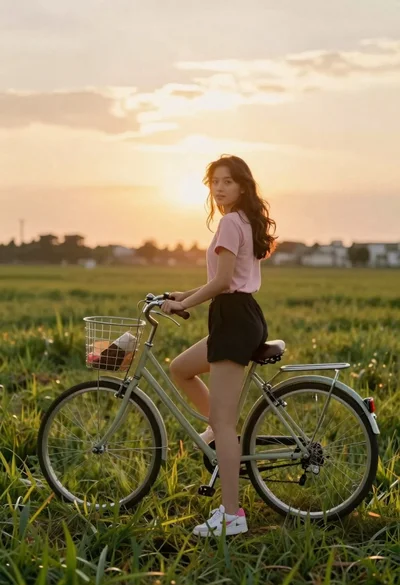
Young woman in pink shirt holding vintage bicycle in grassy field
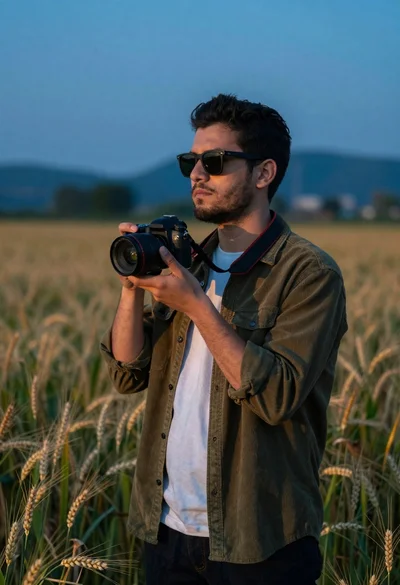
Young man with dark hair holding a camera in a wheat field

Bearded man in striped shirt holding purple water lilies in wooden boat
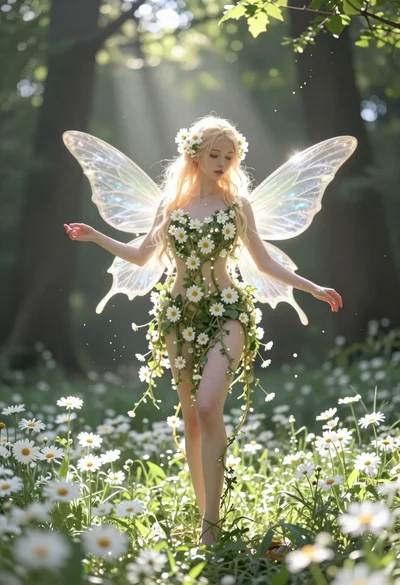
Ethereal fairy in white flowers standing in a sunlit forest clearing

Muscular man standing before massive waterfall in lush jungle setting

Man sitting on fallen tree trunk looking at smartphone in sunlit park