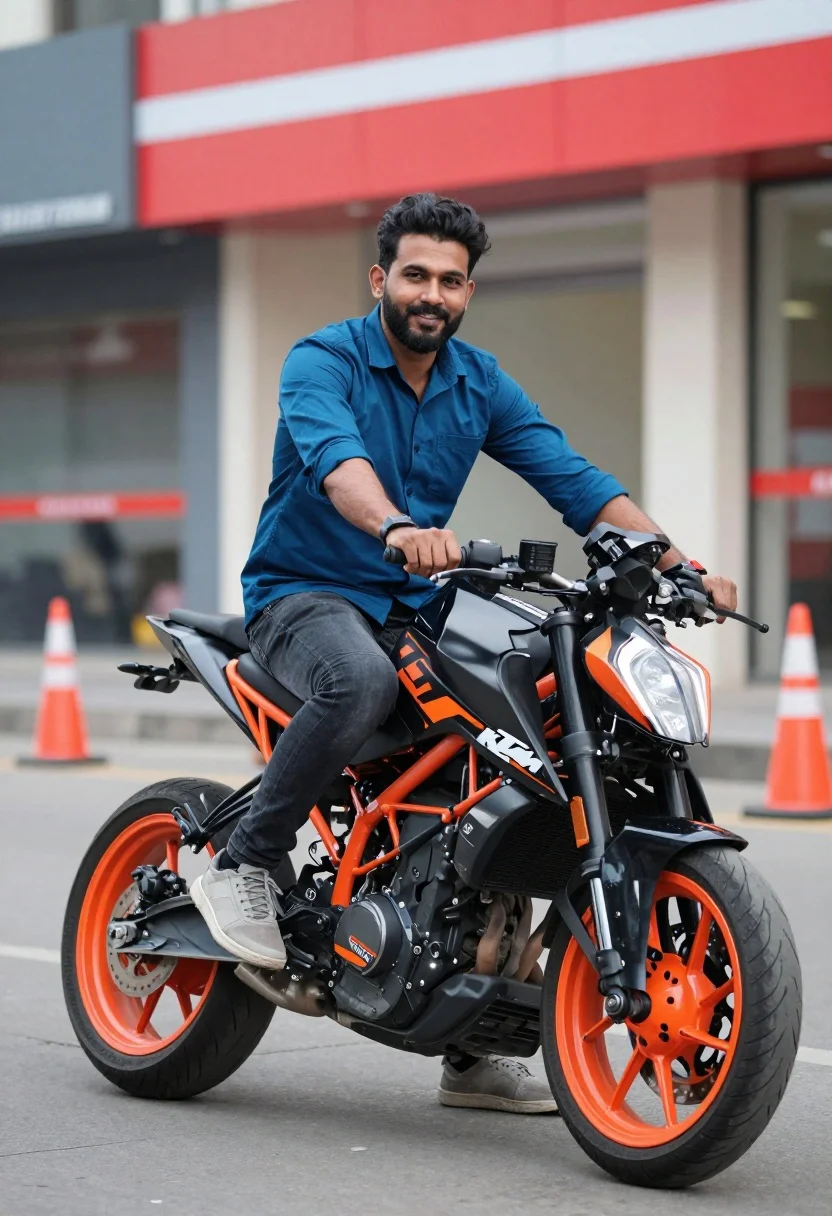
Smiling bearded man sitting on black orange sport motorcycle in urban setting
Prompt
A man sits confidently on a black and orange sport motorcycle in an urban setting.

Subject: A smiling man with a beard looking directly at the camera while seated on a motorcycle.

Clothing: He wears a blue button-down shirt, dark jeans, and grey sneakers.

Action: The man is sitting upright on the bike with his hands resting on the handlebars, leaning slightly forward.

Environment: The background features a blurred commercial building with a red storefront sign and orange traffic cones on a paved surface.

Objects: A black KTM motorcycle with orange accents and wheels is the central object.

Text/Graphics: The letters "KTM" are visible in white on the side of the motorcycle.

Lighting: Bright daylight illuminates the scene, creating soft shadows and highlighting the subject against the colorful background.

Camera: Shot with a shallow depth of field that keeps the man and bike sharp while blurring the background significantly.

Style Details: High saturation color grading with vibrant blues and oranges, resembling a polished commercial photograph.
Description
This prompt is useful for creating automotive advertisements, lifestyle blogs featuring motorcycling gear, and dynamic product showcases. The combination of 'bright daylight' casting soft shadows against the 'high saturation color grading with vibrant blues and oranges' ensures that both the subject's blue shirt and the bike's orange accents pop without losing detail in the background elements like the red storefront sign.
Suggestions
- Change 'blue button-down shirt' to 'black technical jacket' for a more aggressive look.
- Swap 'orange traffic cones' for 'yellow caution tape' to alter the color contrast.
- Adjust 'shallow depth of field' to 'medium depth of field' if you want more background context visible.
Category
Tags
MaleRealisticSportswearStreetUrban
Date added
July 12, 2026
Added by
PromptDexter Team
Related Prompts
More prompts with similar categories and tags.
Man on black motorcycle in urban setting under bright daylight
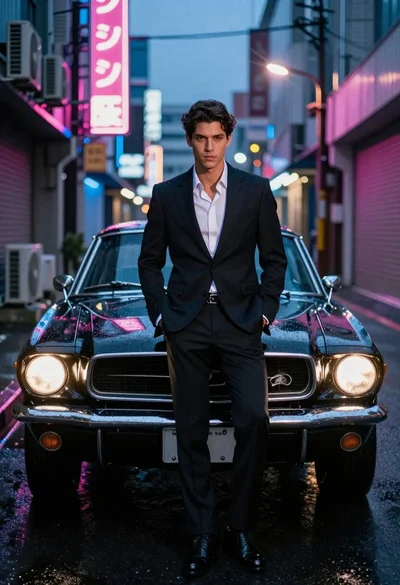
Man in suit with classic car on wet neon street
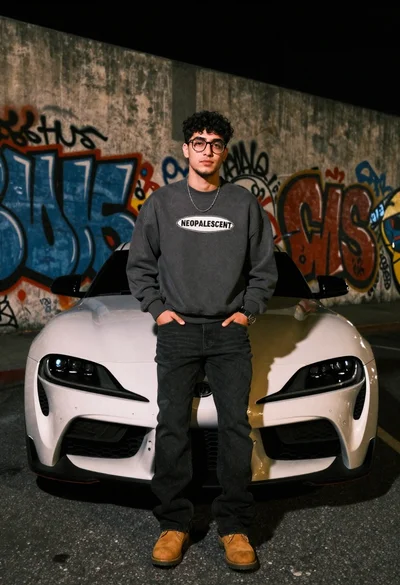
Young man leaning on white sports car graffiti street at night
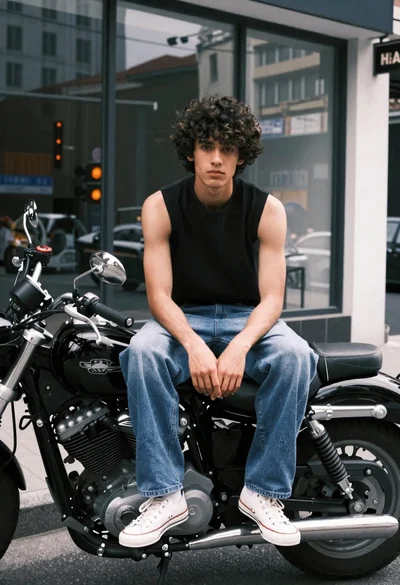
Young man on black motorcycle in front of city storefront windows
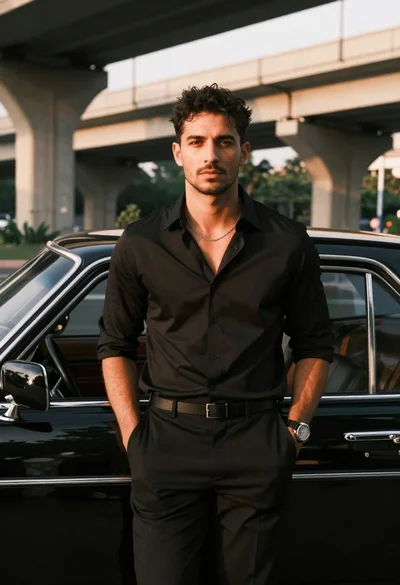
Man leaning against classic black car in urban underpass

Young man leaning on a modified sports car in city night
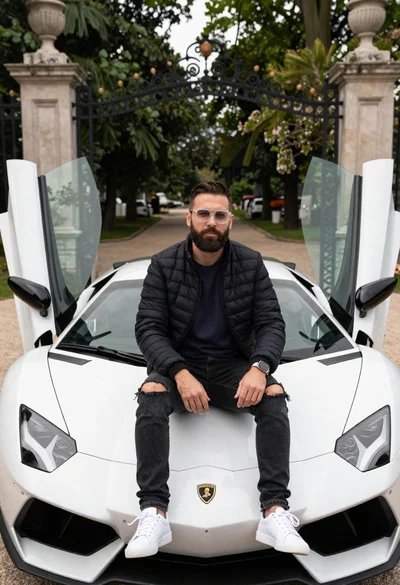
Bearded man sitting on white sports car at estate gate
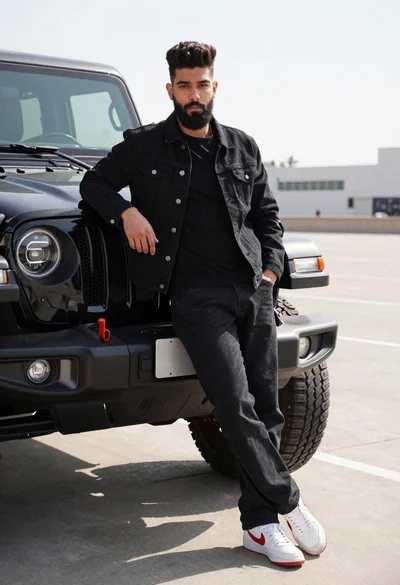
Young man leaning against black off road vehicle in paved lot
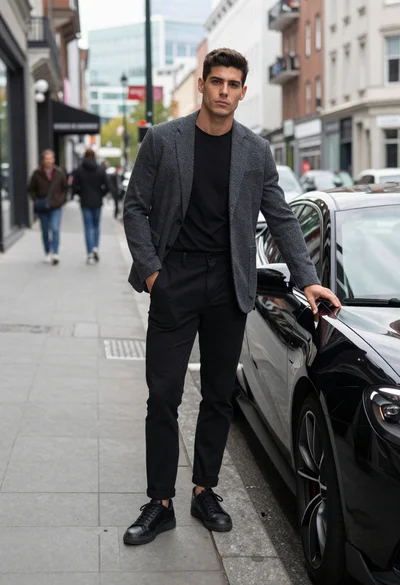
Handsome young man by black sports car on modern city sidewalk
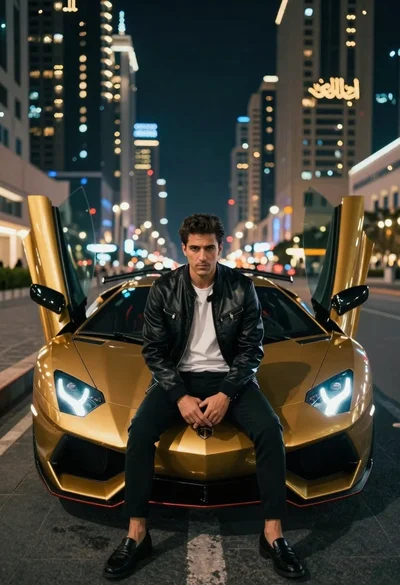
Man in leather jacket sitting on golden sports car at night