

Smiling woman in black lace outfit posing outdoors in sunny garden
Prompt
A smiling woman with voluminous curly brown hair stands outdoors posing on a concrete slab in a sunny backyard garden.

Subject: A young woman with long, thick, curly brown hair and dark sunglasses, wearing a black lace crop top and a matching black fringed skirt with a textured waistband, paired with black combat boots.

Clothing: She wears a sheer black lace bustier-style crop top, a high-waisted skirt featuring a patterned fabric top section and long black fringe hanging from the bottom hem, accessorized with a gold pendant necklace and bracelets on her wrists.

Action: The woman stands with her arms raised above her head, hands gently holding or playing with her hair, smiling broadly at the camera while standing in a relaxed pose.

Environment: The setting is an outdoor backyard patio featuring a light grey gravel ground, a low block wall made of concrete pavers, and lush green landscaping including palm trees and bushes under a bright blue sky with fluffy white clouds.

Camera: Shot from a straight-on eye-level perspective capturing the full body in a medium-wide shot that emphasizes the subject against the garden background.

Lighting: Bright natural sunlight illuminates the scene from above, casting soft shadows on the ground and highlighting the texture of her hair and clothing while creating a cheerful daytime atmosphere.

Style Details: The image has a vibrant, high-contrast aesthetic typical of modern smartphone photography with saturated colors and clear details.
Description
This prompt is useful for creating lifestyle fashion editorials, personal blog features, and mood boards capturing youthful energy in natural settings. The combination of 'bright natural sunlight' casting soft shadows and the 'vibrant, high-contrast aesthetic typical of modern smartphone photography' ensures that the intricate details of the 'black lace crop top' remain visible without looking overly processed or muddy.
Suggestions
- Change 'concrete slab' to 'mossy stone path' for more organic grounding.
- Swap 'gold pendant necklace' for 'silver chain belt' to complement the combat boots.
- Adjust 'bright blue sky with fluffy white clouds' to 'overcast soft light' for a moodier feel.
Category
Tags
Black HairBrown HairBrunetteCasual WearFemaleFull BodyMedium ShotOutdoorsRealistic
Date added
June 19, 2026
Added by
PromptDexter Team
Related Prompts
More prompts with similar categories and tags.
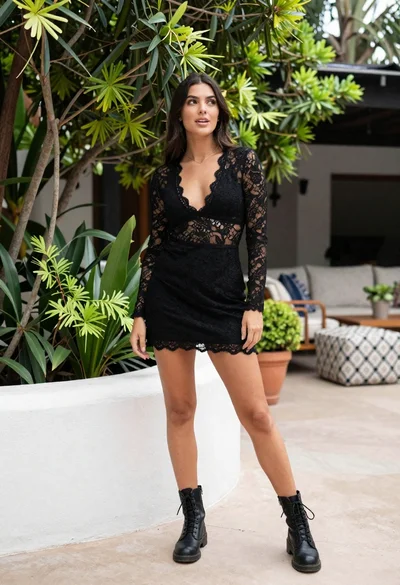
Young woman in black lace outfit standing in lush garden courtyard

Young woman in pink embroidered dress on white stone staircase outdoors
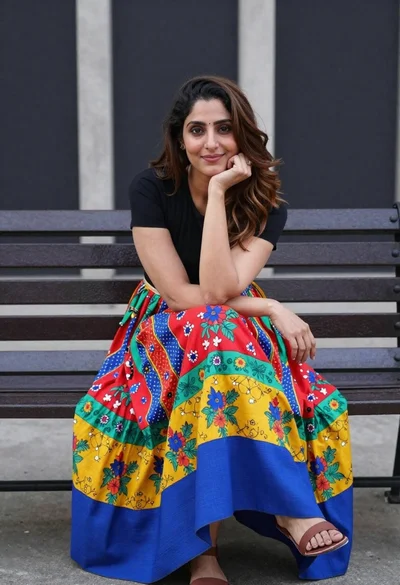
Woman sitting on bench wearing colorful patchwork skirt in urban plaza

Young woman in red jacket on white fence in green meadow

Young woman in copper top and paisley skirt at outdoor music festival

Young woman with braided hair in misty woodland setting

Woman in green outfit leaning on tree in lush garden at golden

Fair skinned woman sitting on bed near lavender suitcase in bright bedroom

Young woman in vibrant red dress leaning on balcony railing outdoors
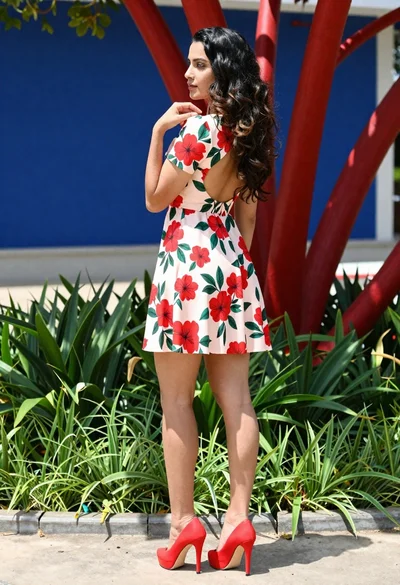
Young woman in floral mini dress standing outdoors near red sculptural branches